
$14.99+
Ableton Dynapressor v.2.0
Max for Live Device (.amxd file) : The Strange Guitar Compressor Your DAW Probably Does Not Have
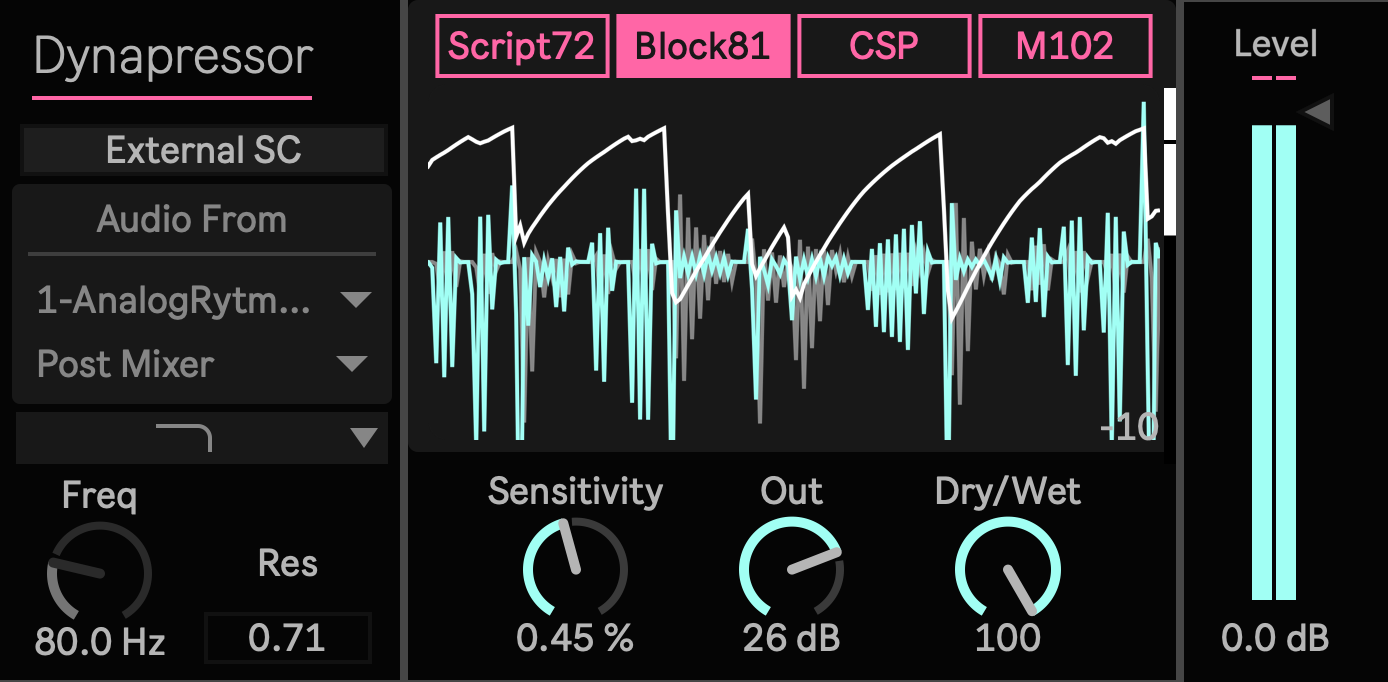
Most compressors inside a DAW are built to behave. They level, smooth, catch peaks, and stay out of the way.
Dynapressor is not that kind of compressor.
It is a Max for Live device built around the grabby, sticky, slightly unruly feel of the early 1980s MXR Dyna Comp Block Logo era. The sound reference is the hard, deep, forward pressure of a guitar pedal compressor, not the clean geometry of a modern studio dynamics tool.
Put it on a clean guitar and the pick starts to sit closer to the speaker. Put it before an amp simulator and the front of the chain feels more like a pedalboard. Use it on bass, drums, synths, or samples, and it can pull the tail of a sound forward while keeping the attack tense and physical.
Dynapressor is for producers who want compression to become a character, not disappear as a utility.
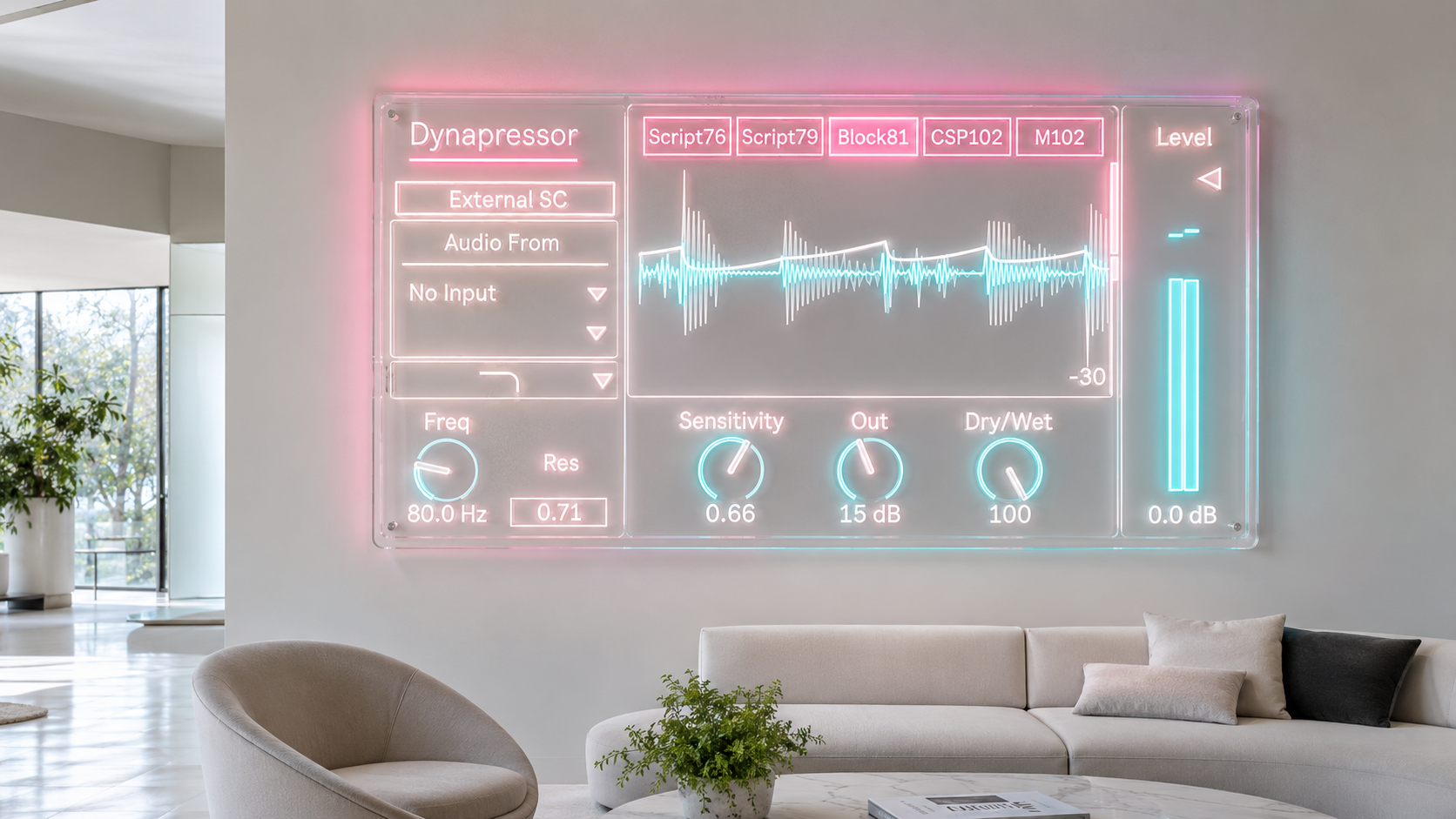
Pedal Pressure Inside Ableton
The classic Dyna Comp feeling is not just about fast compression. It is the way the circuit grabs a note, remembers the hit, pushes the sustain forward, and makes the next pick feel connected to the last one.
Dynapressor brings that behavior into Ableton as a playable device. It is especially useful when a normal compressor feels too correct. Guitar parts can gain a snapped rhythm and a tighter right hand feel. Bass can hold its center while the note body stays present. Drum loops can become more pressed, more immediate, and more animated. Synth stabs and short electronic sounds can gain a percussive click and a lifted tail.
The result is not transparent control. It is pressure, sustain, edge, and a little resistance from the circuit.
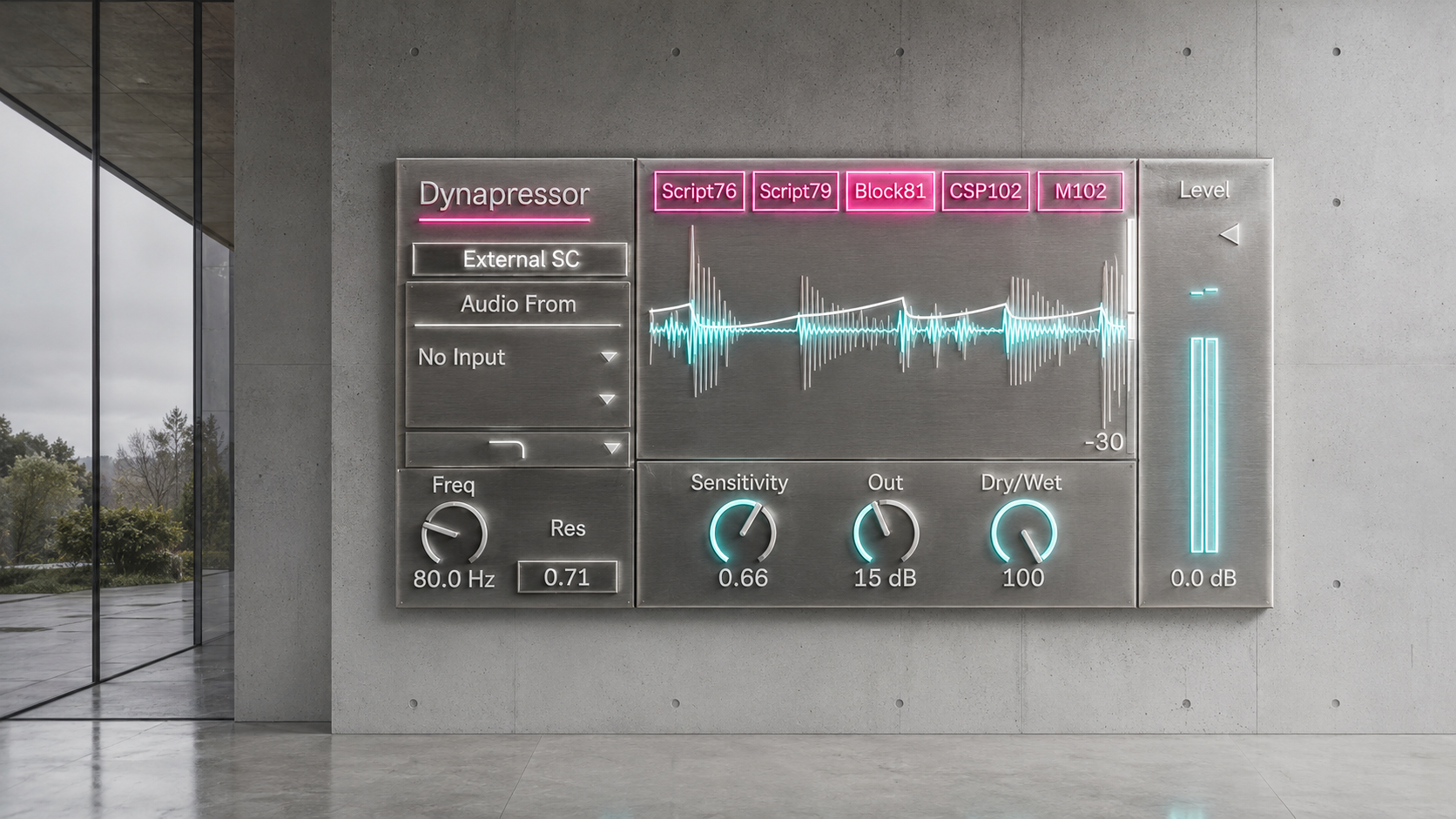
Based on a 1981 Block Logo Direction
Dynapressor takes the 1981 Block Logo era Dyna Comp character as its main reference. That means the center setting is not the rounder 1970s direction. It is the harder and more forward version, with a stronger bite, a deeper squeeze, and a more obvious feeling of the sound being pulled toward the front of the mix.
The model is built around a CA3080 OTA style feedback compressor behavior. In practical terms, the device reacts less like a clean digital compressor and more like a small pedal circuit being pushed by the signal. The detector, gain movement, release memory, and output stage are used as musical behavior, not just as technical decoration.
This is not presented as a laboratory matched clone of one measured unit. It is a circuit informed model made to capture the musical consequence of that pedal family inside Max for Live.
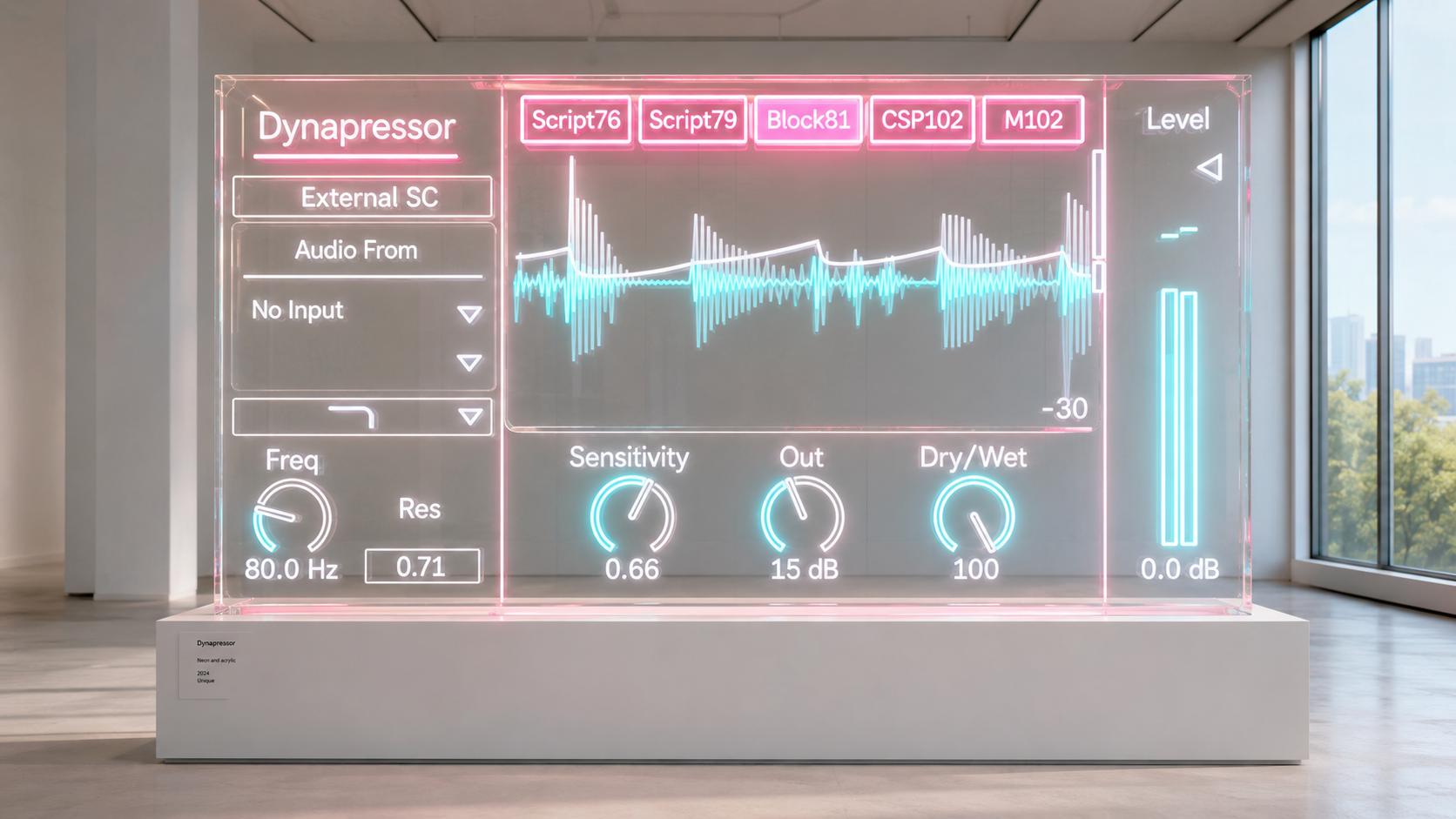
The Controls Stay Simple
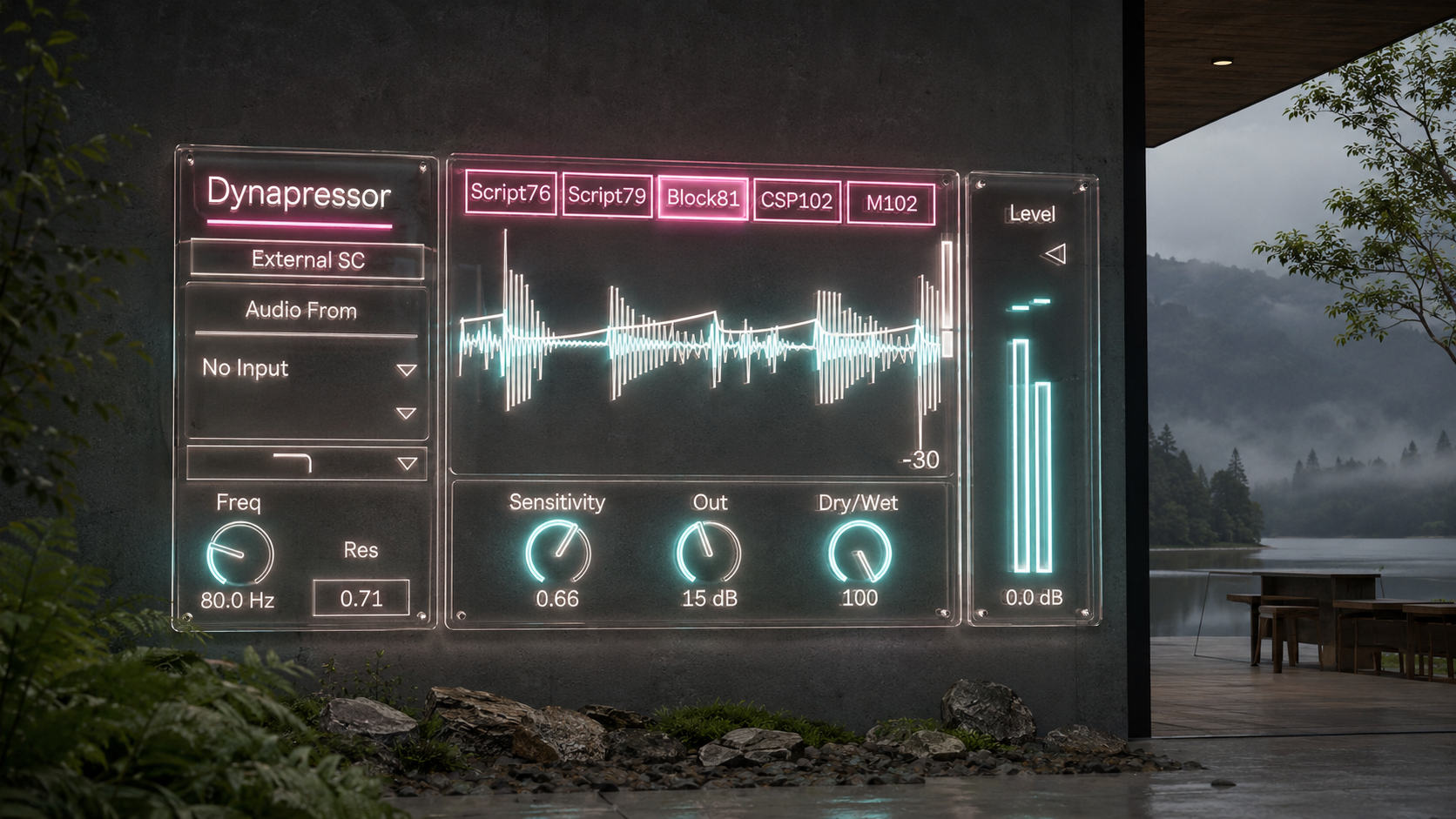
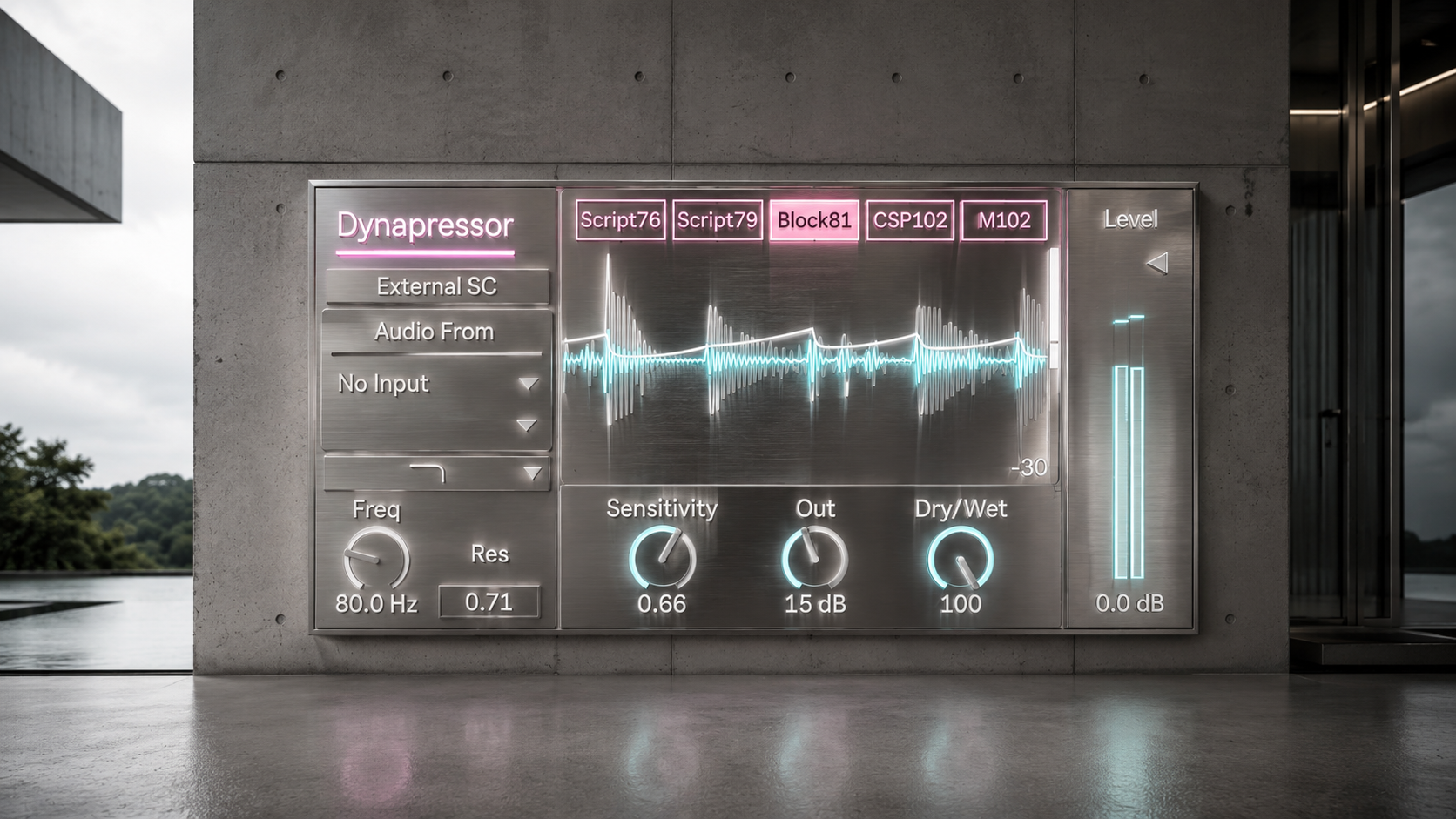
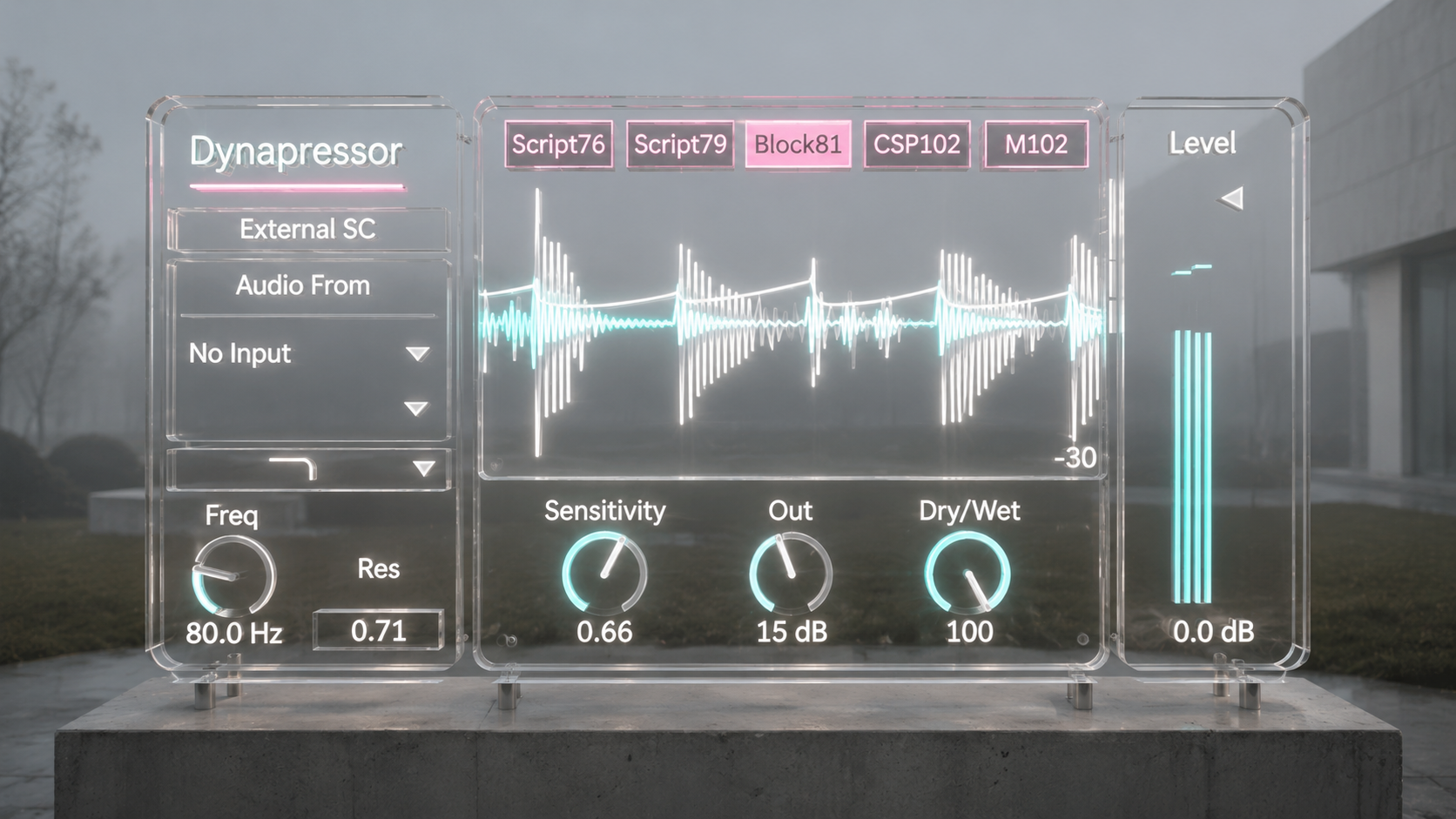
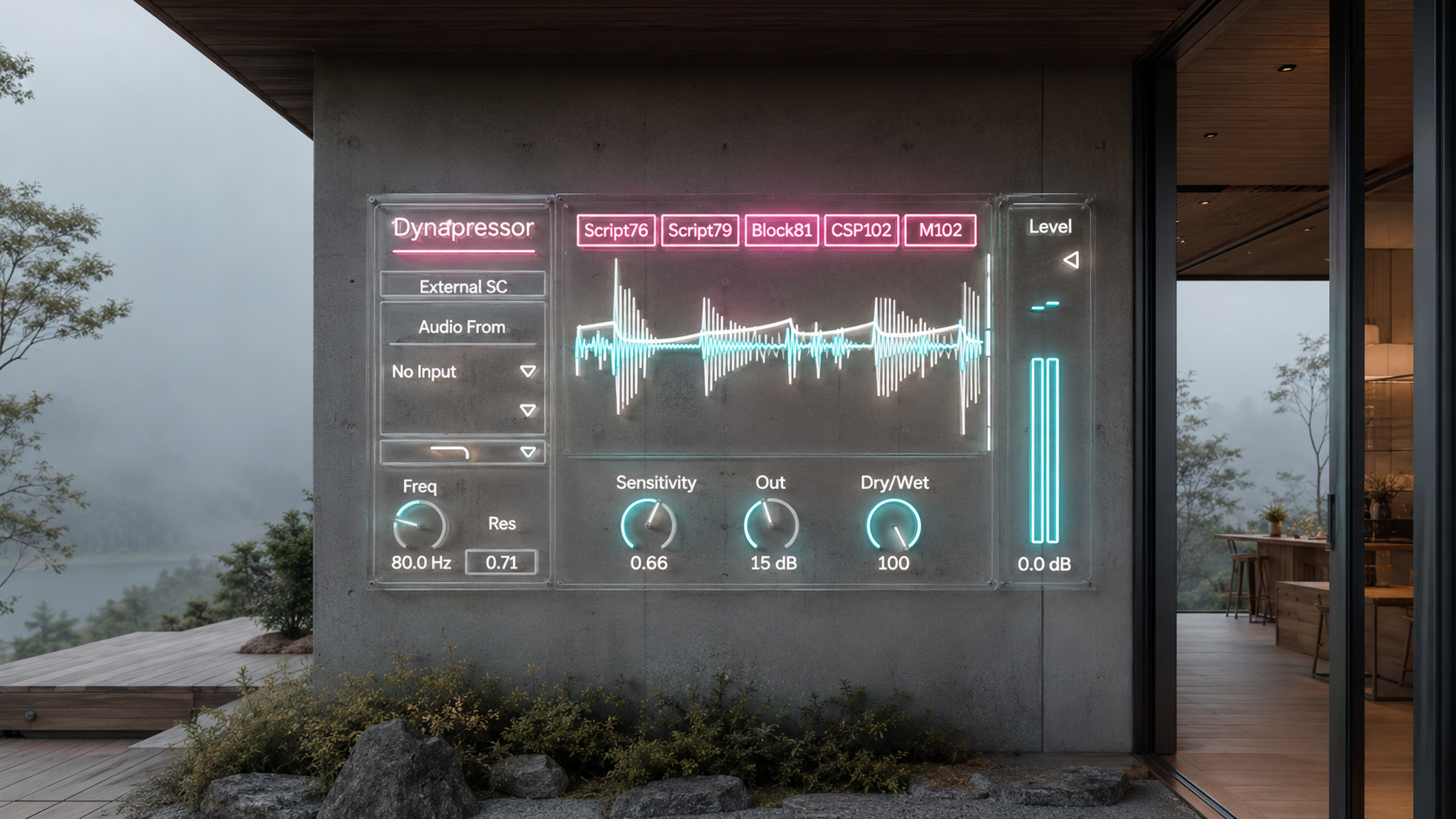
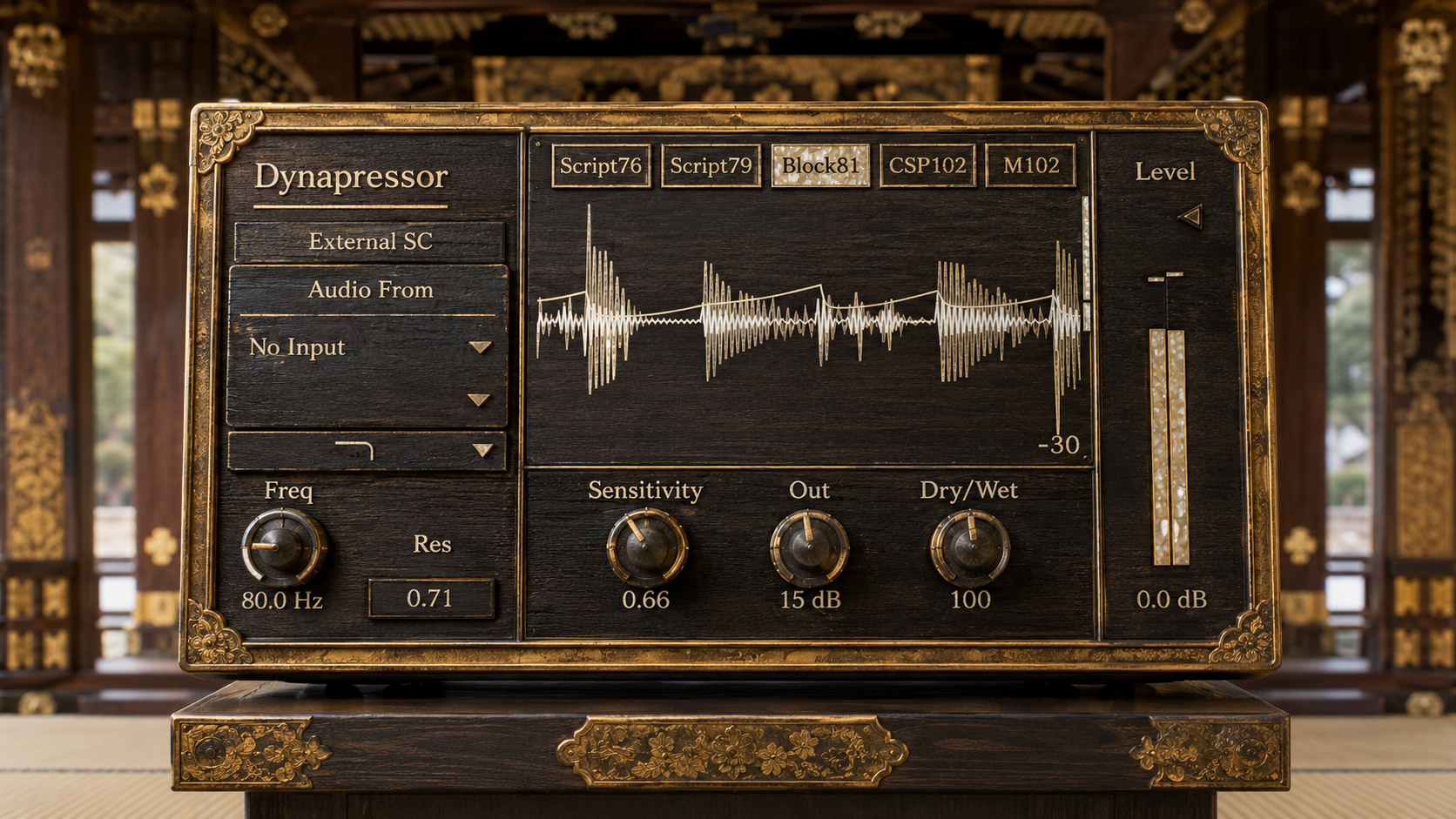
Sensitivity is the main feel control. Raise it and Dynapressor grabs harder. The back of the note comes up, the pick becomes more obvious, and the compressor starts to leave its fingerprint on the performance.
Output is not just final volume. Push it and the output stage becomes part of the sound. The device can feel thicker, tighter, and more pressed as the level rises.
Model lets you move through several Dyna Comp inspired directions, with model 2 as the main Dynapressor sound. Start there if you want the hard 1981 style snap.
Wet dry lets you bring back the original signal. Keep it fully wet for the pedal feel, or blend it on drums, bass, and samples when you want the compressed body without losing the original transient.
Sidechain mix extends the device beyond the stock pedal idea. At zero, Dynapressor reacts to its own input like a pedal compressor. Turn it up and you can let another signal shape the compression movement for more modern production use.
What To Try First
For clean guitar, start with model 2, medium Sensitivity, and enough Output to make the part feel closer and more rhythmic. The goal is not just a stable level. Listen for the pick, the snap, and the way the sustain keeps the phrase alive.
For lead guitar, raise Sensitivity and place Dynapressor before drive or amp simulation. The note should feel more connected and more willing to stay in front.
For bass, keep the setting slightly more restrained and use wet dry if the low end starts to feel too compressed. The useful zone is where the note becomes more even without losing its body.
For drums and breaks, push Sensitivity harder and blend with wet dry. The compressed signal can lift room tone, tail, and density while the dry signal keeps the hit intact.
For synths and samples, use Dynapressor as a front end character stage. Short sounds can gain bite. Long sounds can gain hold. Loops can feel less flat and more played.
A Compressor With Memory
Dynapressor is made to respond to repeated hits in a musical way. A string part, a bass line, or a drum loop does not reset into perfect digital neutrality after every transient. The device keeps a sense of previous motion, which helps create the familiar pedal feeling of compression that breathes with the performance.
That memory is part of the character. It is why the device can make a guitar phrase feel more locked together, or make a loop feel as if it is being pushed through a small physical circuit.
Output That Pushes Back
The output stage includes a soft ceiling behavior designed for Max for Live use. You can push the Output control for more density and pedal style pressure without turning the final stage into a hard digital clip.
That does not mean every loud setting will be subtle. Strong Output settings are meant to sound pressed. Use them when you want the compressor to become audible as a tone source, then level match after the device when comparing settings.
Why Use This Instead of a Normal Compressor
Use Dynapressor when a clean compressor is too polite.
Use it when a guitar needs right hand energy. Use it when bass needs more forward sustain. Use it when drums need a crushed layer. Use it when a sample needs to feel less static. Use it when you want a DAW session to contain the behavior of a small, opinionated pedal circuit.
Dynapressor does not try to replace every dynamics processor. It gives you one specific type of pressure that is still uncommon inside a DAW: the sticky, forceful, guitar pedal squeeze of a Dyna Comp inspired OTA feedback compressor.
Availability and Licensing
Dynapressor is available as an Ableton Max for Live device through Sellfy.
Existing customers can access the latest version by logging in with the Sellfy account used for the original purchase. Updates are available at no additional cost.
MXR and Dyna Comp are trademarks of their respective owners. Dynapressor is an independent Max for Live device and is not affiliated with or endorsed by MXR.
v.2.0 ... Updated circuit modeling. (2026/7/4)
v.1.1 ... Updated sensitivity. (2026/5/20)
Compressor
NOTT https://akihikomatsumoto.sellfy.store/p/ableton-nott/
Dynapressor https://akihikomatsumoto.sellfy.store/p/ableton-dynapressor/
Sidechain Gate https://akihikomatsumoto.sellfy.store/p/abletonsidechaingate/
Akihiko Matsumoto
Study Site https://akihikomatsumoto.com/study/
Ableton M4L, Serum Preset Store https://akihikomatsumoto.com/download/
Sample Pack https://akihikomatsumoto.sellfy.store/sample-pack/
Bandcamp https://akihikomatsumoto.bandcamp.com
Ableton Skin https://akihikomatsumoto.sellfy.store/p/ableton-skin-pack/
Spotify https://open.spotify.com/artist/1tZMmxzZbvNu6klyKXa0L1?si=2JZaFeLbREi-UownD8POSg