
$14.99+
Ableton ISO Stutter ver.5.0
Max for Live Device (.amxd file)
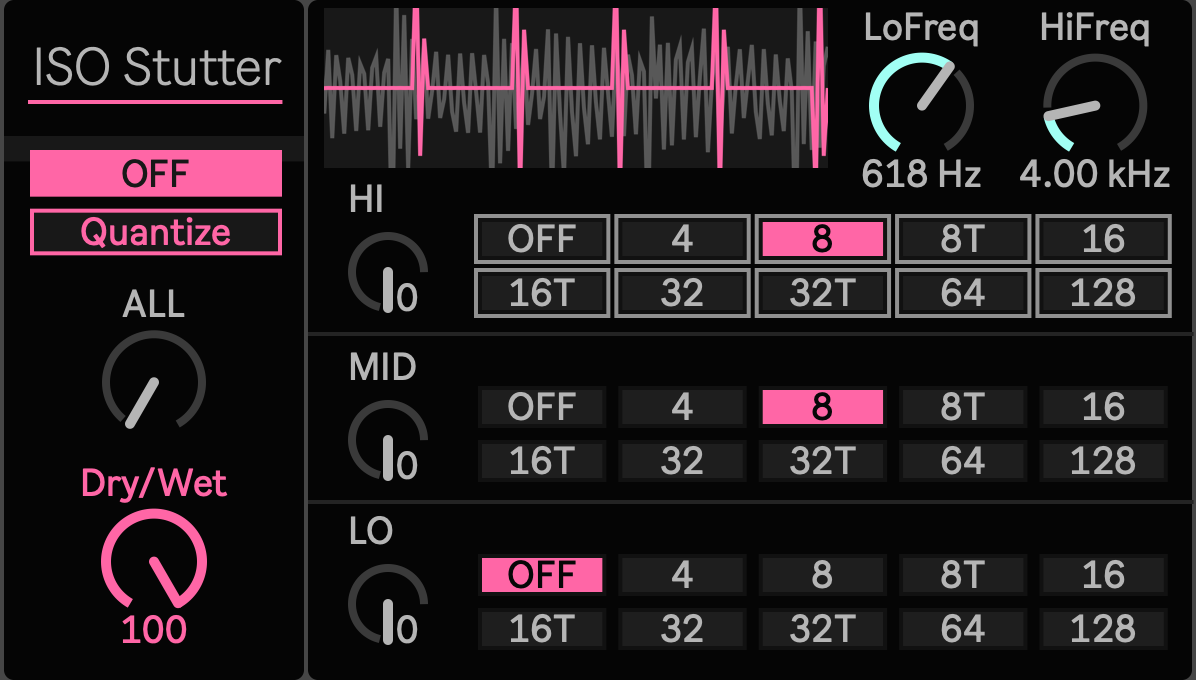
Break the Rhythm Without Breaking the Whole Sound
A full range stutter can be dramatic, but it also forces the kick, body, percussion, air, and noise into the same rhythmic decision. ISOStutter 5.0 takes a different approach.
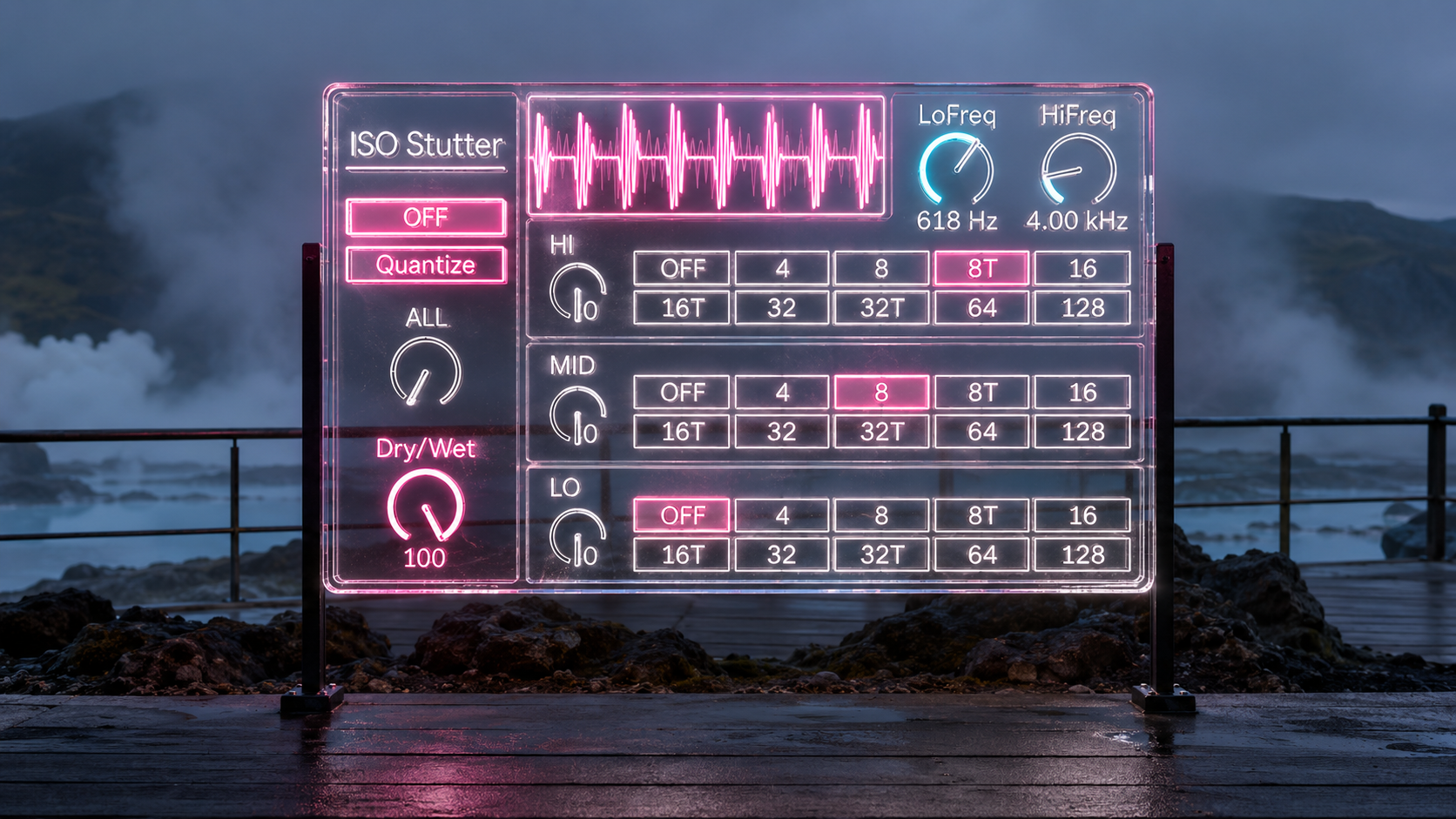
The incoming stereo signal is divided into LO, MID, and HI regions, and each band has its own stutter control. The low end can keep moving while the top freezes into a rapid pulse. The body of a loop can repeat while the bass and air continue forward. Or all three bands can lock together when you want the entire signal to turn into rhythm.
The result is a stutter effect that treats frequency and time as separate creative dimensions.
Three Bands, Three Independent Rhythms
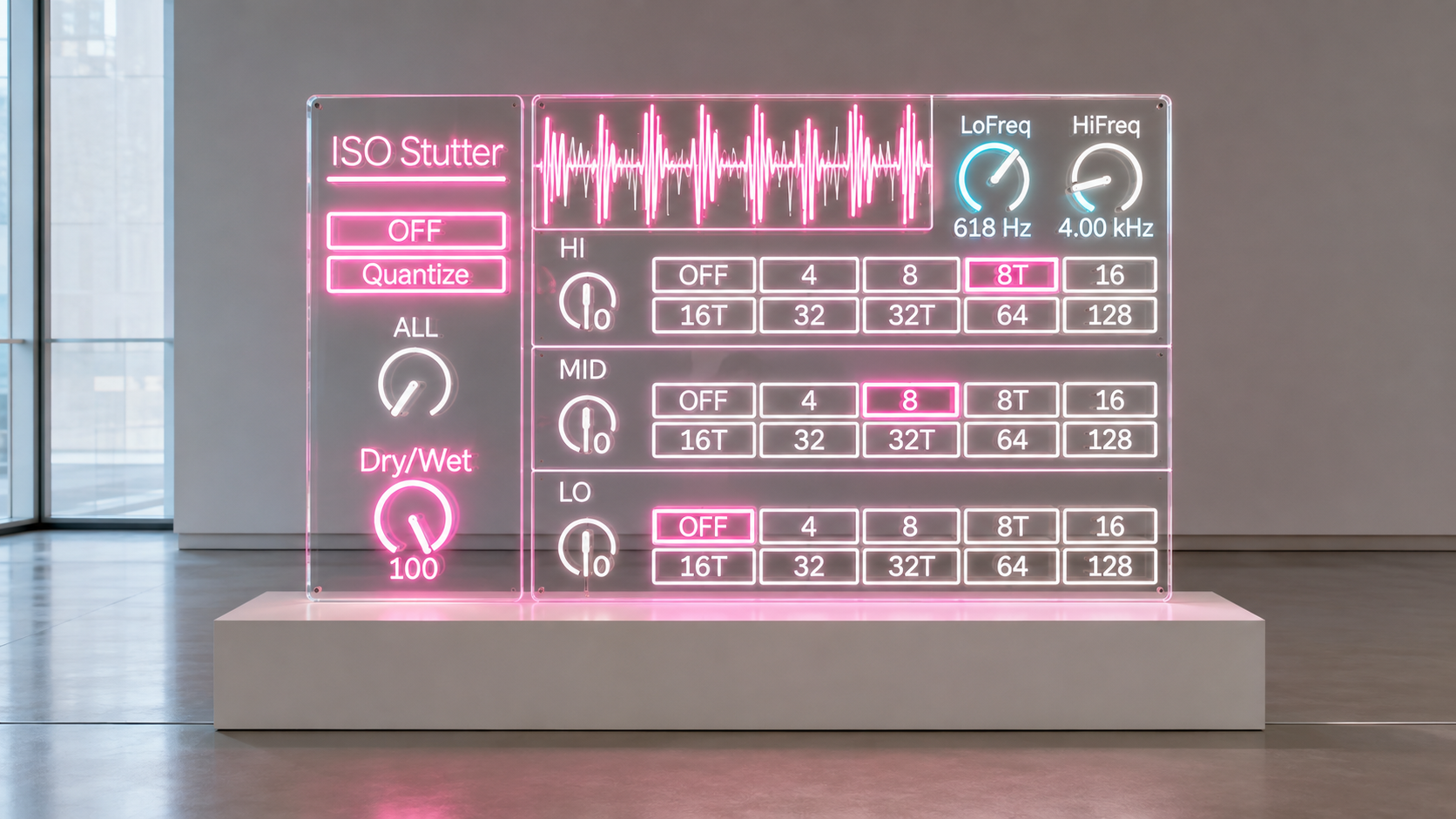
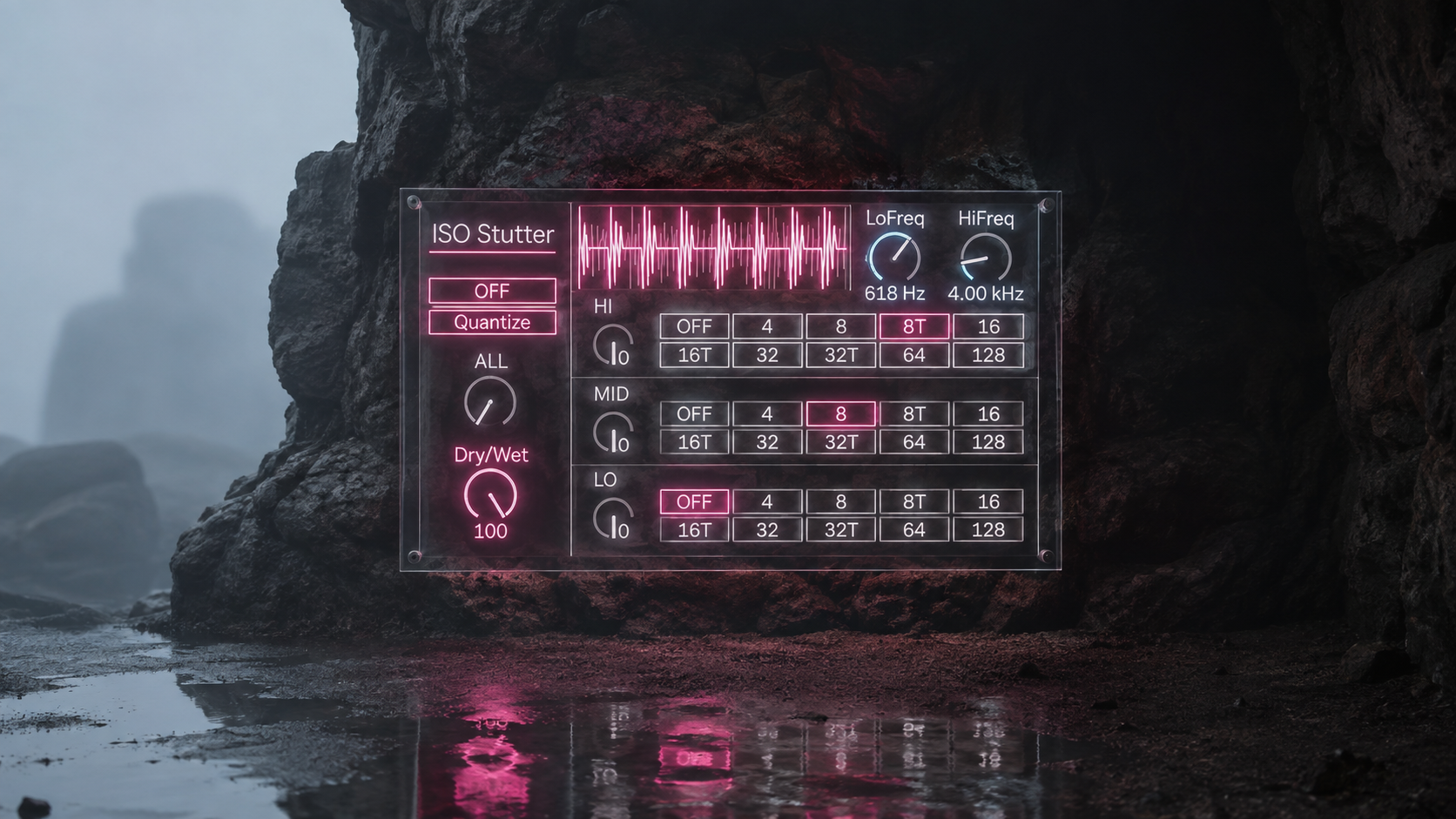
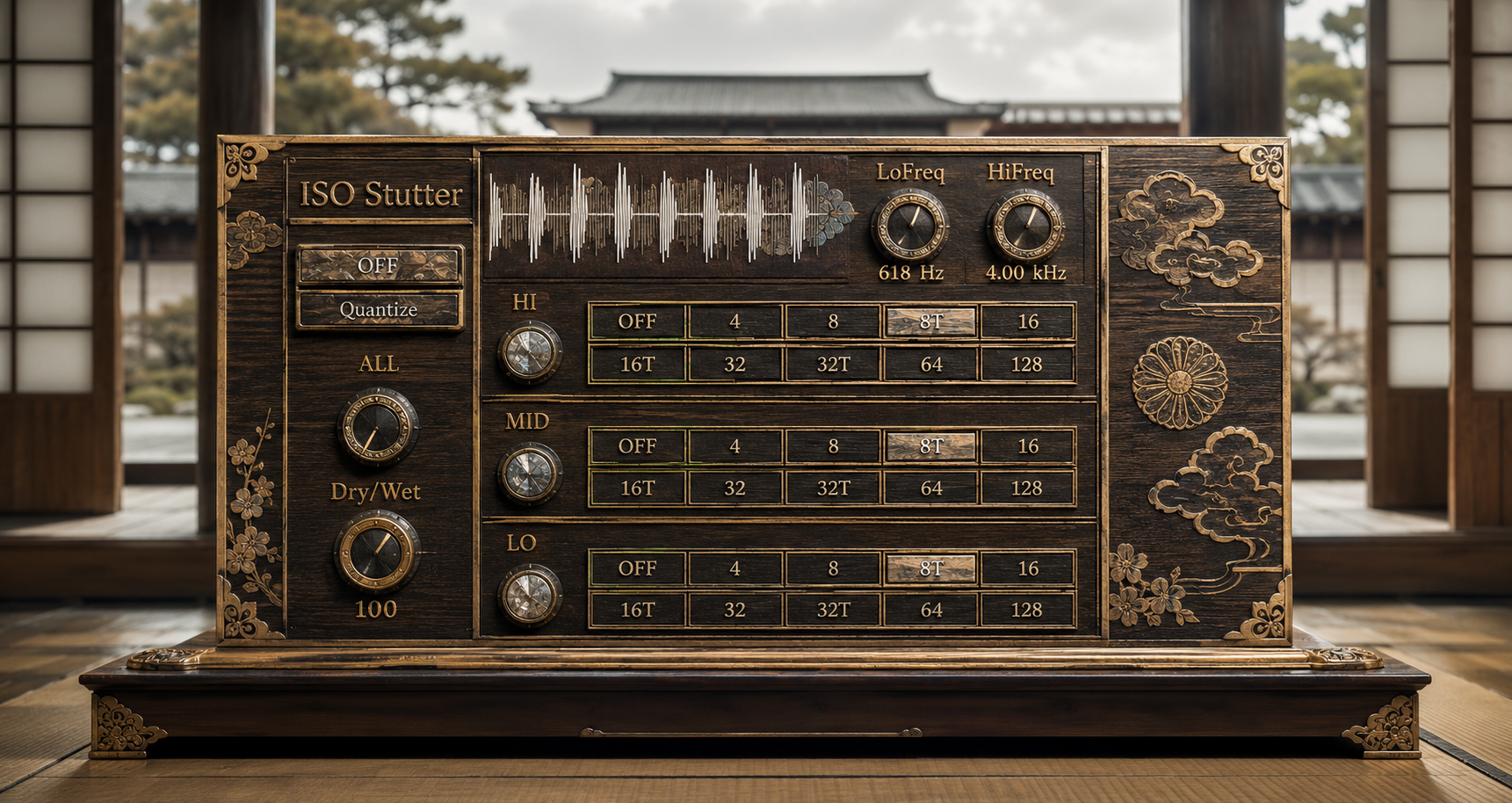
LO, MID, and HI each have their own division control. You can set one band to 8, another to 16T, and another to 32, creating different rhythmic densities inside the same source.
This becomes especially useful on material that already contains several musical roles. A drum loop may carry weight in the low end, movement in the middle, and fast detail at the top. A synth stack may have a stable foundation with a noisy or animated upper layer. Instead of slicing all of it at once, ISOStutter lets each region behave differently.
Division choices include OFF, 4, 8, 8T, 16, 16T, 32, 32T, 64, and 128, giving you both straight and triplet timing from broad repetition to very fine cuts.
Start Together, Then Pull the Bands Apart
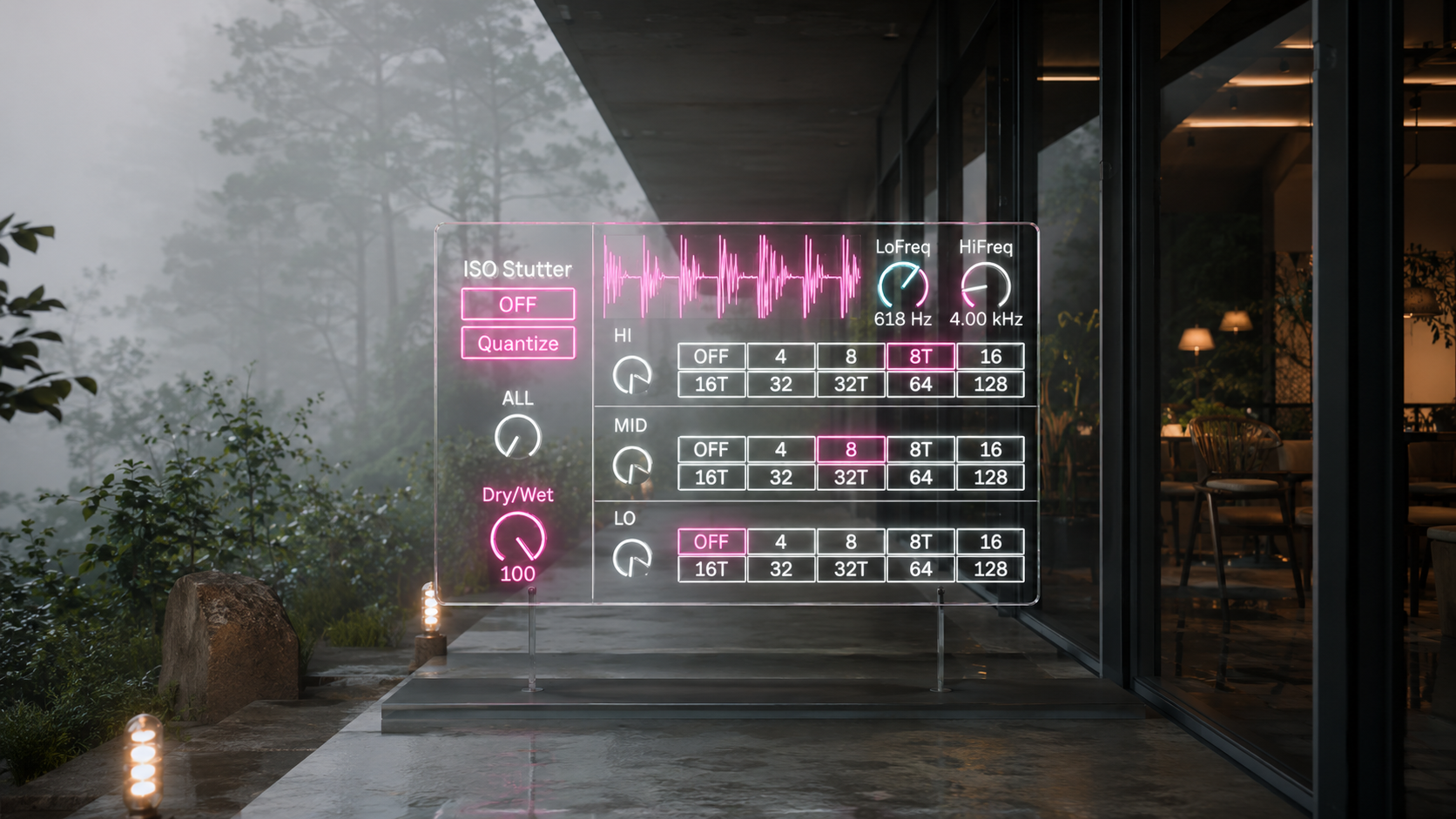
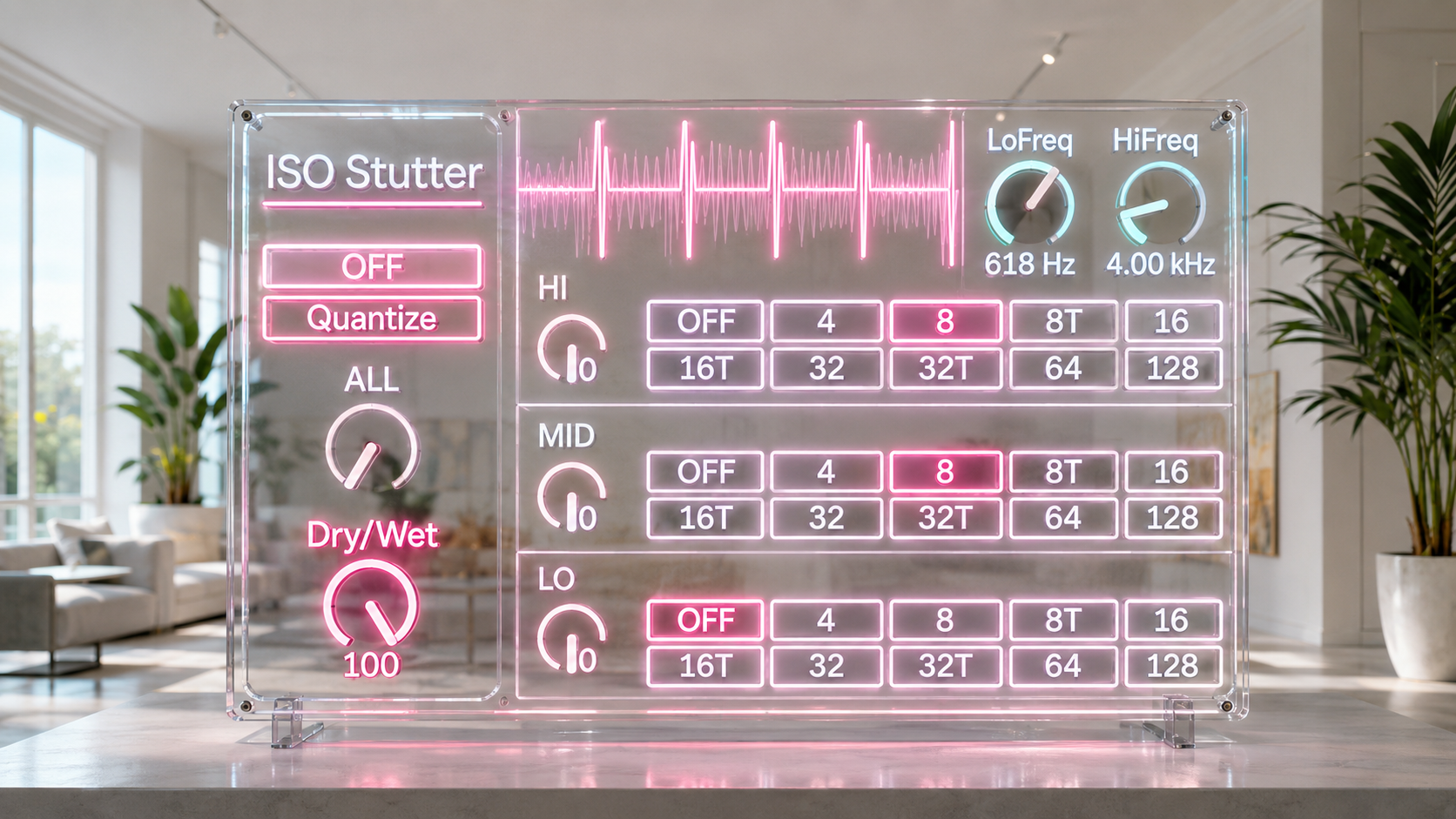
ALL gives you a fast way to place LO, MID, and HI on the same division.
Set ALL to 16 and the complete signal immediately shares one rhythmic structure. From there, change HI to 32T while leaving MID and LO at 16. Move LO to 8 and the bottom begins cycling at a different pace while the upper bands continue their own patterns.
ALL does not permanently link the three engines. It gives you a common starting point, then leaves every band available for individual movement.
That makes it useful both for quick performance gestures and for gradually turning a simple repeat into a more complex rhythmic structure.
Decide What Each Stutter Hears
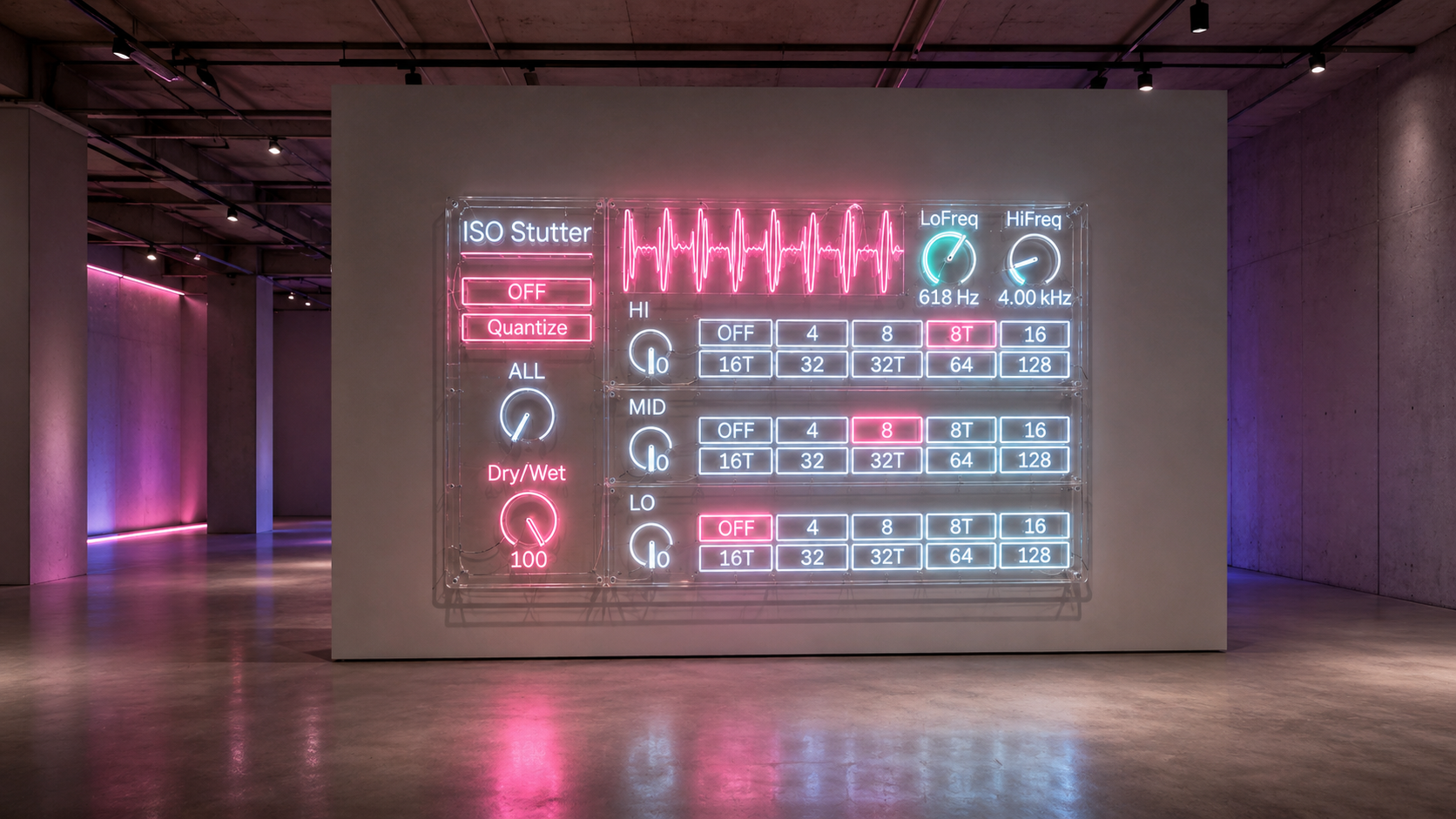
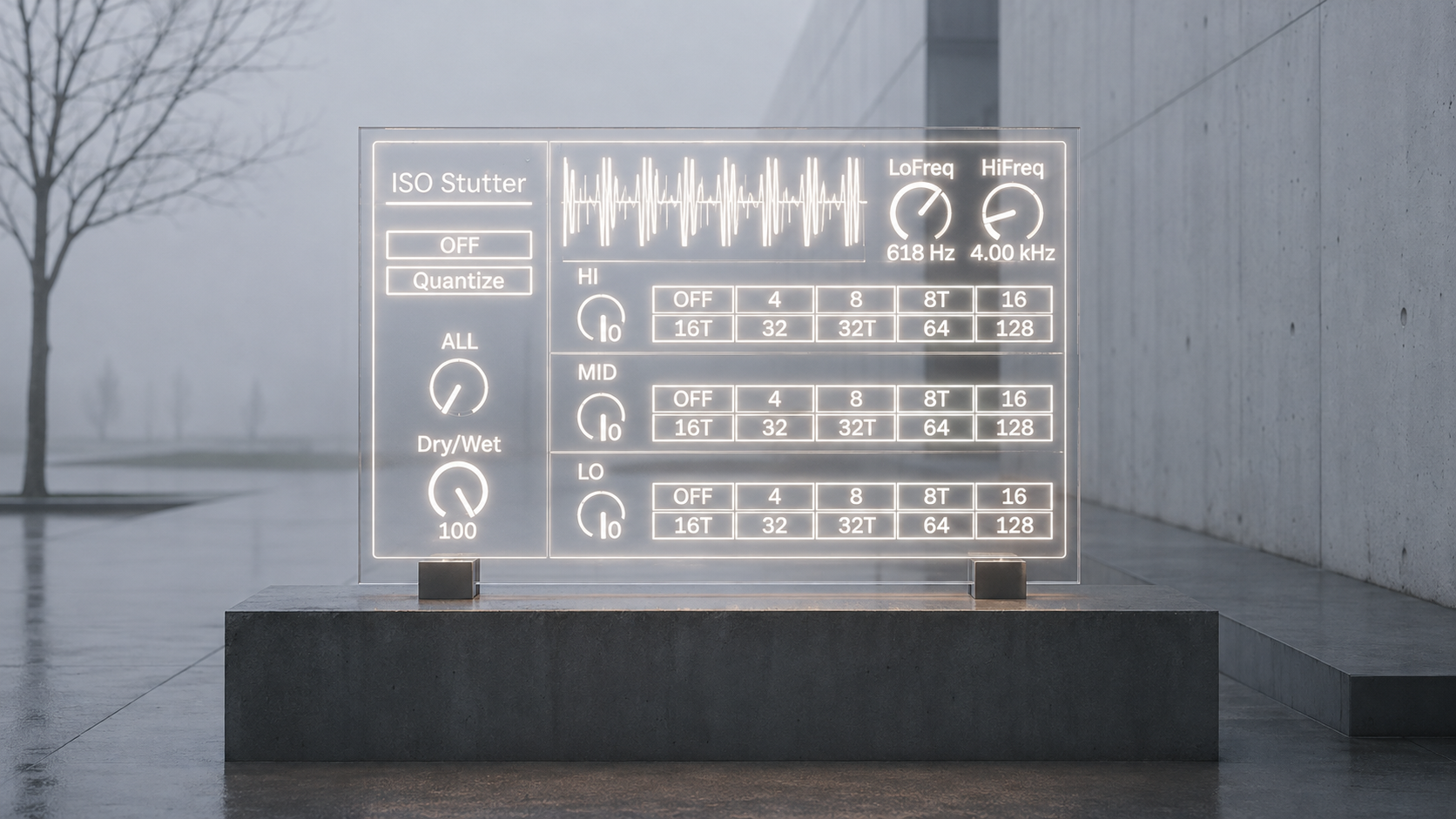
LoFreq and HiFreq control the two crossover points that define the three bands.
The default settings are 240 Hz for LoFreq and 4000 Hz for HiFreq. From there, the boundaries can be adapted to the source. Keep the low crossover down when you want the LO engine focused mainly on bass weight. Move HiFreq lower when you want more upper midrange information to enter the HI stutter.
This makes the frequency split part of the musical decision. You are not only choosing how fast something repeats. You are choosing which part of the sound becomes the repeating material.
From Subtle Motion to Full Lock
ISOStutter does not require all three bands to be active.
Leave LO and MID at OFF and use a fast HI division to disturb only the top of a drum loop. Activate MID while the other bands continue normally to create repetition inside the center of a sound. Use LO alone when you want the bottom of a phrase to become a repeating pulse without forcing the same timing onto everything above it.
At the other extreme, use ALL to lock every band together and turn the complete input into a synchronized repeating structure.
Dry/Wet then controls how strongly that processed result replaces or blends with the original stereo signal.
Timing That Can Be Played
With Quantize switched off, division changes follow the immediate control path. This is useful when you want the stutter to react directly to manual gestures.
Quantize is designed to hold division changes for transport aligned boundaries, giving you another way to move between rhythmic states when the transition itself needs to relate to the Live transport.
The two approaches support different ways of playing the same device. One favors immediate intervention. The other favors structured changes against the running timeline.
Built for Material That Is Already Moving
ISOStutter becomes most interesting when the source contains several layers of rhythm or texture.
On drums, it can keep the low foundation intact while turning hats and noise into faster repetition. On mixed loops, the middle can be held while the top and bottom continue to evolve. On synths and processed textures, different bands can move through different divisions, creating rhythmic contrast without requiring the source to be separated onto multiple tracks first.
It is a compact way to take one stereo signal and expose several different rhythmic behaviors inside it.
ISOStutter 5.0
Version 5.0 moves the stutter processing into an embedded GenExpr DSP core while preserving the central three band workflow.
The current device is a Max for Live Audio Effect with stereo input and stereo output. Its current AMXD package does not require separate external runtime dependency files.
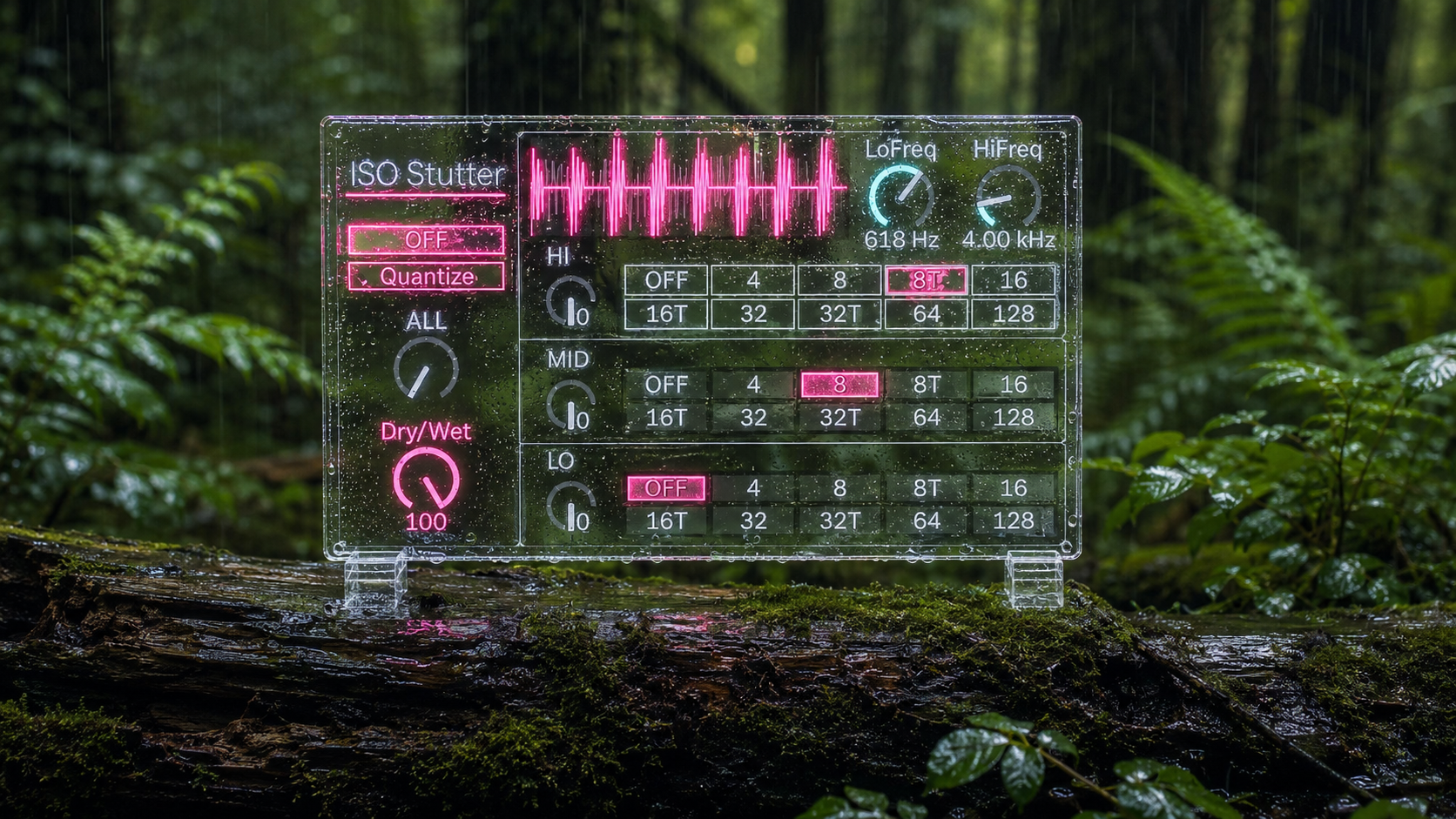
ISOStutter 5.0 provides individual LO, MID, and HI stutter divisions, the ALL master division control, adjustable LoFreq and HiFreq crossover points, Quantize control, and Dry/Wet mixing in one device.
Availability and Licensing
ISOStutter 5.0 is supplied as an Ableton Max for Live Audio Effect in .amxd format through Sellfy.
Existing customers can access the latest available files through the Sellfy account used for the original purchase.
Free lifetime updates
Your purchase includes free lifetime updates. Any future published updates for ISOStutter are included at no additional cost, with no additional purchase required. This entitlement does not imply a fixed update schedule or guarantee that new versions will be published on a particular timetable.
v.5.0 ... Rebuilt the three band stutter engine in embedded GenExpr while retaining independent LO, MID and HI divisions, set the default crossover points to 240 Hz and 4000 Hz, preserved tempo related division control and Quantize routing, and finalized the Owner edited Max for Live device layout. (2026/8/20)
ver.4.2 ... Fixed dry mix phasing. (2025/12/2)
Ver. 1.3 ... Stutter timing quantize switch added.
Ver. 1.5 ... External MIDI synced bug fixed.
Ver. 2.0 ... DryMix Added.
Ver. 2.1 ... Triplet Added, New UI.
Ver. 2.2 ... UI Updated.
Ver. 3.0 ... UI Updated.
Ver. 3.5 ... UI Updated.
ver.4.0 ... UI Updated, Dry mix removed, pure Dry/Wet mix added.
Glitch
Datashifter https://akihikomatsumoto.sellfy.store/p/ableton-datashifter/
Glitch Lab https://akihikomatsumoto.sellfy.store/p/abletonglitchlab
Digital Glitcher https://akihikomatsumoto.sellfy.store/p/abletondigitalglitcher
Mash Upper https://akihikomatsumoto.sellfy.store/p/ableton-mash-upper/
Granulation https://akihikomatsumoto.sellfy.store/p/abletongranulation
ISO Stutter https://akihikomatsumoto.sellfy.store/p/abletonisostutter
Particle Stutter https://akihikomatsumoto.sellfy.store/p/ableton-particle-stutter/
Freq Modulator https://akihikomatsumoto.sellfy.store/p/abletonfreqmodulator
SEQ Stutter https://akihikomatsumoto.sellfy.store/p/ableton-seq-stutter/
Recycler https://akihikomatsumoto.sellfy.store/p/abletonrecycler
VDB Delay https://akihikomatsumoto.sellfy.store/p/abletonvdbdelay
Spectral Freeze https://akihikomatsumoto.sellfy.store/p/abletonspectralfreeze
Aer Shifter https://akihikomatsumoto.sellfy.store/p/abletonaershifter
MIDI Burst https://akihikomatsumoto.sellfy.store/p/ableton-midi-burst/
Digital Stutter https://akihikomatsumoto.sellfy.store/p/abletondigitalstutter/
Akihiko Matsumoto
Study Site https://akihikomatsumoto.com/study/
Ableton M4L, Serum Preset Store https://akihikomatsumoto.com/download/
Sample Pack https://akihikomatsumoto.sellfy.store/sample-pack/
Bandcamp https://akihikomatsumoto.bandcamp.com
Ableton Skin https://akihikomatsumoto.sellfy.store/p/ableton-skin-pack/
Spotify https://open.spotify.com/artist/1tZMmxzZbvNu6klyKXa0L1?si=2JZaFeLbREi-UownD8POSg