
$29.99+
Ableton Spectral Freeze ver.3.0
Max for Live Device (.amxd file)
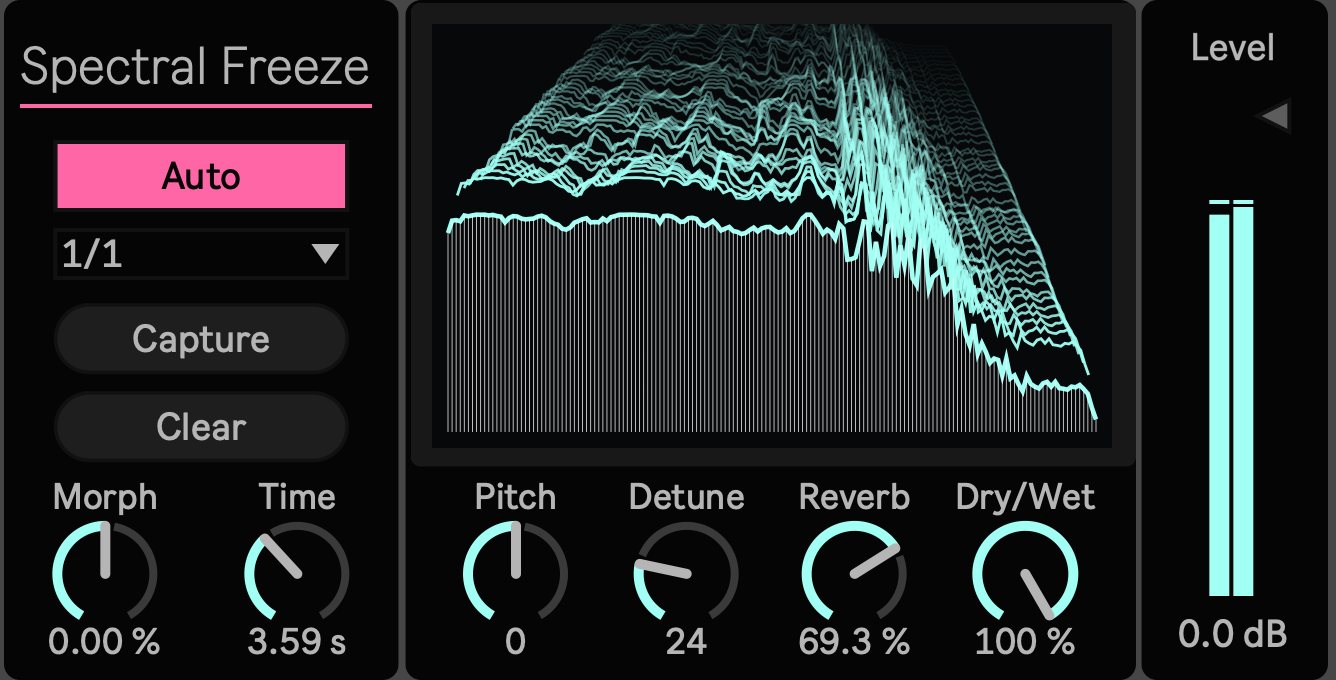
Hold the Color, Not the Phrase
A sound can be worth keeping even when the phrase is not. The center of a vowel, the harmonic glow after a chord, the bright cloud inside a cymbal, or the air hidden in a field recording may last only for a moment.
Spectral Freeze 3.0 captures that instant as a sustained spectral state. It does not replay the original phrase as a loop. It separates timbre from rhythm, allowing a brief input to become a continuous pad, drone, or harmonic texture that can take on a new role in the arrangement.
Version 3.0 goes beyond holding one frozen moment. Each new capture can flow from the state already being heard into the next one, turning spectral stillness into a source of movement.
From One Frozen Moment to the Next
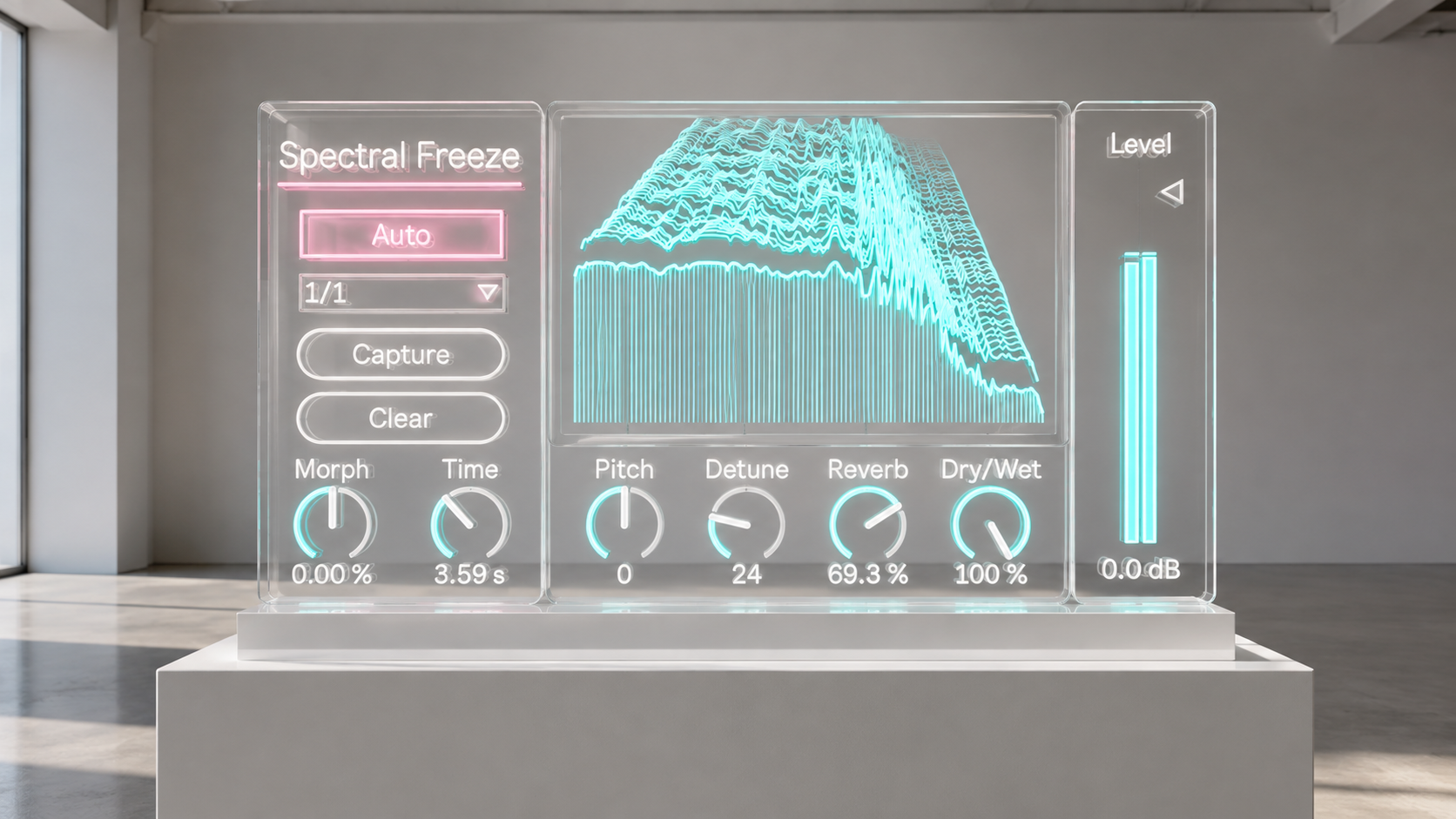
Press Capture on a voice, chord, percussion hit, or environmental recording. The captured spectrum continues after the original gesture has ended.
Capture again and the previous color does not simply disappear. Spectral Freeze moves from the current audible state toward the new spectrum according to the selected Time and Morph settings. Short transitions create clear rhythmic changes. Long transitions form slow harmonic weather that keeps evolving after the source has stopped.
Auto repeats the capture process at tempo related intervals from 4 Bar through 1/16. On a drum loop, it can create a moving spectral mosaic. On a chord progression, voice, or field recording, it can produce a drone that keeps breathing without settling on one final state.
Controls That Keep Stillness in Motion
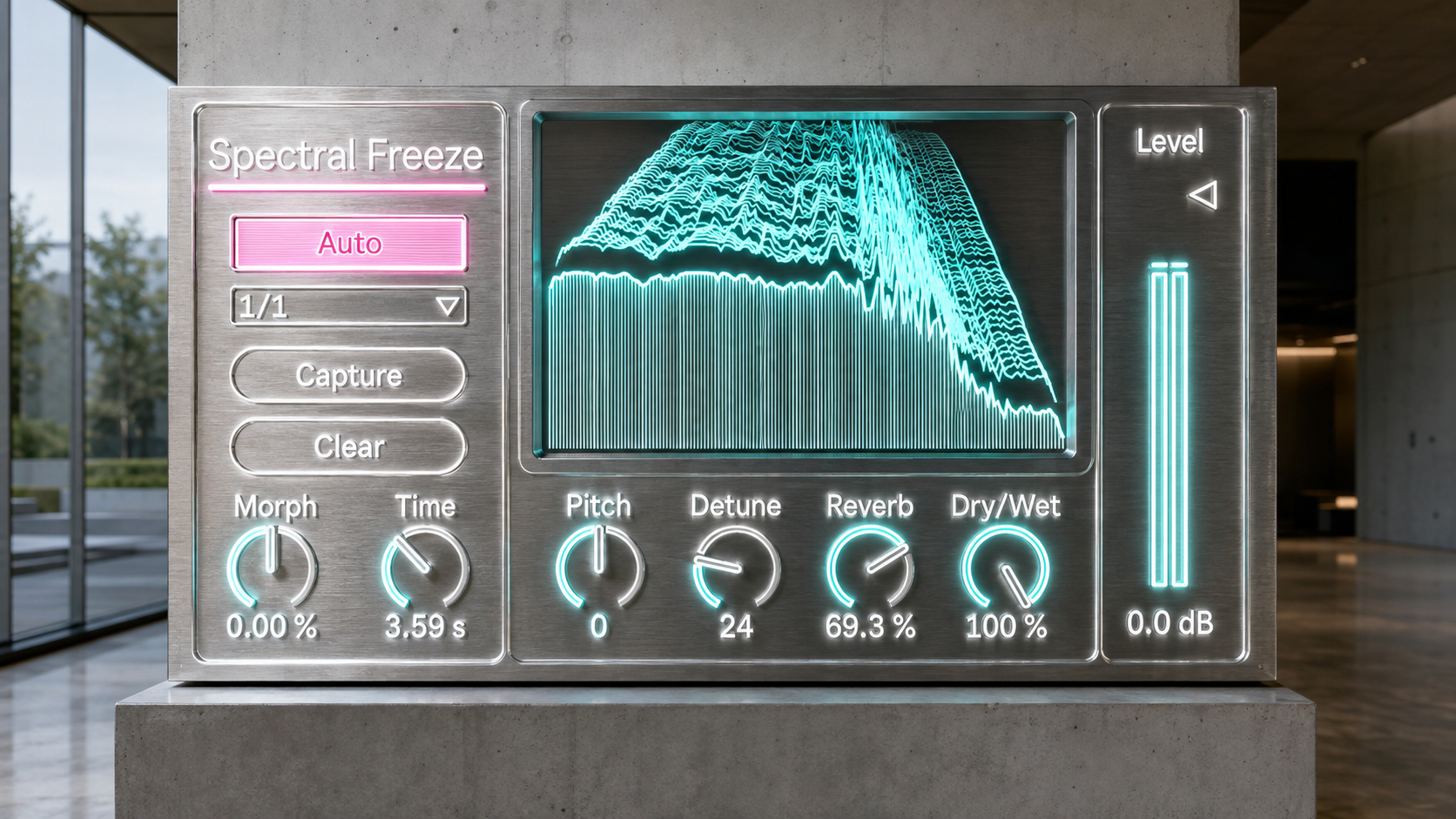
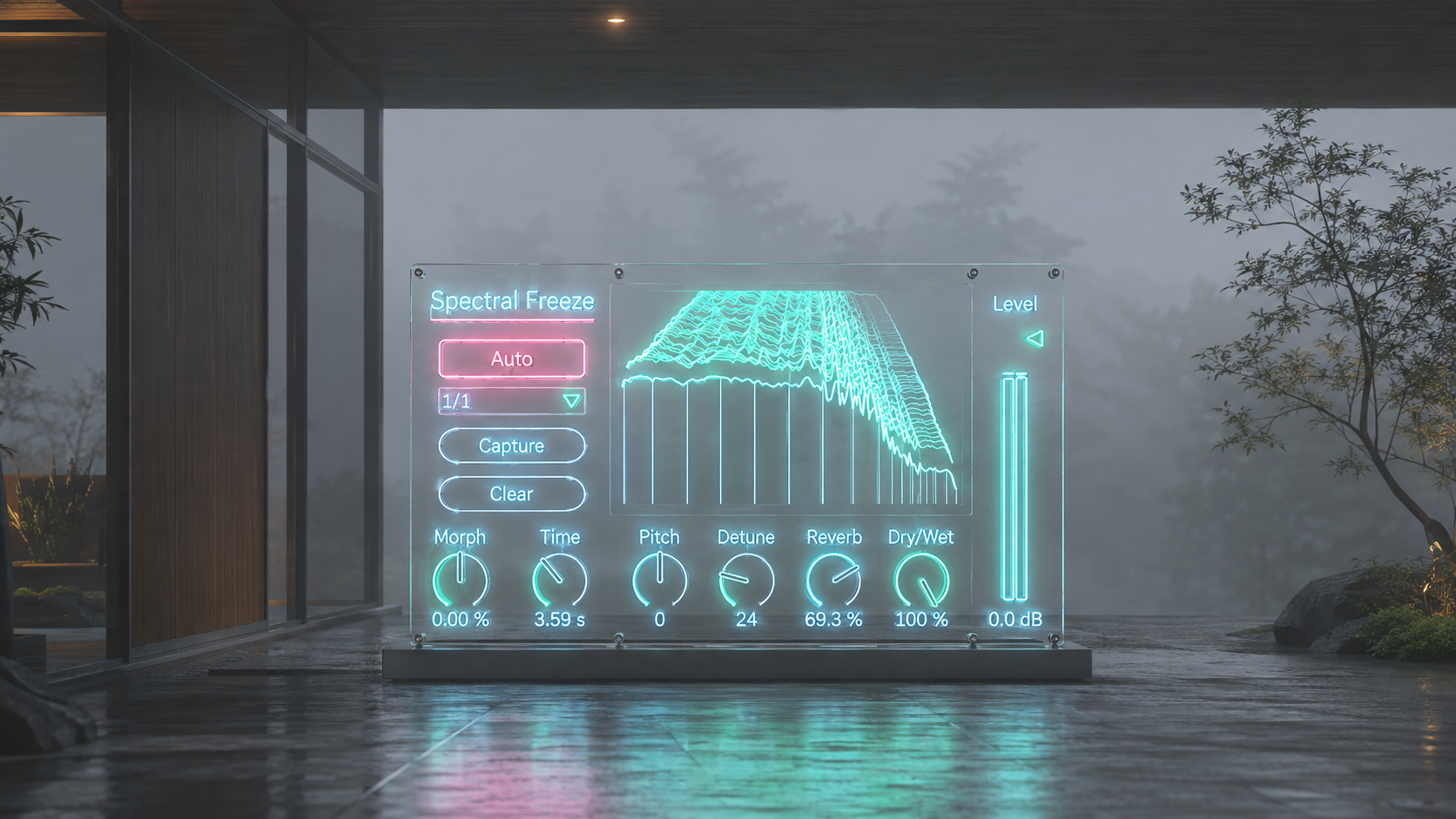
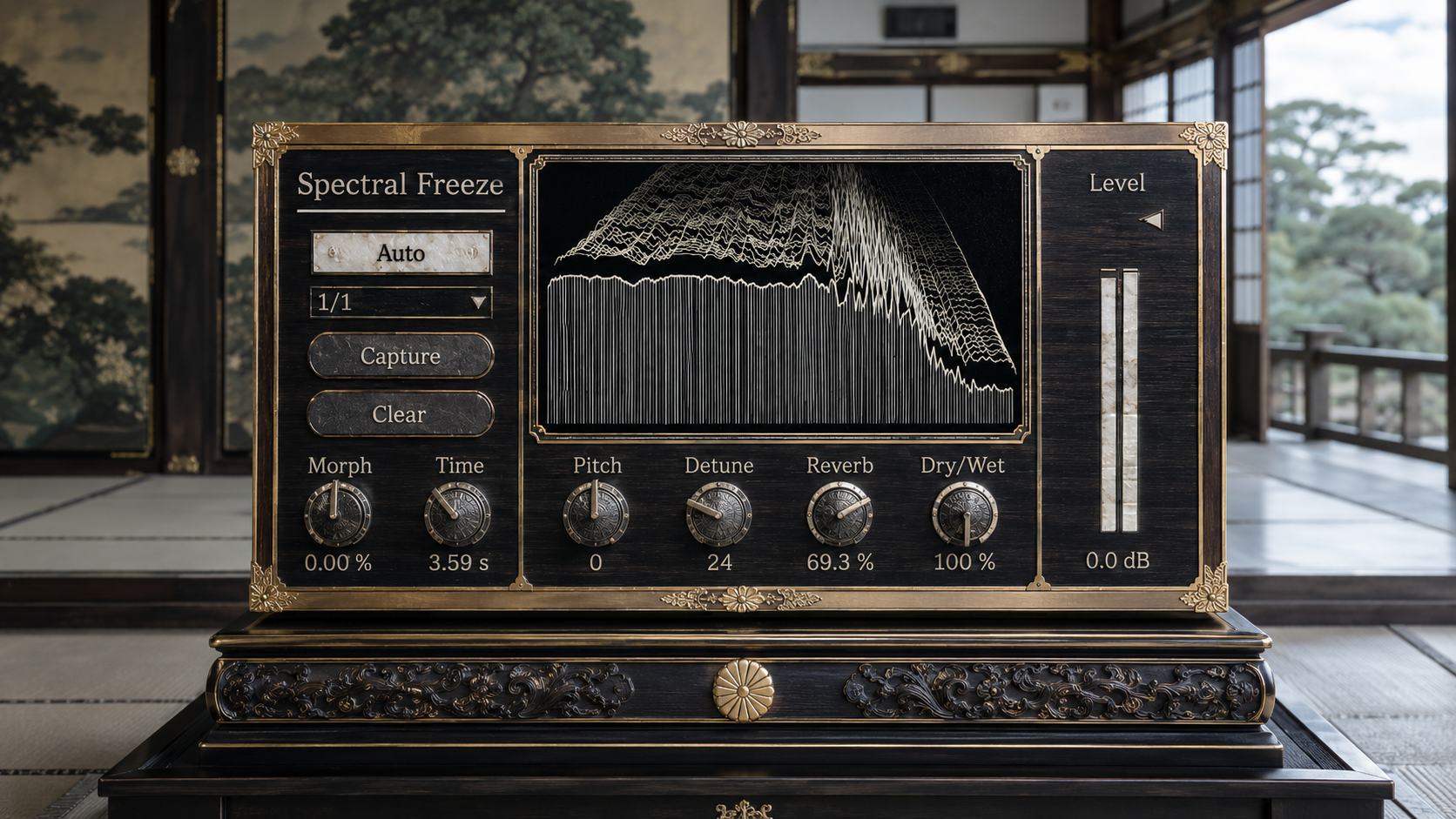
Capture chooses the sound to hold. Auto and Rate decide when the next spectral state enters.
Time controls how long the transition takes. Morph changes where that movement is concentrated. Positive values keep the older color present for longer before leaning into the new one. Negative values reach toward the new color earlier, then let the transition settle.
Pitch moves the frozen spectrum across two octaves in either direction. Detune spreads the left and right channels in opposite directions, moving from subtle width to a full semitone of total separation. Reverb places the frozen sound inside a deep, diffuse tail designed for sustained harmonics rather than ordinary room simulation.
The controls are immediate enough to reach during a session, but their interaction makes the device feel less like a static utility and more like a spectral instrument.
Where Spectral Freeze Belongs
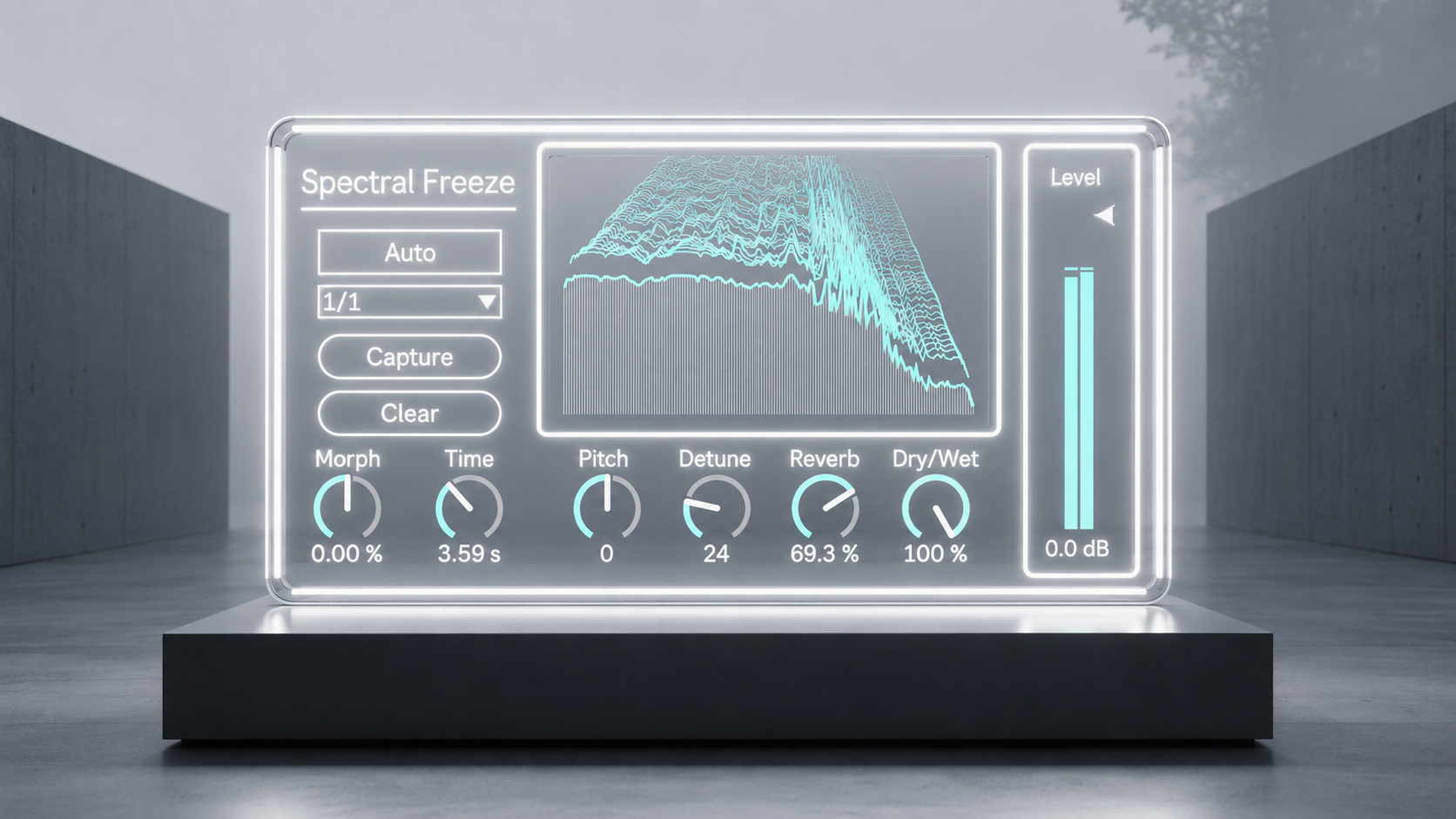
Freeze a stable vowel and build a voice pad that continues beyond the breath.
Capture a guitar or synthesizer chord after the attack, then move into the next harmony with a long transition.
Lower a cymbal, bell, or metallic hit by one or two octaves and turn its brightness into a dark drone.
Use Auto at 1/4 or 1/8 on rhythmic material to create changing spectral tiles that remain connected to the project tempo.
Set Auto to 2 Bar or 4 Bar with a transition longer than the capture interval, and the sound continues moving before any destination is fully reached.
At partial Dry/Wet settings, the original performance can stay in front while the frozen spectrum forms a second harmonic body around it.
Smooth by Design
The transition engine preserves spectral energy and carries phase movement forward, helping consecutive captures connect without a hard reset. When a new capture arrives during an unfinished transition, Spectral Freeze continues from the state that is actually being heard rather than returning to an older source.
Automatic level matching helps different captures remain usable as the input changes. The live spectrum display follows the dry input, making it easier to see the balance of low and high frequency material and choose the moment to capture.
These systems stay behind the interface. Their purpose is simple: let the producer concentrate on the sound being held, the direction of the next change, and the role that sustained texture will play in the track.
Availability and Requirements
Spectral Freeze 3.0 is an Ableton Max for Live audio device. It is designed for Ableton Live 12 and requires Max 9.0 or later.
The product package includes SpectralFreeze3.0.amxd and the required pfft_spectral_freeze_v3.maxpat dependency. Keep both files in the same folder.
Existing customers can access the latest version by logging in with the Sellfy account used for the original purchase. Updates are available at no additional cost.
ver.3.0 ... Major Update. Added continuous spectral morphing, tempo synced Auto Capture, Detune, dedicated Reverb, Auto Level, and a real time spectrum display. Pitch control & UI Updated. Requires Max 9.0 or later. (2026/8/4)
ver.2.0 ... Bug fixed reset & UI Updated. (2025/2/23)
ver.1.2 ... UI Updated.
Spectral FX
Spectral Warp https://akihikomatsumoto.sellfy.store/p/ableton-spectral-warp/
Bin Shifter https://akihikomatsumoto.sellfy.store/p/abletonbinshifter/
Spectral Freeze https://akihikomatsumoto.sellfy.store/p/abletonspectralfreeze/
Akihiko Matsumoto
Study Site https://akihikomatsumoto.com/study/
Ableton M4L, Serum Preset Store https://akihikomatsumoto.com/download/
Sample Pack https://akihikomatsumoto.sellfy.store/sample-pack/
Bandcamp https://akihikomatsumoto.bandcamp.com
Ableton Skin https://akihikomatsumoto.sellfy.store/p/ableton-skin-pack/
Spotify https://open.spotify.com/artist/1tZMmxzZbvNu6klyKXa0L1?si=2JZaFeLbREi-UownD8POSg