
$14.99+
Ableton 90 Phaser v.2.0
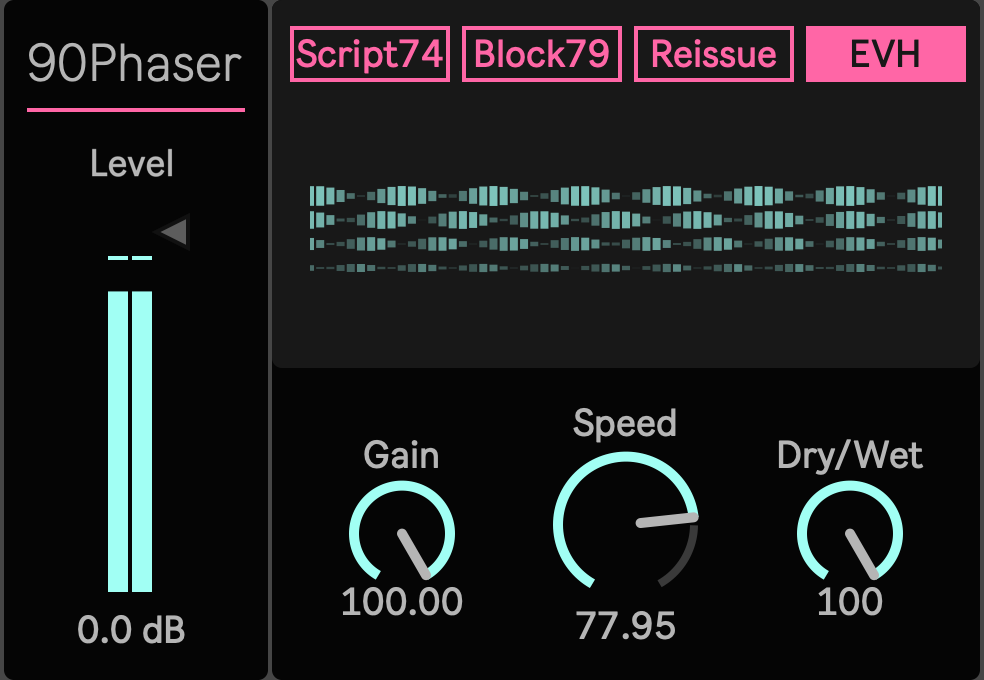
Max for Live Device (.amxd file): The Anatomy of a Classic Phase Shifter in the Modern Studio
A phaser does not need to make a track bigger to make it feel alive.
90Phaser is a Max for Live device built around the classic feeling of a four stage phaser. It does not scatter the sound across the stereo field. It places a moving hollow inside the original signal, so the note keeps its center while the surface begins to turn.
On clean guitar, it can make the chord feel like it is breathing. On electric piano, it adds a soft older air around the attack. On synths, it gives a line motion without turning it into a special effect. On drum loops, it can make hats, percussion, and breaks feel less static while keeping the groove recognizable.
This is not a utility modulation device with a long list of options. It is a focused phaser for adding movement, color, and pressure inside Ableton.
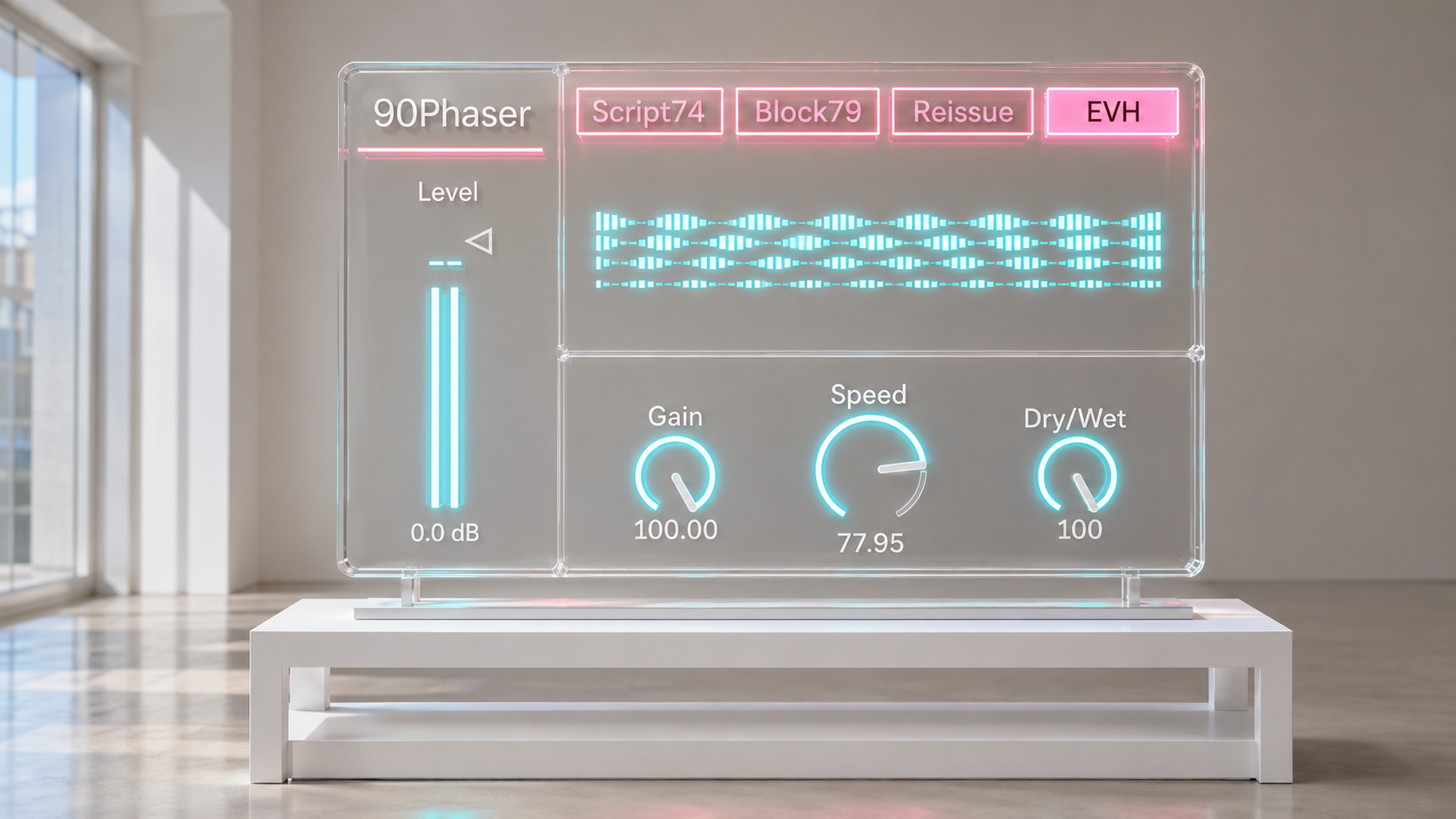
The Sound Moves Without Leaving the Source
90Phaser works best when the source already has a strong identity.
Put it on a dry rhythm guitar and the picking begins to move between the spaces. Put it on a pad and the surface starts to shift slowly without demanding attention. Put it on a lead and the note gains a vocal curve. Put it on a drum loop and the upper rhythm starts to rotate around the beat.
The effect can be subtle. It can also be pushed. The point is not to cover the original sound, but to place a moving phase shape inside it.
A small amount gives air and instability. A stronger setting gives a more obvious sweep, useful for funk rhythm parts, rock leads, synthetic keys, and loops that need motion before they need another layer.
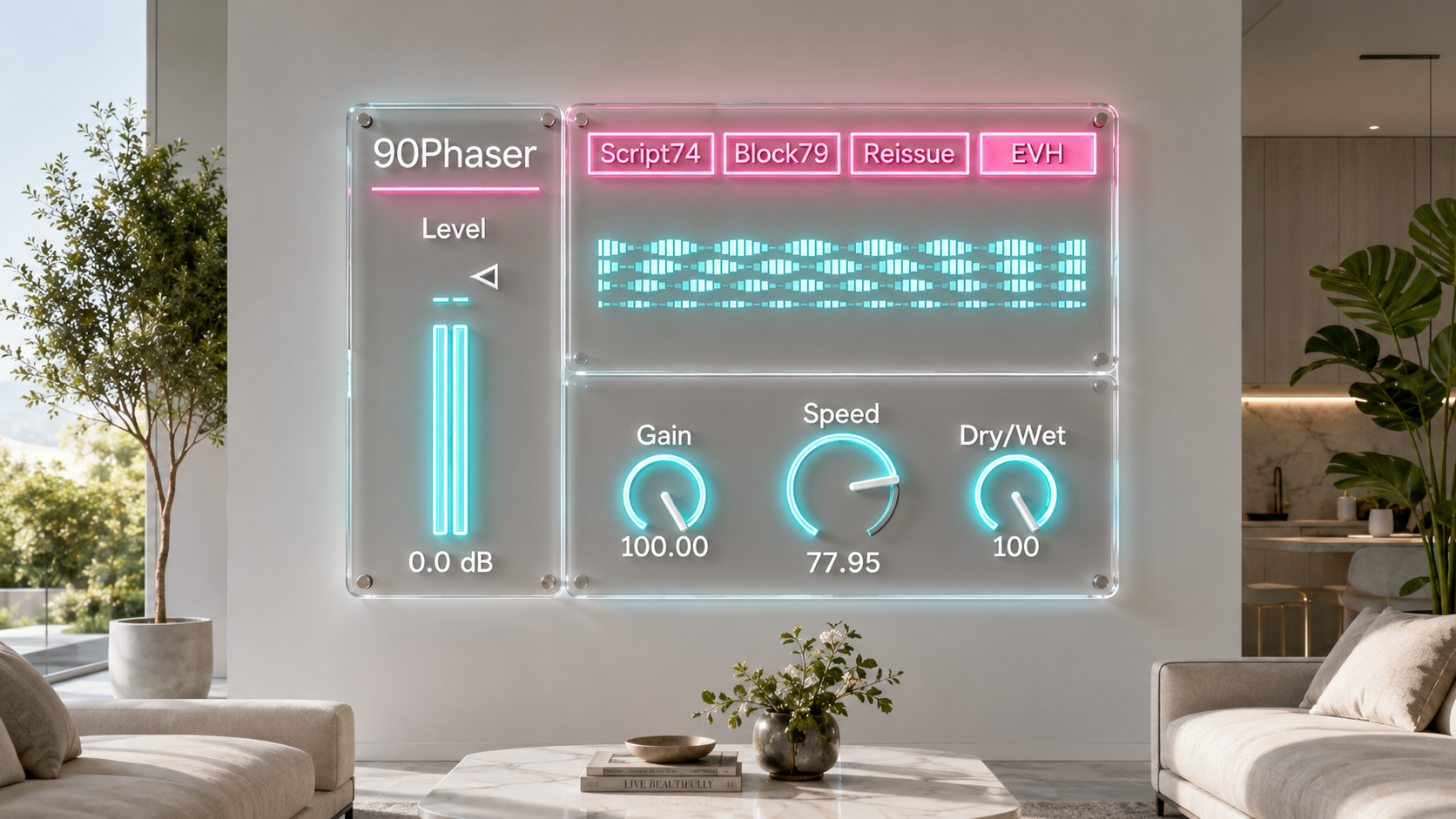
Four Voices for One Phaser Idea
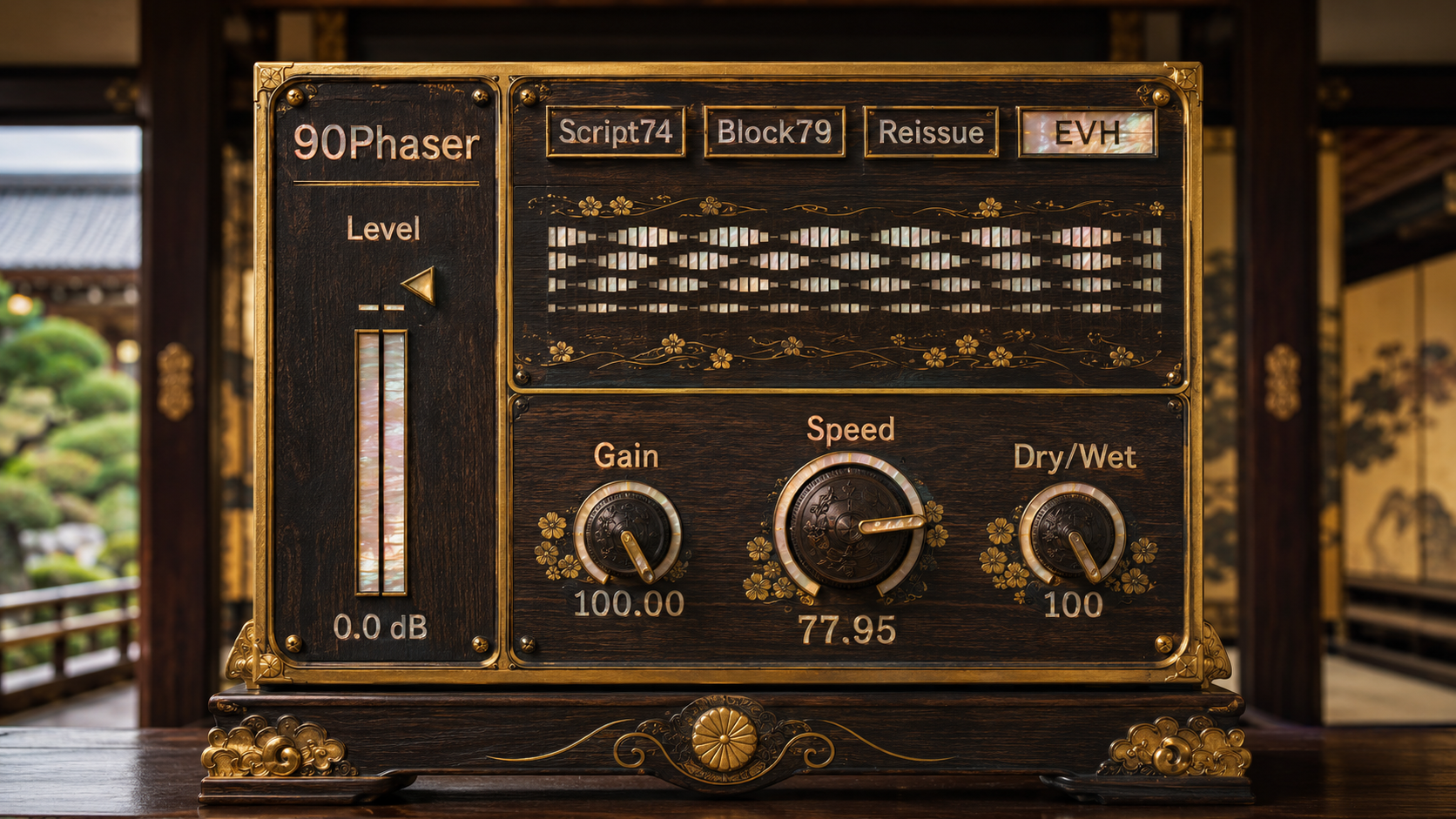
90Phaser gives you four mode choices. Each one keeps the device focused, but changes the way the sweep sits in the track.
Script74 is the roundest and most classic voice. It is a natural starting point for clean guitar, electric piano, pads, and melodic synths. The movement is soft, centered, and easy to place in a mix.
Block78 pushes forward a little more. It works well on rhythm guitar, cutting patterns, riffs, and parts that need the phaser to be heard as part of the groove.
CSP101 is cleaner and more controlled. Use it when the track needs the movement, but not too much older color. It is useful for clean chords, modern keys, synth lines, and layered parts.
EVH has the strongest rock character. It is made for distorted leads, power chords, and phrases where the phaser should become part of the performance. It can be bold, so Gain and Out are important controls here.
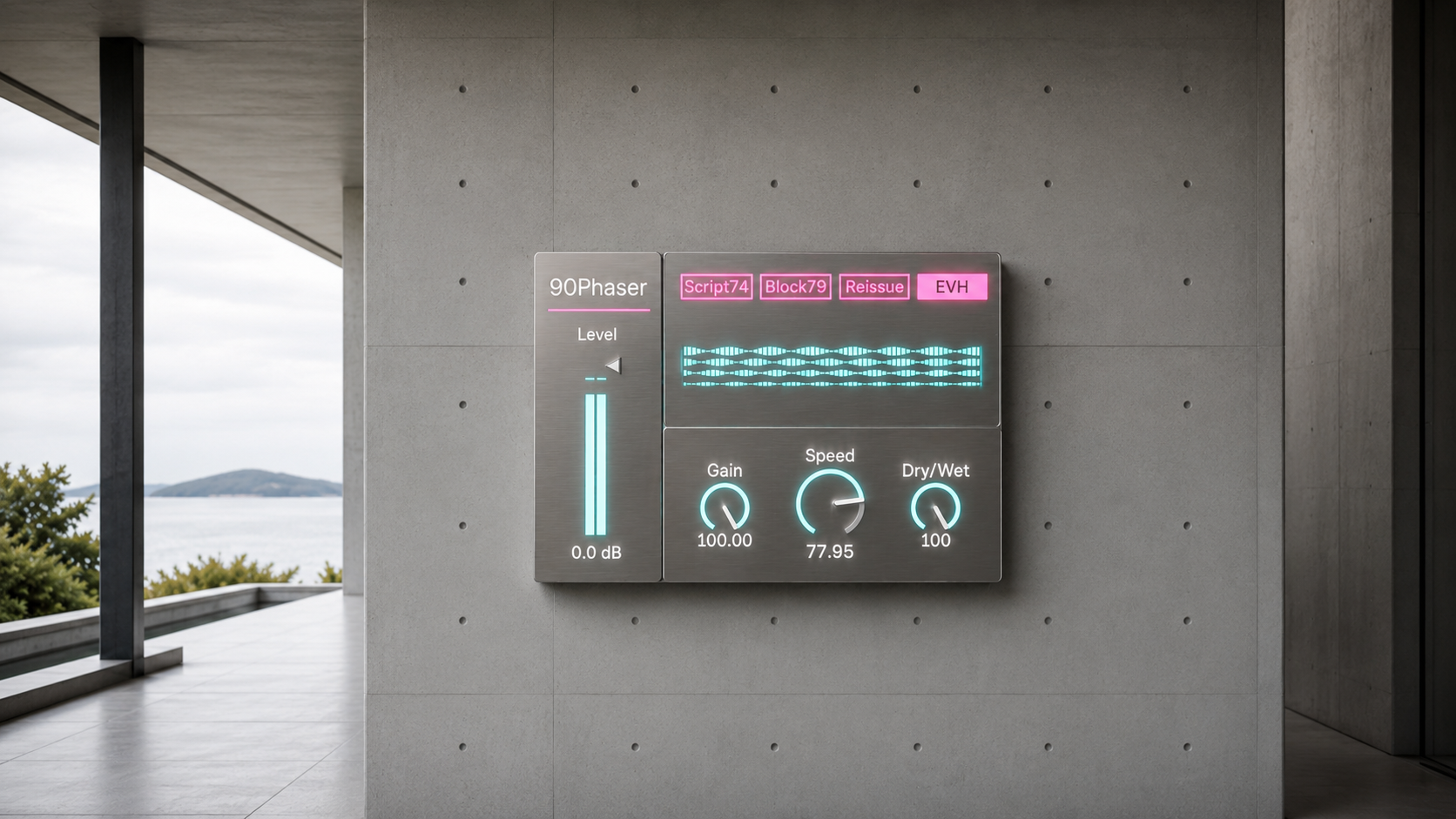
Gain Changes the Reaction
Gain is not just a loudness control.
It changes how hard the signal enters the phaser structure. Push it higher and the movement becomes denser, more present, and more connected to the input. Pull it down and the sound becomes cleaner, thinner, and easier to blend.
If the part feels too far away, raise Gain. If the sweep feels too heavy, lower Gain. If the phaser is taking too much space in the mix, start with Gain before you reach for the final output level.
The default setting is already slightly pushed, so the device opens with a clear sense of movement without becoming excessive.
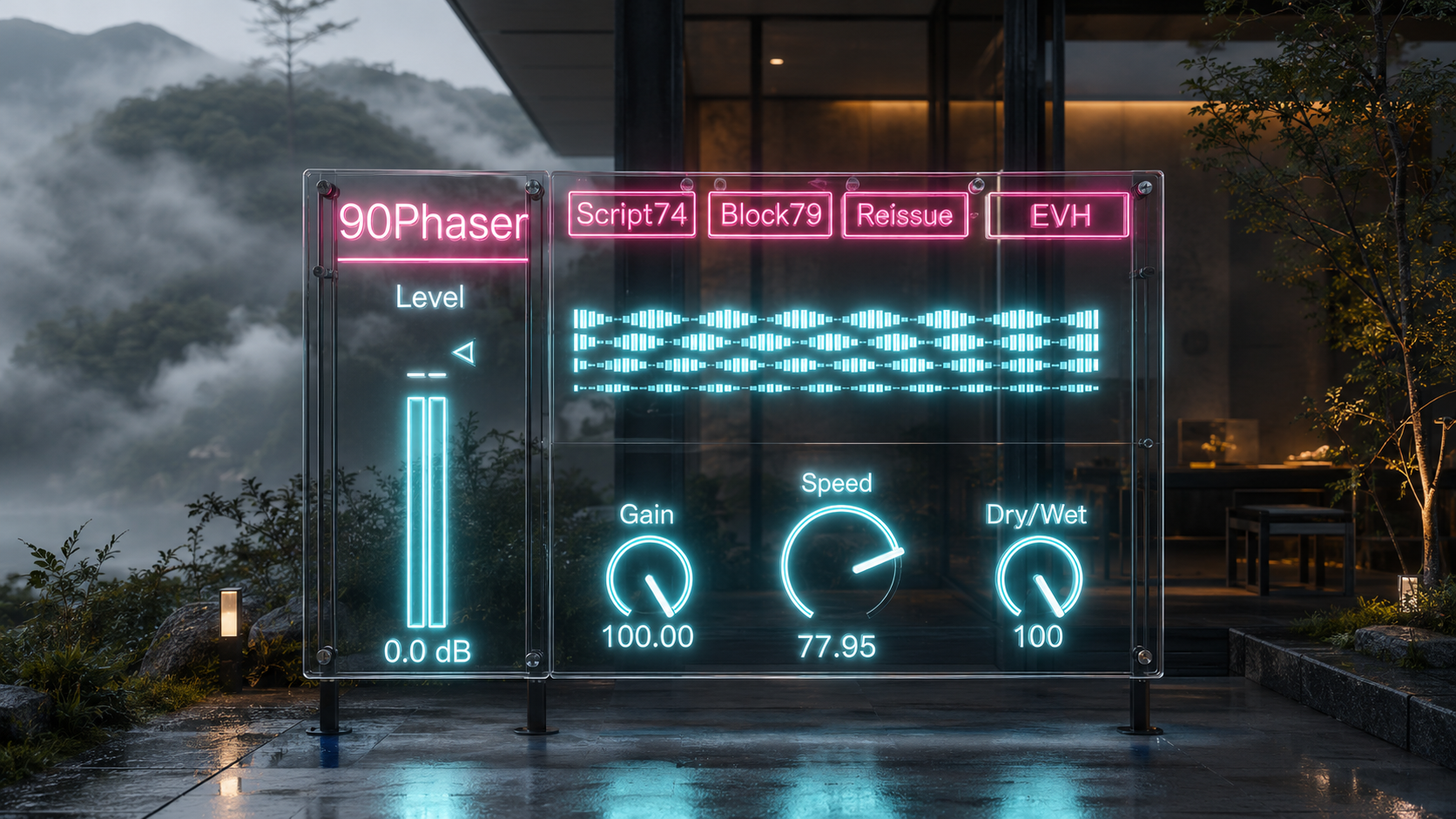
Speed Controls the Shape of Time
Speed decides how quickly the hollow moves through the sound.
Low settings feel like slow breathing. They work well for pads, electric piano, sustained guitar, ambient layers, and anything that should move without announcing itself.
Middle settings give the familiar phaser pulse. This is the area where clean guitar, synth leads, and chord parts often become immediately useful.
Higher settings create a more active rotation. They can bring energy to funk guitar, rock phrases, and drum loops, but they should be placed carefully against the rhythm of the track.
90Phaser is not built around tempo sync. It keeps the feel of a dial driven phaser, where the movement can sit slightly against the grid and feel more like performance than automation.
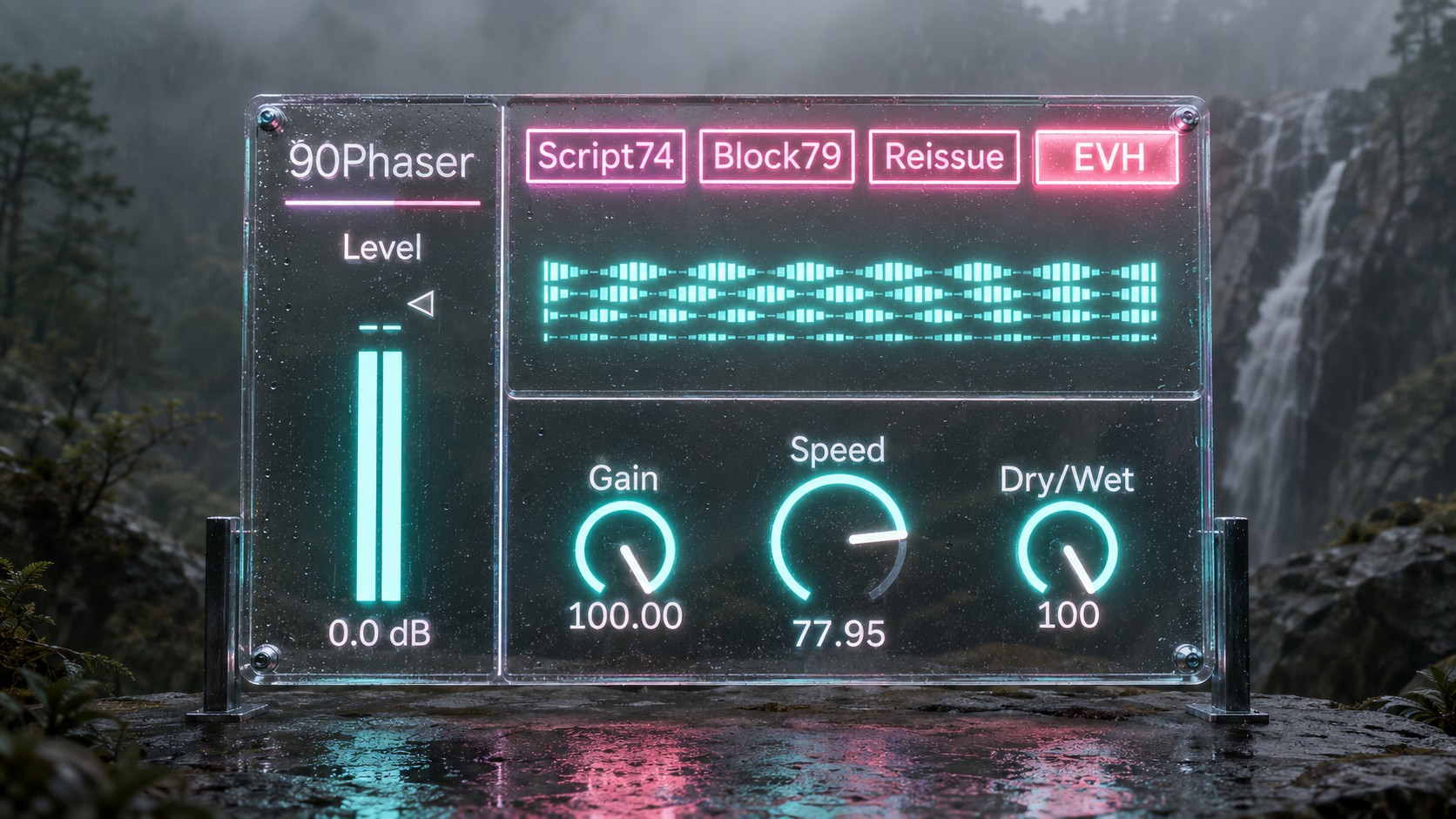
A Simple Starting Point
Open the device and start with Script74.
The default position gives you a clear view of the device without pushing too hard. Gain is set with a little forward pressure. Speed is slow enough to feel musical, but fast enough to hear the sweep. Out sits in the center.
From there, the workflow is simple.
Use Mode to choose the character.
Use Gain to decide how much the circuit feeling reacts to the source.
Use Speed to place the movement against the track.
Use Out and Level to settle the result into the mix.
The device is most useful when you do not overthink it. Choose the voice, move the speed until the track starts to breathe, then adjust Gain until the phaser feels like part of the instrument.
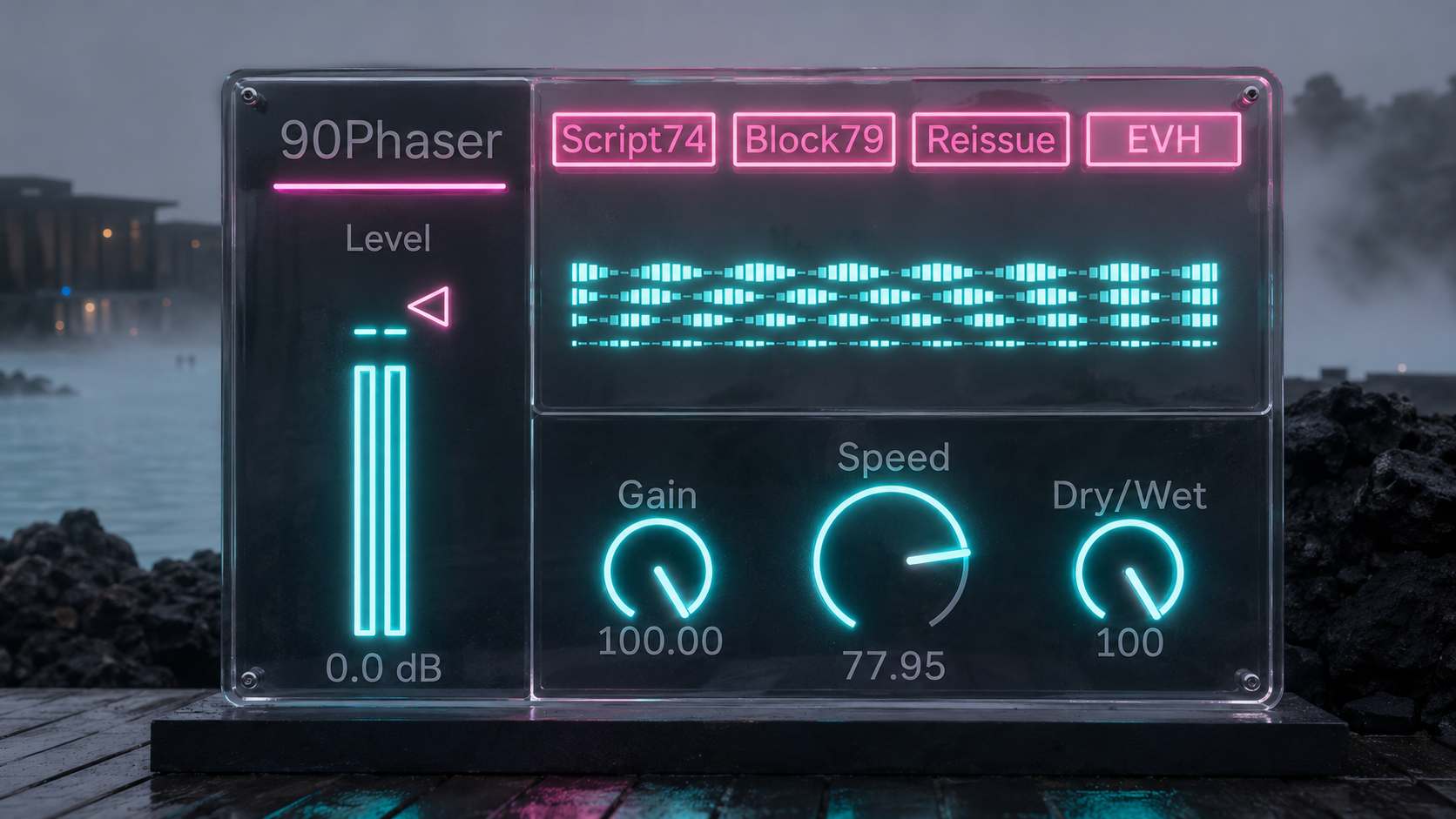
Where to Place It
On guitar, placement changes the behavior.
Before distortion, 90Phaser blends into the drive and becomes more natural. After distortion, the movement becomes clearer and more dramatic. For a direct phaser sound, start after the drive. For a more absorbed sound, place it before.
On synths, try it after the filter and before reverb. This keeps the phrase clear while allowing the movement to enter the space.
On drums, avoid putting it across the whole bus unless you want the low end to move. A better first choice is hats, percussion, loops, breaks, or a parallel track with the low end controlled.
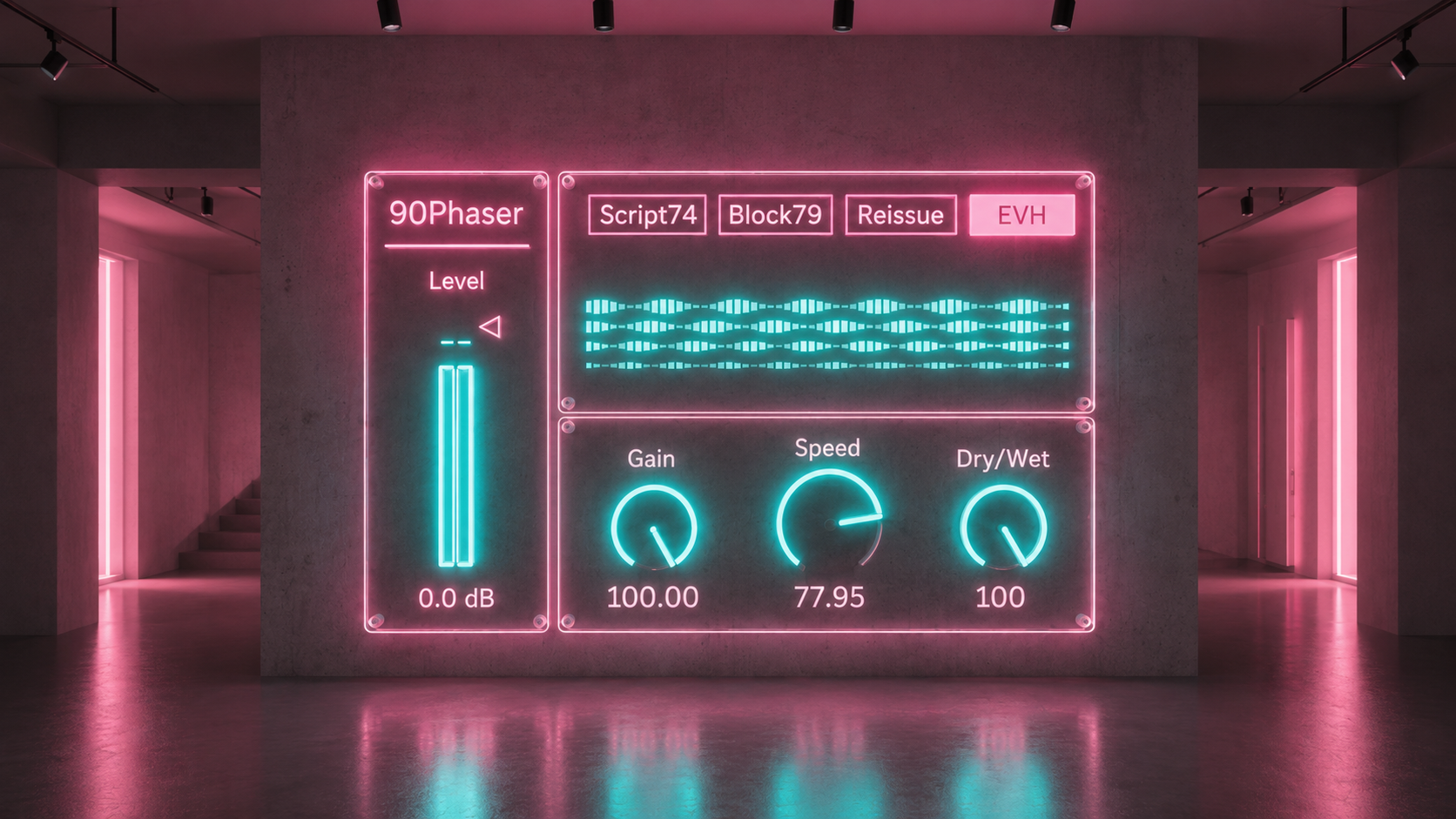
Built for Focus, Not Feature Creep
90Phaser does not try to be every phaser.
It does not add stereo phase tricks. It does not randomize component behavior. It does not turn the sweep into a tempo locked pattern machine. It keeps the core idea direct: a classic style four stage phaser sound, shaped for practical use inside Ableton.
That focus is the point.
Some tracks do not need another wide effect. They need one moving shadow. A small pressure shift. A chord that turns slightly under the fingers. A lead that feels more vocal. A loop that stops standing still.
90Phaser is made for those moments.
Availability and Licensing
90Phaser is available as an Ableton Max for Live device through Sellfy.
The included device is treated as 90Phaser2.0.amxd. The interface itself is labeled 90Phaser, keeping the device name clean inside the Ableton session.
For license access, file delivery, and update details, use the Sellfy account and product page associated with the purchase.
v.2.0 Refined the 4 stage phaser core, Speed response, JFET behavior, feedback, and analog context modeling. (2026/7/9)
v.1.1 ... Improved overall circuit modeling fidelity. (2026/5/26)
Modulation FX
Leslie https://akihikomatsumoto.sellfy.store/p/ableton-leslie/
Mod Delay https://akihikomatsumoto.sellfy.store/p/ableton-mod-delay/
Amp Modulator https://akihikomatsumoto.sellfy.store/p/abletonampmodulator/
Gate Slicer https://akihikomatsumoto.sellfy.store/p/abletongateslicer/
Freq Modulator https://akihikomatsumoto.sellfy.store/p/abletonfreqmodulator/
90 Phaser https://akihikomatsumoto.sellfy.store/p/ableton-90-phaser/
CE1CE2 Chorus https://akihikomatsumoto.sellfy.store/p/ableton-ce1-ce2-chorus/
Akihiko Matsumoto
Study Site https://akihikomatsumoto.com/study/
Ableton M4L, Serum Preset Store https://akihikomatsumoto.com/download/
Sample Pack https://akihikomatsumoto.sellfy.store/sample-pack/
Bandcamp https://akihikomatsumoto.bandcamp.com
Ableton Skin https://akihikomatsumoto.sellfy.store/p/ableton-skin-pack/
Spotify https://open.spotify.com/artist/1tZMmxzZbvNu6klyKXa0L1?si=2JZaFeLbREi-UownD8POSg