
$9.99+
Ableton Grid SEQ Params ver.8.0 | Parameter Movement as Composition
Max for Live Device (.amxd file)
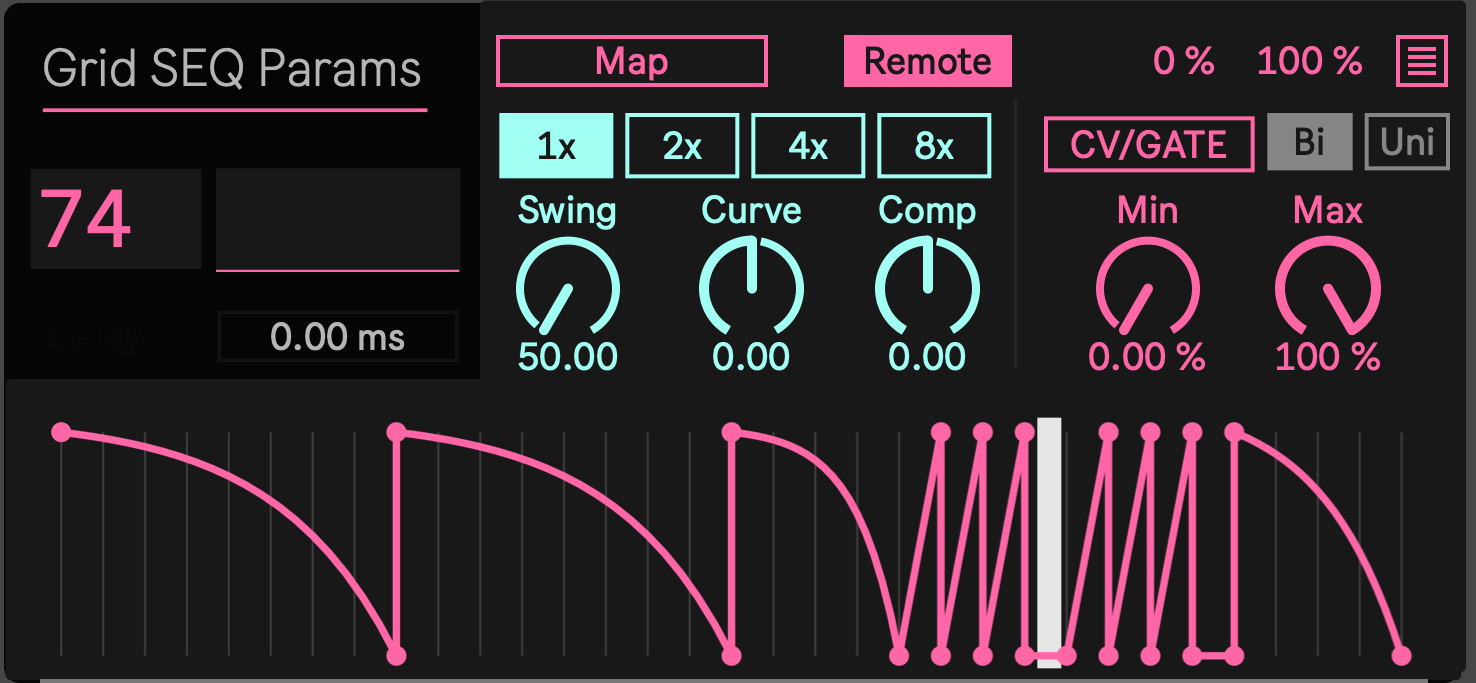
Most modulation is added after a sound has already been designed. An LFO is assigned to a filter, an automation lane is drawn, or several unrelated modulators are added until the sound begins to move.
GridSEQParams starts from a different idea. Parameter movement can be part of the phrase from the beginning.
GridSEQParams is a Max for Live modulation device that uses an editable Function curve to control parameters inside Ableton Live. The curve follows the Live transport and can be mapped to filters, wavetable position, FM amount, distortion, effect sends, panning, volume, and other compatible controls.
The device does not generate audio or MIDI notes. It creates movement inside the sound that is already playing.
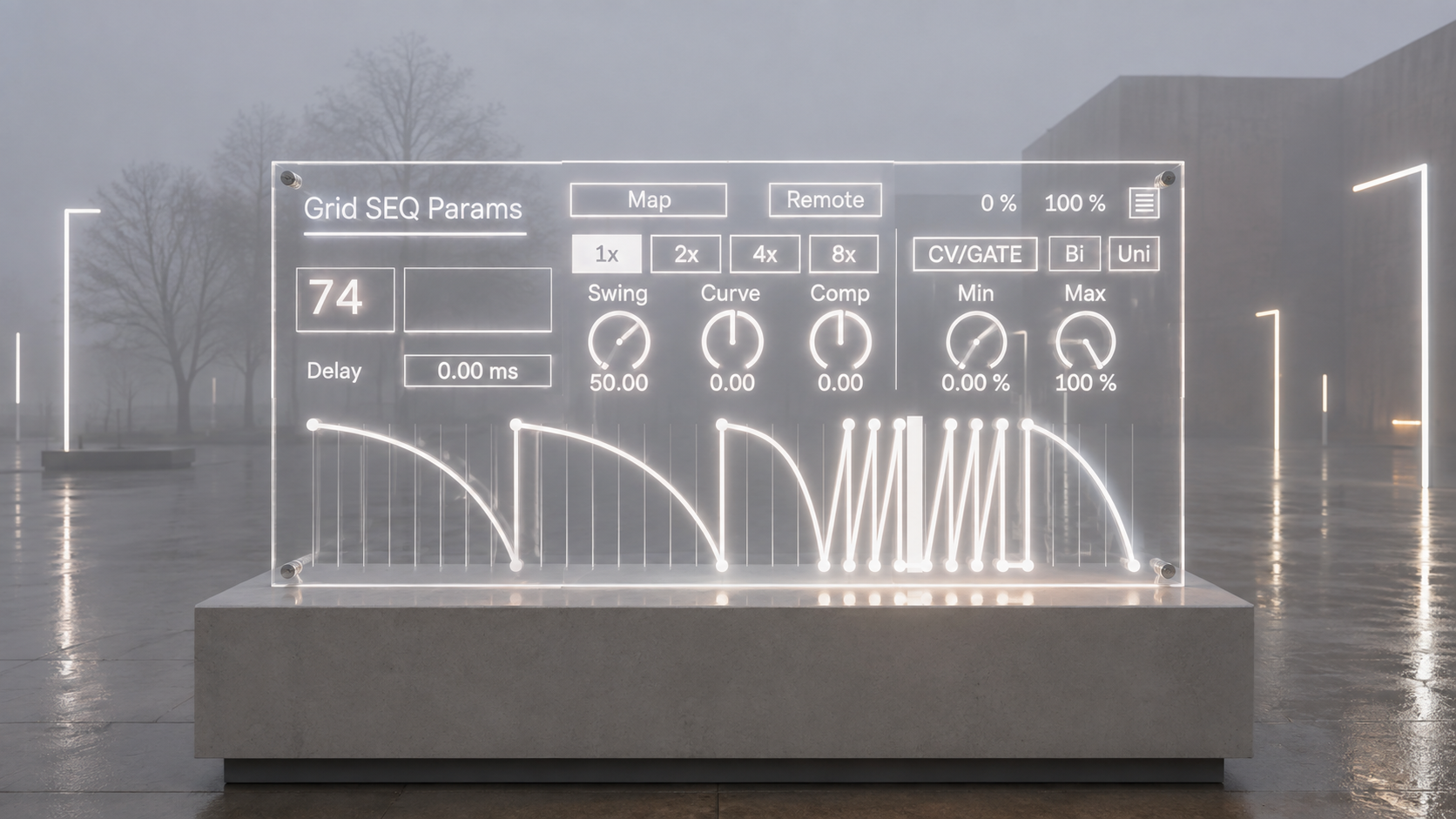
Create a Phrase Inside a Single Note
A sustained note does not have to remain static.
A bass note can continue across the bar while its midrange changes around the drums. The filter can close before the snare, FM can appear briefly at the attack, distortion can rise during an accent, and delay or reverb can enter later in the phrase.
The MIDI note remains continuous, but the timbre contains its own rhythm.
This is particularly useful for UK Dubstep bass design, Dub processing, drones, evolving textures, experimental electronic music, and other styles where the number of timbral events can be greater than the number of notes.
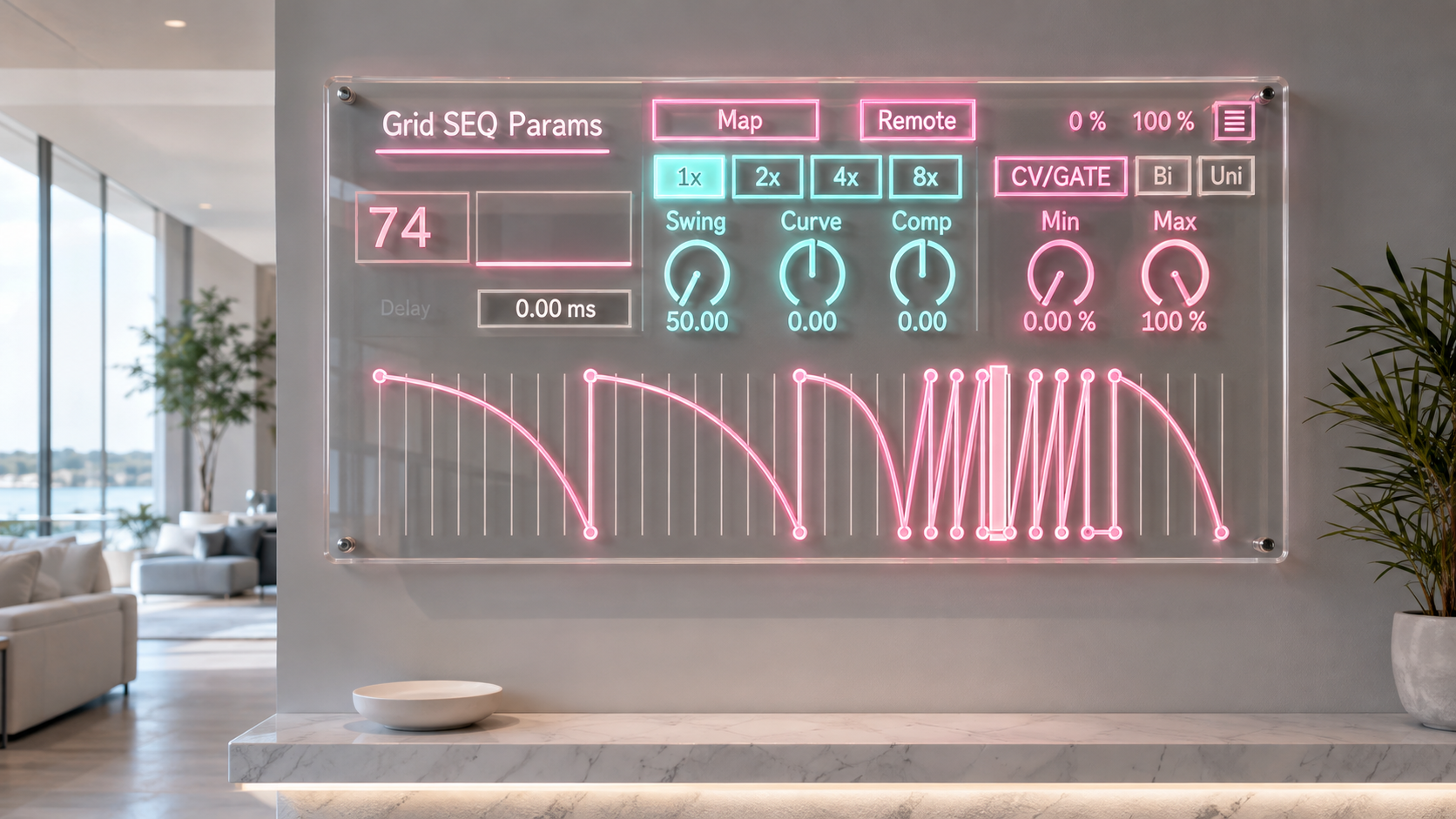
More Than a Repeating LFO
A conventional LFO repeats a predetermined waveform. GridSEQParams uses a Function editor in which the movement itself can be drawn.
A curve can rise gradually, stop at a fixed value, close suddenly, remain still for part of the bar, and respond again later. Empty spaces and held values can be treated as deliberately as the moving sections.
This makes it possible to design modulation with the structure of a rhythmic phrase rather than limiting the movement to a sine wave, triangle wave, or square wave.
Grid snapping follows the selected rhythmic Division and TimeMulti settings, helping the curve remain connected to the timing of the session while preserving detailed control over each point.
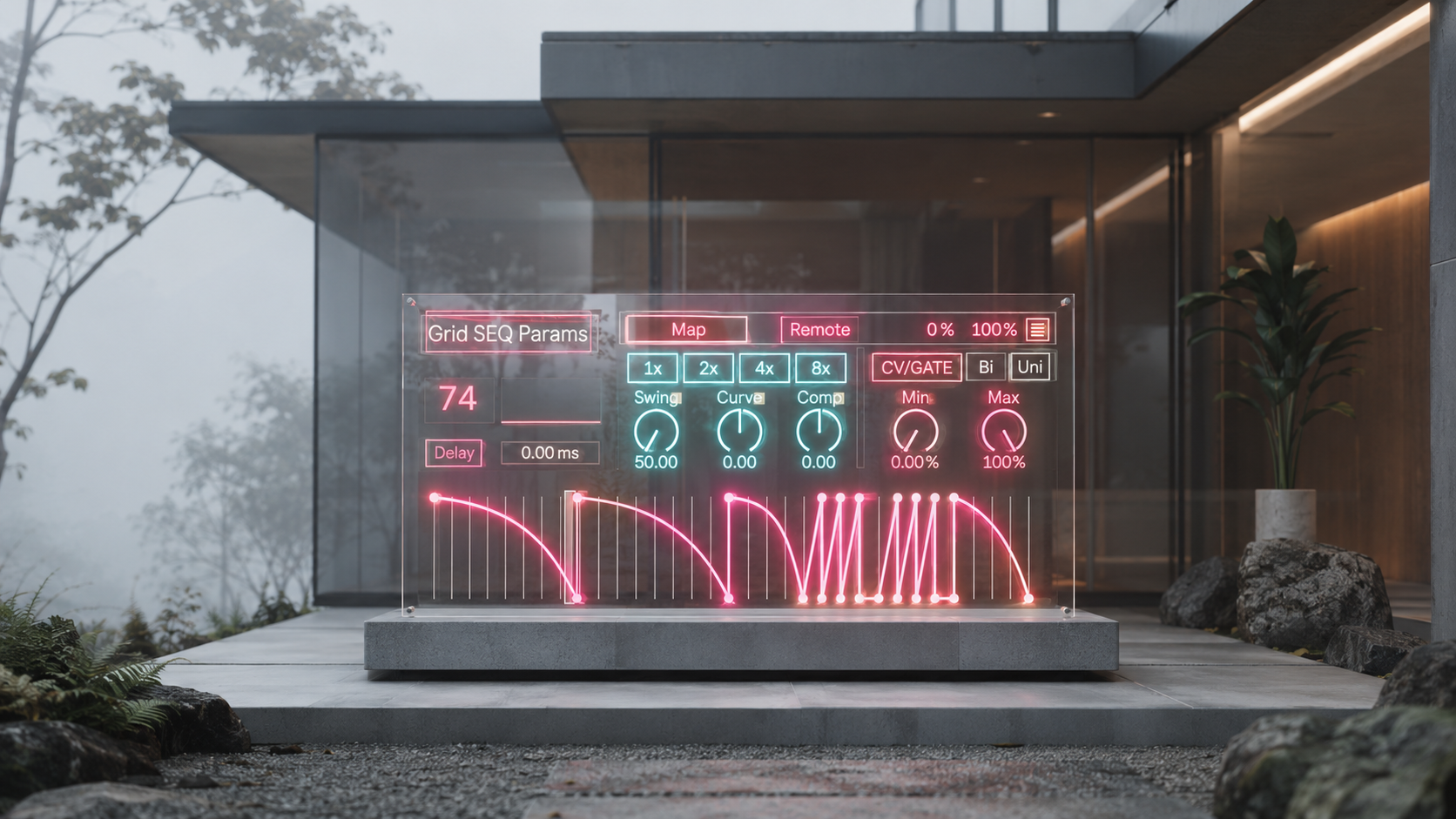
300 Function Presets
GridSEQParams includes 300 Function presets.
A preset can be loaded as a finished movement or used as raw material. Its points can be edited, sections can be held or removed, and the complete curve can be stretched into a longer phrase.
This allows a useful modulation shape to be found quickly without reducing every production to the same fixed pattern. The preset establishes the starting motion. The final relationship between that motion and the sound remains editable.
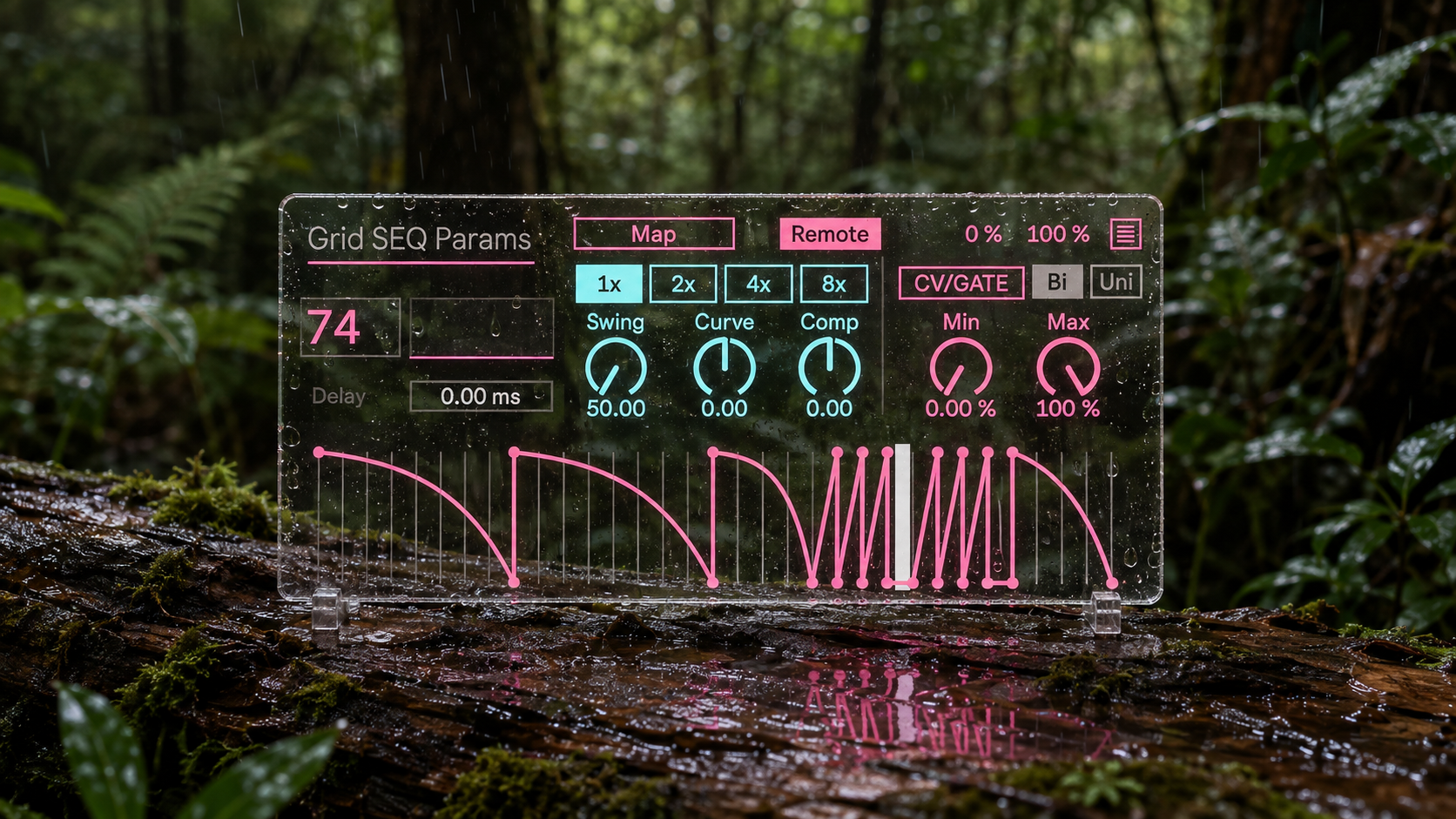
One Curve, Up to Eight Destinations
The same Function curve can be mapped to as many as eight parameters.
Each Mapping has its own range, direction, polarity, and modulation depth. The destinations therefore share the same underlying timing without being forced into identical motion.
A filter can travel across a wide range while distortion changes only slightly. Reverb can increase while another destination moves in the opposite direction. Panning can affect a midrange layer while the sub remains centered.
The result is not simply eight controls moving together. It is one temporal structure producing several related responses across a complete instrument or effect chain.
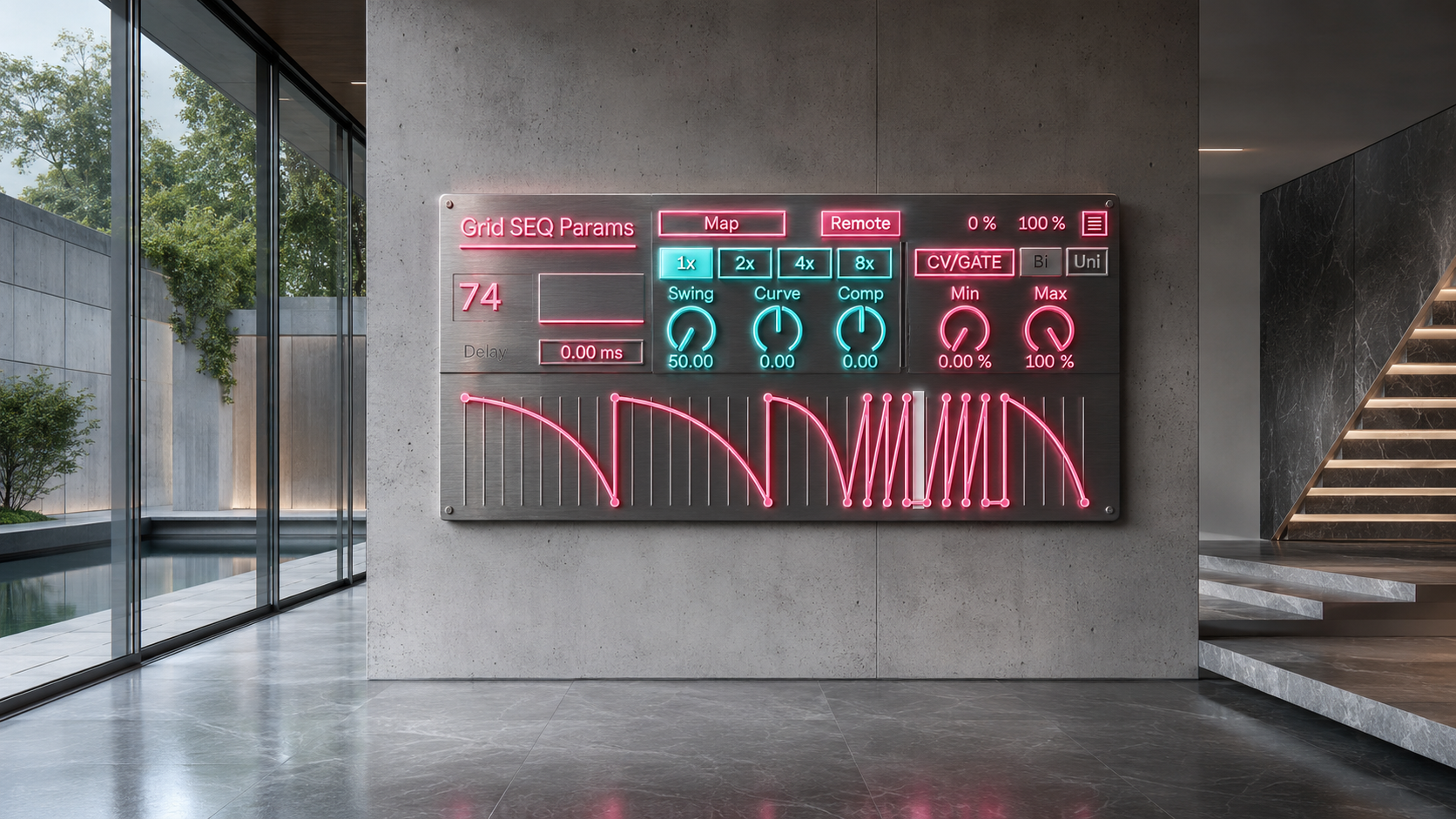
Remote and Mod
Remote mode directly moves the mapped parameter between the selected minimum and maximum values.
It is useful when GridSEQParams should define the complete movement of the destination.
Mod mode applies modulation relative to the value already set in Ableton Live. The original parameter position remains available as the foundation of the sound, while GridSEQParams adds movement around it.
Each Mapping can use the behavior most appropriate for its destination. A filter can be controlled directly while a send amount or another sensitive parameter receives a smaller relative modulation.
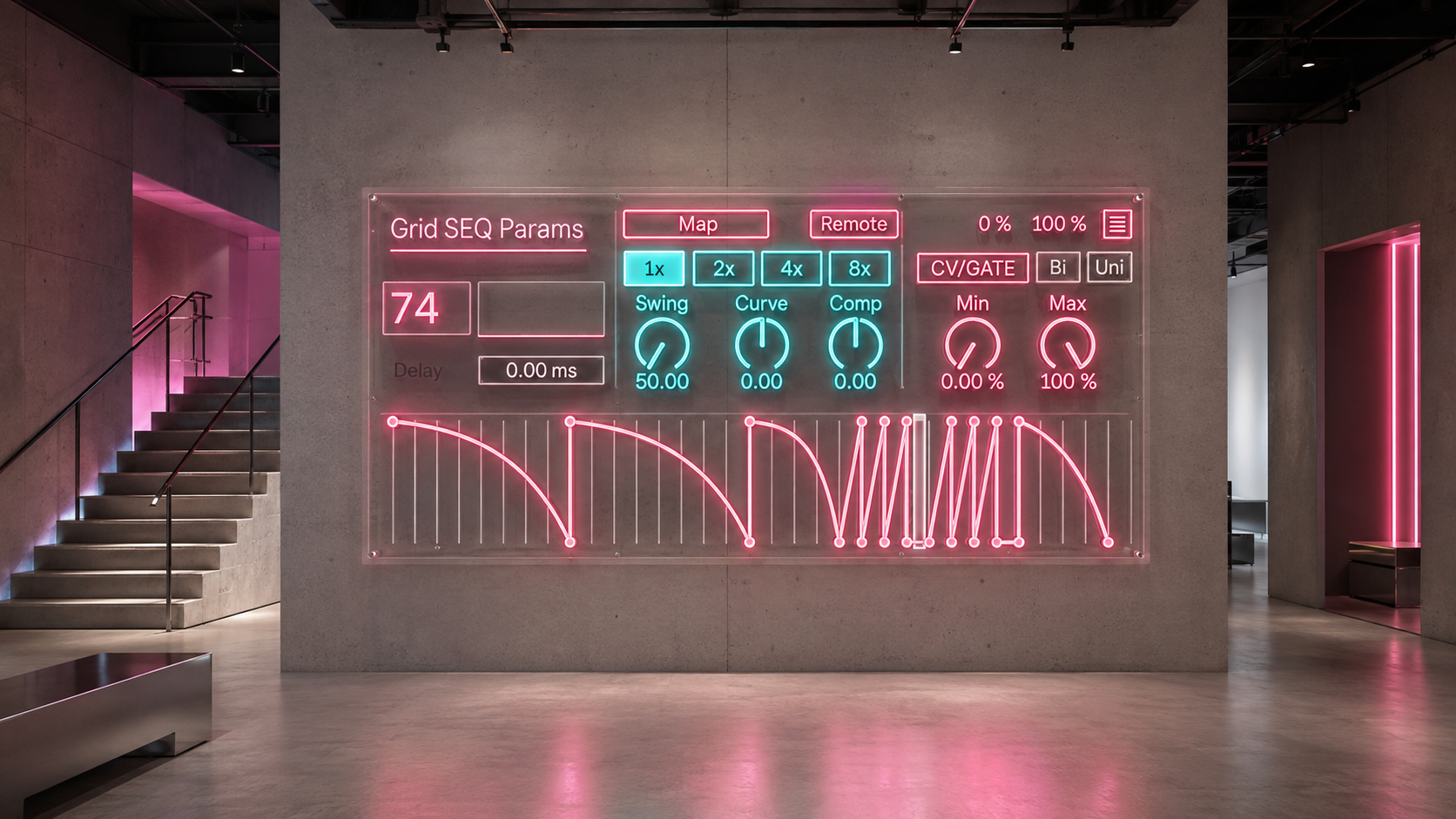
Reshape the Motion Without Redrawing It
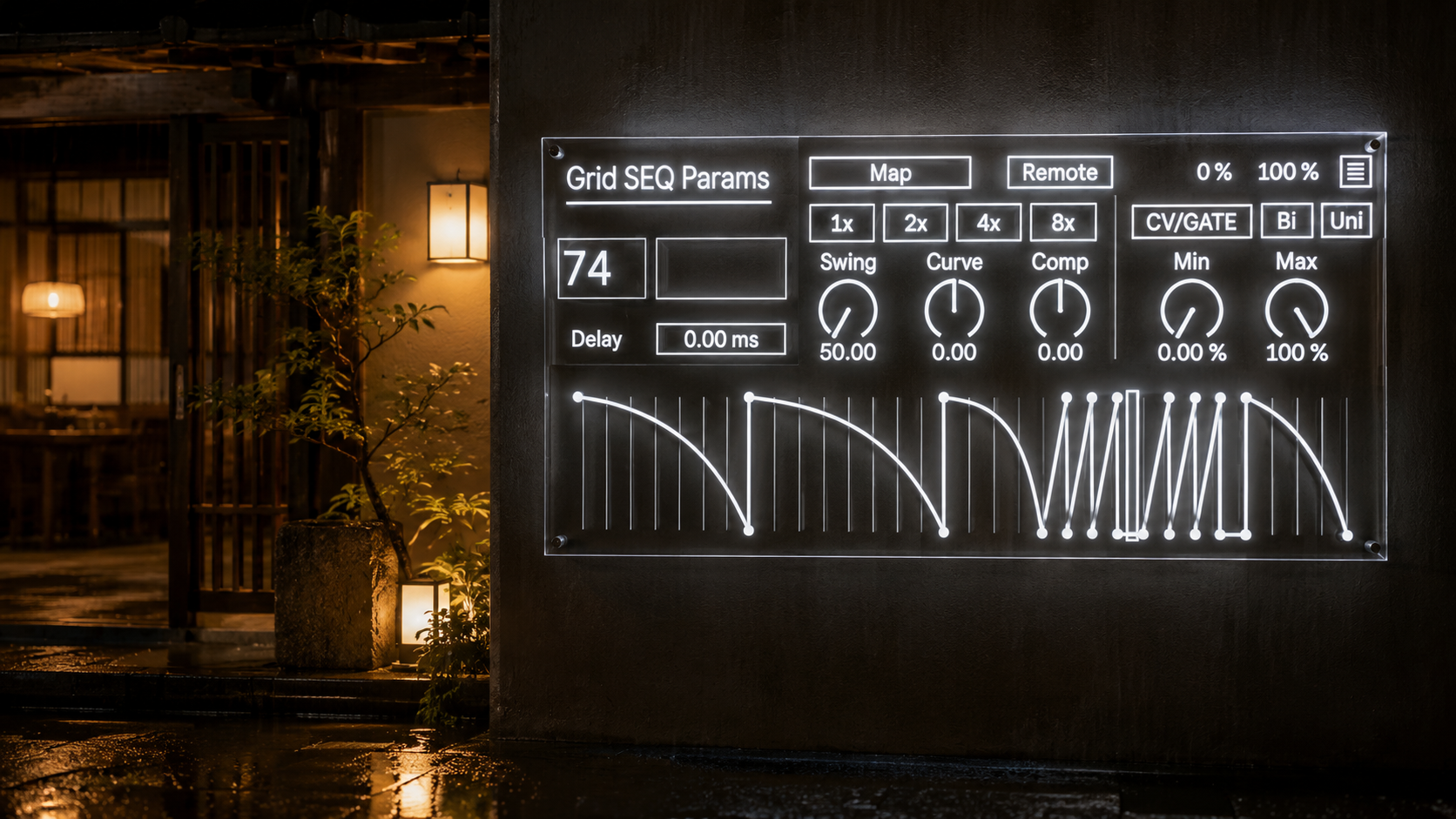
Curve changes where the movement places its emphasis.
One direction holds lower values for longer before moving strongly near the end. The other creates a faster initial response followed by a slower continuation.
Comp reshapes the curve around its center. It can gather values toward the middle or push them toward the outer limits, changing a smooth Function into a more restrained, gated, percussive, or forceful movement.
Curve and Comp make it possible to produce several distinct behaviors from the same preset without rebuilding the complete point structure.
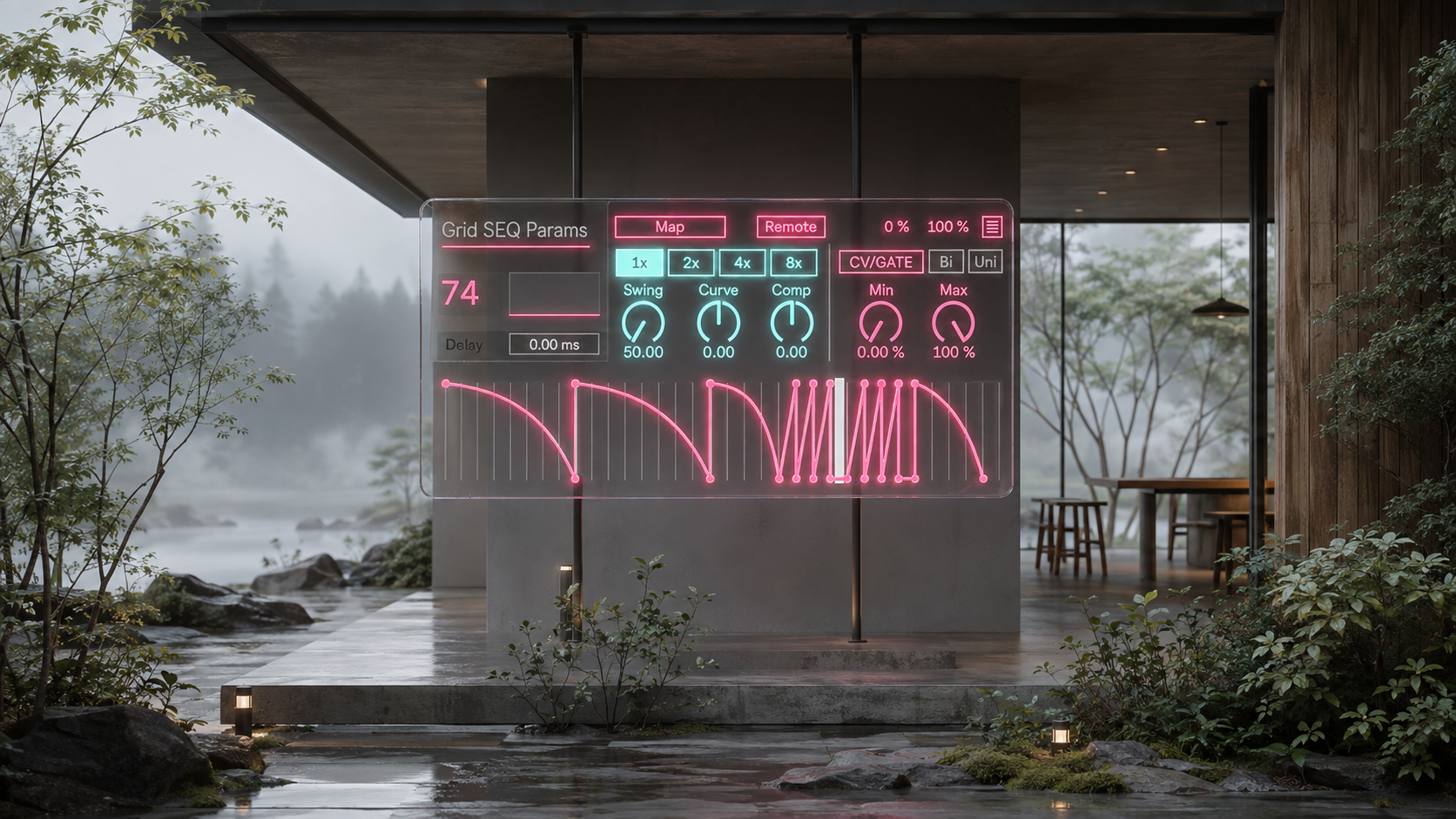
Change the Length and Timing
TimeMulti extends the Function across one, two, four, or eight times its base duration.
The same curve can operate as a short rhythmic movement, a two bar answer, a four bar development, or a long evolving transition while preserving its internal proportions.
Swing changes the placement of movement inside each pair of sixteenth notes. It also follows the Global Groove Amount in Ableton Live, allowing parameter motion to participate in the timing feel of the session rather than remaining mechanically straight.
Delay shifts the complete modulation curve by up to 200 milliseconds. A filter opening can occur just after the kick, an effect response can arrive behind the original attack, or the complete timbral gesture can move without changing the MIDI note position.
Practical Applications
Use GridSEQParams to keep a sub layer continuous while creating stronger movement in the midrange.
Use it to coordinate filter cutoff, wavetable position, FM amount, and distortion without building a separate automation lane for every destination.
Use it to keep an initial sound dry while introducing reverb or delay later in the phrase.
Use it to create irregular wobble patterns that contain holds, accents, and silence instead of repeating one fixed cycle.
Use it to add slow internal development to drones, pads, sustained notes, and long effect chains.
Use it for small variations that keep a loop alive, or make the modulation curve the main structural identity of the sound.
Integration in Ableton Live
GridSEQParams operates as a Max for Live device inside Ableton Live.
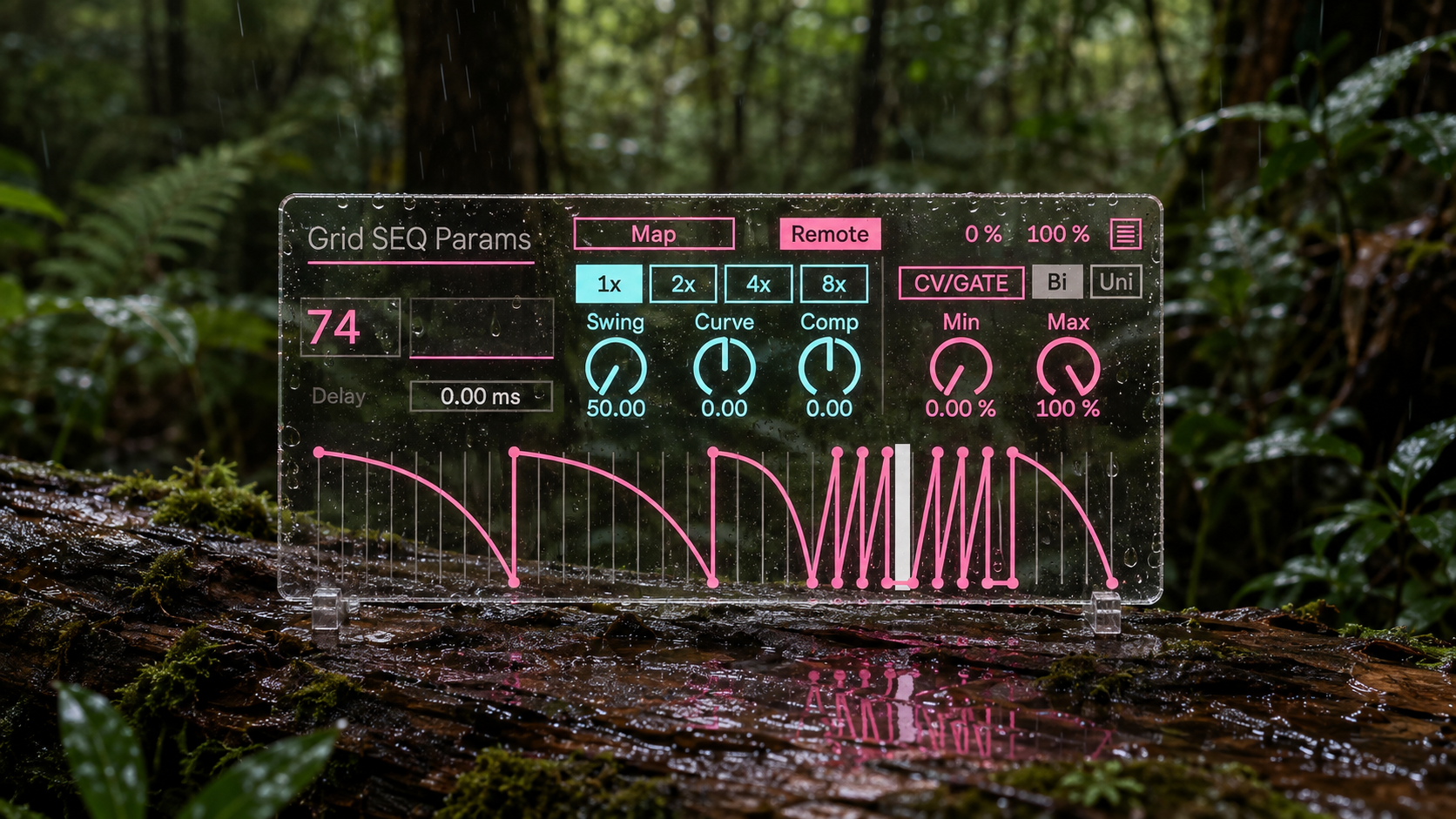
Place it in a track containing the instrument or effect chain you want to control, activate Map, and select a compatible parameter in Live. Additional Mapping rows are available from the expanded Mapping panel.
The device follows the Live transport and tempo, allowing the modulation phrase to remain connected to the arrangement while tempo, duration, Swing, and Delay are adjusted.
Access and Version Updates
Existing customers can access the latest available version by signing in to Sellfy with the account used for the original purchase. Updates remain available through the same account at no additional cost.
GridSEQParams is designed for producers who want modulation to become part of composition itself, rather than a technical layer added after the musical structure has already been decided.
v.8.0.4 Major Version 8 update introducing 300 Function presets, up to eight parameter mappings, Remote and Mod modes, Curve and Comp shaping, TimeMulti, Swing, Delay, CV and GATE output, and improved Mapping state restoration.
ver.7.3 ... Fixed mapping window bug. (3/13/2025)
ver.7.2 ... Fixed automation parameter bug. (1/26/2025)
ver.7.1 ... added 5 more presets. (1/24/2025)
ver.7.0 ... added comp & curve waveshaping. (1/8/2025)
ver.6.7 ... 6 more presets added. (12/8/2024)
Ver.1.1 ... cv audio out mode added.
Ver.1.4 ... presets added.
Ver.1.5 ... presets added.
Ver.1.6.1 ... bug fixed.
Ver.1.6.2 ... Dur bug fixed.
Ver.1.6.3 ... presets added.
Ver.1.6.4 ... mapping bug fixed.
Ver.2.0 ... UI updated, sync bug fixed.
Ver.2.2 ... Function bug fixed.
Ver.2.3 ... Time signature bug fixed.
Ver.2.5 ... UI updated.
Ver.3.0 ... UI updated.
Ver.3.1 ... Smooth Added.
Ver.3.5... UI updated.
ver.4.0 ... UI updated.
ver.4.2 ... Multiplier bug fixed.
ver.5.0 ... Everything has been renewed.
ver.6.0 ... Live 12 support, UI updated.
ver.6.1 ... Initial parameter updated.
ver.6.5 ... Delay added, 13 new presets added, reset bug fixed. (2024/8/14)
ver.6.6 ... preset number float bug fixed. (2024/9/27)
Modulator
Grid SEQ Params https://akihikomatsumoto.sellfy.store/p/abletongridseqparams/
LFMW https://akihikomatsumoto.sellfy.store/p/abletonlfmw/
Parameter SEQ https://akihikomatsumoto.sellfy.store/p/ableton-parameter-seq/
LFDUO https://akihikomatsumoto.sellfy.store/p/abletonlfduo/
Random Value https://akihikomatsumoto.sellfy.store/p/ableton-random-value/
Akihiko Matsumoto
Study Site https://akihikomatsumoto.com/study/
Ableton M4L, Serum Preset Store https://akihikomatsumoto.com/download/
Sample Pack https://akihikomatsumoto.sellfy.store/sample-pack/
Bandcamp https://akihikomatsumoto.bandcamp.com
Ableton Skin https://akihikomatsumoto.sellfy.store/p/ableton-skin-pack/
Spotify https://open.spotify.com/artist/1tZMmxzZbvNu6klyKXa0L1?si=2JZaFeLbREi-UownD8POSg