
$9.99+
Ableton Loud Meter v.1.1
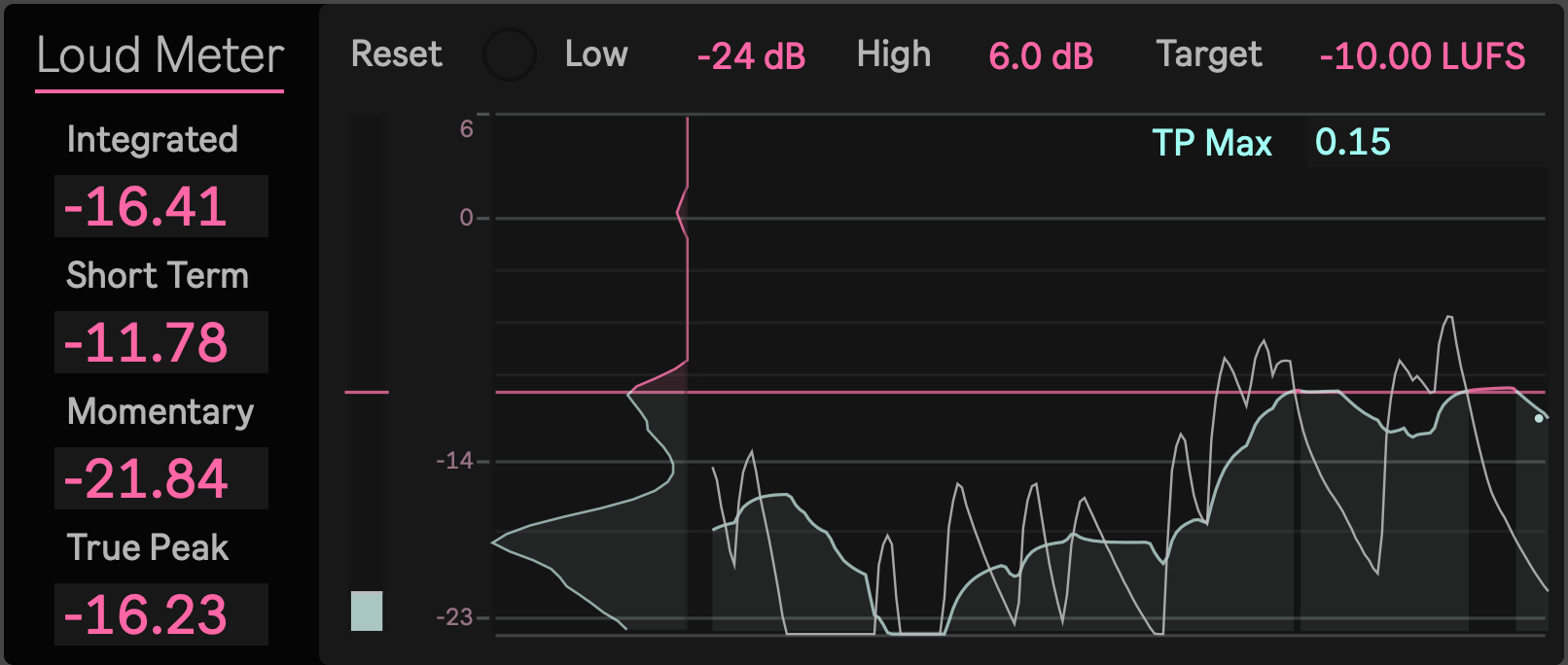
Max for Live Device: Clear loudness decisions
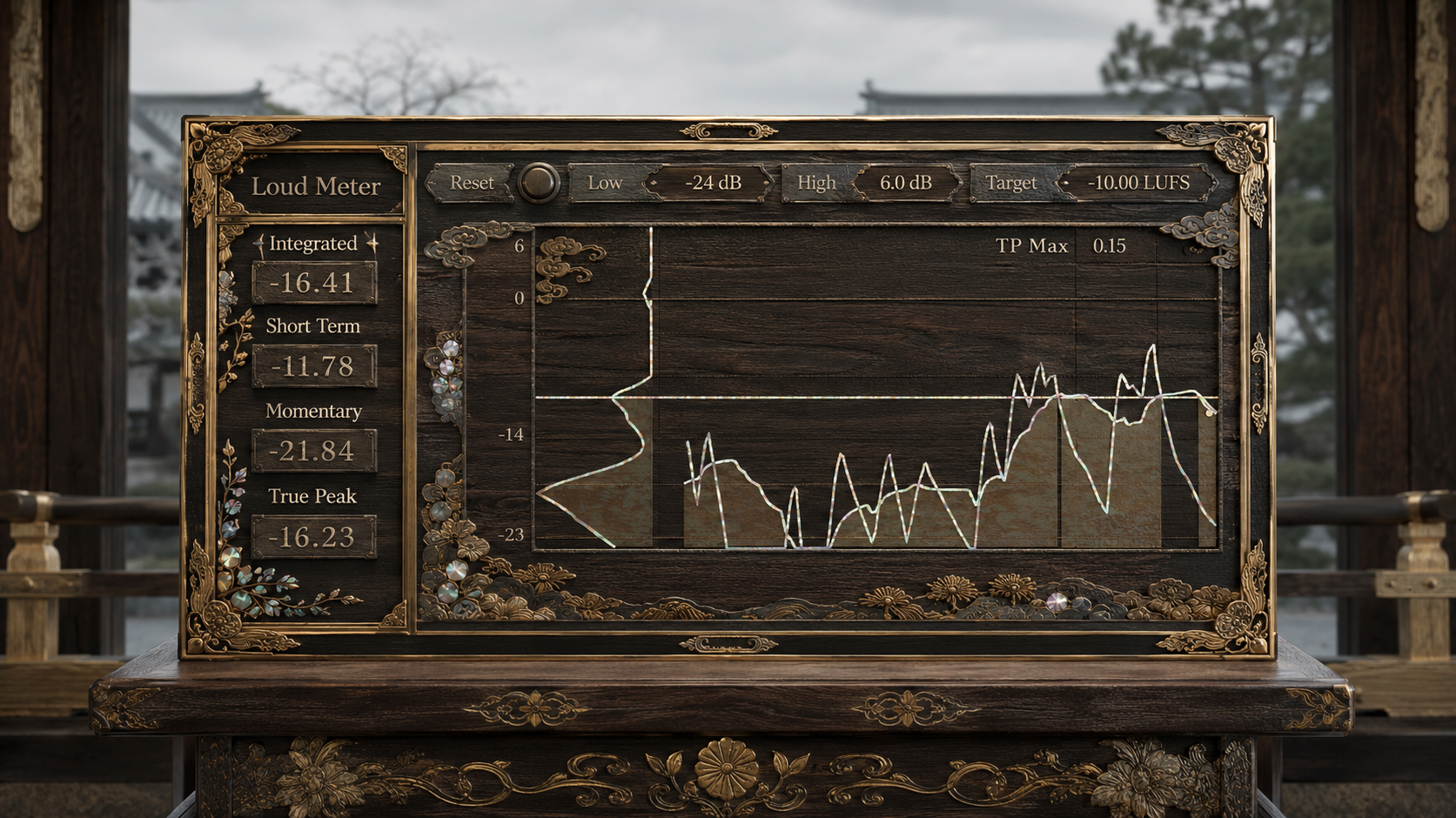
Loud Meter is a compact stereo loudness meter for Max for Live. It gives you a focused view of the measurements that matter when checking a mix or master, without adding unnecessary processing or changing the character of your audio.
Use it to understand how loud your track feels over time, how individual sections compare, and whether your peaks leave enough playback headroom.
Loud Meter is a measurement tool. It does not make your audio louder. It helps you make better decisions about balance, density, dynamics, and final output level.
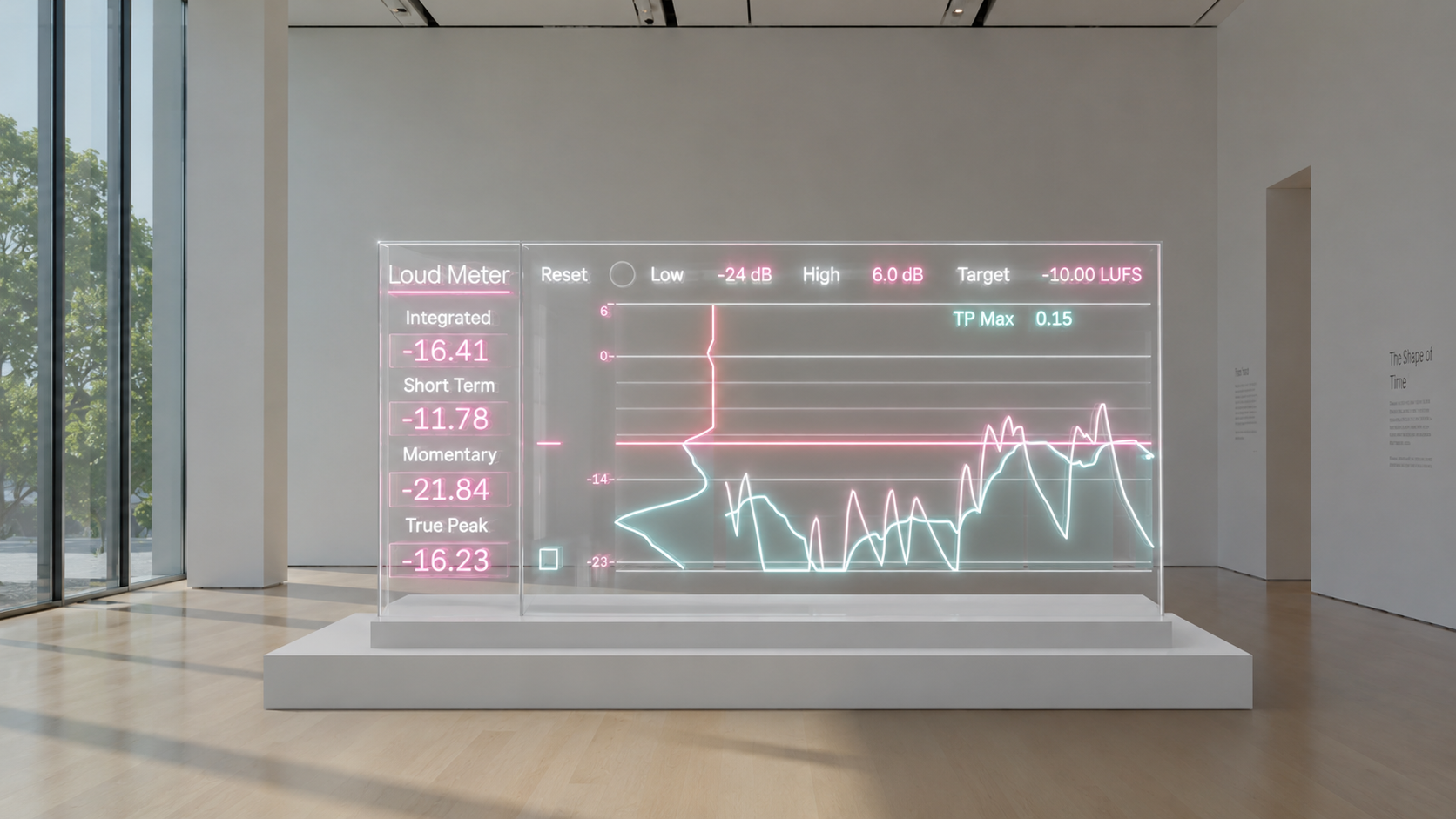
See the full loudness picture
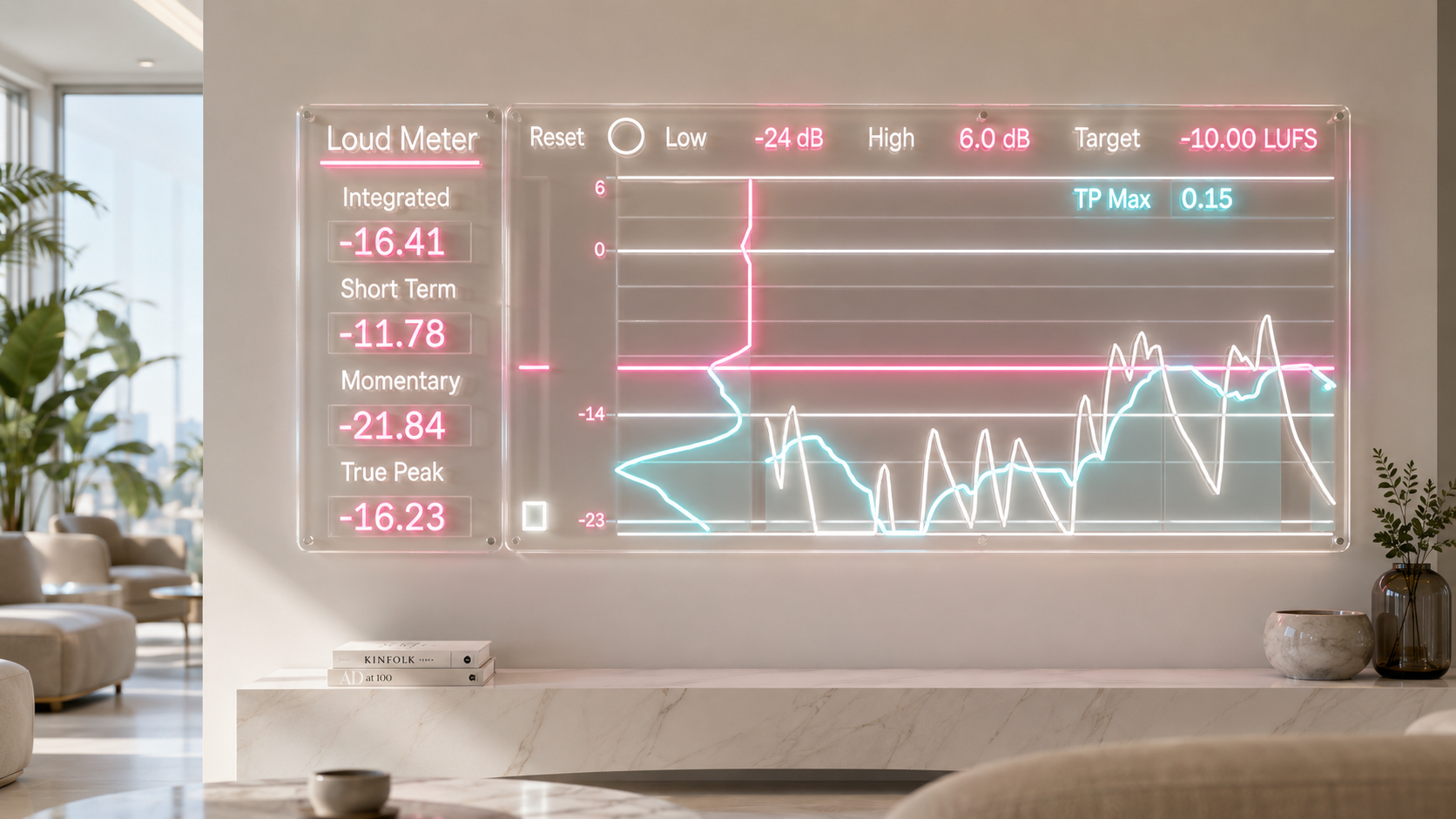
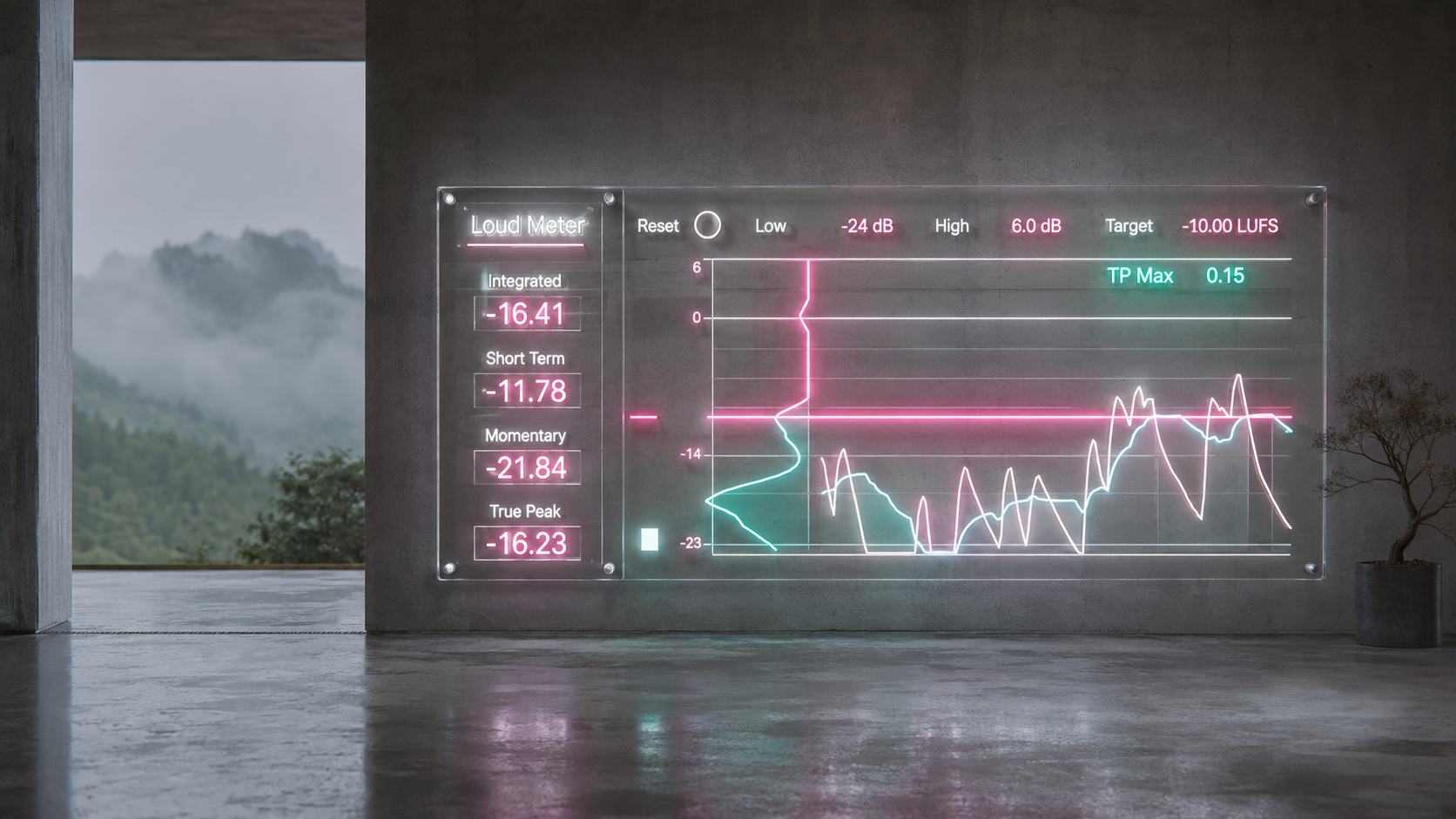
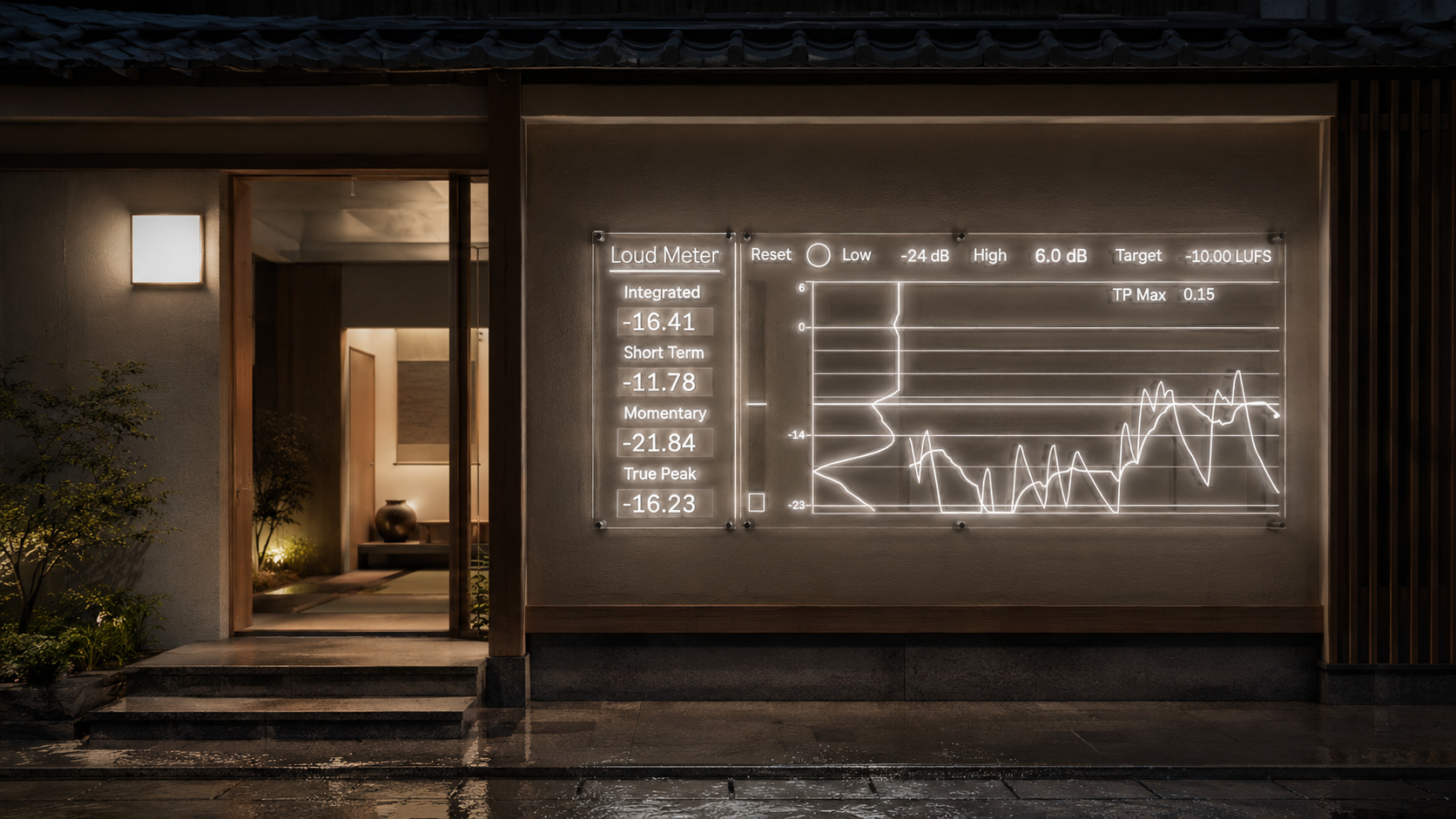
Integrated shows the average loudness measured since the last Reset. Use it as the main reference after playing the complete track.
Short Term shows the average loudness over approximately three seconds. It is useful for comparing verses, choruses, drops, vocal phrases, and other musical sections.
Momentary responds over approximately 0.4 seconds. It gives you a fast view of kicks, snares, transients, vocal endings, and other short changes.
True Peak estimates peaks that may occur between digital samples. This helps you identify limited playback headroom that may not be obvious from standard sample peak readings.
TP Max keeps the highest detected True Peak value visible, so you can review the maximum after playback.
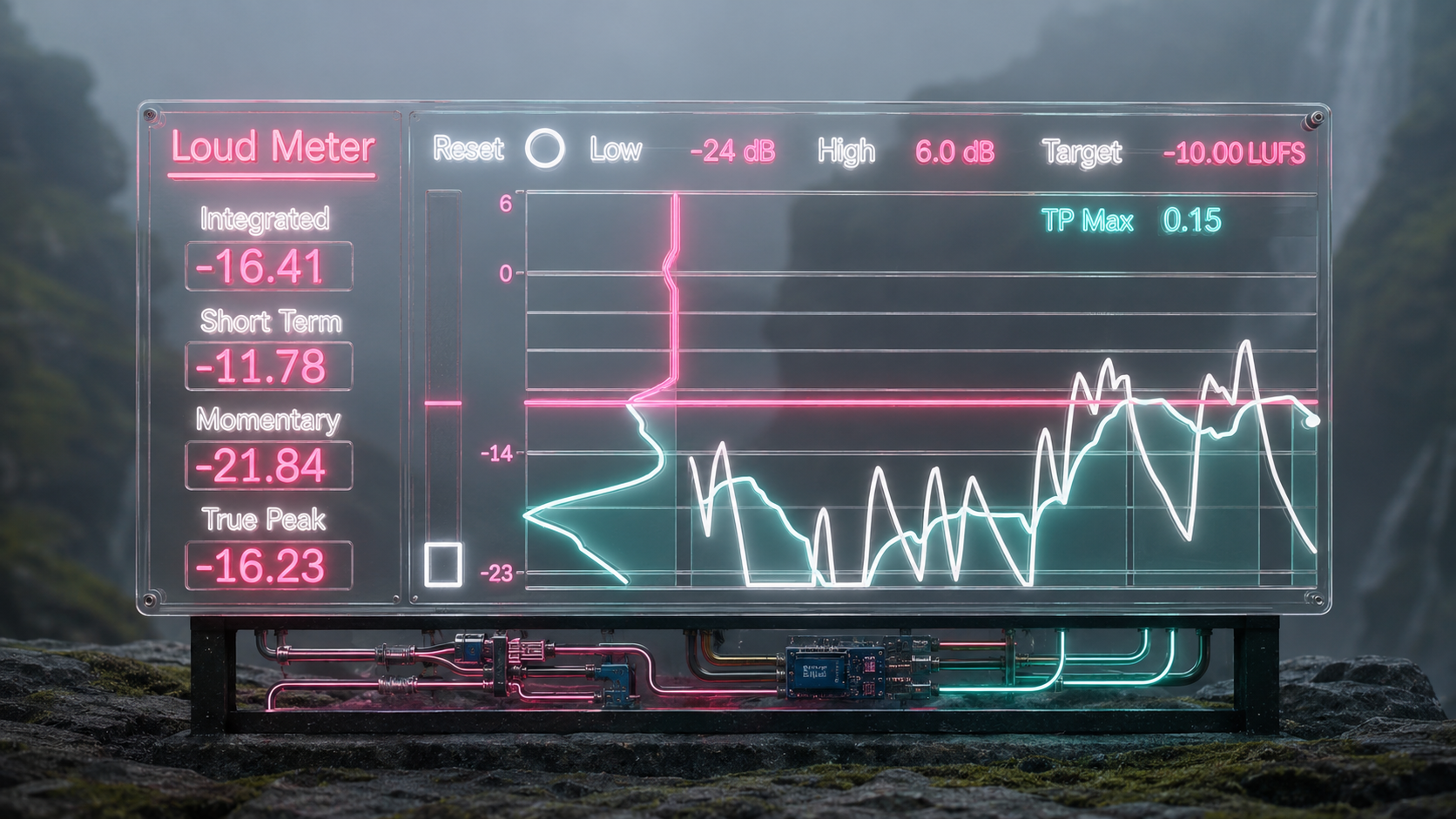
Follow loudness over time
The central graph displays recent Momentary and Short Term movement, giving you a visual overview of how the track changes from section to section.
The history view covers approximately 19.2 seconds, making it easier to spot sudden jumps, dense sections, quiet passages, and sustained loudness changes.
A distribution display provides an additional view of how the measured loudness is concentrated across the visible range.
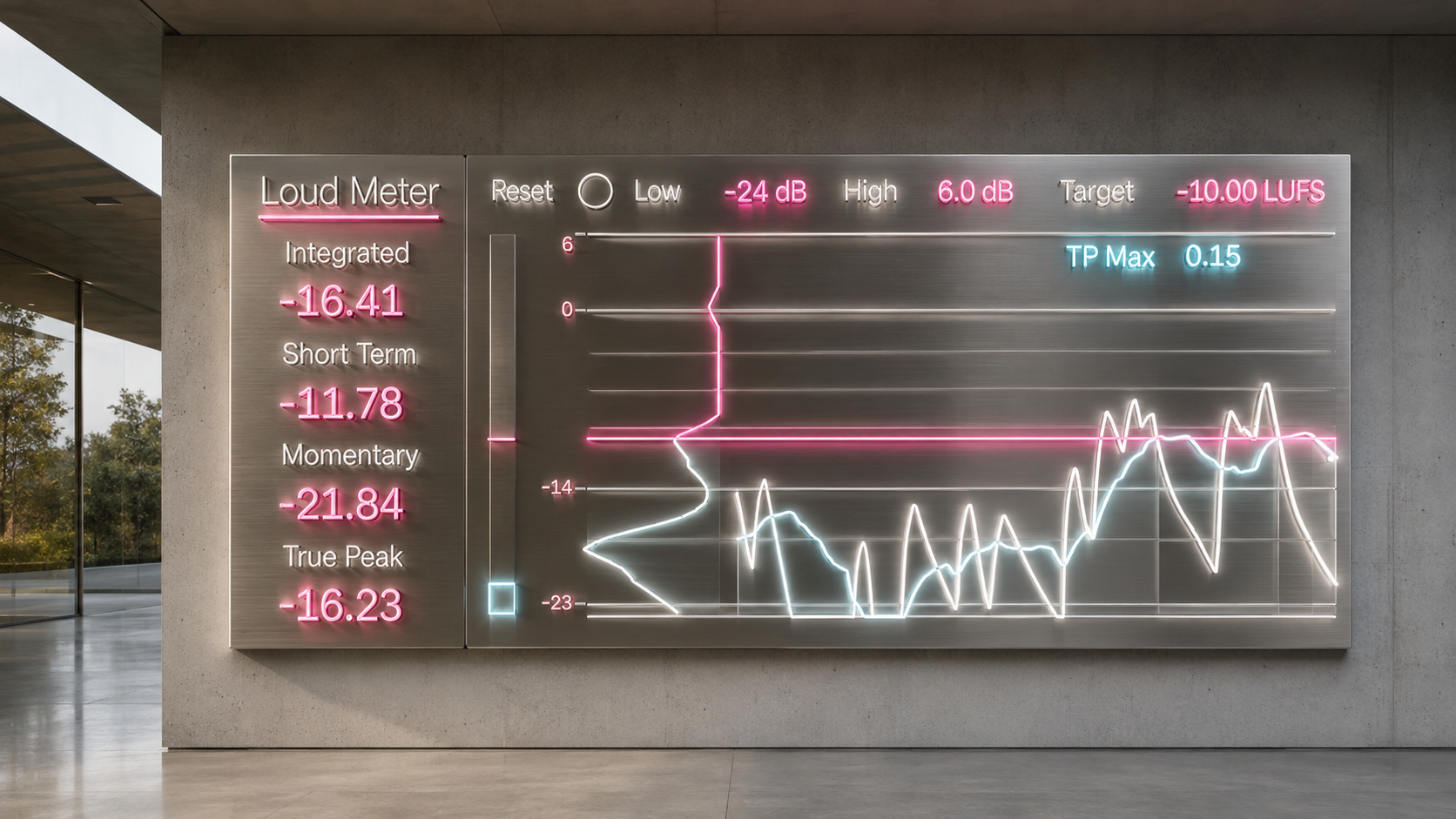
Set a visual reference
Target sets the comparison point used by the graph.
Changing Target does not alter the audio and does not change the underlying loudness measurement. It simply gives you a clear visual reference for checking whether the current material is above or below your chosen working level.
Low and High adjust the visible graph range. They affect the display only and do not change the measurement.
Simple measurement workflow
- Place Loud Meter on the track, group, or master channel you want to measure.
- Press Reset at the beginning of the material.
- Play the track from start to finish.
- Review Integrated and TP Max after playback.
- Use Short Term, Momentary, and the history graph to inspect individual sections and short level changes.
Press Reset whenever you begin measuring a different track or section.
Useful for
- Checking complete mixes and masters
- Comparing verses, choruses, drops, and quieter passages
- Reviewing the density of individual musical sections
- Identifying sudden loudness changes
- Checking True Peak headroom before export
- Evaluating loudness directly inside Ableton Live
Visible measurements and controls
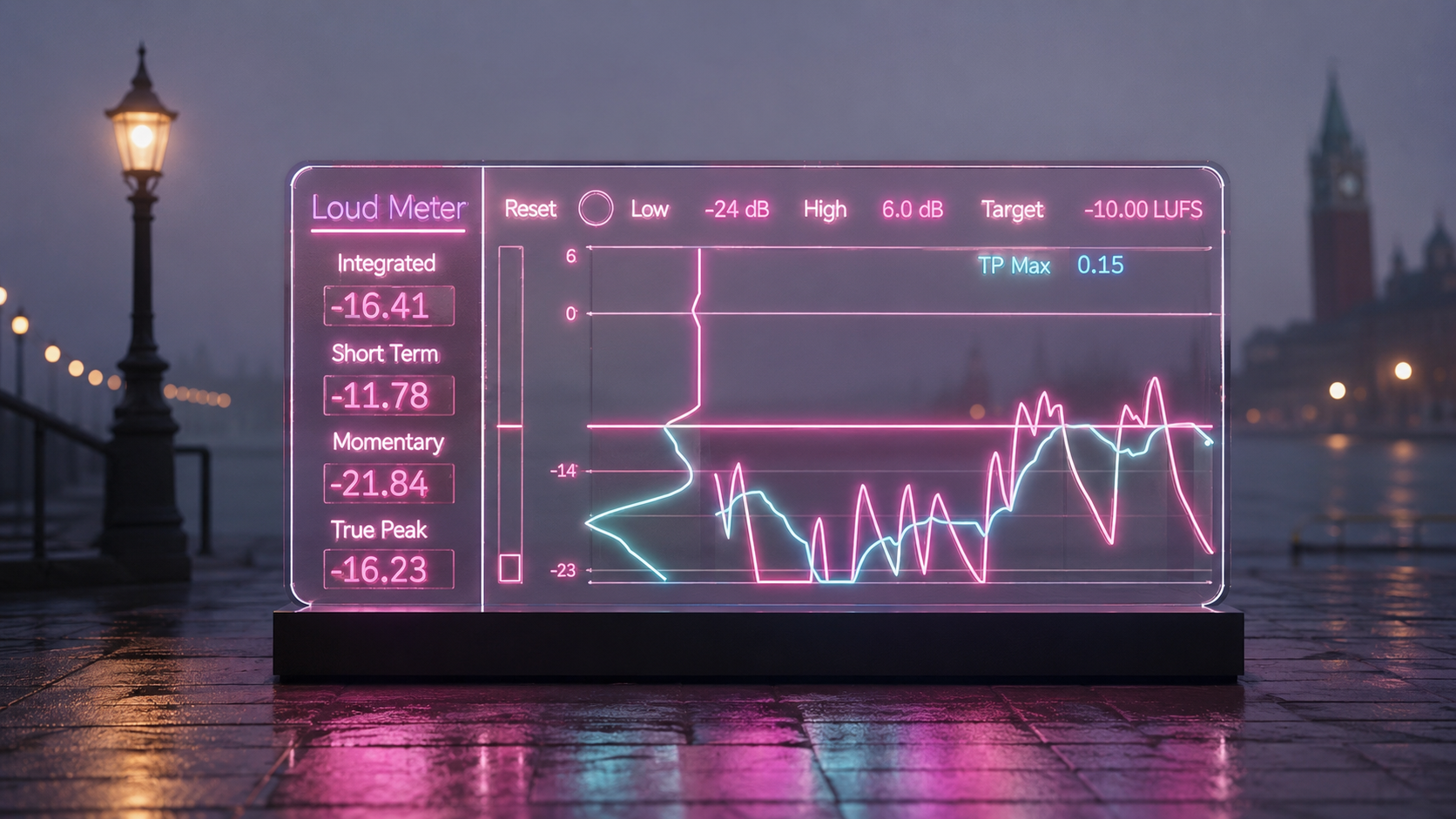
- Integrated LUFS
- Short Term LUFS
- Momentary LUFS
- True Peak in dBTP
- TP Max hold
- Recent loudness history graph
- Loudness distribution display
- Adjustable Target reference
- Adjustable Low and High display bounds
- Reset control
Technical information
Product type: Stereo Max for Live loudness meter
Version: 1.0
Supported sample rates: 44.1 kHz, 48 kHz, 88.2 kHz, and 96 kHz
Format: AMXD device
Required environment: Ableton Live with Max for Live support
The supplied technical documentation does not specify minimum Ableton Live or Max for Live versions. Confirm that your system can load Max for Live AMXD devices before purchase.
Perpetual license and future updates
Your purchase includes a perpetual license to use Loud Meter.
You will also receive access to future product updates as they become available, without needing to purchase the device again.
Utility
Loud Meter https://akihikomatsumoto.sellfy.store/p/ableton-loud-meter/
Sidechain Gate https://akihikomatsumoto.sellfy.store/p/abletonsidechaingate/
Wave Scope https://akihikomatsumoto.sellfy.store/p/abletonwavescope/
Clock https://akihikomatsumoto.sellfy.store/p/abletonclock/
MIDICCOUT https://akihikomatsumoto.sellfy.store/p/abletonmidiccout/
MIDI Freq https://akihikomatsumoto.sellfy.store/p/abletonmidifreq/
Dual Pan https://akihikomatsumoto.sellfy.store/p/ableton-dual-pan/
MIDI Note Remover https://akihikomatsumoto.sellfy.store/p/ableton-midi-note-remover/
AKAIst https://akihikomatsumoto.sellfy.store/p/ableton-akaist/
Grid SEQ Params https://akihikomatsumoto.sellfy.store/p/abletongridseqparams/
LFMW https://akihikomatsumoto.sellfy.store/p/abletonlfmw/
Parameter SEQ https://akihikomatsumoto.sellfy.store/p/ableton-parameter-seq/
LFDUO https://akihikomatsumoto.sellfy.store/p/abletonlfduo/
Random Value https://akihikomatsumoto.sellfy.store/p/ableton-random-value/
Utillity++ https://akihikomatsumoto.sellfy.store/p/ableton-utility/
Drone Note https://akihikomatsumoto.sellfy.store/p/abletondronenote/
Akihiko Matsumoto
Study Site https://akihikomatsumoto.com/study/
Ableton M4L, Serum Preset Store https://akihikomatsumoto.com/download/
Sample Pack https://akihikomatsumoto.sellfy.store/sample-pack/
Bandcamp https://akihikomatsumoto.bandcamp.com
Ableton Skin https://akihikomatsumoto.sellfy.store/p/ableton-skin-pack/
Spotify https://open.spotify.com/artist/1tZMmxzZbvNu6klyKXa0L1?si=2JZaFeLbREi-UownD8POSg