
$4.99+
Ableton Drone Note ver.3.0 Max for Live Device (.amxd file)
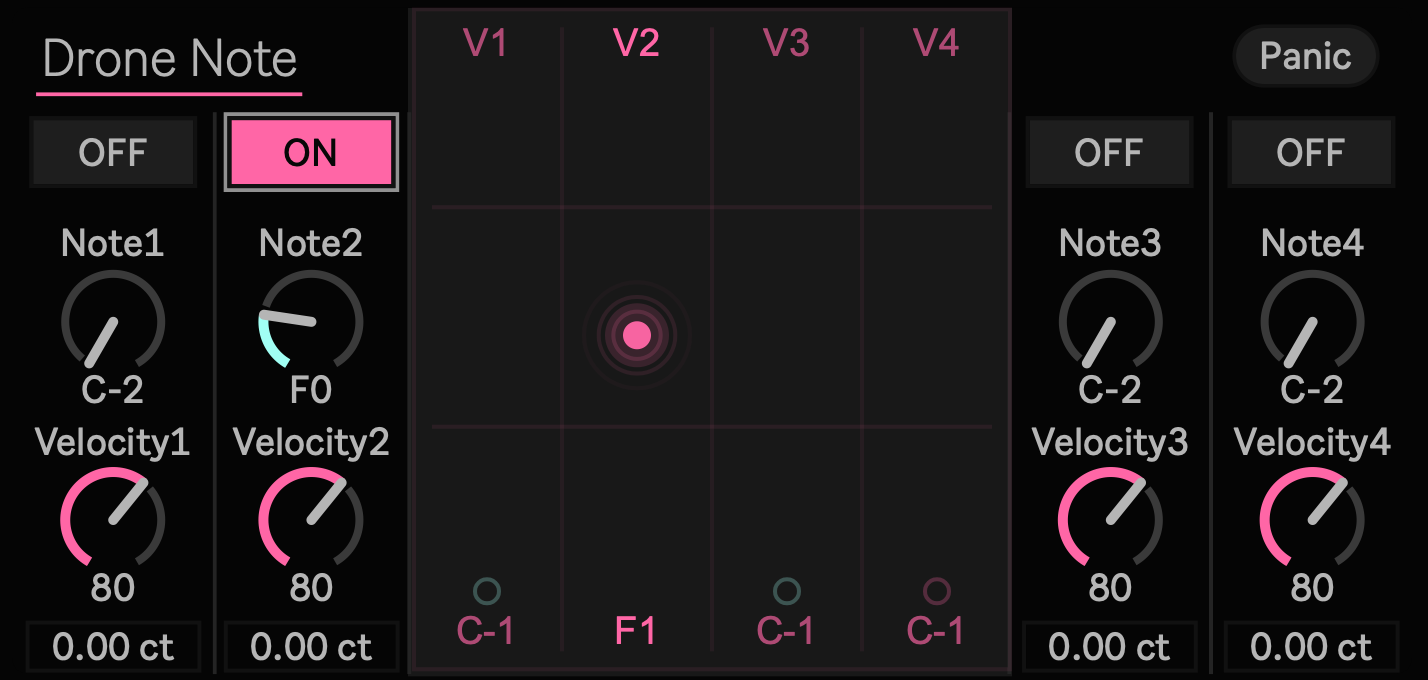
Do not sequence the notes. Shape the time they remain.
DroneNote 3.0 is a Max for Live MIDI Effect for sustaining four independent notes.
Begin with a single tone. Introduce another slowly. Hold several pitches together while changing only the smallest tuning differences between them. Remove one voice at a time and let subtraction become part of the performance.
Without relying on chord progressions or repeating sequences, DroneNote 3.0 lets you build music from sustained pitch, density, beating, and the gradual movement of four voices.
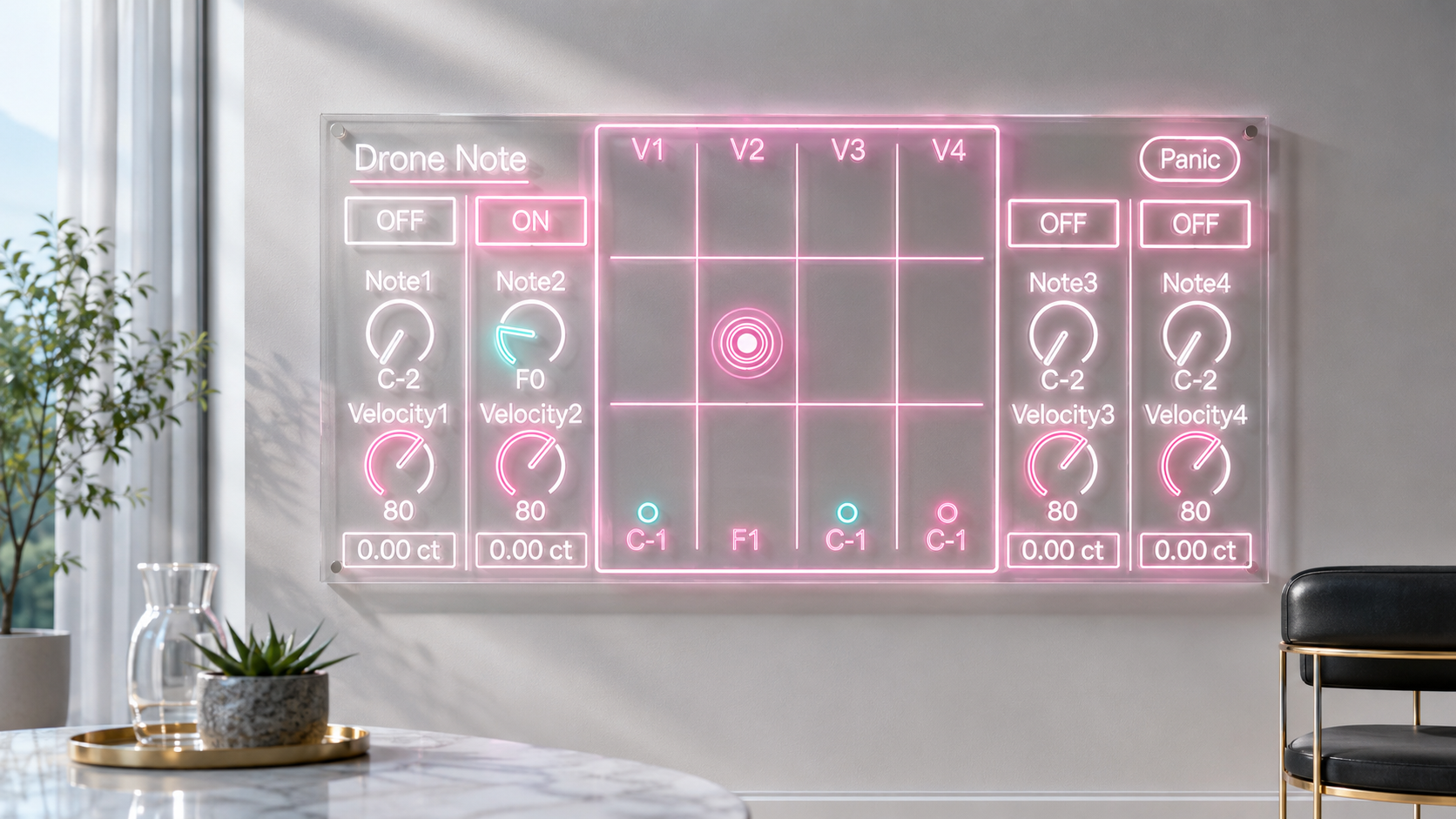
Movement inside a sustained chord
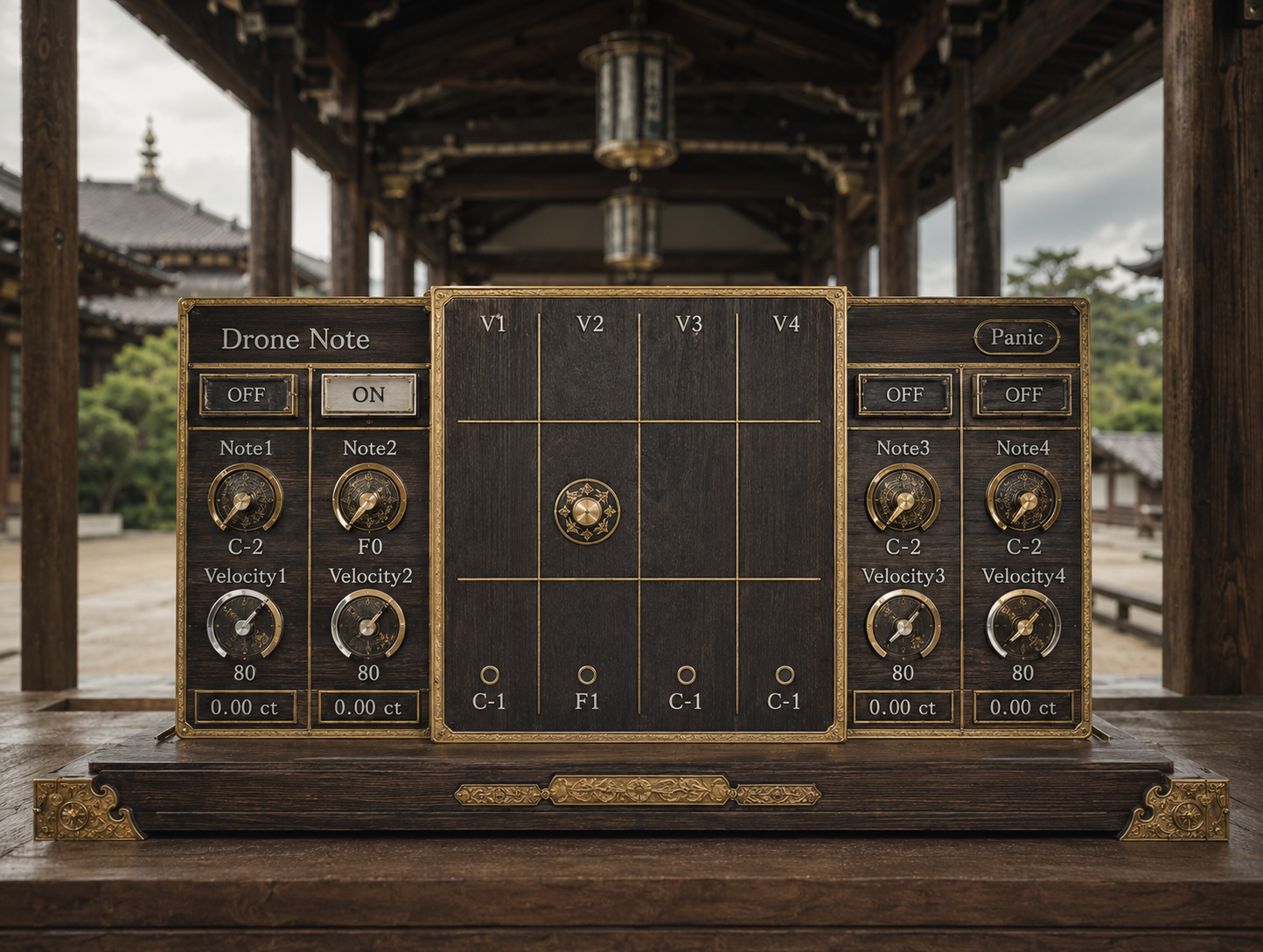
Each voice has its own Note, Velocity, Fine, and On controls.
Assign the same note to several voices and offset their Fine values by only a few cents. The perceived pitch remains almost unchanged, but slow beating begins to move inside the sound.
Increase the difference to introduce friction, blur, or instability. Spread the voices across octaves, build open fifths, or gather neighboring pitches into a dense cluster.
DroneNote 3.0 does not treat a chord as a finished object. It lets you work directly with the position of each pitch, the distance between voices, and the decision of which tones remain active.
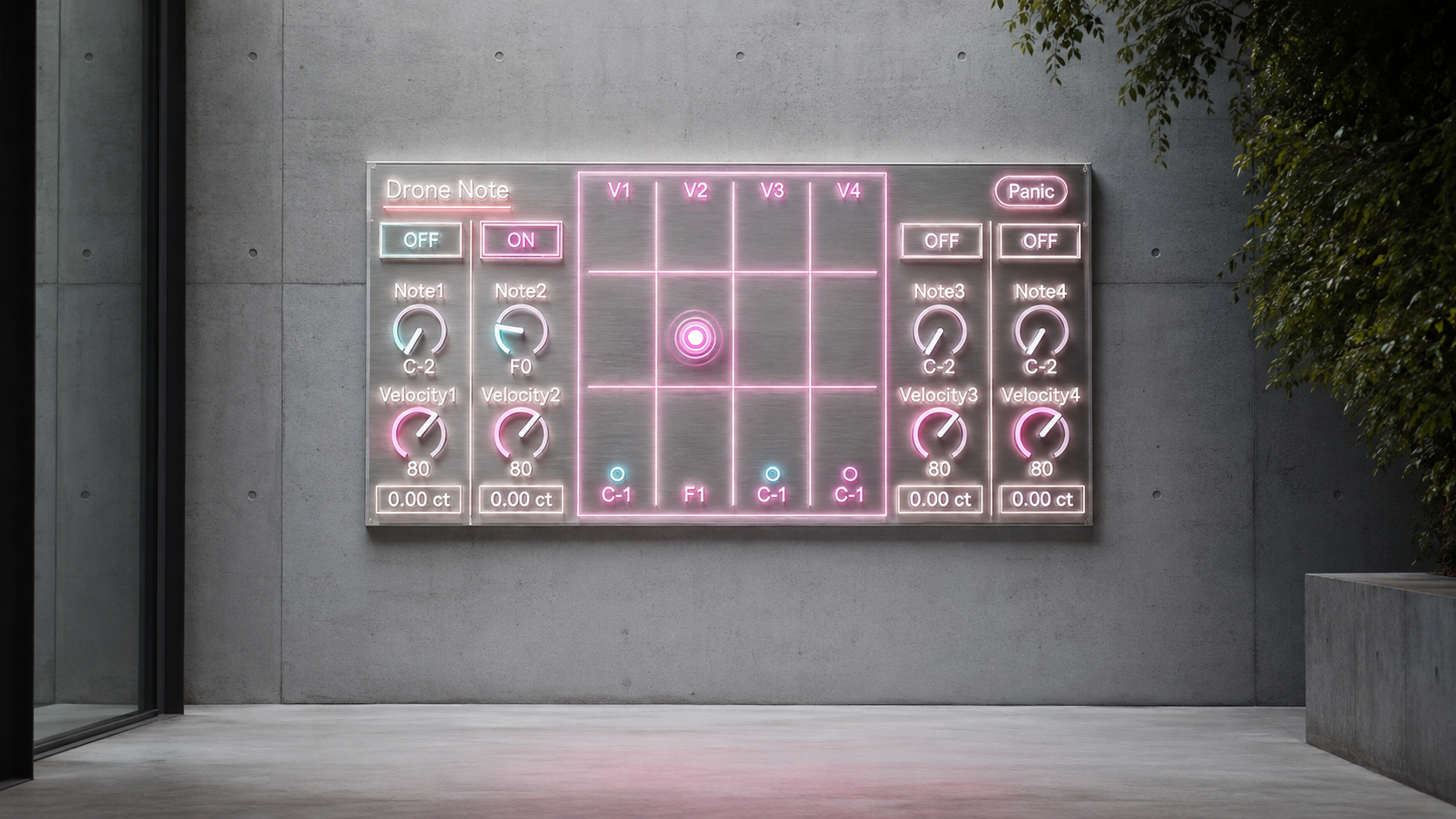
Build long forms without changing the sound source
The four voices do not need to begin together.
Start with one voice and wait before adding the next. Gradually build toward four sustained tones, then remove them one by one. A long musical form can emerge from the entrance and disappearance of voices alone.
Each On control sends an actual MIDI Note On or Note Off message. When the receiving instrument has a long release, delay, or reverb, the sound can continue naturally after DroneNote has released the note.
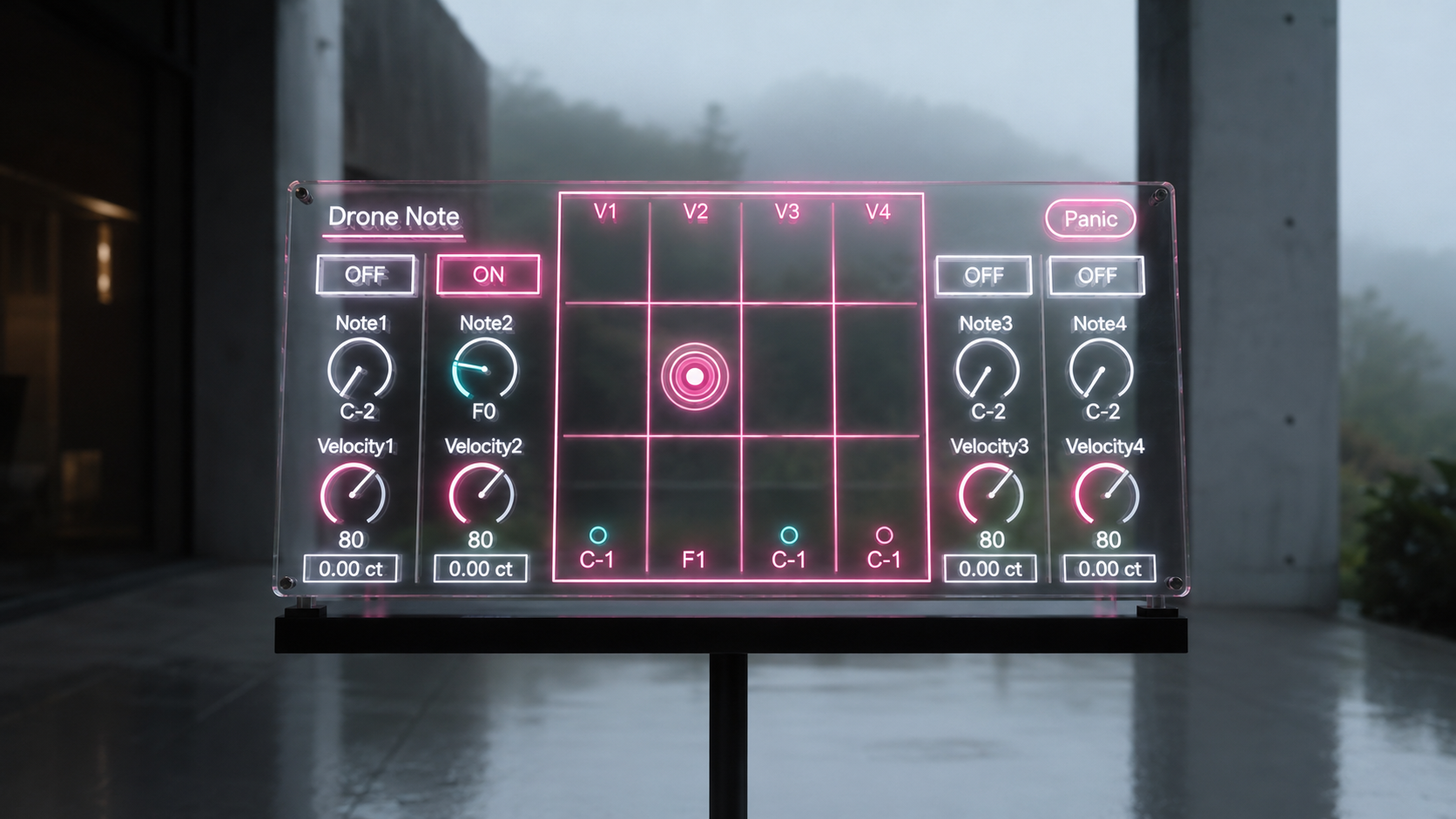
Perform above the drone
Incoming MIDI passes through DroneNote 3.0 to the instrument that follows it.
You can sustain low tones with DroneNote while performing higher notes from a keyboard on the same track. The held drone and the live performance remain part of the same instrument instead of being separated across different tracks.
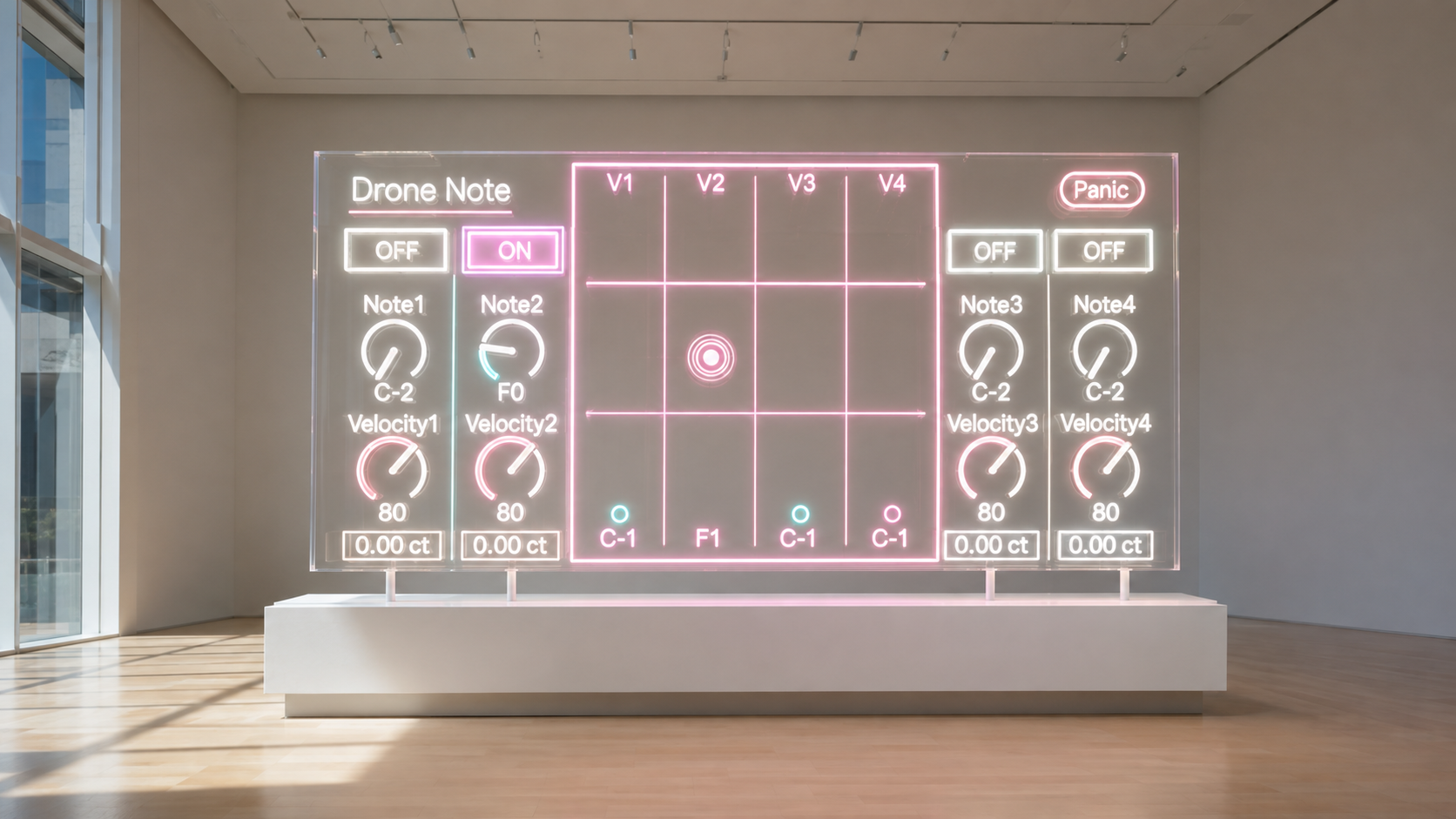
See the current pitch state
The central V8UI displays the pitch and activity of all four voices.
You can see which voices are sounding, the small positional differences created by Fine, recent pitch changes, and incoming MIDI notes.
This is not an audio waveform or spectrum display. It is a direct view of the MIDI state currently produced by DroneNote 3.0.
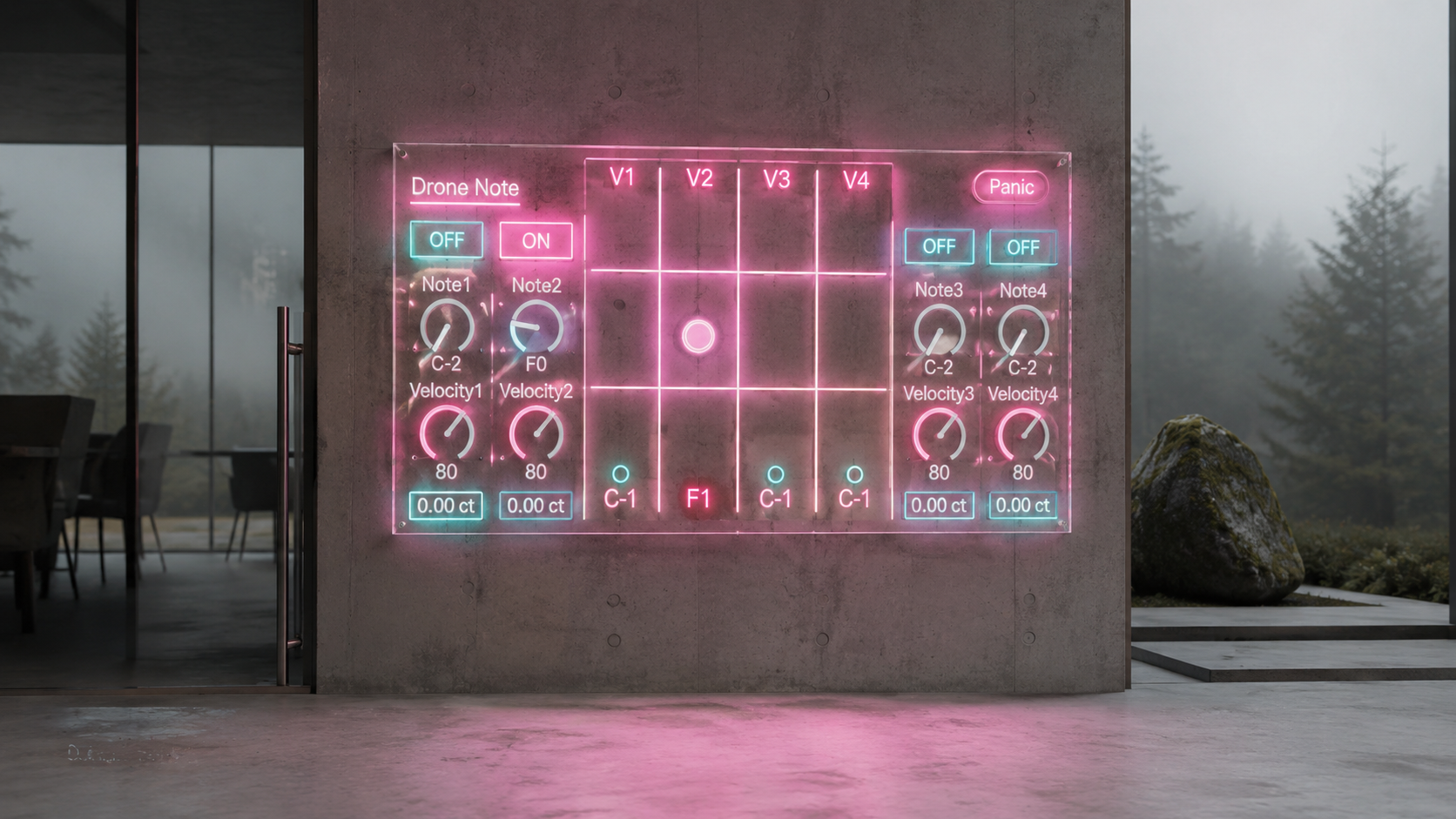
Use it in composition and live performance
All sixteen voice parameters can be automated in Ableton Live.
Note, Velocity, Fine, and On can become part of the composition itself. Voices can enter gradually, pitches can change over time, and microscopic tuning movement can be written into an arrangement or performed live.
The Panic control releases all four generated voices and returns Pitch Bend and On states to their neutral positions. It provides a reliable reset before replacing an instrument, changing an MPE configuration, duplicating a track, or closing a Live Set.
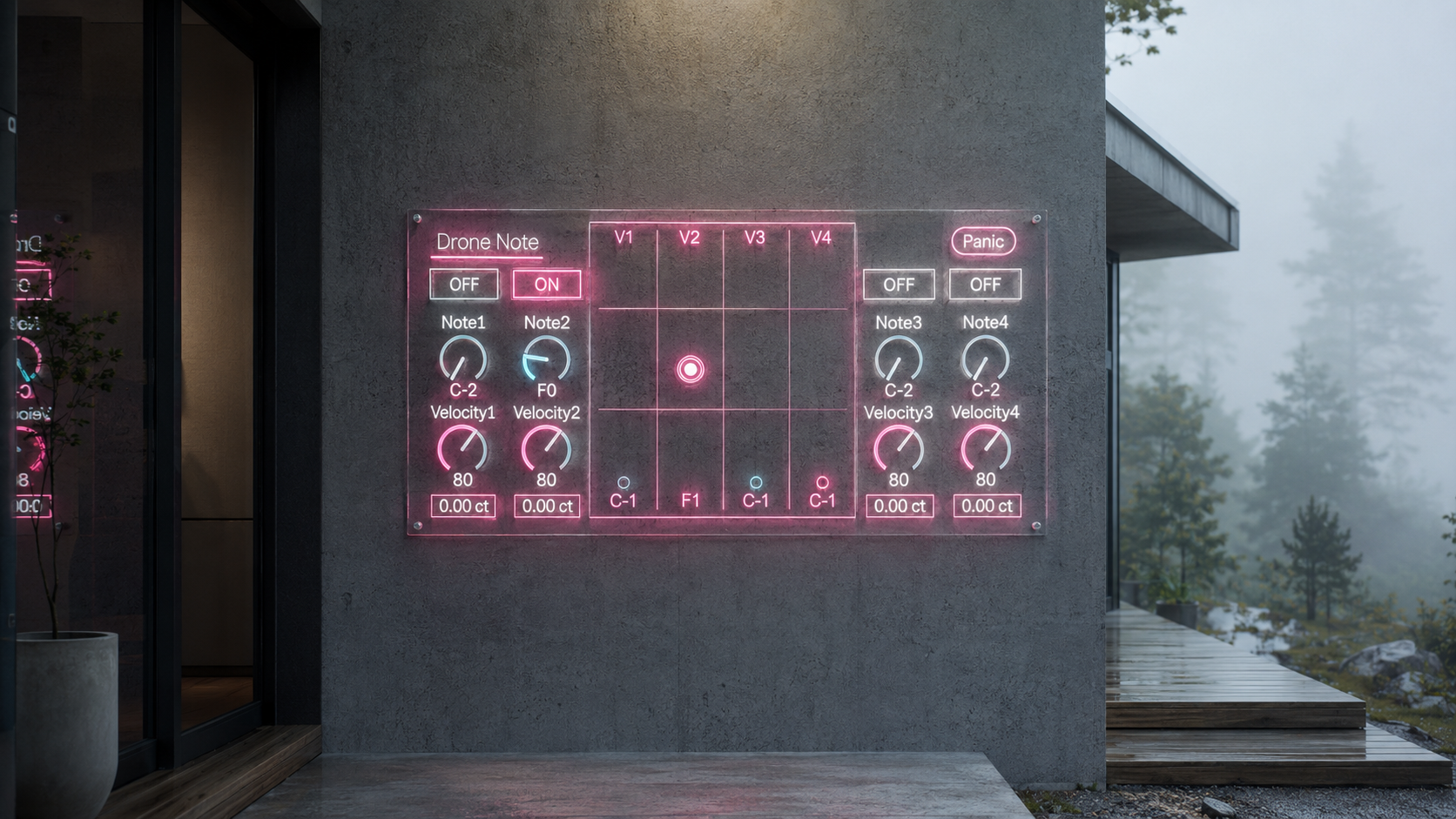
Main features
Four independent sustained MIDI voices
Individual Note, Velocity, Fine, and On controls for every voice
Fine tuning from minus 50 cents to plus 50 cents
Independent MPE Pitch Bend for each voice
MIDI Thru for keyboard performance above the sustained voices
Sixteen parameters available for Ableton Live automation
V8UI display for pitch, activity, Fine movement, recent changes, and incoming MIDI
Panic control for releasing all generated voices and resetting their states
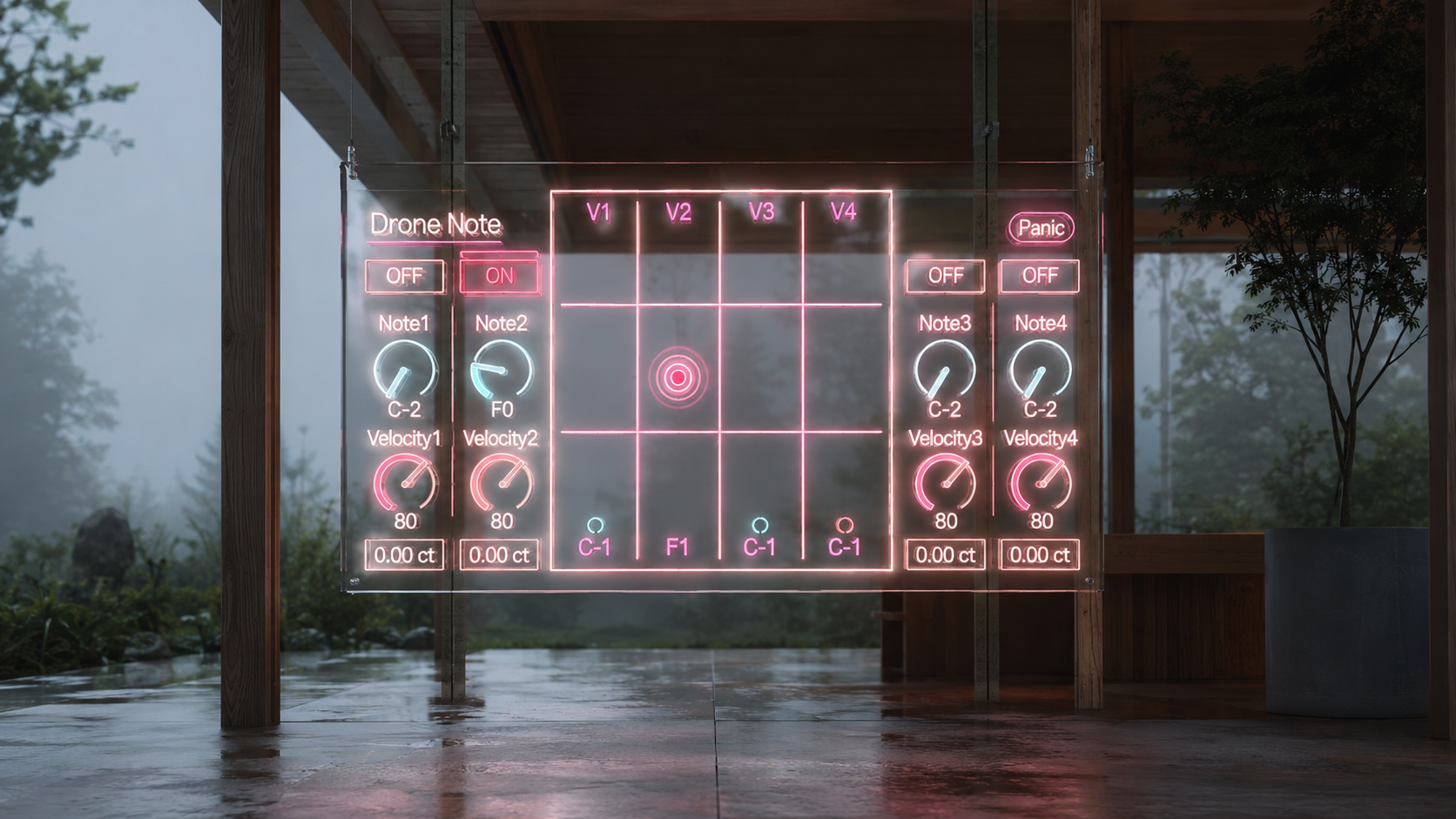
Requirements
DroneNote 3.0 is a Max for Live MIDI Effect.
Place a synthesizer or sampler after it on the same MIDI track. DroneNote 3.0 does not generate audio by itself.
The receiving instrument must support MPE to use Fine tuning correctly. To match the displayed Fine values, set the instrument Pitch Bend Range to plus or minus 48 semitones.
Product format
Max for Live MIDI Effect
AMXD format
Existing DroneNote owners can log in to Sellfy with the account used for the original purchase. DroneNote 3.0 is available as a free update with no additional charge.
New users can add DroneNote 3.0 to their setup and begin composing with the time, movement, and tension that exist inside sustained sound.
ver.3.0 ... Major Update. Added four independent drone notes, per-note micro timing offsets, safe Note Off handling, Panic, and real-time MIDI note visualization. UI Updated. (8/4/2026)
ver.2.0 ... MPE polyphonic pitch bend Supported. (12/24/2024)
MIDI Generate / MIDI FX
303quencer https://akihikomatsumoto.sellfy.store/p/ableton-303quencer/
Hardwave Arpeggiator https://akihikomatsumoto.sellfy.store/p/hardwavearpeggiator/
MIDI Gate Slicer https://akihikomatsumoto.sellfy.store/p/ableton-midi-gate-slicer/
Trance Shifter https://akihikomatsumoto.sellfy.store/p/abletontranceshifter/
Telequencer https://akihikomatsumoto.sellfy.store/p/abletontelequencer/
MIDI Burst https://akihikomatsumoto.sellfy.store/p/ableton-midi-burst/
MIDI Note Remover https://akihikomatsumoto.sellfy.store/p/ableton-midi-note-remover/
Div Beat https://akihikomatsumoto.sellfy.store/p/ableton-div-beat/
MIDICCOUT https://akihikomatsumoto.sellfy.store/p/abletonmidiccout/
Ratchet Gate https://akihikomatsumoto.sellfy.store/p/ableton-ratchet-gate/
Drone Note https://akihikomatsumoto.sellfy.store/p/abletondronenote/
Akihiko Matsumoto
Study Site https://akihikomatsumoto.com/study/
Ableton M4L, Serum Preset Store https://akihikomatsumoto.com/download/
Sample Pack https://akihikomatsumoto.sellfy.store/sample-pack/
Bandcamp https://akihikomatsumoto.bandcamp.com
Ableton Skin https://akihikomatsumoto.sellfy.store/p/ableton-skin-pack/
Spotify https://open.spotify.com/artist/1tZMmxzZbvNu6klyKXa0L1?si=2JZaFeLbREi-UownD8POSg