
$12.99+
Ableton MIDI Freq ver.2.0
Max for Live Device (.amxd file)
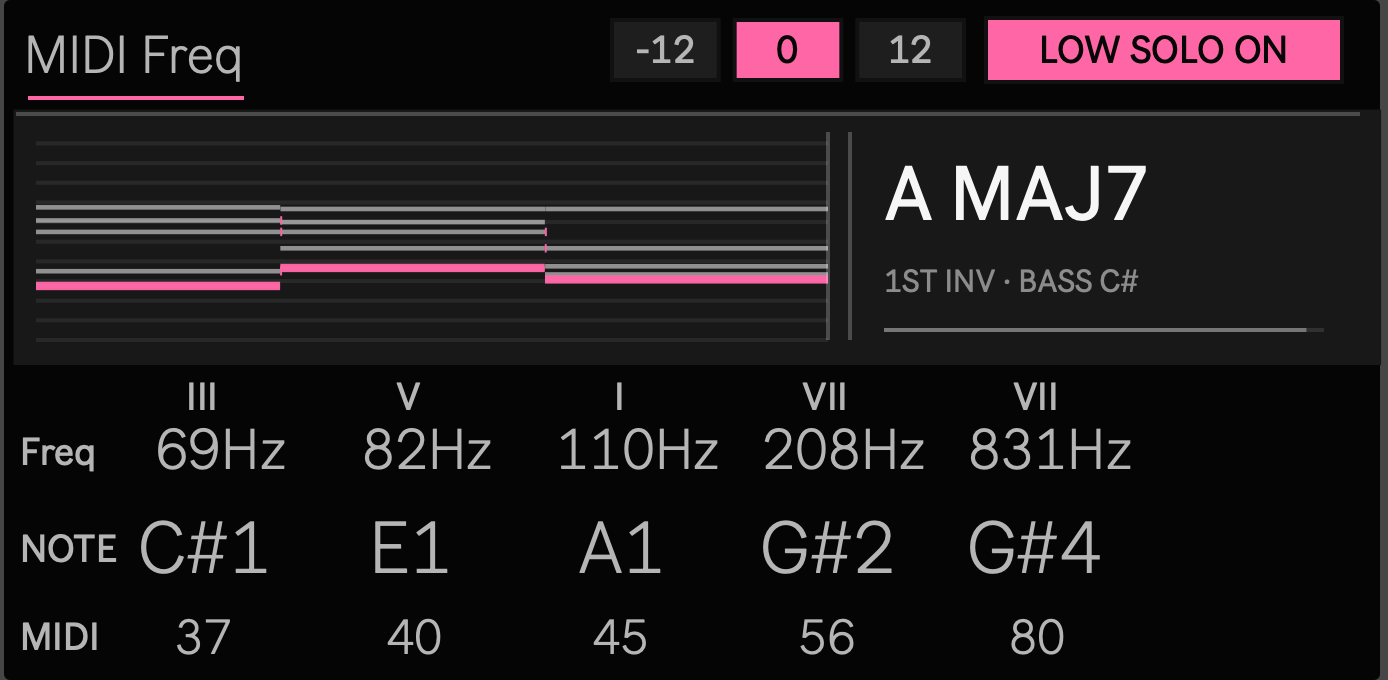
See inside the notes you are playing
When you play a chord, the chord name is only one part of what is happening.
Which note is at the bottom? What frequency does each pitch represent? Which voices moved from the previous chord, and which ones stayed in place? What role does each note have inside the harmony?
MIDI Freq lets you observe your MIDI performance from several perspectives at the same time.
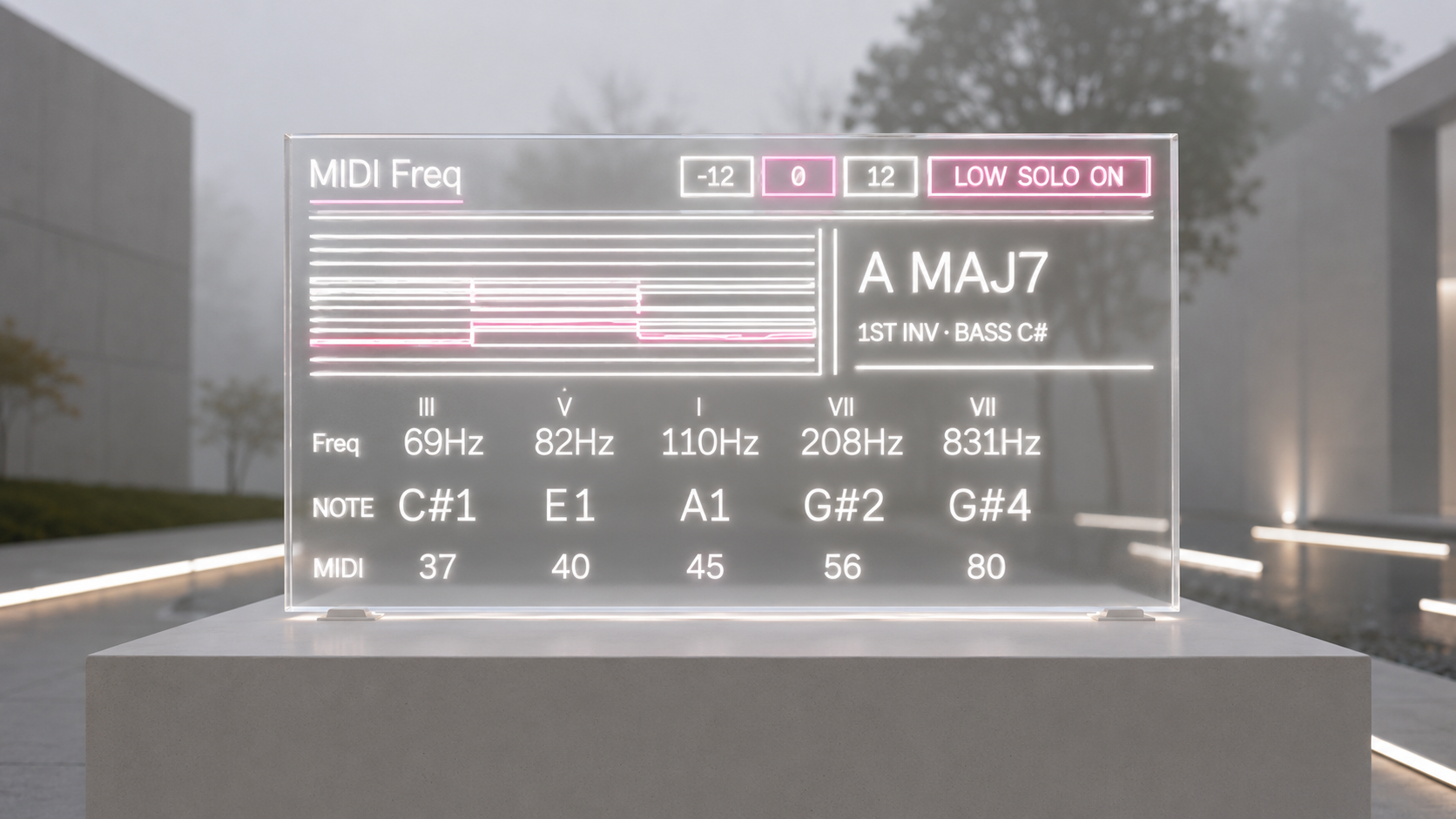
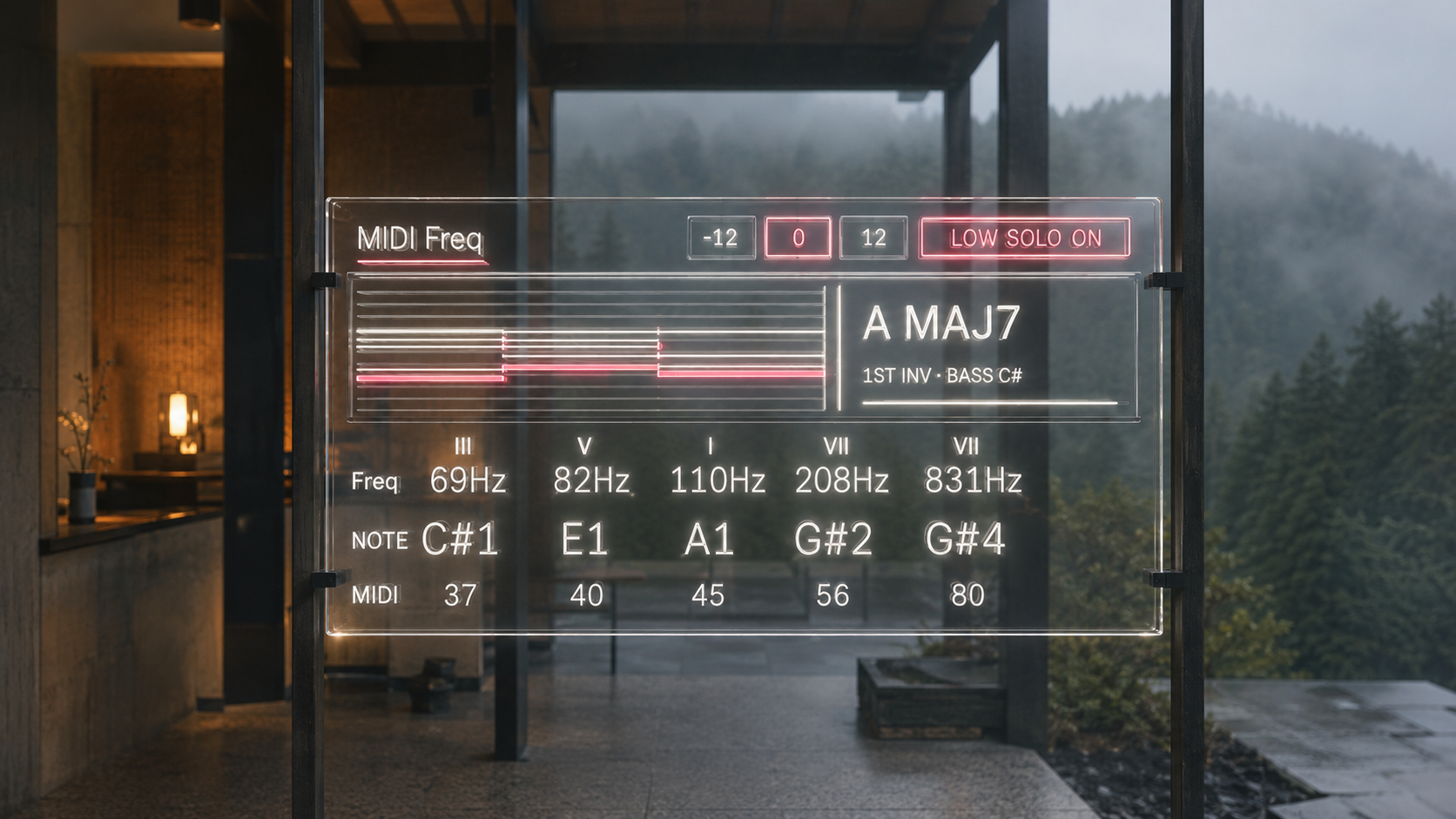
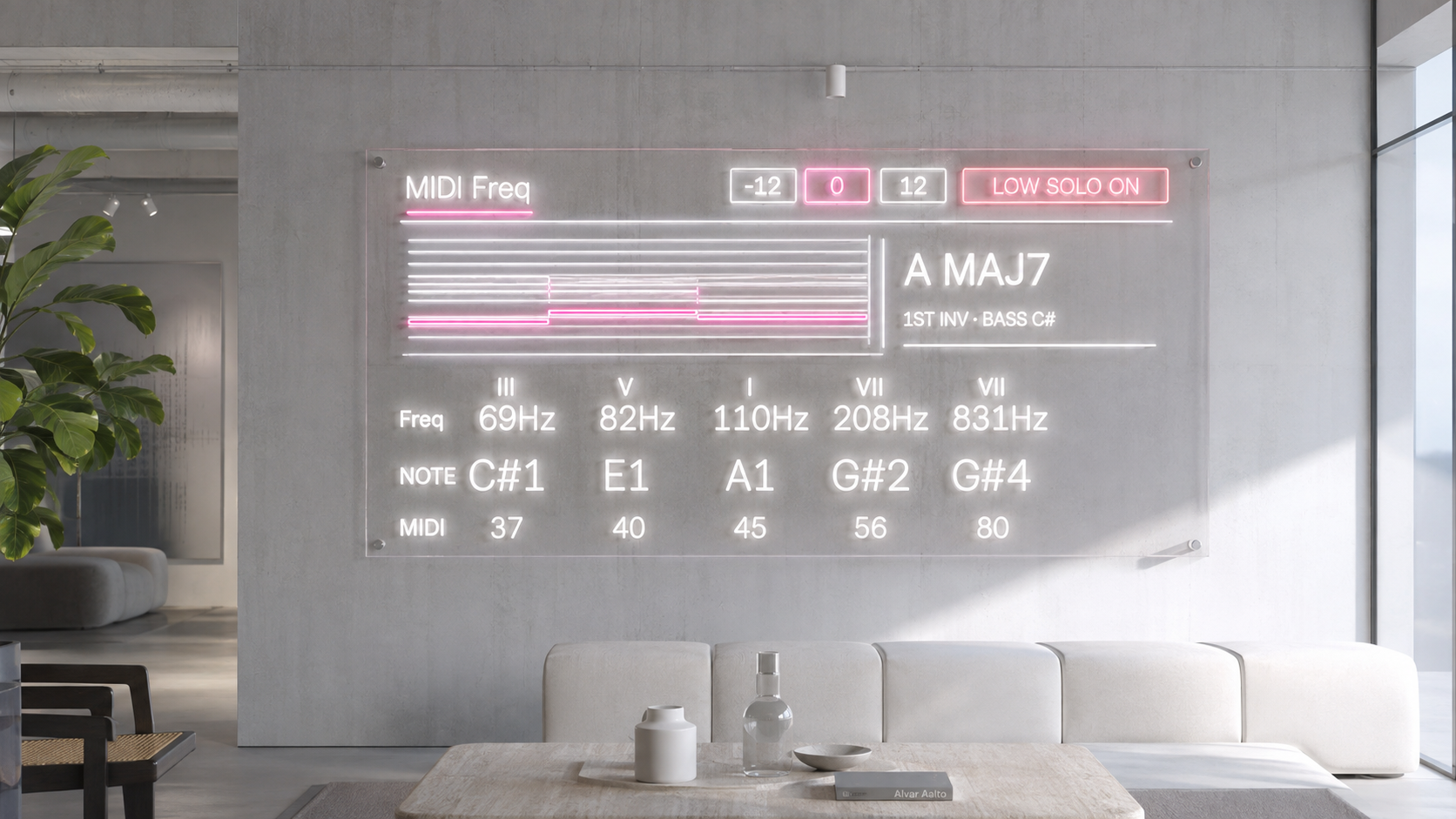
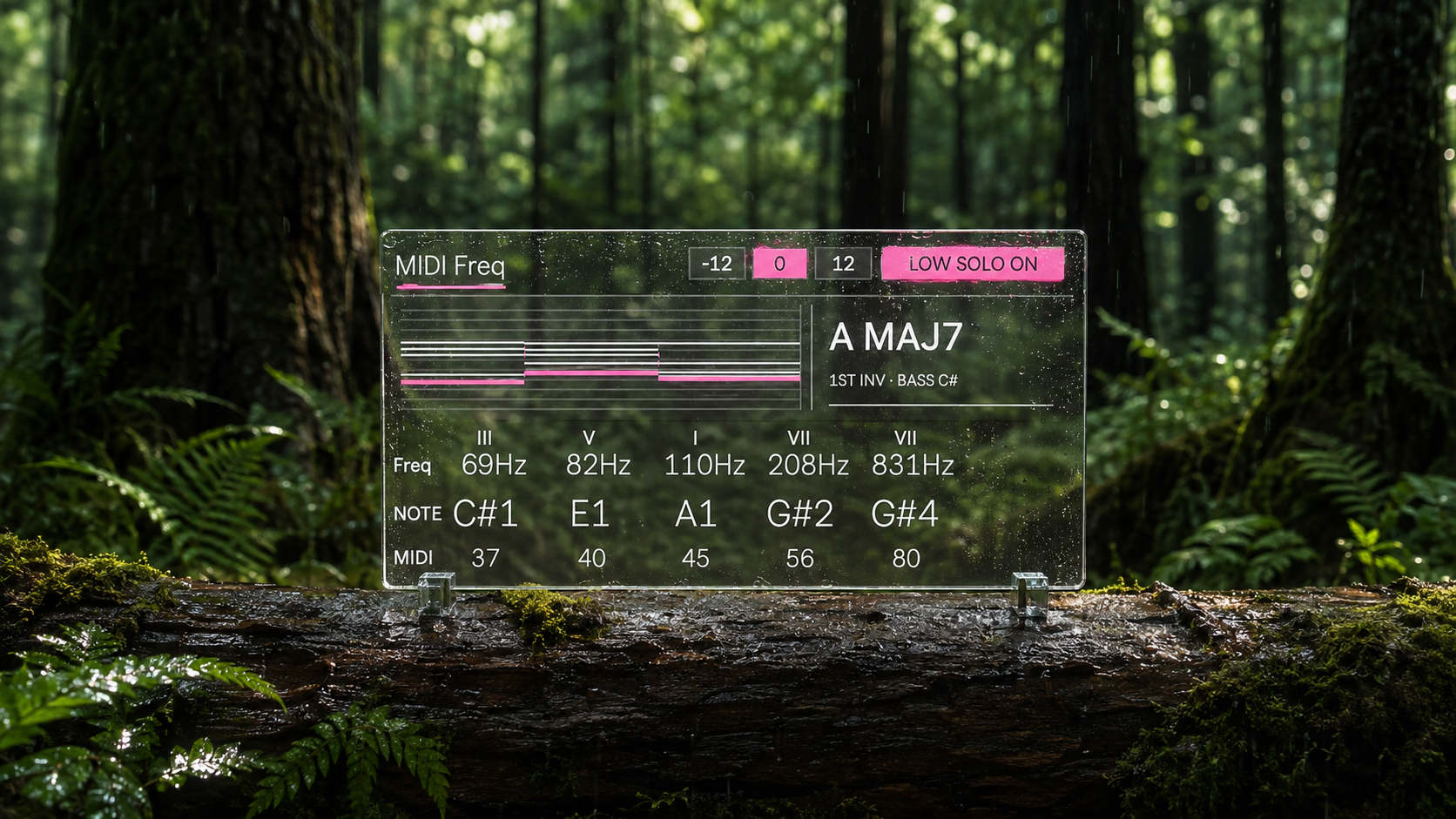
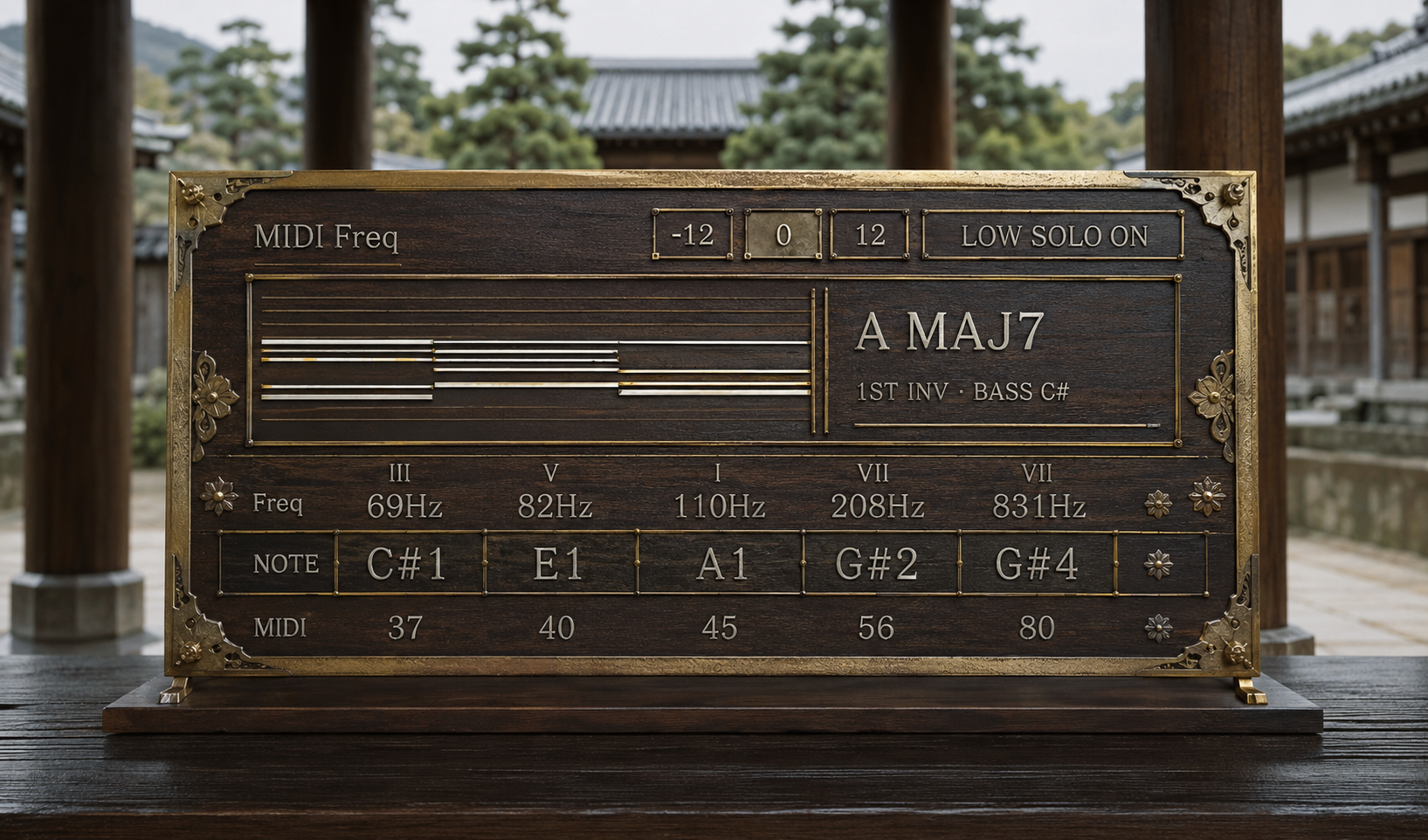
It displays Note Name, MIDI Note Number, Frequency, Chord Degree, Chord Name, and the recent movement of multiple voices while passing your MIDI to the next instrument.
Instead of stopping the creative process to analyze what you played, you can see the structure of the harmony while you are still working with it.
See pitch as both a note and a frequency
A synthesizer often makes you move between two different ways of thinking about pitch.
One moment you are thinking about C, F#, or Bb. The next moment you are looking at oscillator frequencies in Hz.
MIDI Freq places those views together.
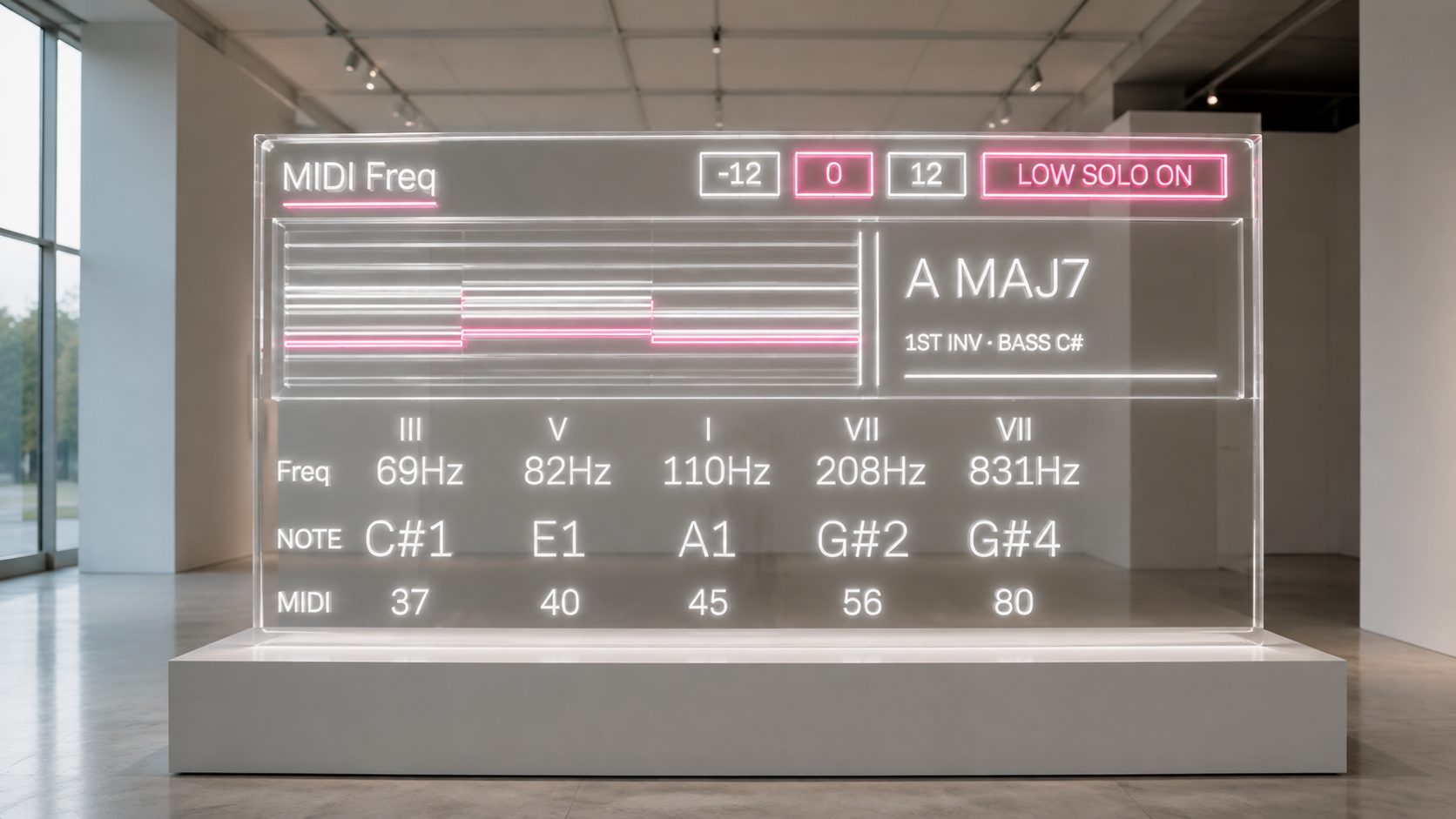
For each visible voice, you can see its note name, MIDI Note Number, and reference frequency.
MIDI note 69, for example, appears as A and 440 Hz.
This is not an audio tuner. The frequency display represents the standard frequency associated with the incoming MIDI note, giving you a direct bridge between musical pitch and oscillator frequency.
Look beyond the chord name
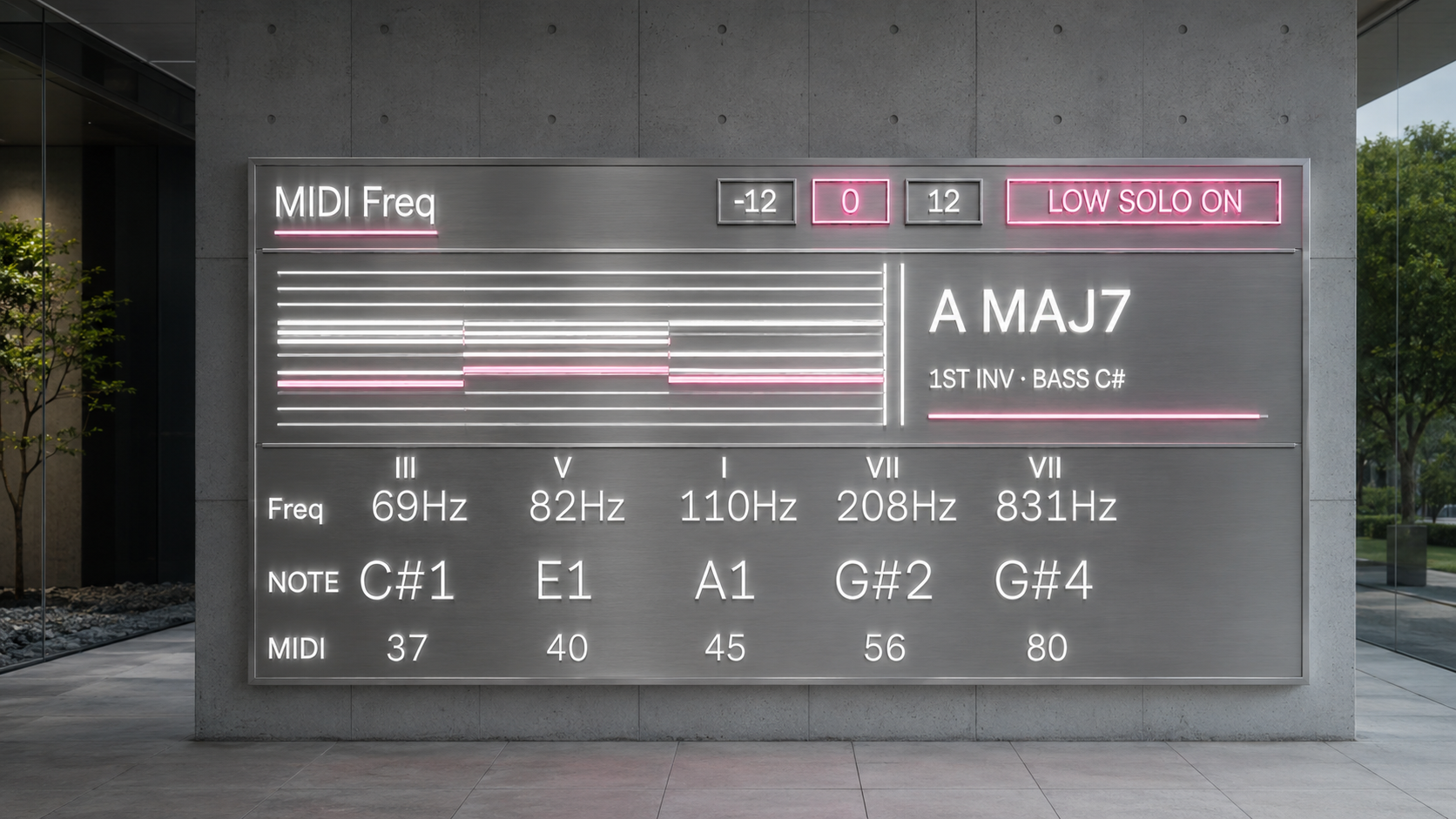
The Chord Analyzer identifies the harmony currently being held and presents the root and quality clearly, such as:
C MAJOR
C MIN7
F# DOM7
The upper voice display can also show the role of each note inside a confidently identified chord.
A C minor seventh chord, for example, can show its voices as I, ♭III, V, and ♭VII.
Inversions are treated separately from chord identity, so changing C E G into E G C does not make the underlying C major harmony disappear. You can see the chord itself while also seeing how its bass position has changed.
MIDI Freq also avoids pretending that every collection of notes has one obvious answer.
If several harmonic interpretations remain plausible, the analyzer can report the result as ambiguous. If a cluster, quartal structure, or another collection should not be forced into a conventional tertian chord name, it can abstain from making a false identification.
The goal is not to attach a label to everything.
The goal is to make the notes you are actually playing easier to understand.
Watch voice leading over time
A chord progression is not only a sequence of chord symbols.
Much of its character comes from the movement of individual voices.
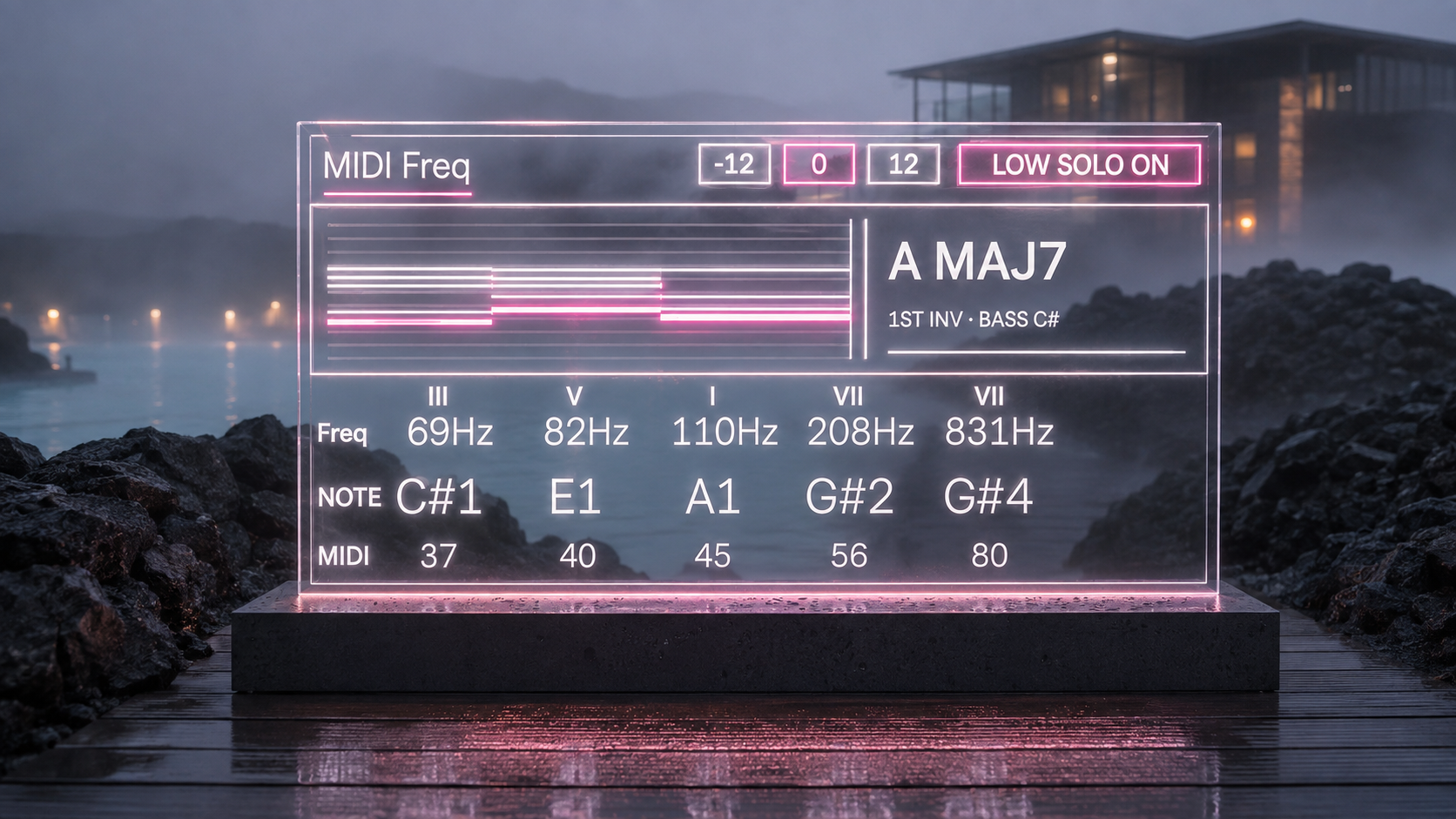
The Polyphonic History Scope keeps approximately six seconds of recent note movement visible.
You can see a voice moving by a semitone into the next chord.
You can see a common tone remaining in place.
You can see an upper voice making a large leap.
You can follow the bass underneath the harmony.
Instead of looking only at the chord that exists now, you can see where its voices came from.
This makes MIDI Freq useful when refining voicings, building smoother progressions, arranging wide chords, or investigating why two harmonies connect differently even when their chord names seem simple.
Extract the bass from the chord
LOW SOLO turns MIDI Freq from an observation tool into a performance tool.
When LOW SOLO is enabled, only the lowest currently held note is sent as a note message to the following instrument.
You can play a complete chord with both hands while a separate mono bass synthesizer receives only the lowest voice.
Change the voicing and the bass follows the new lowest note.
This makes it possible to derive a bass part directly from the same harmonic performance that controls a pad, polysynth, or other chord instrument.
When LOW SOLO is disabled, the incoming MIDI passes through normally.
Analysis and performance remain part of the same workflow.
Follow the lowest note without adding a fixed waiting time
Chords do not always arrive as one perfectly ordered stream of MIDI messages.
When several note events belong to the same logical MIDI burst, MIDI Freq evaluates the held notes and selects the lowest one without relying on a fixed millisecond capture delay.
If the lowest voice changes, LOW SOLO follows it.
The system also handles sustain pedal states when replacing the current bass note, helping prevent the previous lowest voice from remaining stuck in the instrument.
The result is designed for musical use rather than simply displaying which note happened to arrive first.
Change the display register without transposing the music
The Octave control shifts the displayed pitch information by one octave down, no shift, or one octave up.
The MIDI notes sent to the following instrument do not change.
This is useful when comparing MIDI note information with synthesizers or other systems that use different octave naming conventions.
You can change the way the pitch is presented without changing the performance itself.
See register and orchestration more clearly
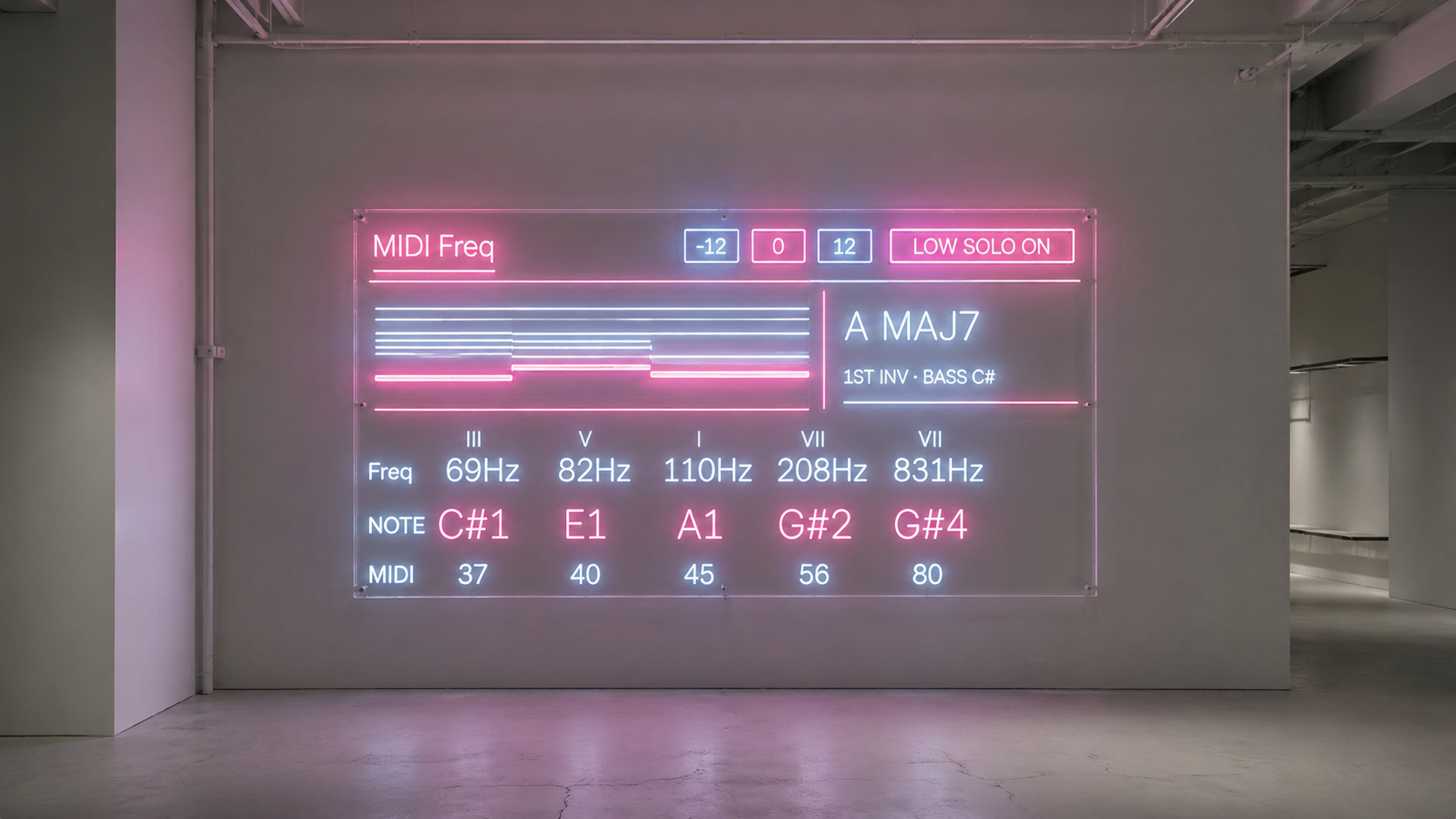
Visible voices are ordered from low to high rather than by the order in which the notes arrived.
This makes wide voicings easier to read.
Octave doubling becomes immediately visible.
Repeated chord degrees appearing in different registers can be compared.
Bass, inner voices, and upper extensions can be seen as different parts of one harmonic structure.
MIDI Freq displays up to six voices while continuing to track additional held notes internally, so changing the lower part of a large voicing can bring previously hidden upper notes into view correctly.
Use theory to make musical decisions
MIDI Freq is not intended to turn music theory into a collection of answers on a screen.
It is designed to shorten the distance between hearing something and understanding what you may want to change.
See whether two chords share a common tone.
Find which voice is making an awkward leap.
Check where the bass sits inside an inversion.
Observe the register of a dense voicing.
Compare musical pitch with frequency.
Extract the lowest voice and send it directly to another instrument.
Play something, look at its structure, then use what you see to decide what the next note should be.
Availability and Licensing
MIDI Freq 2.0 is a Max for Live MIDI Effect for Ableton Live.
Existing license owners can log in with the Sellfy account used for the original purchase to access the latest version at no additional cost.
Future version updates are provided through the same account.
ver.2.0 ... Chord Analyzer and Polyphonic History Scope added, LOW SOLO engine redesigned for lowest note extraction without a fixed capture delay, voice and chord display expanded, UI updated.
MIDI Generate / MIDI FX
Trance Arpeggiator https://akihikomatsumoto.sellfy.store/p/ableton-trance-arpeggiator/
303quencer https://akihikomatsumoto.sellfy.store/p/ableton-303quencer/
Hardwave Arpeggiator https://akihikomatsumoto.sellfy.store/p/hardwavearpeggiator/
MIDI Gate Slicer https://akihikomatsumoto.sellfy.store/p/ableton-midi-gate-slicer/
Trance Shifter https://akihikomatsumoto.sellfy.store/p/abletontranceshifter/
Telequencer https://akihikomatsumoto.sellfy.store/p/abletontelequencer/
MIDI Burst https://akihikomatsumoto.sellfy.store/p/ableton-midi-burst/
MIDI Note Remover https://akihikomatsumoto.sellfy.store/p/ableton-midi-note-remover/
Div Beat https://akihikomatsumoto.sellfy.store/p/ableton-div-beat/
MIDICCOUT https://akihikomatsumoto.sellfy.store/p/abletonmidiccout/
Ratchet Gate https://akihikomatsumoto.sellfy.store/p/ableton-ratchet-gate/
Drone Note https://akihikomatsumoto.sellfy.store/p/abletondronenote/
Midi Note Mapper https://akihikomatsumoto.sellfy.store/p/ableton-midi-note-mapper/
Akihiko Matsumoto
Study Site https://akihikomatsumoto.com/study/
Ableton M4L, Serum Preset Store https://akihikomatsumoto.com/download/
Sample Pack https://akihikomatsumoto.sellfy.store/sample-pack/
Bandcamp https://akihikomatsumoto.bandcamp.com
Ableton Skin https://akihikomatsumoto.sellfy.store/p/ableton-skin-pack/
Spotify https://open.spotify.com/artist/1tZMmxzZbvNu6klyKXa0L1?si=2JZaFeLbREi-UownD8POSg