
$9.99+
Ableton Midi Note Mapper v.2.1
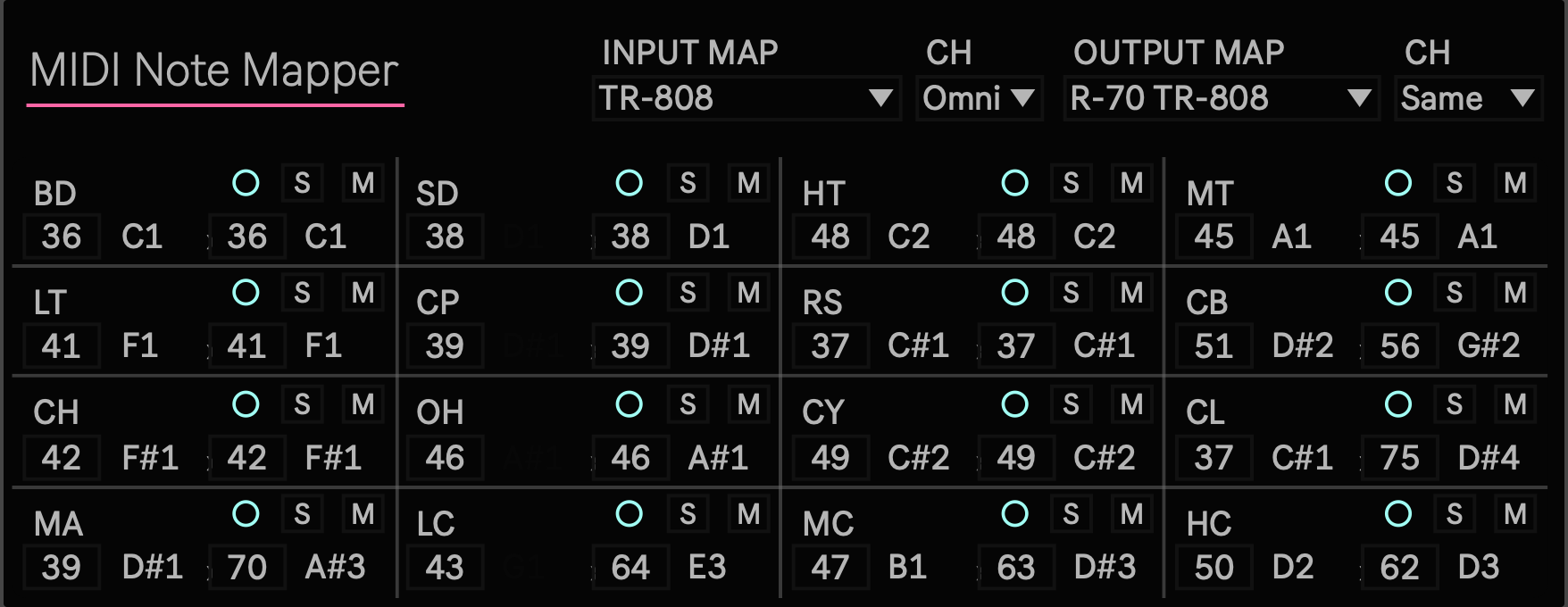
Max for Live Device (.amxd file)
A drum pattern should not lose its musical identity simply because the receiving instrument uses a different MIDI note layout. A kick should remain a kick, a snare should remain a snare, and a closed hi hat should remain a closed hi hat.
MIDINoteMapper 2.0 is a Max for Live MIDI Effect that translates drum notes by musical role instead of applying a simple pitch shift. Select the source map and destination map, then move the same rhythm between different drum machines and Drum Racks without rewriting the MIDI clip note by note.
Built for the session
MIDINoteMapper includes maps for TR 808, TR 909, Ableton Drum Rack, Elektron Analog Rytm, and Elektron Machinedrum.
Use a TR 808 MIDI pattern with an Ableton Drum Rack. Send an Ableton clip to a TR 909. Move the main rhythmic roles of a Machinedrum pattern into an Analog Rytm setup. MIDINoteMapper converts bass drum, snare, tom, clap, rim shot, cowbell, hi hat, cymbal, and percussion notes according to their musical function.
This is not intended to reproduce the sound of one machine on another. It preserves the role of each drum event so that the rhythm remains recognizable when the destination instrument changes.
When the selected destination does not contain a corresponding part, that mapping can be set to OFF instead of triggering an unrelated sound. Notes that are not included in the selected input map pass through at their original pitch.

Shape the result
INPUT MAP defines the note layout of the incoming MIDI performance. OUTPUT MAP selects the layout used by the receiving instrument. Same as Input preserves the original note arrangement.
Input Channel can receive all MIDI channels through Omni or accept one selected channel. Output Channel can preserve the original channel or send mapped notes to a fixed channel from 1 to 16.
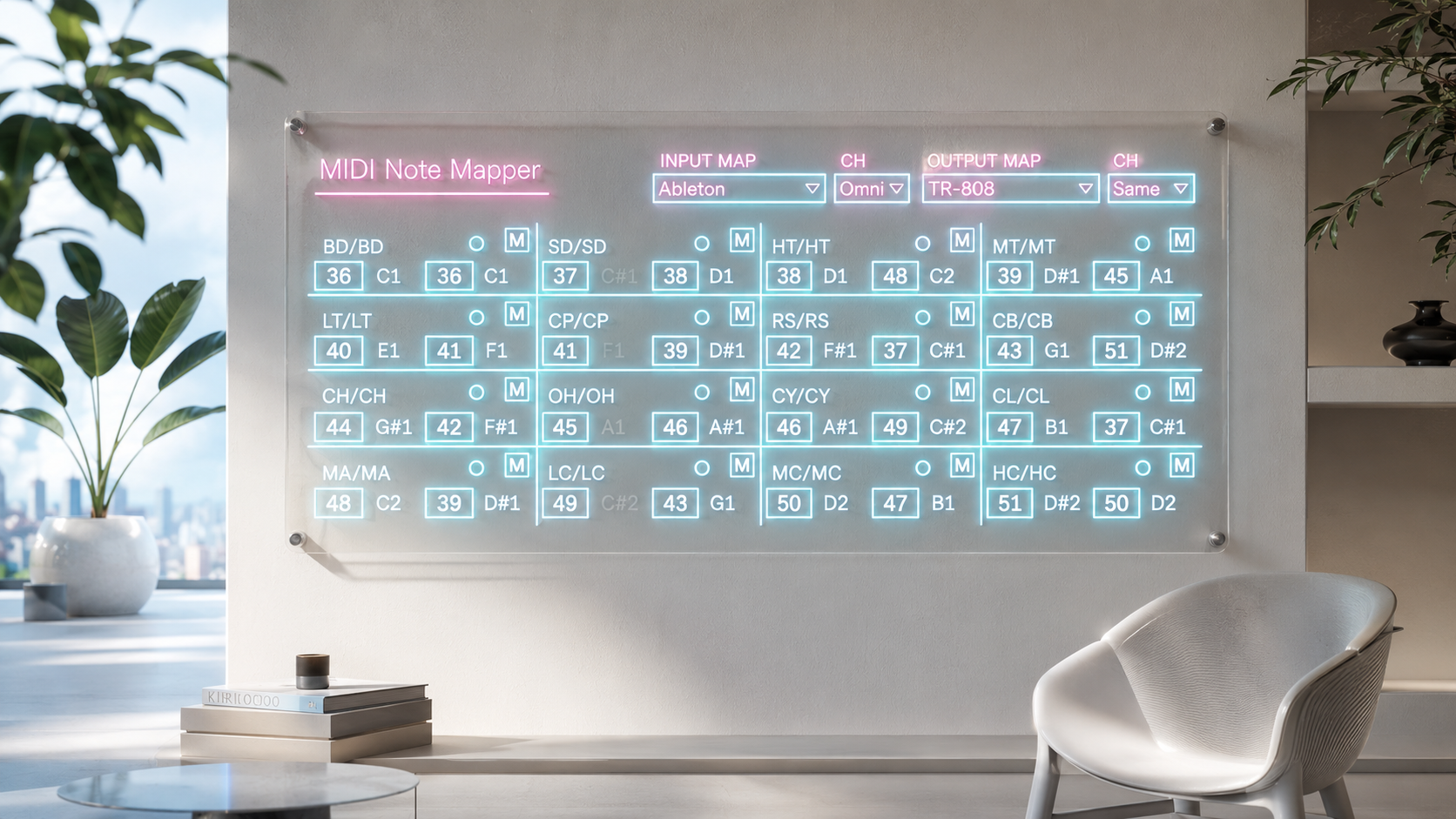
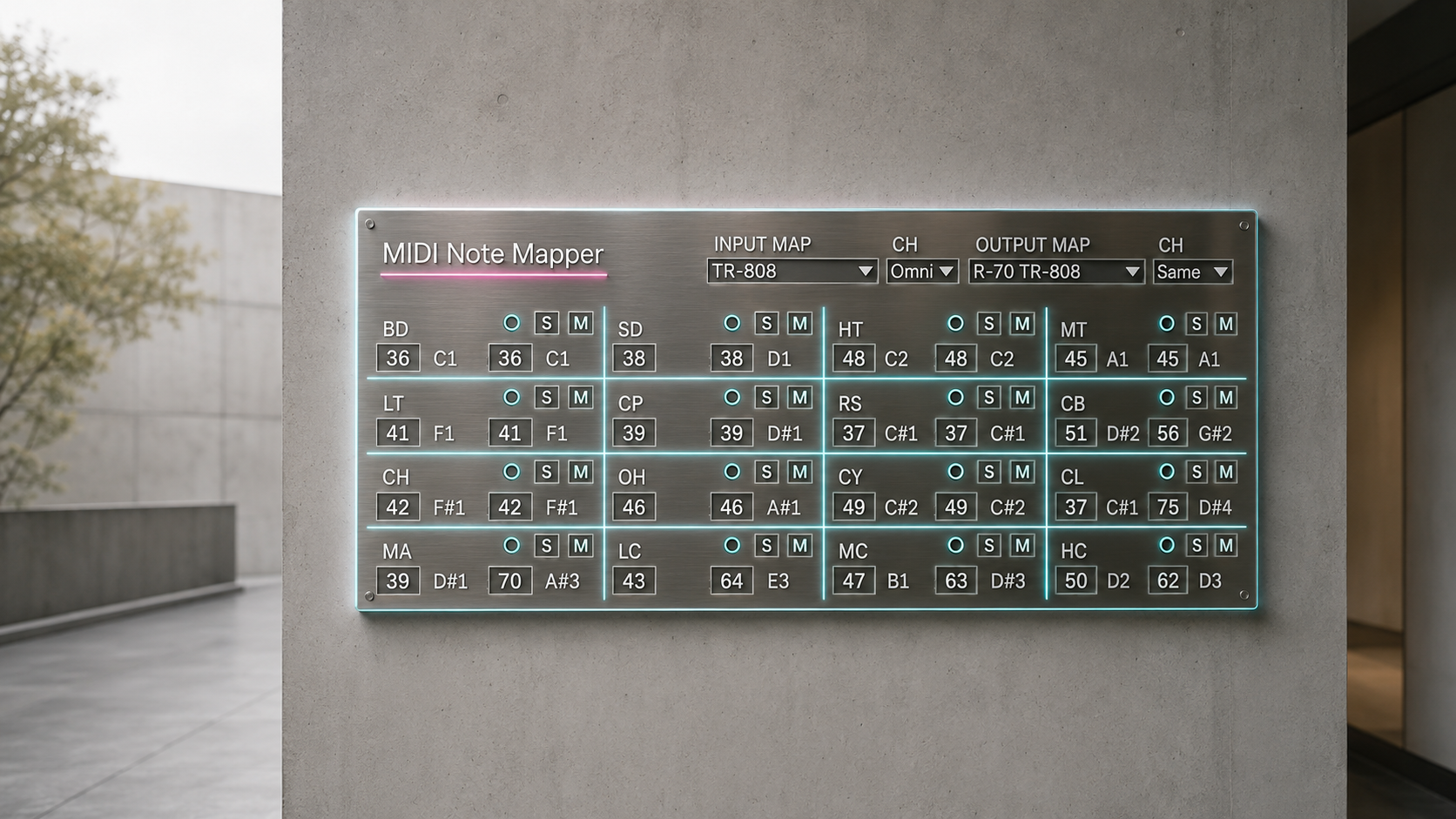
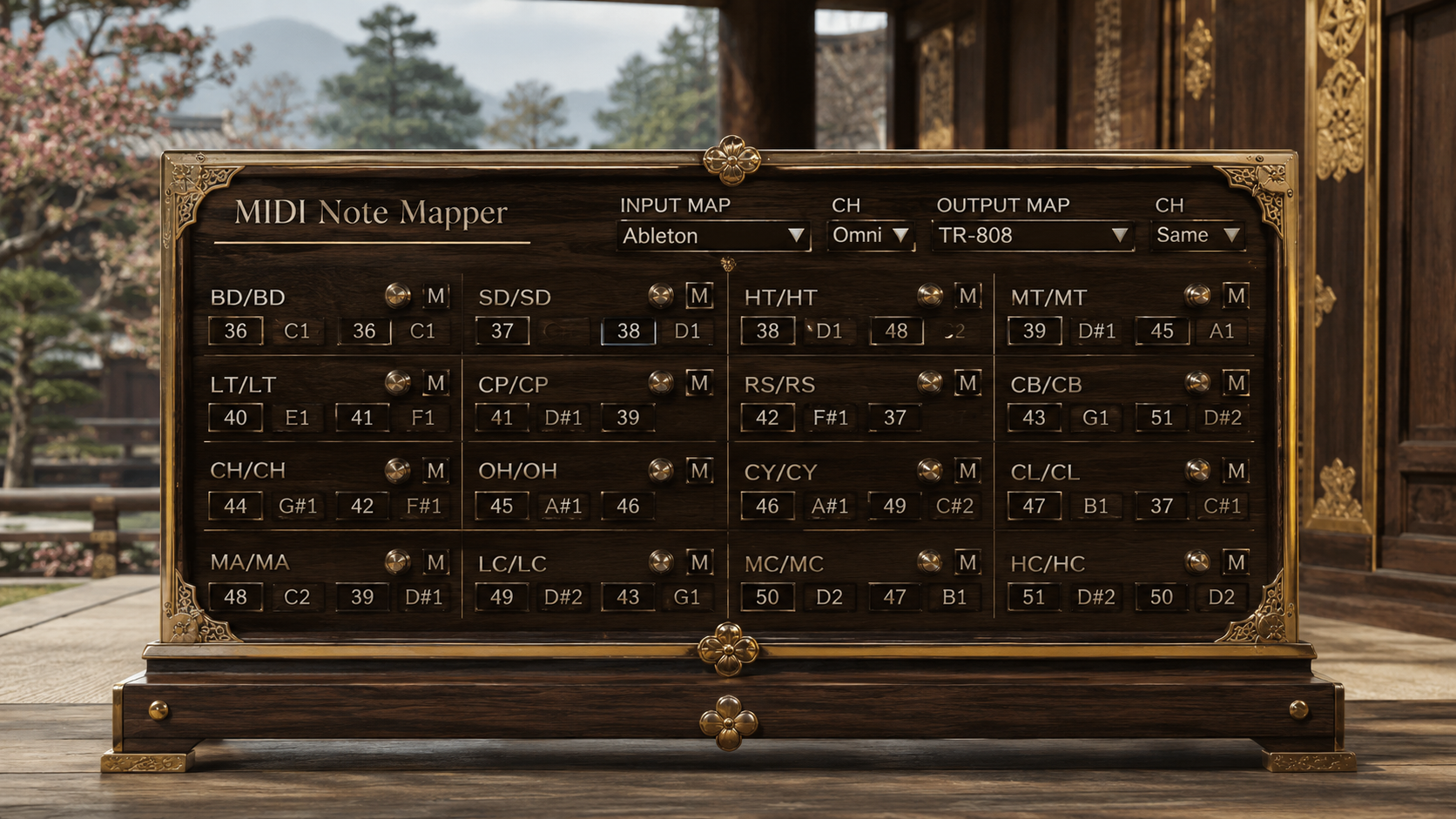
The sixteen mapping cells show the input part, output part, input note, and output note. Activity indicators respond when matching input notes arrive, making it easier to confirm what the device is receiving.
Every input and output note can also be edited directly. Custom mappings are stored as Live Set parameters, allowing MIDINoteMapper to work with personal Drum Racks, samplers, modified hardware layouts, and instruments that are not included in the factory maps.
Each mapping cell also includes an independent Mute control. Use these controls to remove the kick, isolate the hi hats, stop the toms, or automate changes in the arrangement without editing the original MIDI clip.
Technical confidence where it matters
MIDINoteMapper 2.0 is designed as a Max for Live MIDI Effect for Ableton Live 12 and Max 9 on macOS and Windows.
The device changes MIDI note numbers and note channels while allowing non note MIDI information, including control changes, program changes, channel pressure, and pitch bend, to pass through without conversion.
Active notes are tracked using their original input channel and pitch. When a map, channel, output note, or Mute state changes, the device sends the required Note Off messages to the destination that originally received the note. This helps prevent notes from remaining active after a performance or configuration change.
If you already own this product, log in to Sellfy using the account used for your purchase. The latest file has already been added to your account automatically and is available at no additional cost.
If you have not purchased this product yet, please consider this opportunity to add MIDINoteMapper 2.0 to your Ableton Live setup.
v.2.1 ... Added Roland R70, TR-808 Set output mapping, per part Solo, tempo aware sixteenth note Audition, generic Custom input and refined 439 × 169 mapping UI. (2026/8/14)
v.2.0 ... Established source grounded drum note conversion, MIDI channel routing, per part Mute, note name display and the compact 439 × 169 four by four interface. (2026/8/1)
MIDI Generate / MIDI FX
Drone Note https://akihikomatsumoto.sellfy.store/p/abletondronenote/
A MIDI utility that holds notes indefinitely for drones and sustained textures.
Clock https://akihikomatsumoto.sellfy.store/p/abletonclock/
A sync utility that outputs audio clock pulses from Ableton tempo for external CV and gate gear.
Utility++ https://akihikomatsumoto.sellfy.store/p/ableton-utility/
An expanded utility device for everyday gain, stereo, phase, and signal management.
MIDICCOUT https://akihikomatsumoto.sellfy.store/p/abletonmidiccout/
A MIDI utility for sending arbitrary CC messages from Ableton to external hardware.
Loud Meter https://akihikomatsumoto.sellfy.store/p/ableton-loud-meter/
A compact stereo loudness meter for monitoring level and perceived intensity.
Dual Pan https://akihikomatsumoto.sellfy.store/p/ableton-dual-pan/
A stereo utility that pans the left and right channels independently.
MIDI Note Remover https://akihikomatsumoto.sellfy.store/p/ableton-midi-note-remover/
A MIDI filter that removes selected notes from the incoming stream.
MIDI Freq https://akihikomatsumoto.sellfy.store/p/abletonmidifreq/
A MIDI utility that displays note pitch as frequency for Hz based pitch work.
Wave Scope https://akihikomatsumoto.sellfy.store/p/abletonwavescope/
A real time oscilloscope for inspecting waveform shape, amplitude, and distortion.
Reset https://akihikomatsumoto.sellfy.store/p/abletonreset/
A hardware sync utility that outputs reset pulses from Ableton to external CV and gate equipment.
Midi Note Mapper https://akihikomatsumoto.sellfy.store/p/ableton-midi-note-mapper/
A MIDI mapper that remaps incoming notes to different output notes.
Akihiko Matsumoto
Study Site https://akihikomatsumoto.com/study/
Ableton M4L, Serum Preset Store https://akihikomatsumoto.com/download/
Sample Pack https://akihikomatsumoto.sellfy.store/sample-pack/
Bandcamp https://akihikomatsumoto.bandcamp.com
Ableton Skin https://akihikomatsumoto.sellfy.store/p/ableton-skin-pack/
Spotify https://open.spotify.com/artist/1tZMmxzZbvNu6klyKXa0L1?si=2JZaFeLbREi-UownD8POSg