
$19.99+
Ableton Trance Arpeggiator v.1.5
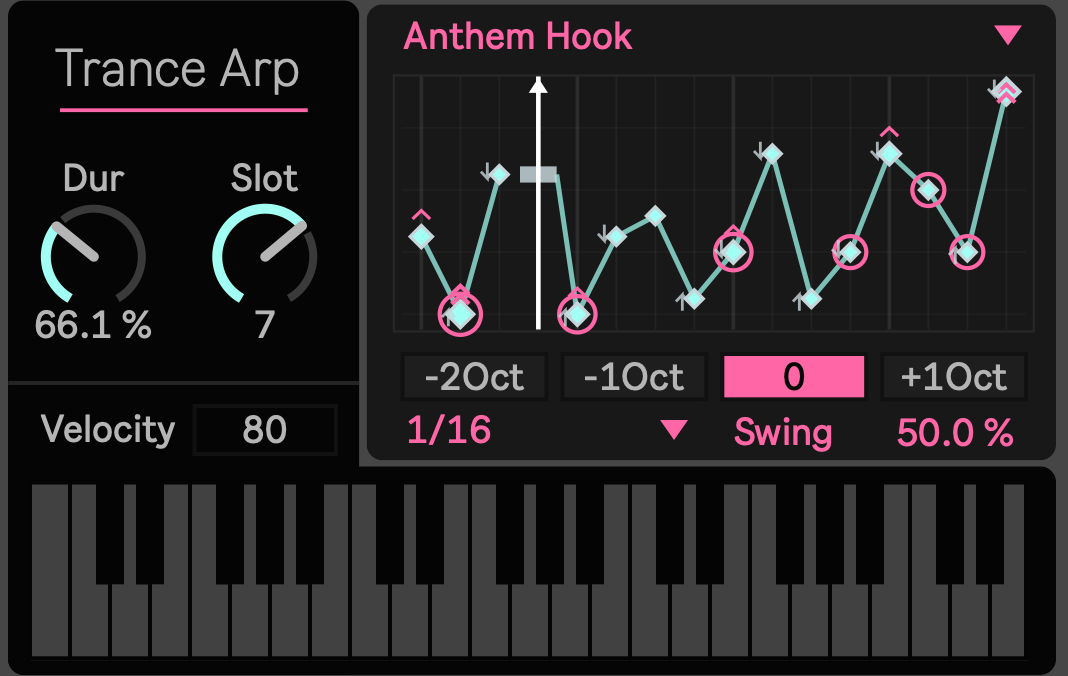
Turn one chord into the driving motion of 1990s trance.
The arpeggiated sequences of 1990s trance gave simple chords momentum, anticipation, and release.
Trance Arpeggiator is a Max for Live MIDI effect focused on that musical language. Hold a chord and transform it into a synchronized sixteen step phrase inspired by classic trance movement, octave shifts, rhythmic repetition, euphoric contours, and peak time energy.
Instead of programming every MIDI note manually, you can explore the movement while your track is playing.
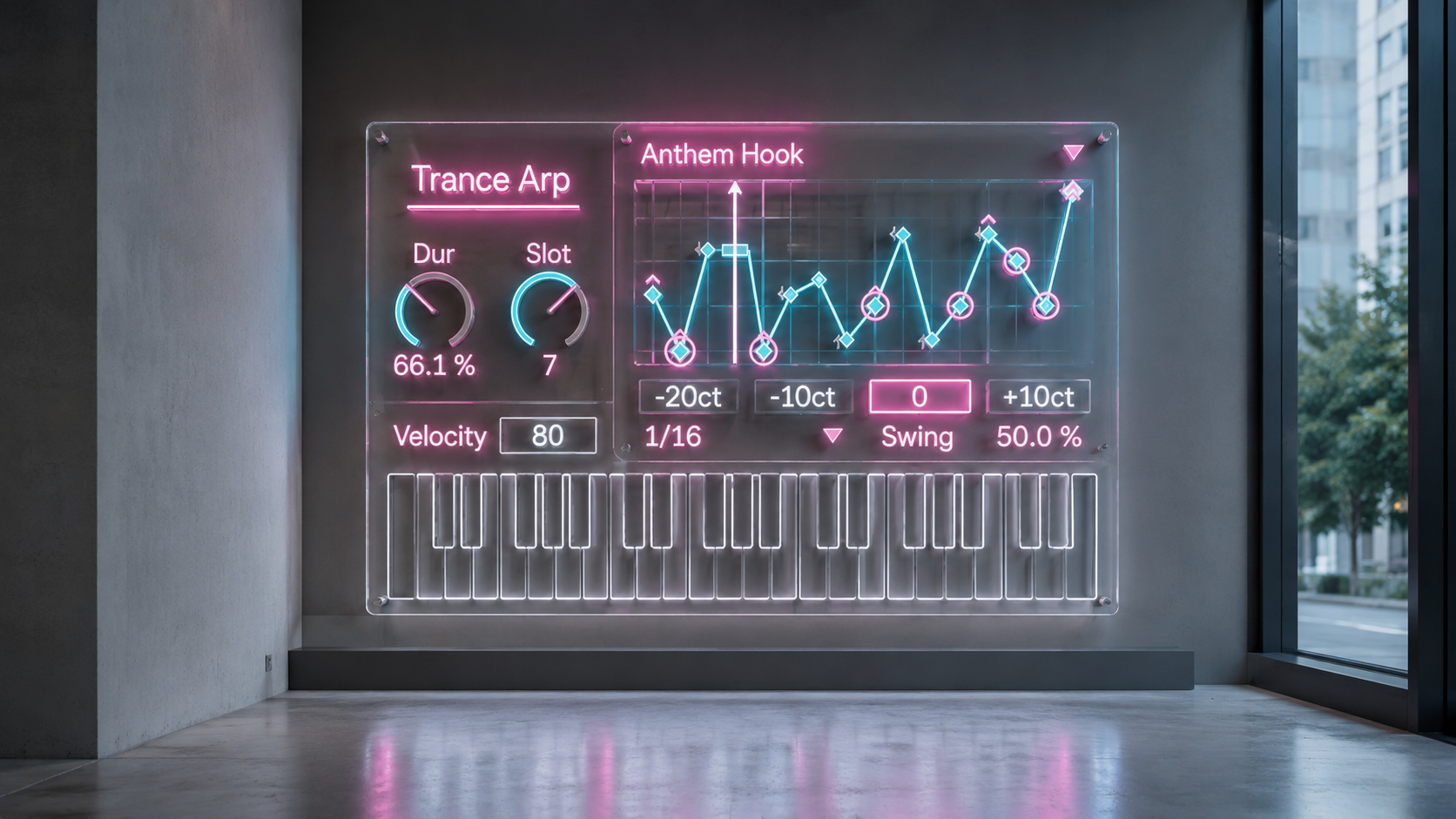
Start with the harmony already in your track.
Place Trance Arpeggiator on a MIDI track before an Ableton Live instrument or external sound source.
Play a three note or four note chord, select a pattern, and start the Live transport. The device reorganizes the notes of the chord into a repeating MIDI phrase while the instrument placed after it provides the sound.
Use a short pluck for a clear and driving sequence. Extend the notes for a connected phrase with delay or reverb. Move the pattern into another octave when the arrangement needs more tension, height, or space.
Trance Arpeggiator generates MIDI notes only. It does not produce audio by itself.
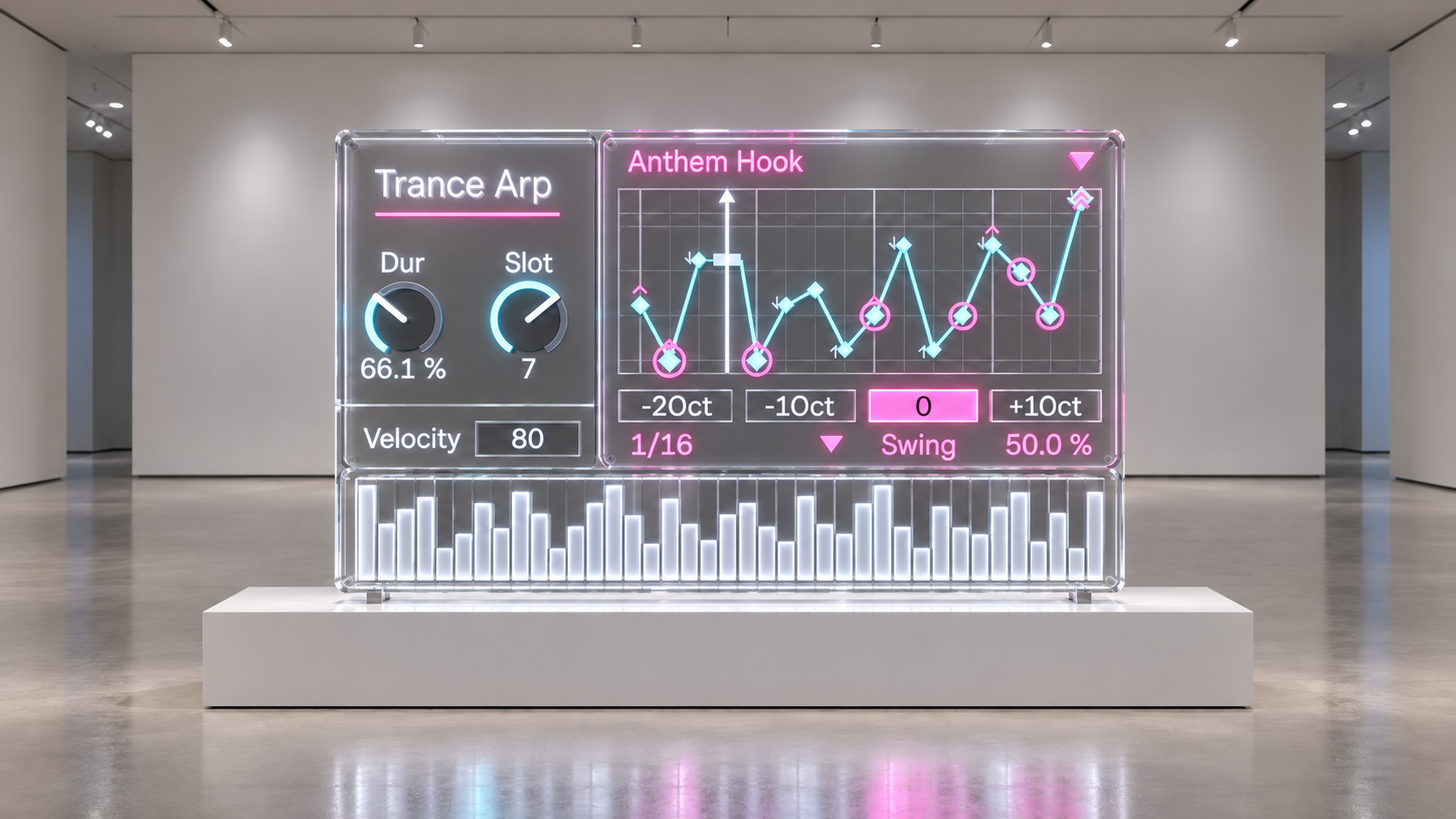
Explore one hundred trance patterns.
Trance Arpeggiator includes one hundred patterns organized into ten musical categories.
Move from direct ascending and descending phrases to octave rolls, euphoric contours, driving pulses, syncopated movement, connected notes, anthem focused hooks, darker sequences, and transition fills.
Every pattern contains sixteen steps. Selected patterns include rests and ties, allowing the phrase to pause, sustain, and change shape instead of triggering a note on every step.
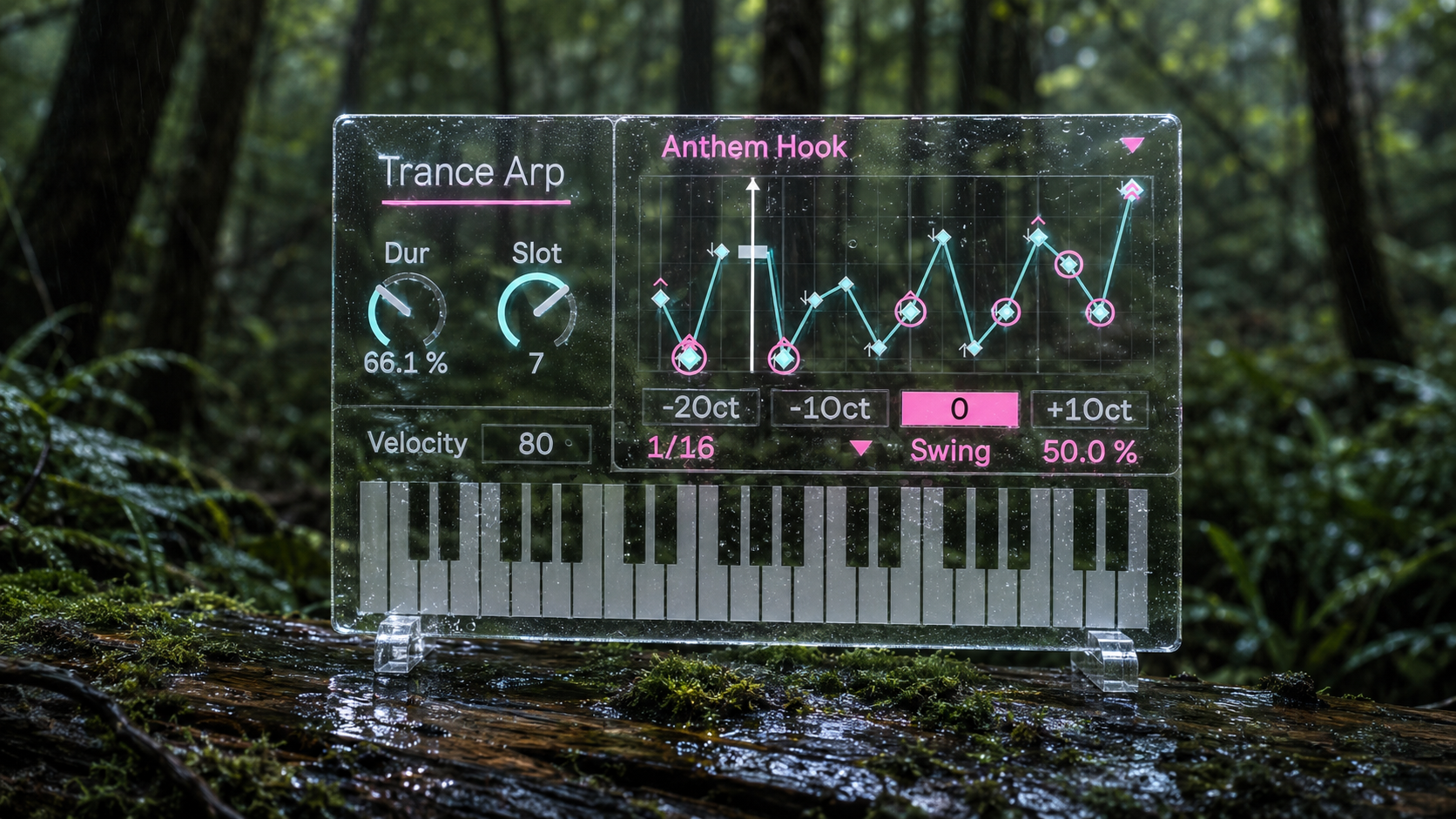
Shape the movement while you listen.
Category selects the overall musical character.
Slot gives you ten variations within the selected category.
Clock controls the rhythmic density from whole notes to thirty second notes.
Duration changes the length of each outgoing note, from short and precise attacks to overlapping phrases.
Velocity controls the strength of the outgoing MIDI notes.
Oct moves the complete pattern from two octaves below the input chord to one octave above it.
Swing adds delayed movement when Clock is set to eighth notes or sixteenth notes. A value of 50 percent keeps the timing straight.
A built in pattern display shows the pitch contour and current position across all sixteen steps. Rests, ties, root positions, and visual accents remain visible while you work.
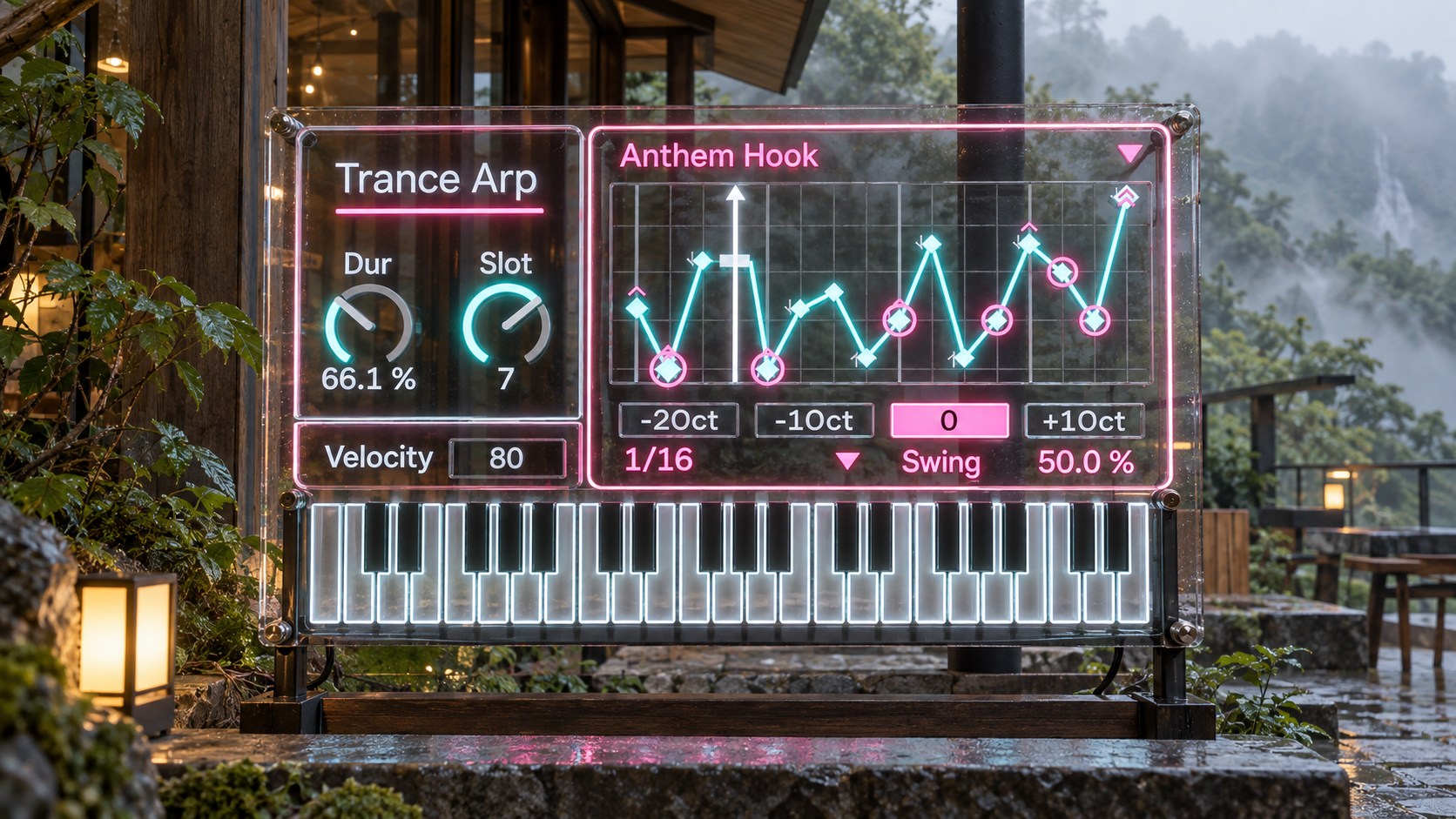
Change the voicing, change the phrase.
The notes of the input chord are organized from the lowest pitch to the highest pitch before the selected pattern is applied.
This makes chord inversion part of the creative process.
Move one note into another octave and the same pattern can produce a different melodic contour. You can preserve the harmony while changing the way it moves.
Three note and four note chords provide a clear starting point. Larger voicings can create more complex motion as the pattern cycles through the available notes.
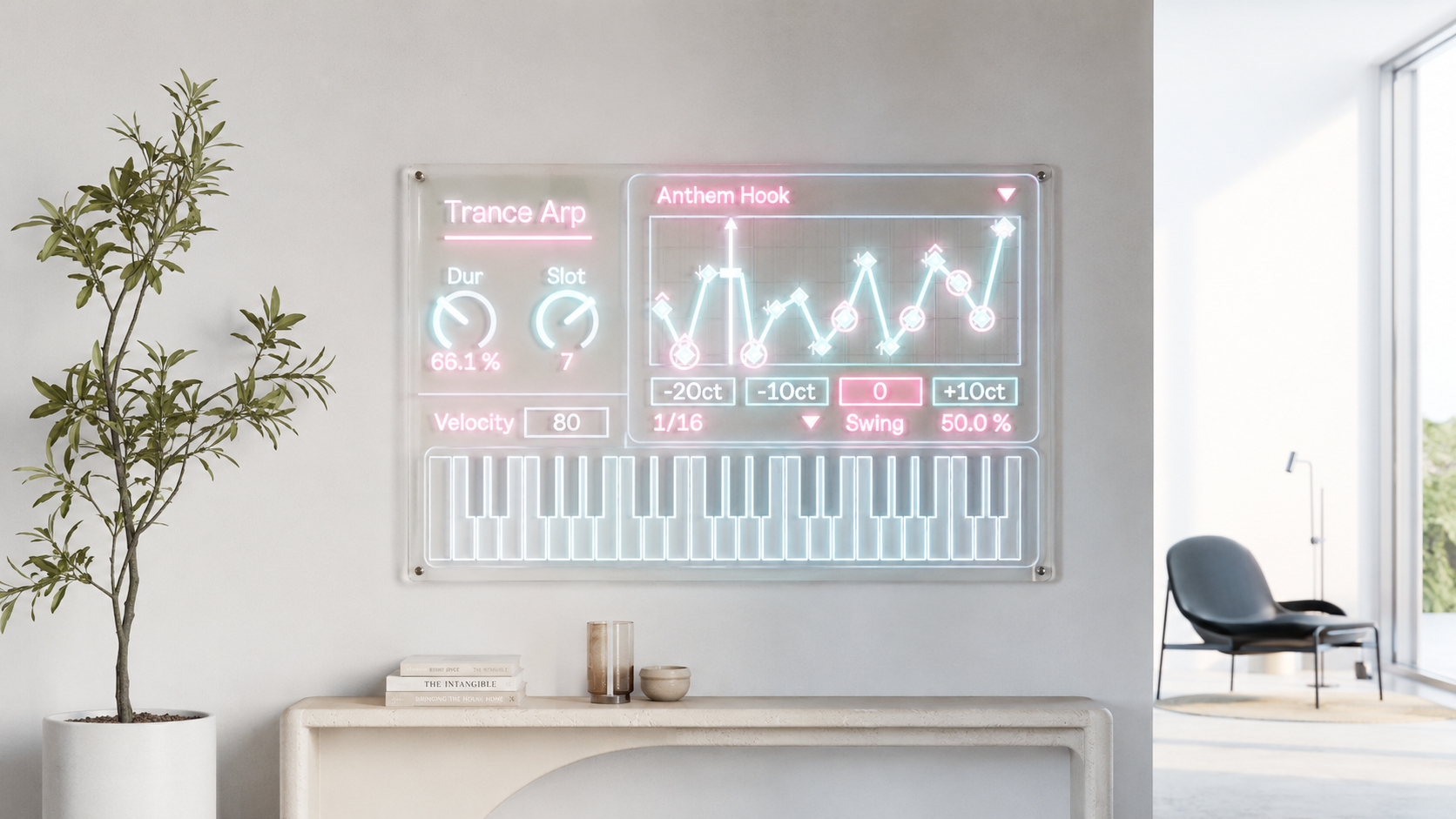
Stay connected to the Ableton Live timeline.
The active step is calculated from the current Ableton Live transport position.
Start playback from the middle of an arrangement and the phrase follows the corresponding timeline position.
Move a loop and the pattern follows the new location.
Stop and resume playback and the internal clock restarts while pending notes are cleared.
The sequence remains connected to the Live timeline instead of relying only on a local step counter. This makes Trance Arpeggiator suitable for both looping sessions and complete arrangements.
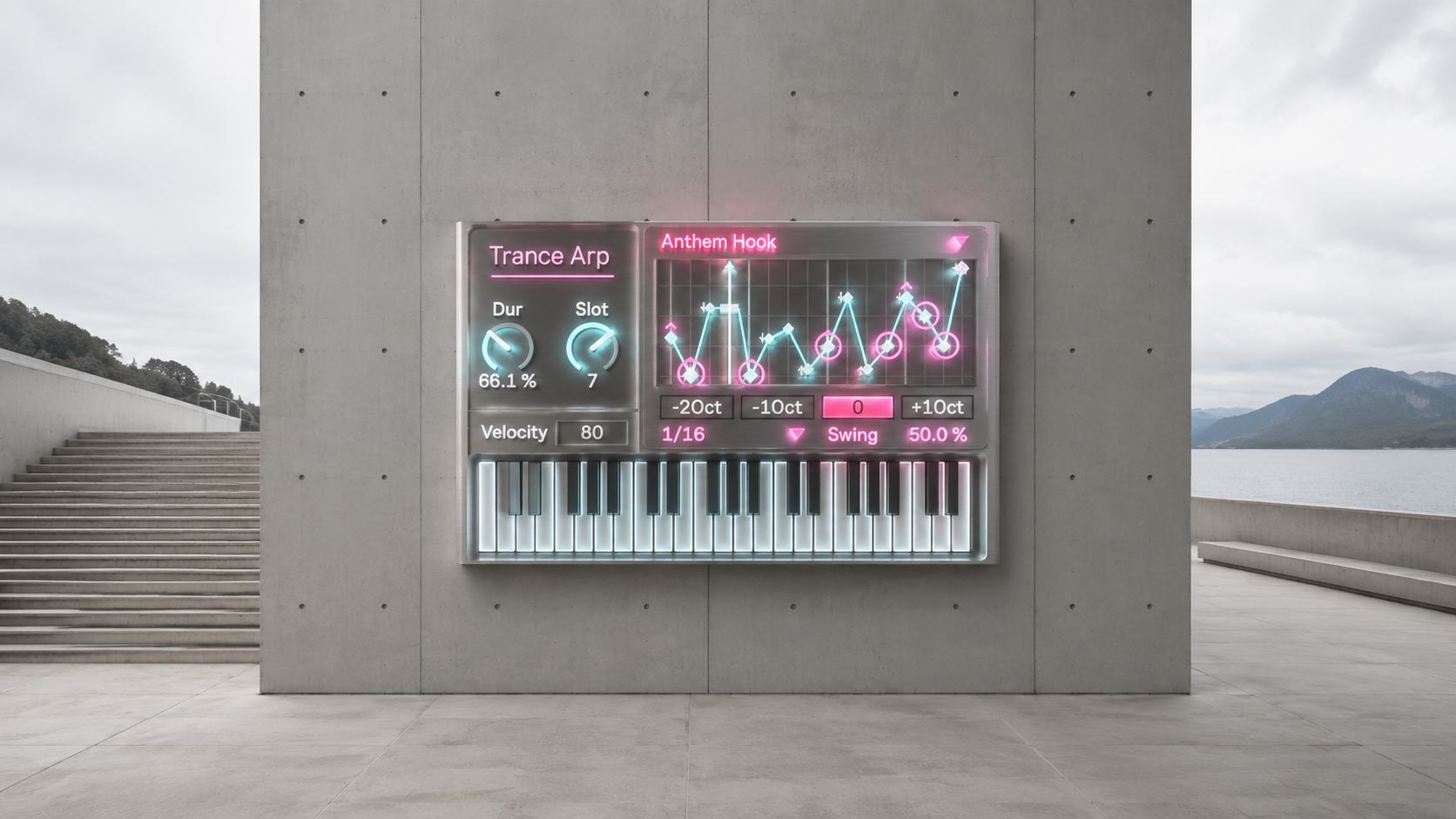
A focused workflow for classic trance production.
Use Trance Arpeggiator with bright plucks, resonant synthesizers, digital bells, mono basses, atmospheric pads, or external hardware.
Create fast sixteenth note sequences for driving sections.
Use slower eighth note movement for intros and breakdowns.
Shorten Duration for precise rhythmic parts.
Extend Duration for connected phrases with longer delay and reverb tails.
Move the pattern through different octaves to build tension across the arrangement.
Change chord inversions to create new melodic movement without replacing the underlying harmony.
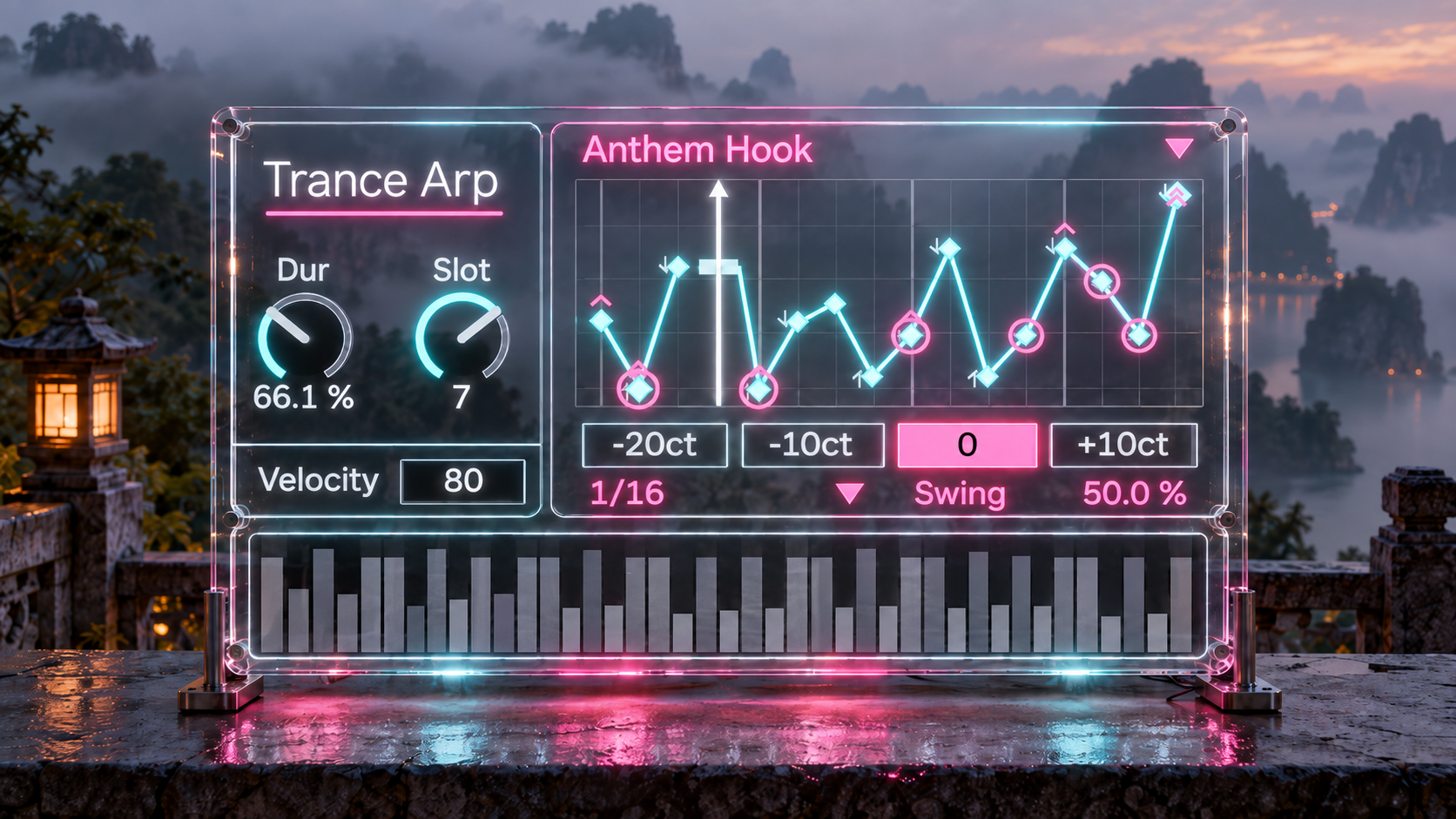
Quick start
- Load TranceArpeggiator1.0.amxd onto a MIDI track.
- Place an Ableton Live instrument or external sound source after the device.
- Hold a three note or four note chord.
- Select a Category and explore the ten Slot variations.
- Begin with Clock at 1/16, Duration at 70 percent, Velocity at 80, Swing at 50 percent, and Oct at 0.
- Press play and adjust the controls in the context of your track.
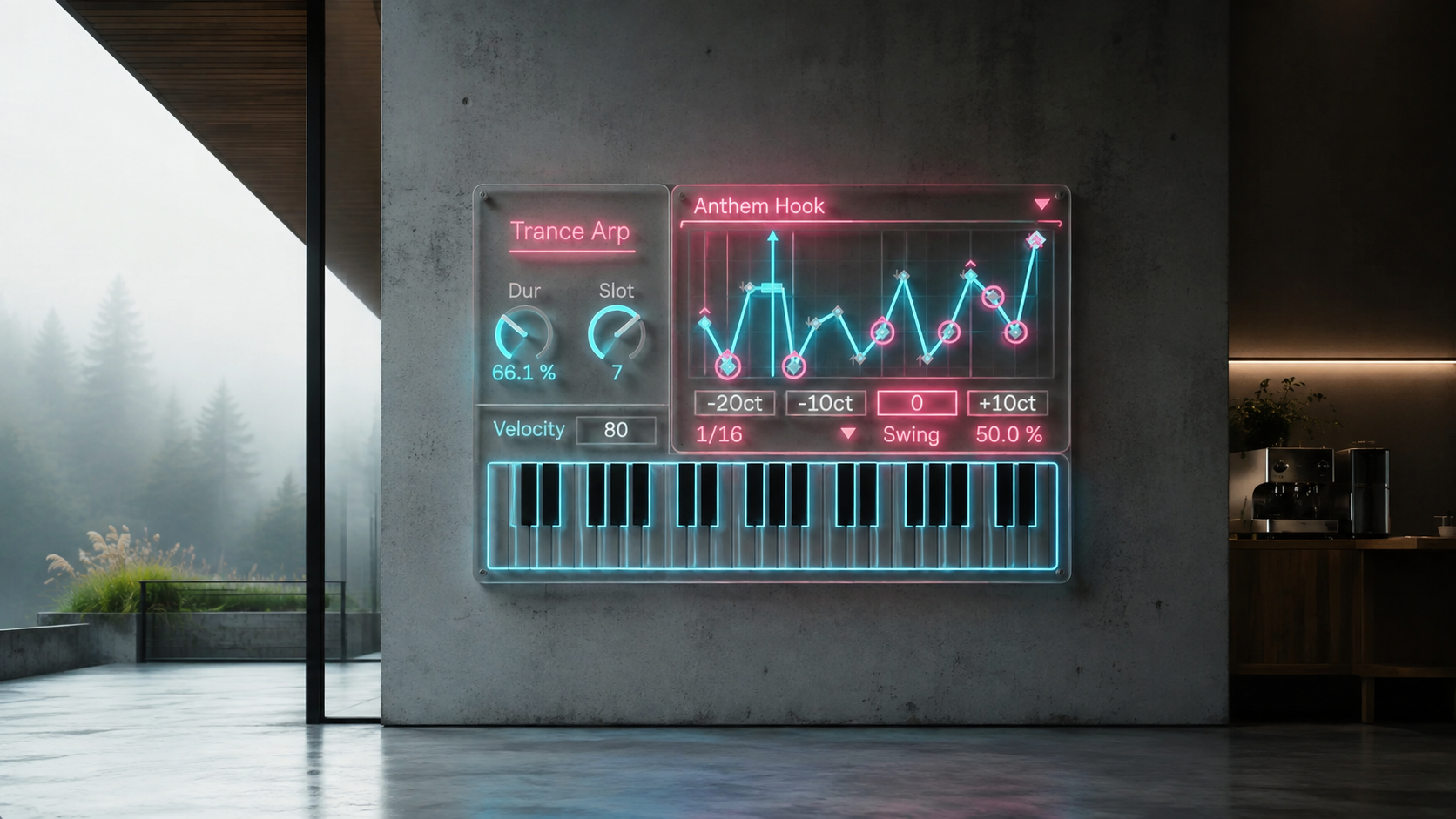
Included product
Trance Arpeggiator is supplied as a Max for Live MIDI effect.
Included file: TranceArpeggiator1.0.amxd
Bring the repetition, melodic lift, and forward motion of 1990s trance into your Ableton Live workflow.
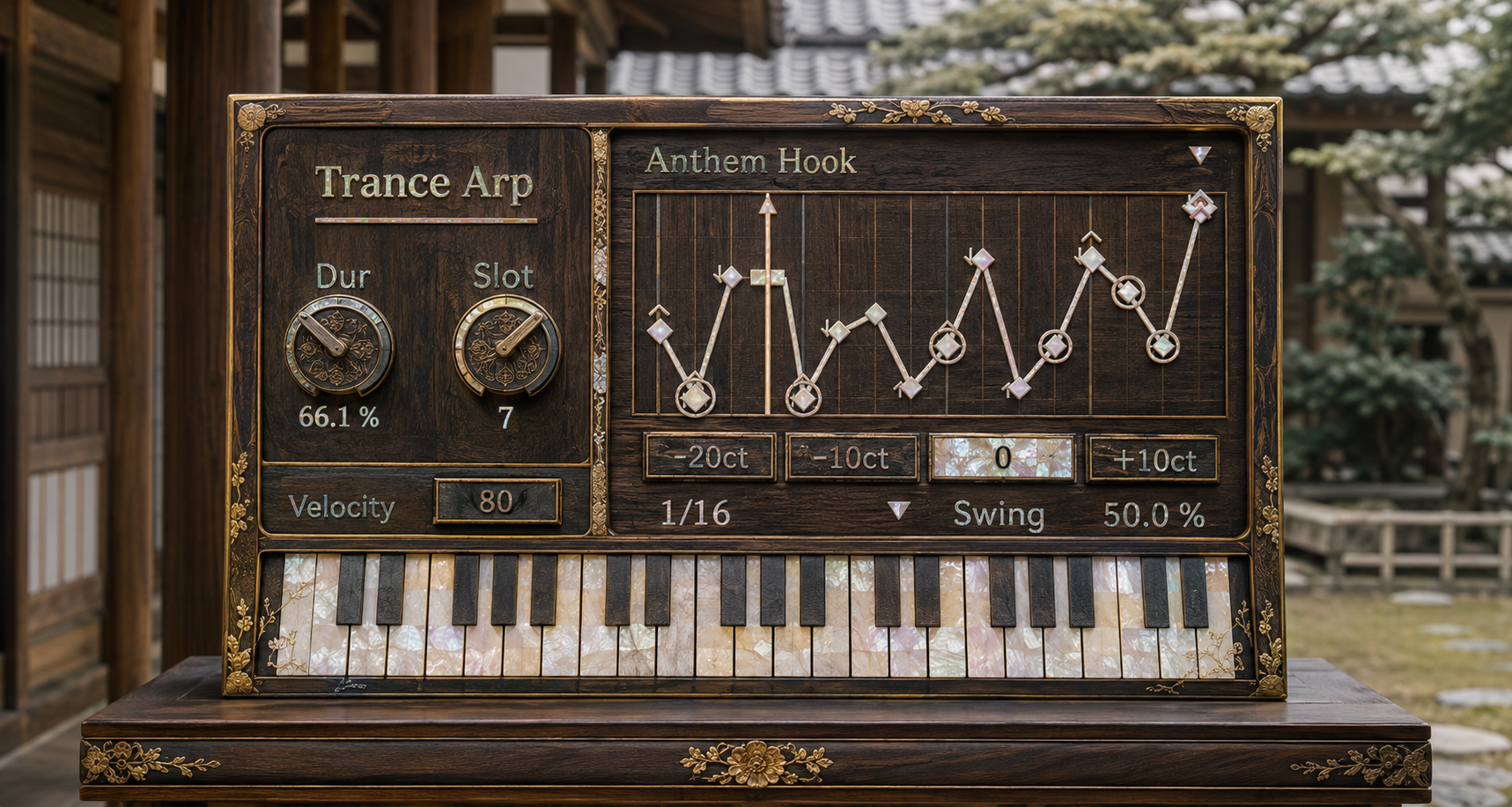
Perpetual license and free updates
Your purchase includes a perpetual license with no expiration date.
Existing customers can download future published updates at no additional cost through the Sellfy account used for the original purchase. No additional purchase is required.
v.1.5.3 ... Fixed transport start phase so quantized grid boundary events can no longer be misclassified as the previous pattern step when Live position is observed slightly before the boundary. Startup and recurring clock events now share nearest boundary phase resolution. (2026/8/14)
v.1.5.2 ... Added startup specific phase acquisition and blocked the metro immediate startup bang. Superseded because the recurring phase path still used containing cell floor and could emit the final step first. (2026/8/14)
v.1.5.1 ... Prevented the final step note from remaining active into the next cycle first note when Duration exceeds one grid interval. (2026/8/14)
v.1.5 ... Fixed transport start note loss, Live bar phase alignment, TIE sustain behavior, native MIDI pitch scheduling, held note handling, and V8UI TIE visualization. (2026/8/14)
v.1.0 ... Introduced the 100 pattern trance arpeggiator with 10 categories, 10 slots per category, Live synchronized timing, octave, duration, velocity, swing, and pitch accurate V8UI visualization. (2026/7/18)
Sequencers & MIDI Generation
Air https://akihikomatsumoto.sellfy.store/p/abletonair/
A generative MIDI sequencer for continuously evolving ambient patterns built from overlapping repetition.
MODE https://akihikomatsumoto.sellfy.store/p/abletonmode/
A modal generative sequencer that creates pitches and patterns from scale based musical logic.
Telequencer https://akihikomatsumoto.sellfy.store/p/abletontelequencer/
A generative sequencer that reshapes repetition through snake routing, duration control, and shuffle.
Trance Arpeggiator https://akihikomatsumoto.sellfy.store/p/ableton-trance-arpeggiator/
A MIDI generator that turns chords into repeating 1990s inspired trance arpeggios.
Solfa https://akihikomatsumoto.sellfy.store/p/abletonsolfa/
A MIDI sequencer that creates minimalist isorhythms from independent pitch and rhythm cycles.
Trance Shifter https://akihikomatsumoto.sellfy.store/p/abletontranceshifter/
A MIDI effect that transforms simple notes into fast ornamental phrases for trance and hardwave.
Div Beat https://akihikomatsumoto.sellfy.store/p/ableton-div-beat/
A probability based MIDI sequencer that divides a bar into flexible rhythmic trigger positions.
Hardwave Arpeggiator https://akihikomatsumoto.sellfy.store/p/hardwavearpeggiator/
A MIDI sequencer for sharp, driving arpeggio patterns in hardwave and bass music.
MIDI Gate Slicer https://akihikomatsumoto.sellfy.store/p/ableton-midi-gate-slicer/
A MIDI slicer that chops note gates into tight rhythmic repetitions and trigger patterns.
GENE https://akihikomatsumoto.sellfy.store/p/abletongene/
A random MIDI sequencer that generates unpredictable phrases within scale, range, and timing constraints.
303quencer https://akihikomatsumoto.sellfy.store/p/ableton-303quencer/
A generative MIDI sequencer for repeating and evolving 303 style bassline patterns.
MIDI Burst https://akihikomatsumoto.sellfy.store/p/ableton-midi-burst/
A MIDI generator that turns a single note into rapid bursts of repeated note events.
Ratchet Gate https://akihikomatsumoto.sellfy.store/p/ableton-ratchet-gate/
A rhythmic MIDI effect that divides notes into fast ratcheting gate repetitions.
ISO https://akihikomatsumoto.sellfy.store/p/abletoniso/
An isorhythmic MIDI sequencer that cycles pitch and rhythm sequences at independent lengths.
Euclidean SEQ https://akihikomatsumoto.sellfy.store/p/ableton-euclidean-seq/
A Euclidean MIDI sequencer that distributes hits evenly while controlling pitch and velocity.
Akihiko Matsumoto
Study Site https://akihikomatsumoto.com/study/
Ableton M4L, Serum Preset Store https://akihikomatsumoto.com/download/
Sample Pack https://akihikomatsumoto.sellfy.store/sample-pack/
Bandcamp https://akihikomatsumoto.bandcamp.com
Ableton Skin https://akihikomatsumoto.sellfy.store/p/ableton-skin-pack/
Spotify https://open.spotify.com/artist/1tZMmxzZbvNu6klyKXa0L1?si=2JZaFeLbREi-UownD8POSg