
$24.99+
Ableton Euclidean SEQ v.5.2
Max for Live Device (.amxd file)
Beyond the Step Grid
Most sequencers begin with an empty grid and ask the same question: where should the next note go?
EuclideanSEQ begins somewhere else. It treats rhythm as a relationship between division, density, and position. Give one pattern eight steps and another twelve. Add a third with a different number of hits. Rotate one of them slightly, and a rhythm that looked simple in isolation begins to change when heard against everything around it.
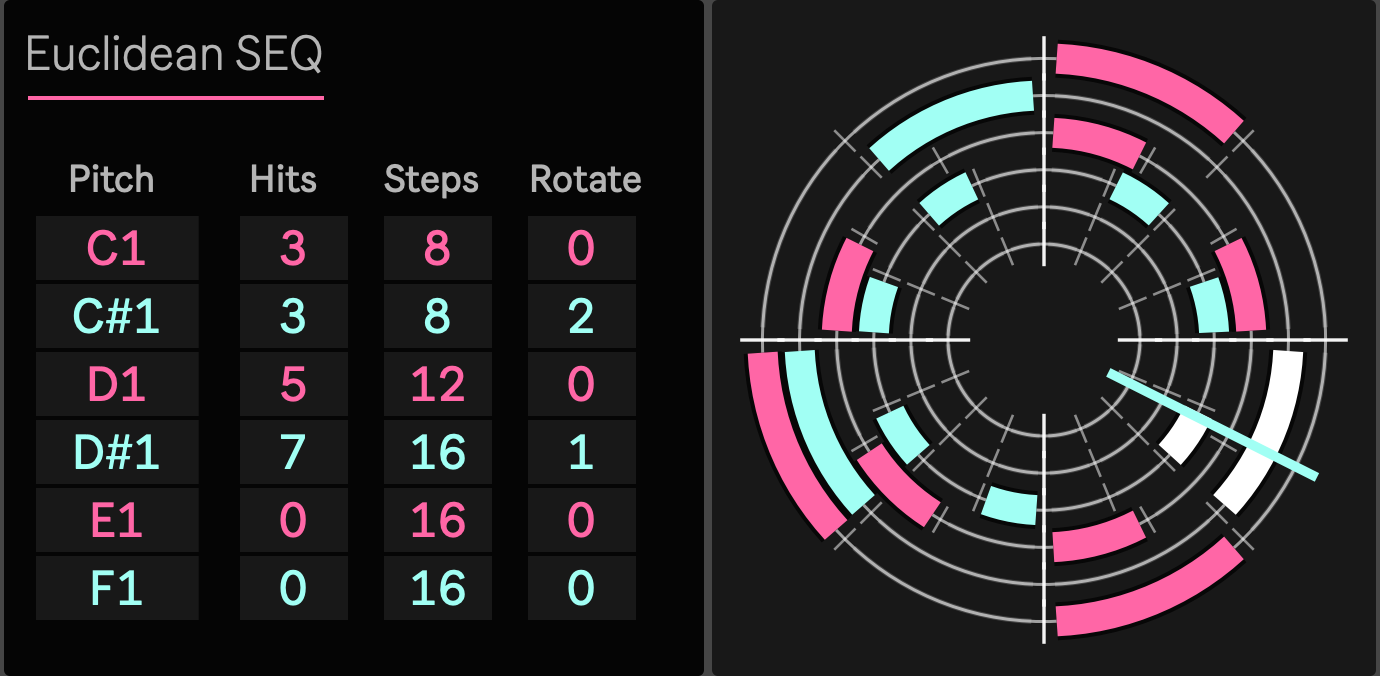
EuclideanSEQ 5.2 brings six of these patterns together inside one Max for Live MIDI device. They share Ableton Live's transport, but they do not have to divide that time in the same way. The result can remain sparse and readable while producing accents, overlaps, and repeating relationships that would be much more laborious to draw note by note.
The point is not to make every pattern complicated. It is to let simple patterns become interesting through the way they coexist.
Six Rhythms, One Clock
A useful groove often depends less on how many notes it contains than on where several simple rhythms meet.
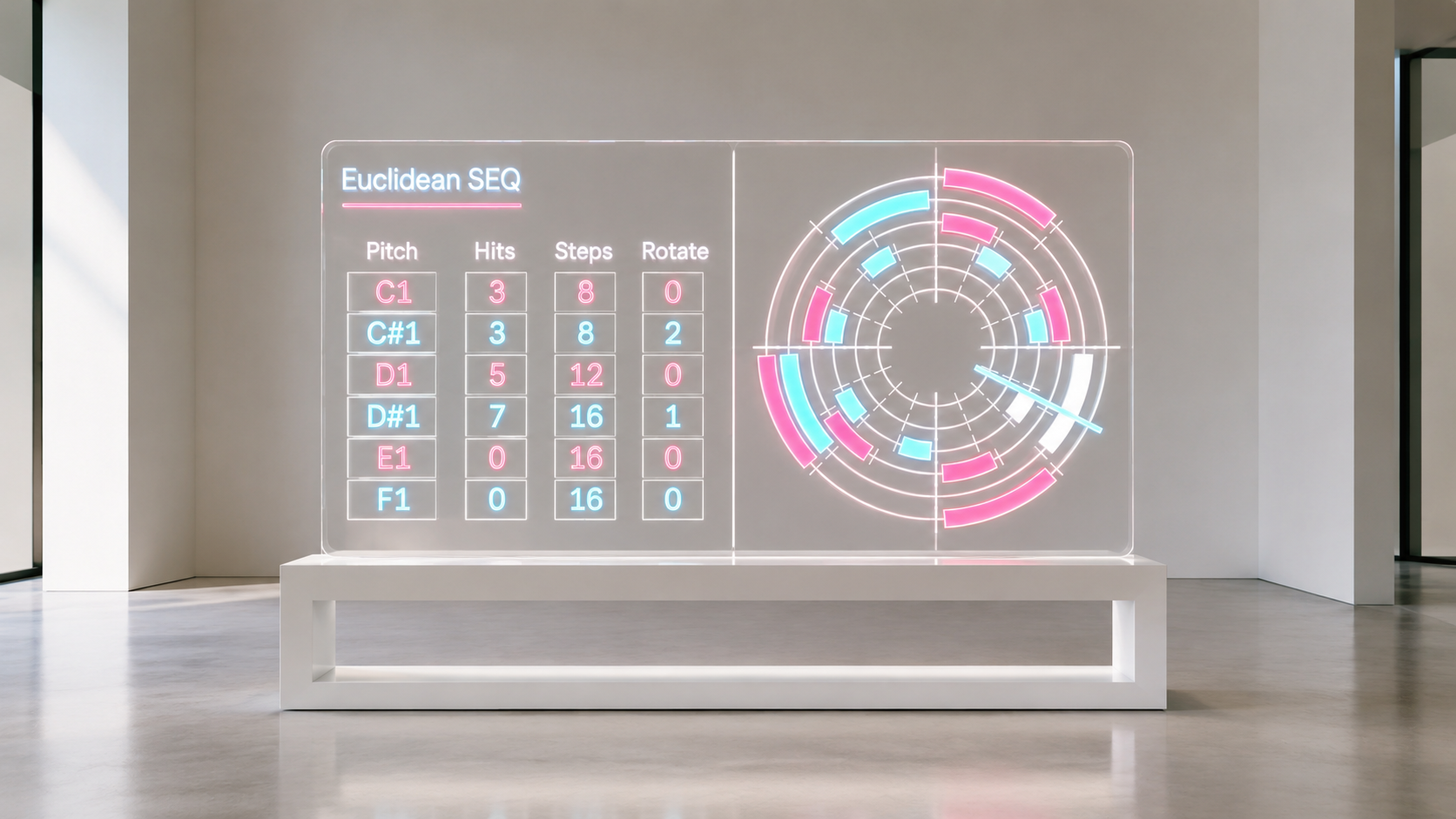
EuclideanSEQ gives each of its six tracks its own pitch and Euclidean structure. Hits determines the density of a pattern, Steps changes the way the cycle is divided, and Rotate moves that structure through time without forcing you to rebuild it.
Keep one track stable and move another around it. Place an eight step pulse beside a twelve step pattern. Add a sparse layer that only becomes important when its accents coincide with something already playing.
A small change can reorganize the composite groove without destroying the parts that were already working.
Instead of repeatedly redrawing MIDI until a variation feels right, you can change the conditions that generate the rhythm and listen to a new relationship appear.
Probability Without Losing the Pattern
Randomness is useful until it becomes difficult to tell what the pattern actually is.
Version 5.2 approaches probability more selectively. The Euclidean structure remains intact, and probability is applied to individual active steps inside that structure. You can establish a rhythm that works first, then decide which events need to remain reliable and which can occasionally disappear.
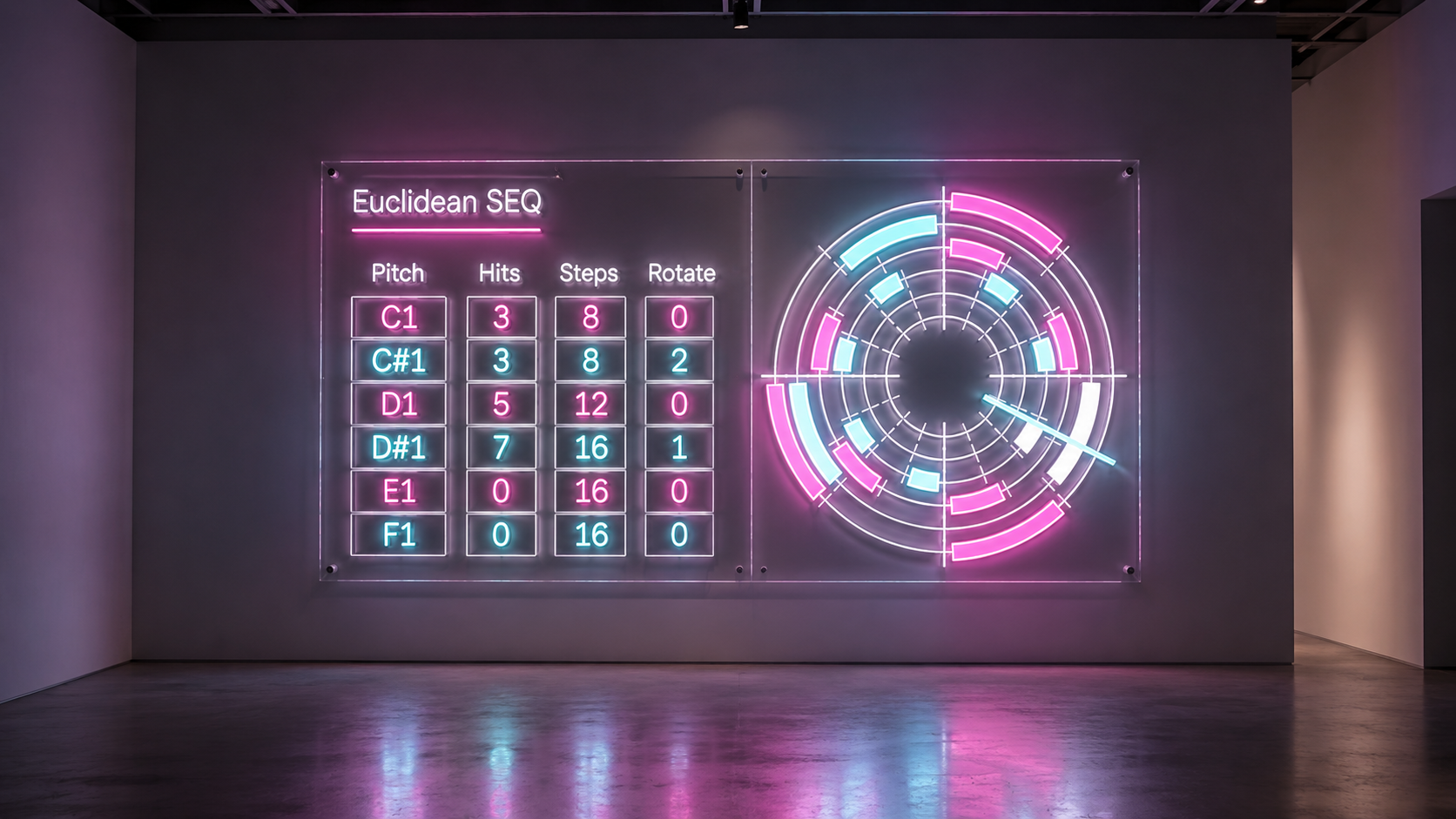
Probability is edited directly on the circular sequencer. Drag an active step downward to reduce its probability. Move upward to increase it again. While editing, the current value appears as a percentage in the center of the display, and the step itself becomes visually lighter as its probability decreases.
Double click an active step and it immediately returns to 100%.
This changes the role of probability. It is no longer a global randomization switch. It becomes a way to loosen specific parts of an otherwise intentional rhythm.
A defining kick can remain fixed. A secondary percussion hit can occur most of the time. A small accent can surface only occasionally.
The structure stays recognizable, but repetition becomes less literal.
See the Rhythm as a Relationship
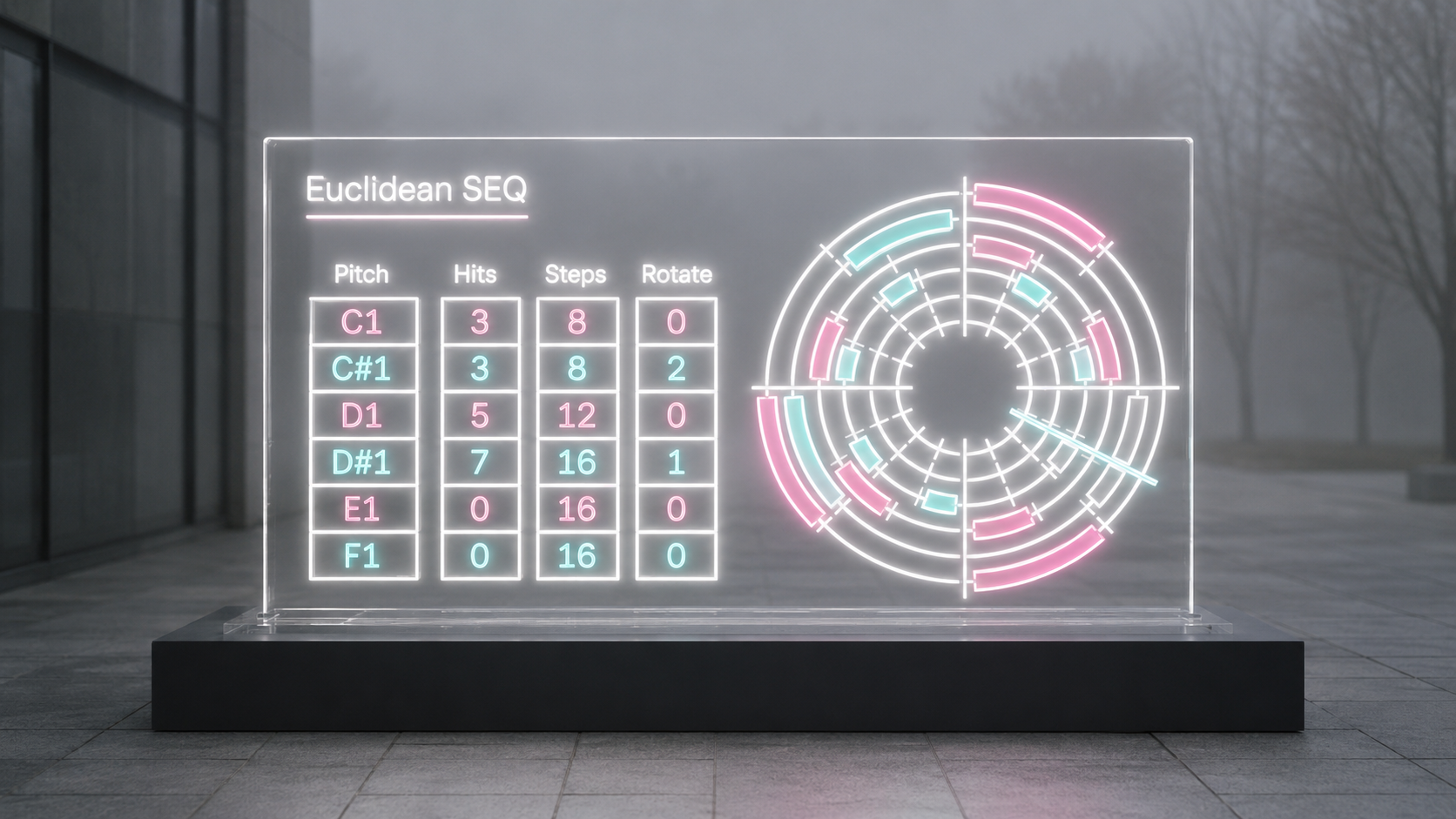
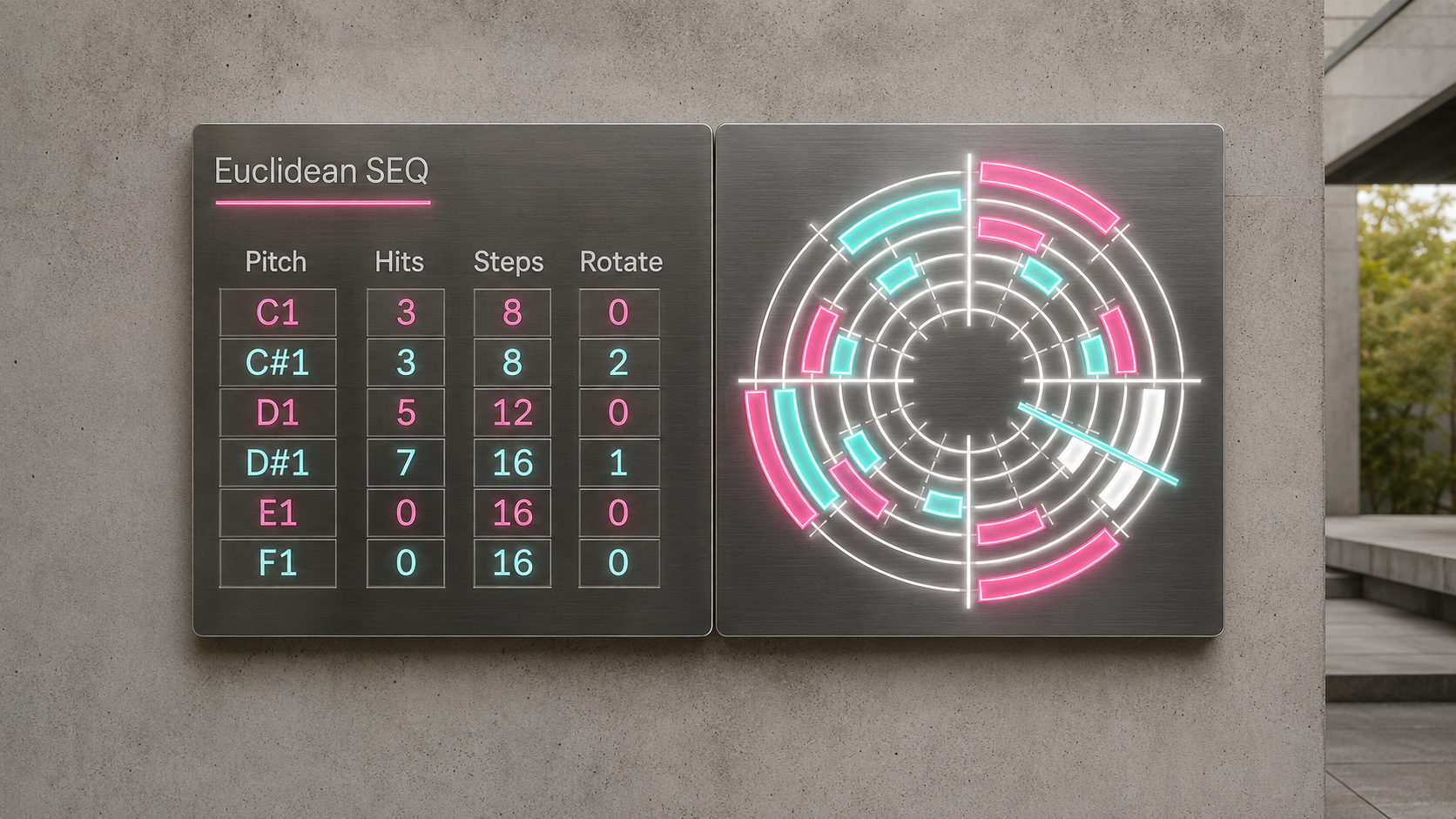
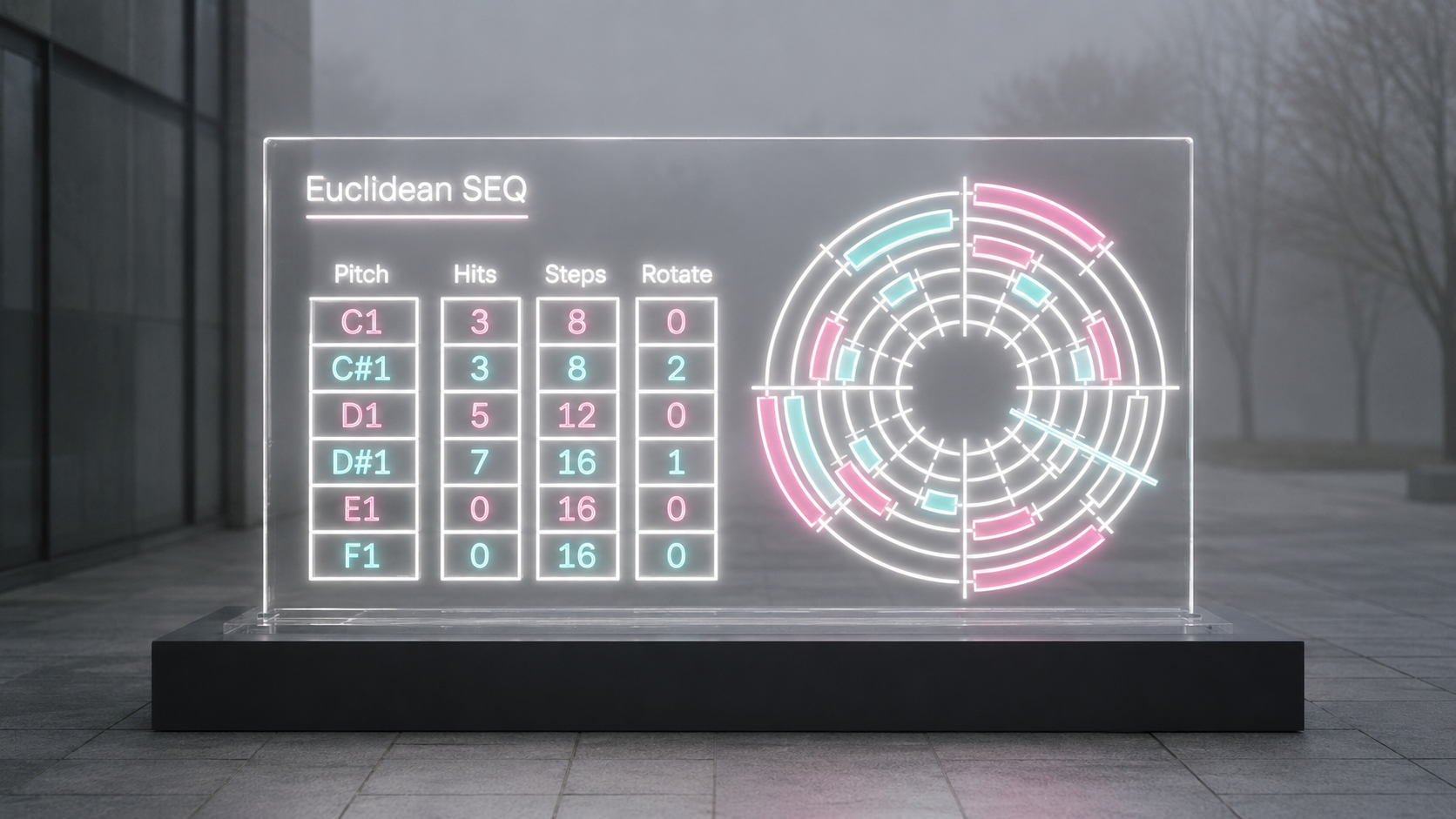
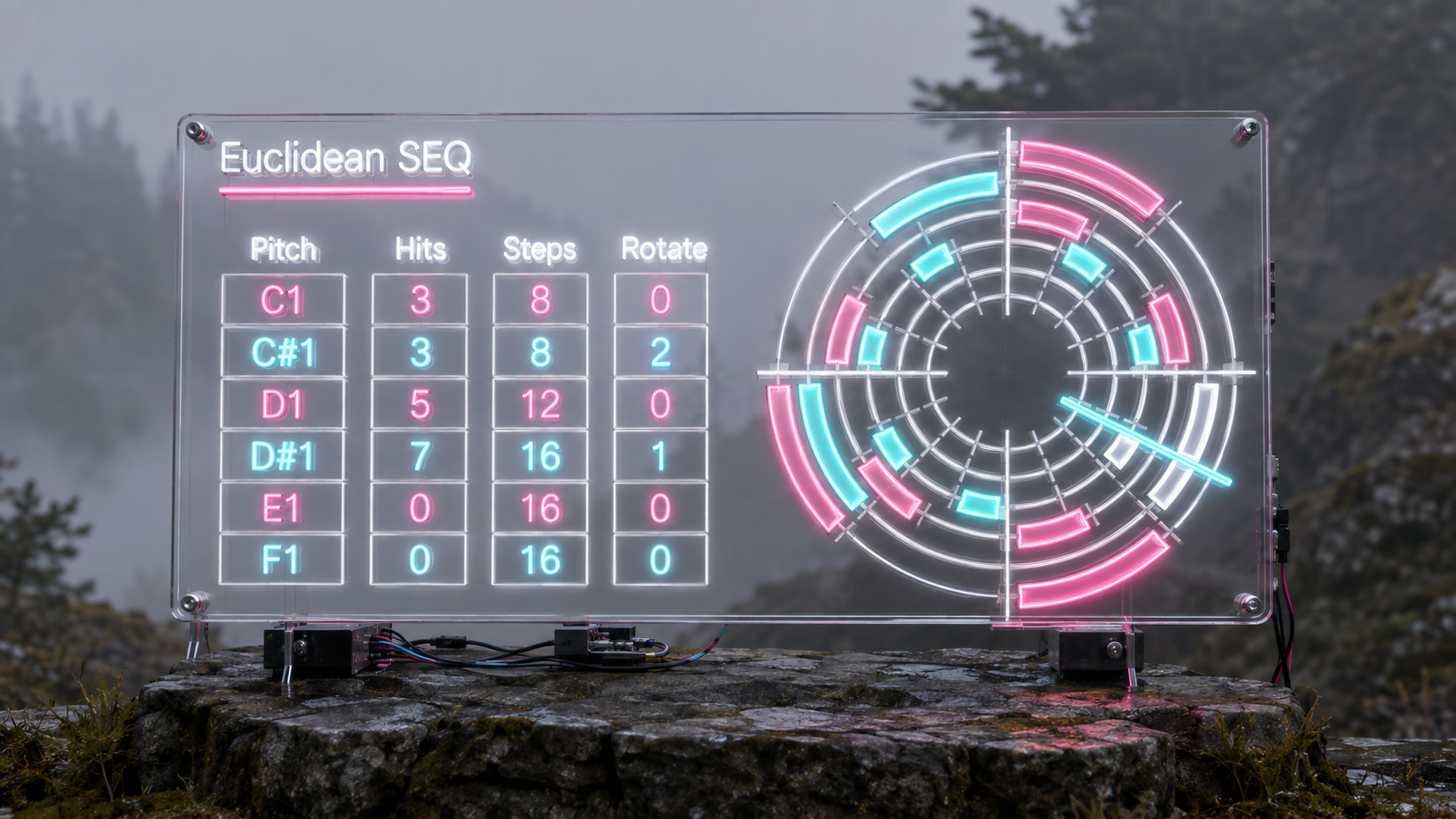
Six concentric rings show the six tracks as one connected rhythmic system.
A shared playhead moves through the display while each ring represents its own Euclidean pattern. Active steps appear as colored arcs. Lower probability makes those arcs more transparent. When an event actually passes the probability decision and produces a MIDI note, that position flashes white.
The display therefore shows more than the pattern itself.
You can see which steps belong to the Euclidean structure, which steps have reduced probability, and which event actually sounded on the current pass.
When several different divisions are running at once, this becomes especially useful. You may hear an accent that is difficult to understand from a normal step grid, glance at the rings, and immediately see which patterns have crossed at that moment.
From there, changing Rotate, Steps, or the probability of a single event can move that relationship somewhere else.
The sequence can be adjusted while it is running without reducing the musical idea to a spreadsheet of MIDI events.
From Percussion to Pitched Patterns
EuclideanSEQ works naturally with drums, but its six tracks are not tied to percussion.
Each track sends its own MIDI pitch. With a Drum Rack or sampler, those pitches can address different drums, percussion sounds, or one shots. With a synthesizer, the same six rhythmic structures can distribute a small collection of pitches through time, producing repeating figures that behave differently from a conventional arpeggiator.
This is particularly useful when you want harmony and rhythm to grow from the same structural idea. A few fixed notes can become much more animated when each one follows a different division of the cycle.
Incoming MIDI also passes through the device, so EuclideanSEQ does not have to replace the rest of your MIDI workflow. Generated patterns can sit alongside played notes or material arriving from another MIDI device.
Start With Less
The easiest way to make EuclideanSEQ sound complex is not to fill all six tracks.
Start with one pattern that clearly defines the pulse. Add a second track with a different division and listen to where the two rhythms meet. Introduce a third only when the relationship needs another layer.
Rotate it instead of rewriting it. Change its division. Let a simple pattern move against something that is already working.
Once the structure is convincing, bring Probability into the process.
Keep the events that define the groove reliable. Reduce the probability of the events that can disappear occasionally. Add another track only when the relationship needs another layer.
Complexity grows from interaction rather than from filling every available position.
That is the central idea behind EuclideanSEQ.
You do not need to program every event.
You shape the conditions from which the rhythm appears.
What Is New in v5.2
EuclideanSEQ 5.2 expands the device to six rhythmic tracks and brings per step Probability directly into the circular sequencer.
Active Euclidean steps can now be dragged to change their probability, with visual transparency and a percentage readout showing the current value. Double clicking restores an edited step to 100%, and probability settings are retained as part of the device state.
The interface has also been refined for the six track layout, with improved pitch readability, LCD style numeric controls, Live theme aware track colors, and six corresponding rings in the circular display.
The Live transport based scheduling architecture introduced in v5.0.2 remains the timing foundation of the device.
Availability and Licensing
EuclideanSEQ 5.2 is available through Sellfy as an Ableton Max for Live MIDI Effect.
The download package includes EuclideanSEQ5.2.amxd together with the runtime files required by the device.
The current target environment is Ableton Live 12 with Max 9.
v.5.0.2 ... Rebuilt MIDI timing around Live transport relative scheduling, expanded Euclidean sequencing to five voices with a fifth visible control row, and finalized dependency complete release packaging. (2026/8/11)
v.5.0.1 ... Finalized host saved V8 and V8UI dependency handling, added sounding step whiteout feedback, and refined the four voice control layout for reliable repeated editing and saving. (2026/8/10)
Generative Sequencer
Air https://akihikomatsumoto.sellfy.store/p/abletonair/
GENE https://akihikomatsumoto.sellfy.store/p/abletongene/
MODE https://akihikomatsumoto.sellfy.store/p/abletonmode/
Solfa https://akihikomatsumoto.sellfy.store/p/abletonsolfa/
ISO https://akihikomatsumoto.sellfy.store/p/abletoniso/
Div Beat https://akihikomatsumoto.sellfy.store/p/ableton-div-beat/
303quencer https://akihikomatsumoto.sellfy.store/p/ableton-303quencer/
Parameter SEQ
Hardwave Arpeggiator https://akihikomatsumoto.sellfy.store/p/hardwavearpeggiator/
Trance Shifter https://akihikomatsumoto.sellfy.store/p/abletontranceshifter/
Telequencer https://akihikomatsumoto.sellfy.store/p/abletontelequencer/
Trance Arpeggiator https://akihikomatsumoto.sellfy.store/p/ableton-trance-arpeggiator/
Euclidean SEQ https://akihikomatsumoto.sellfy.store/p/ableton-euclidean-seq/
Akihiko Matsumoto
Study Site https://akihikomatsumoto.com/study/
Ableton M4L, Serum Preset Store https://akihikomatsumoto.com/download/
Sample Pack https://akihikomatsumoto.sellfy.store/sample-pack/
Bandcamp https://akihikomatsumoto.bandcamp.com
Ableton Skin https://akihikomatsumoto.sellfy.store/p/ableton-skin-pack/
Spotify https://open.spotify.com/artist/1tZMmxzZbvNu6klyKXa0L1?si=2JZaFeLbREi-UownD8POSg