
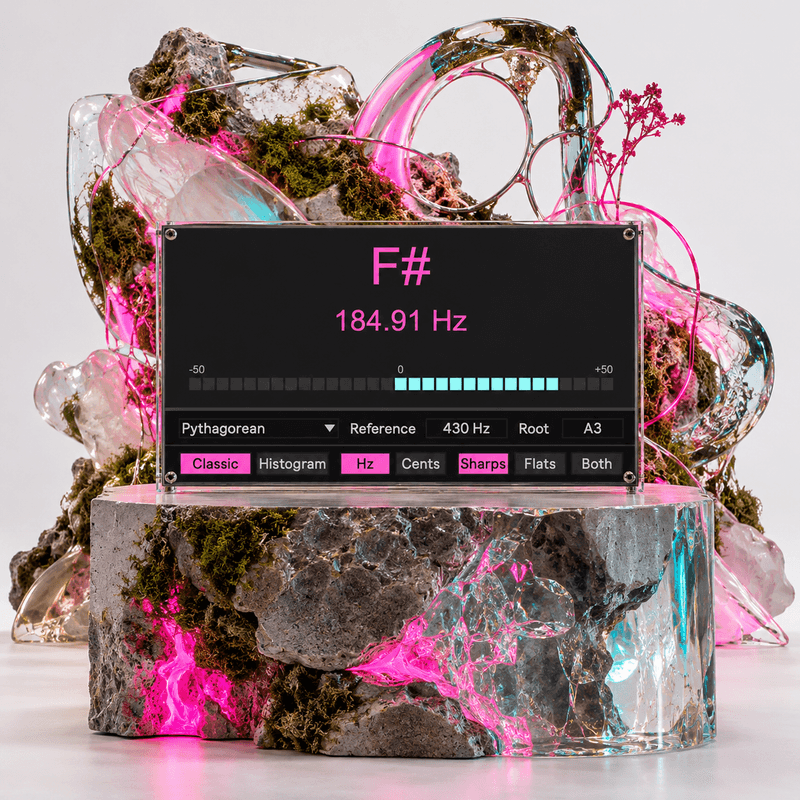
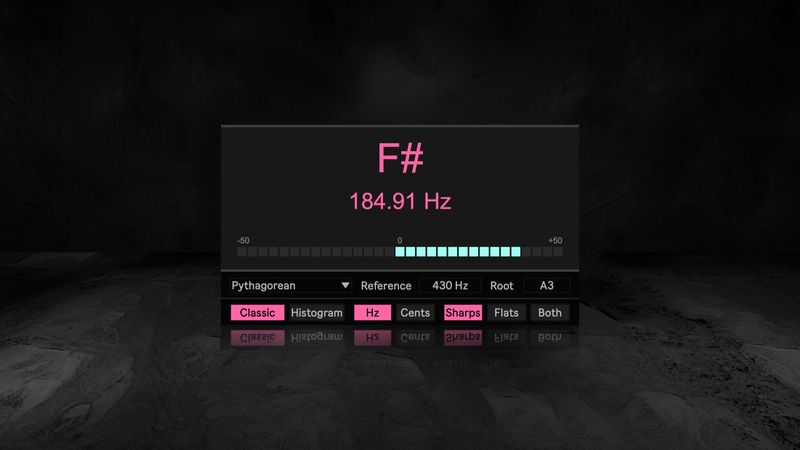
Ableton Precision Tuner v.1.0
Max for Live Device (.amxd file)
| Tune to the reference your music actually uses
A tuner is only as useful as the tuning system behind its target. If the session is not based on A4 at 440 Hz, or if the music is not using ordinary twelve tone equal temperament, a conventional reading can tell you that a note is centered while comparing it against the wrong reference. Precision Tuner is built for the point where tuning stops being a generic utility and becomes part of the musical decision.
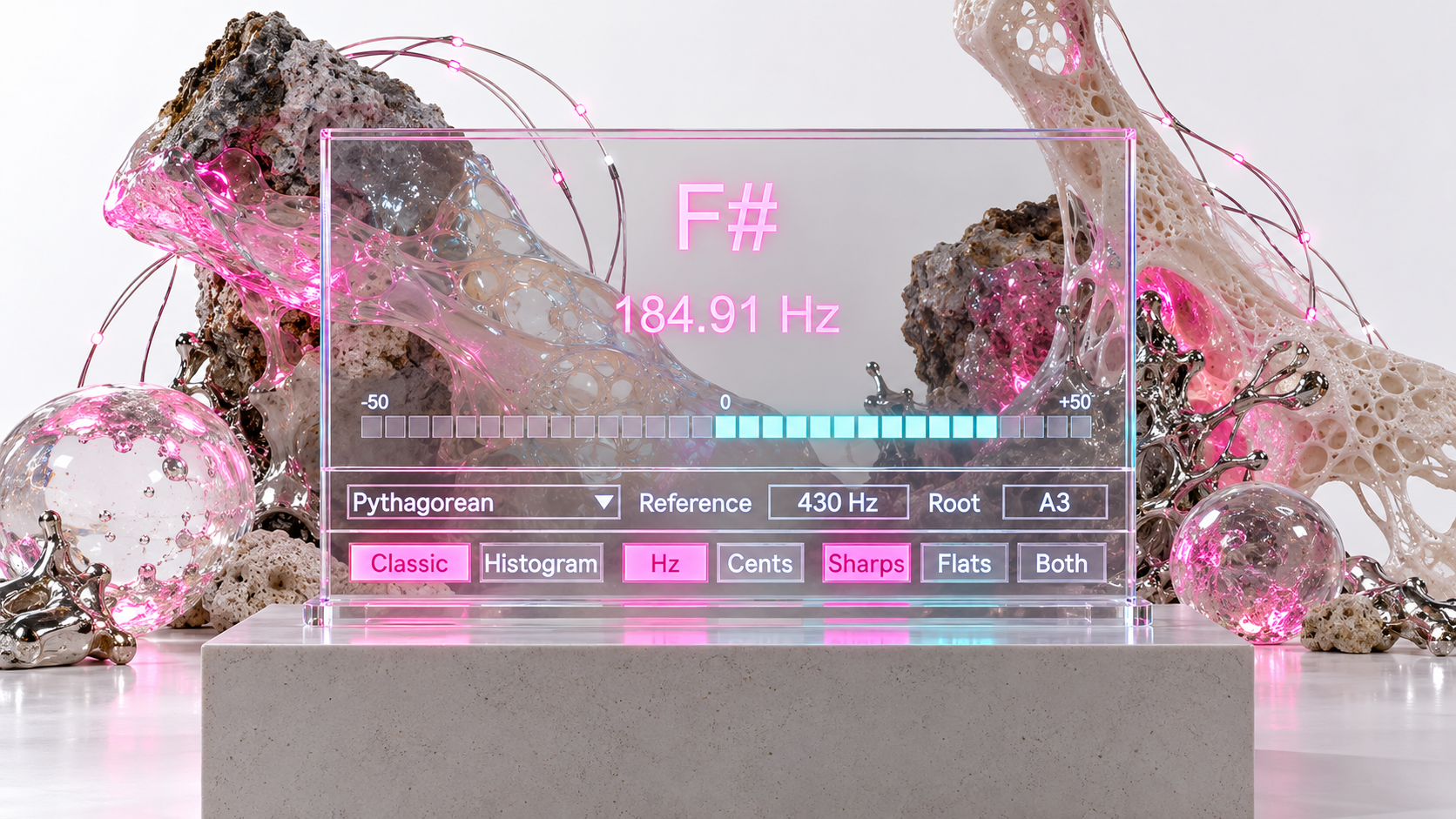
Precision Tuner sits directly inside Ableton Live and lets you define the reference that the instrument is being tuned against. Set the intended A4, choose the tuning system, choose the tonal center when the temperament requires it, then play one note at a time and tune to the target that belongs to that musical context.
Start from the actual reference instead of compensating afterward
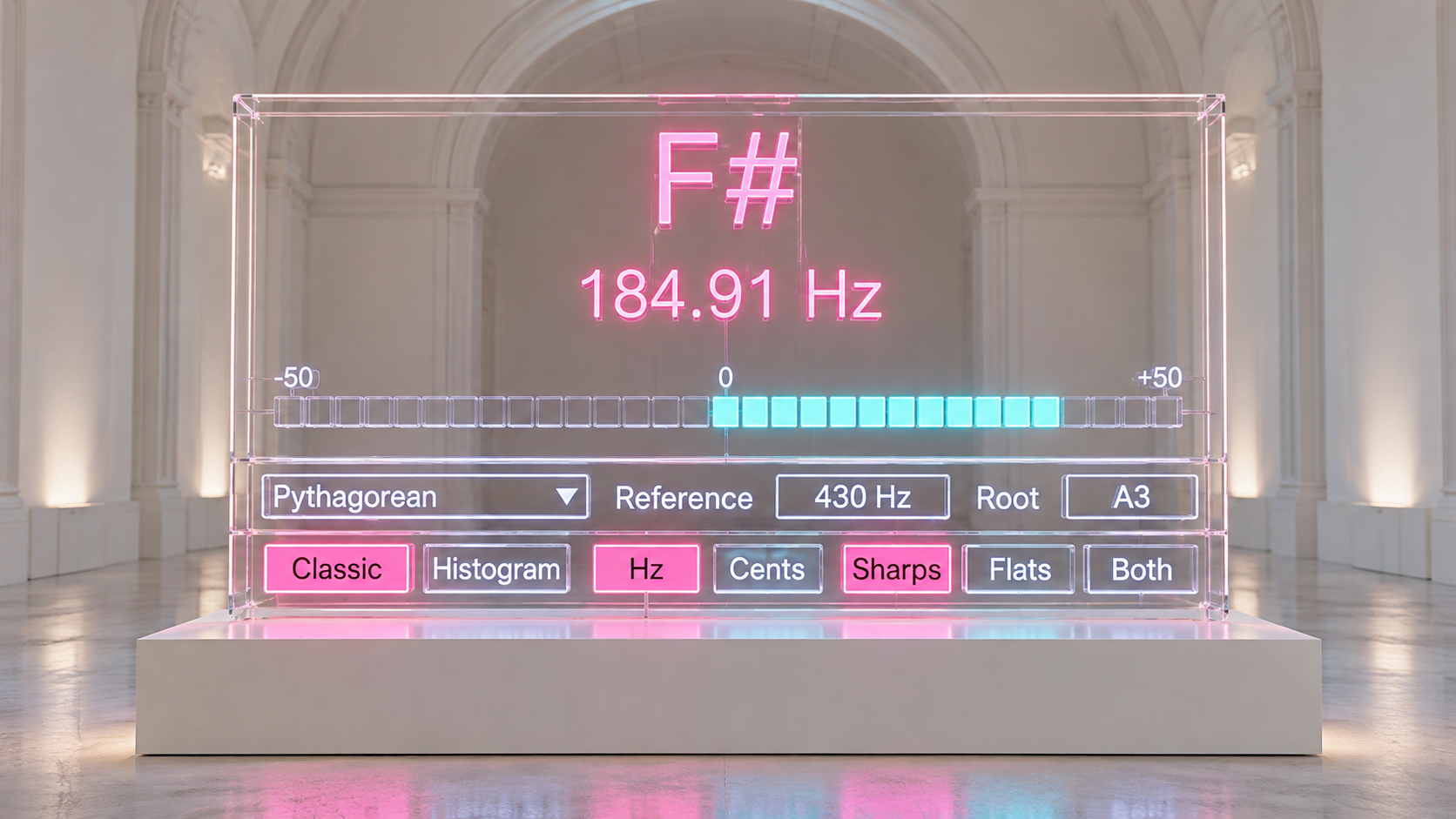
Reference can be set directly from 410 Hz to 480 Hz. The value is not a cosmetic label and it is not a manual offset added after the pitch has been measured. It changes the target frequency grid used by the tuner, so the cent reading is recalculated from the reference you actually selected.
If a session is working at A4 442 Hz, enter 442 and tune directly to that standard. If a historical practice, acoustic ensemble, recording session, or instrument setup uses another reference, the same principle applies. The tuner follows the declared reference instead of asking you to remember how far that reference sits from 440 Hz.
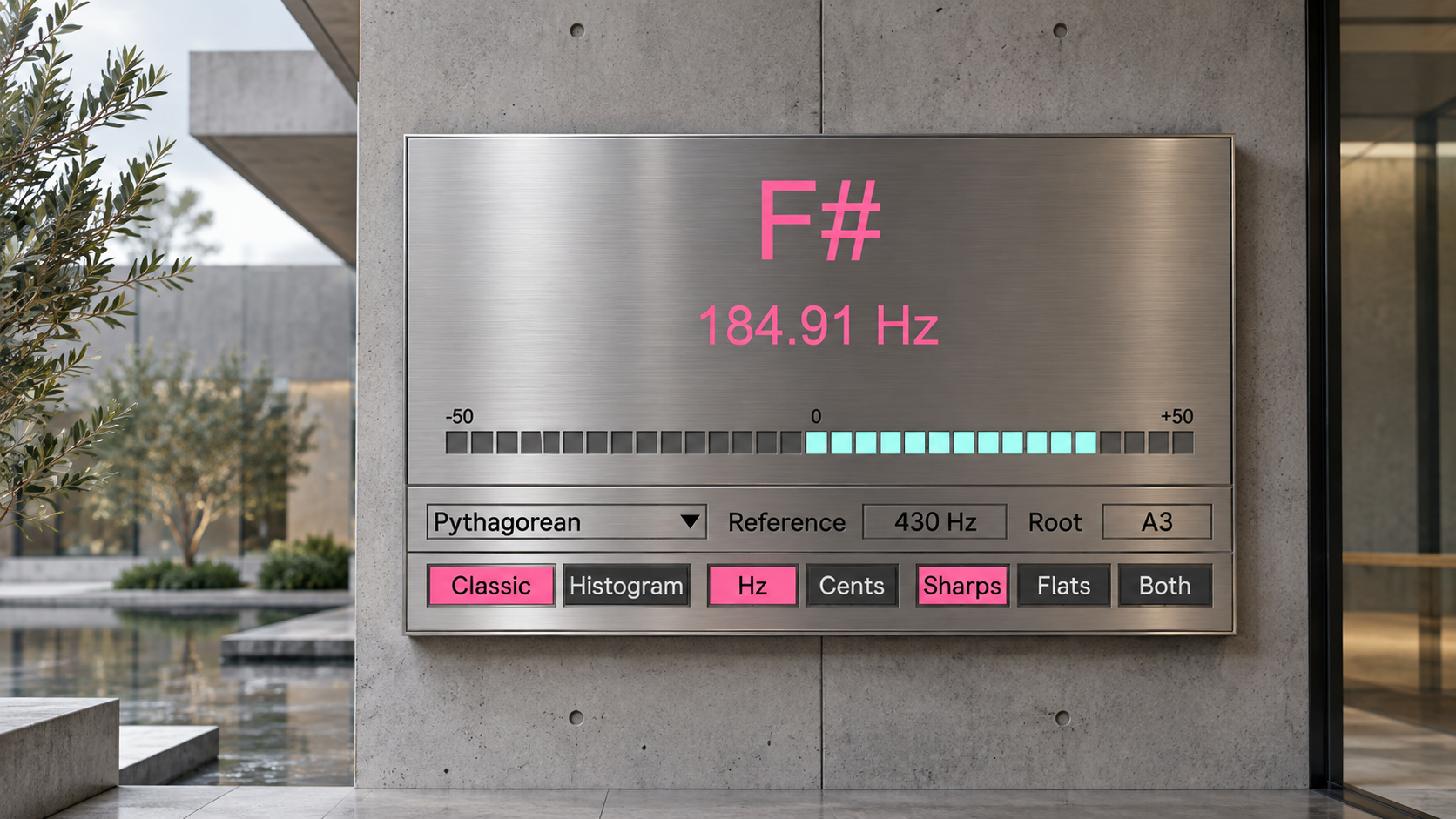
Choose the interval system behind the note
Equal mode provides ordinary twelve tone equal temperament for standard chromatic tuning. When that is the musical requirement, Precision Tuner behaves as a direct instrument tuner with an adjustable A4 reference.
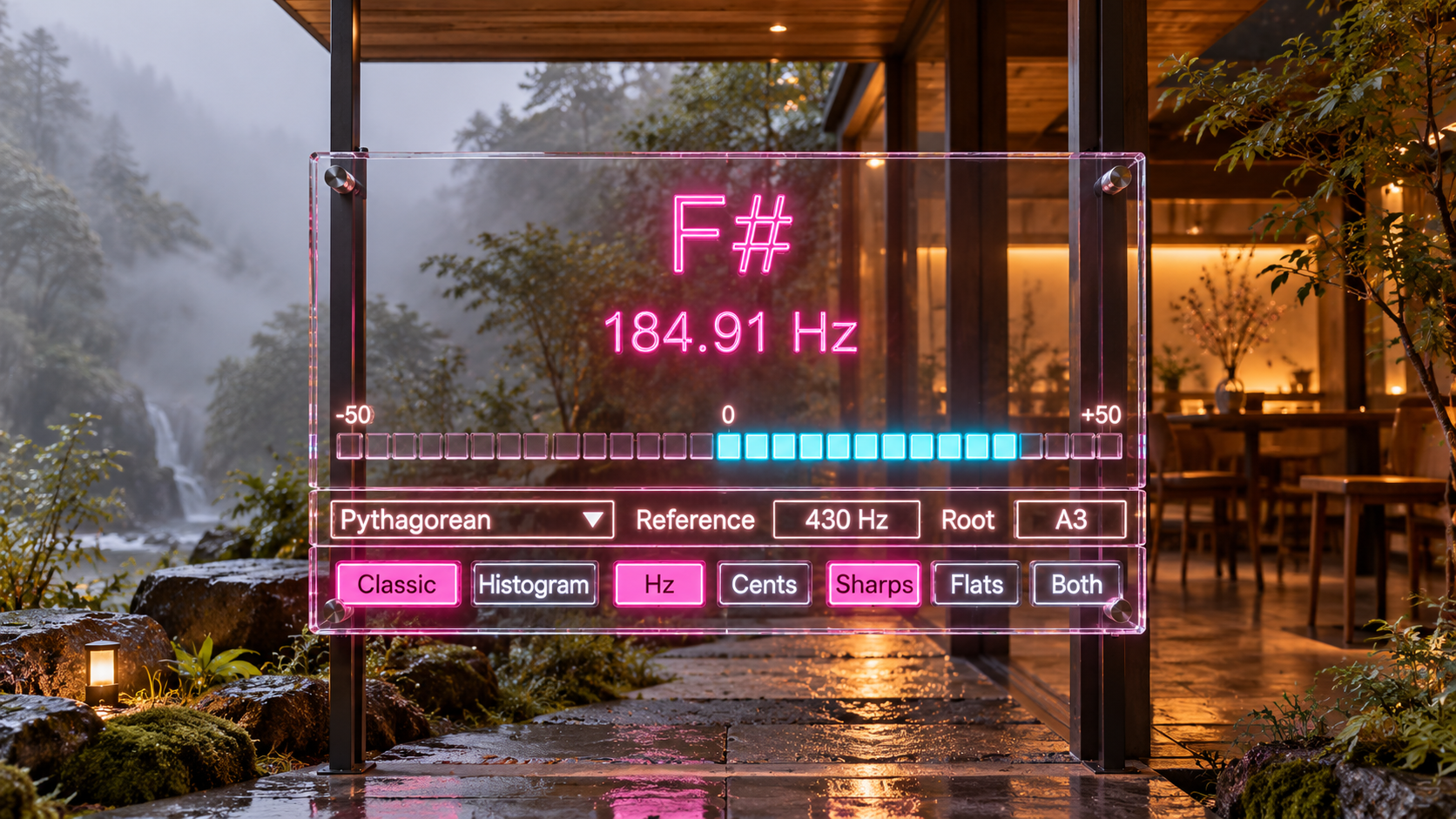
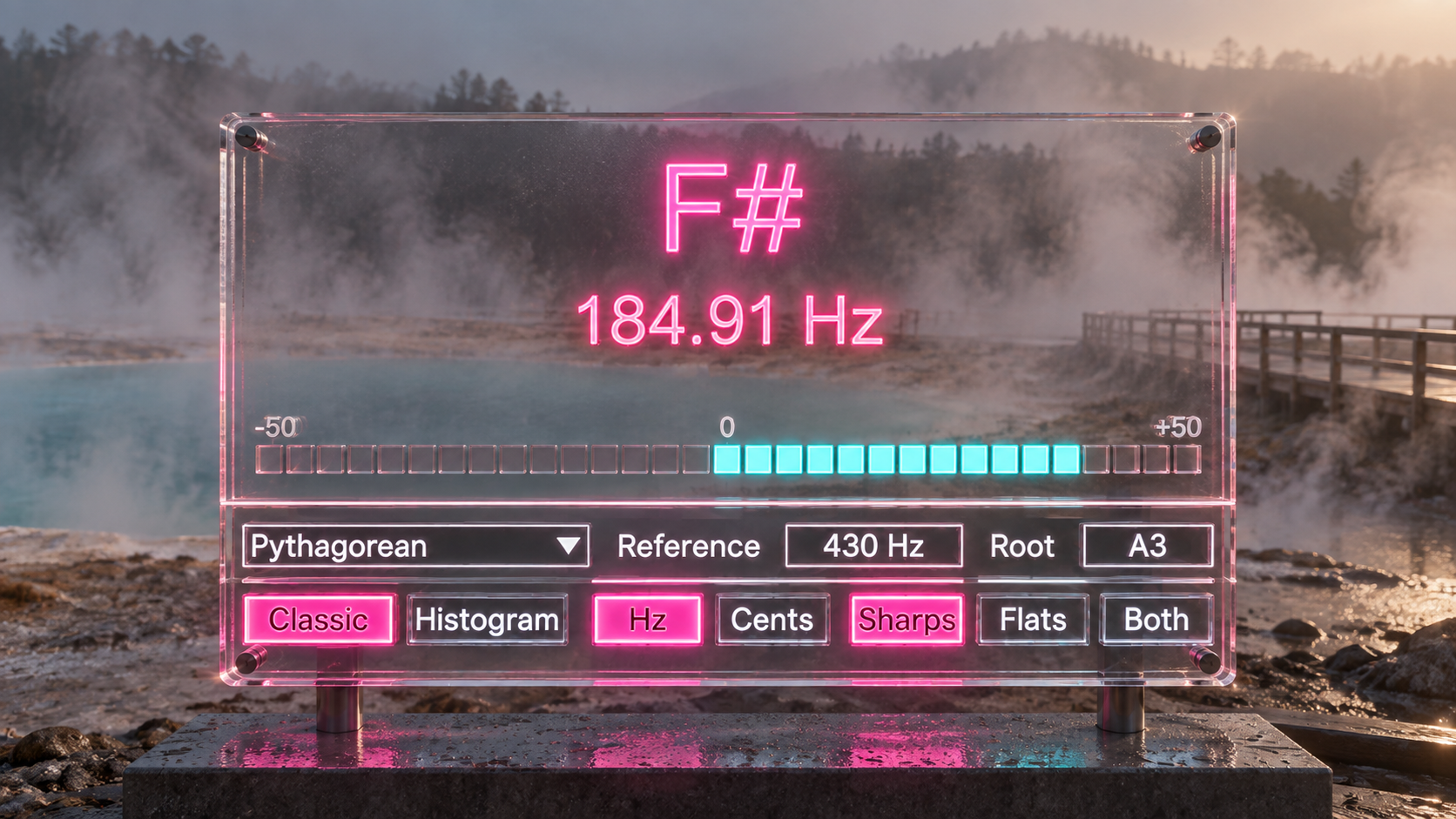
Just and Pythagorean modes change the relationship between the notes themselves. Just uses a defined Ptolemaic five limit profile, while Pythagorean uses a defined chain derived from pure fifth relationships. In both modes, Root establishes the tonal center of the ratio system, so the target is built around the music rather than treated as a fixed chromatic grid.
This makes it possible to compare the same played pitch against different interval systems without leaving the Live Set. The purpose is not to claim that there is only one possible Just or Pythagorean tuning. Precision Tuner gives you explicit, repeatable profiles that can be selected when those relationships are part of the work.
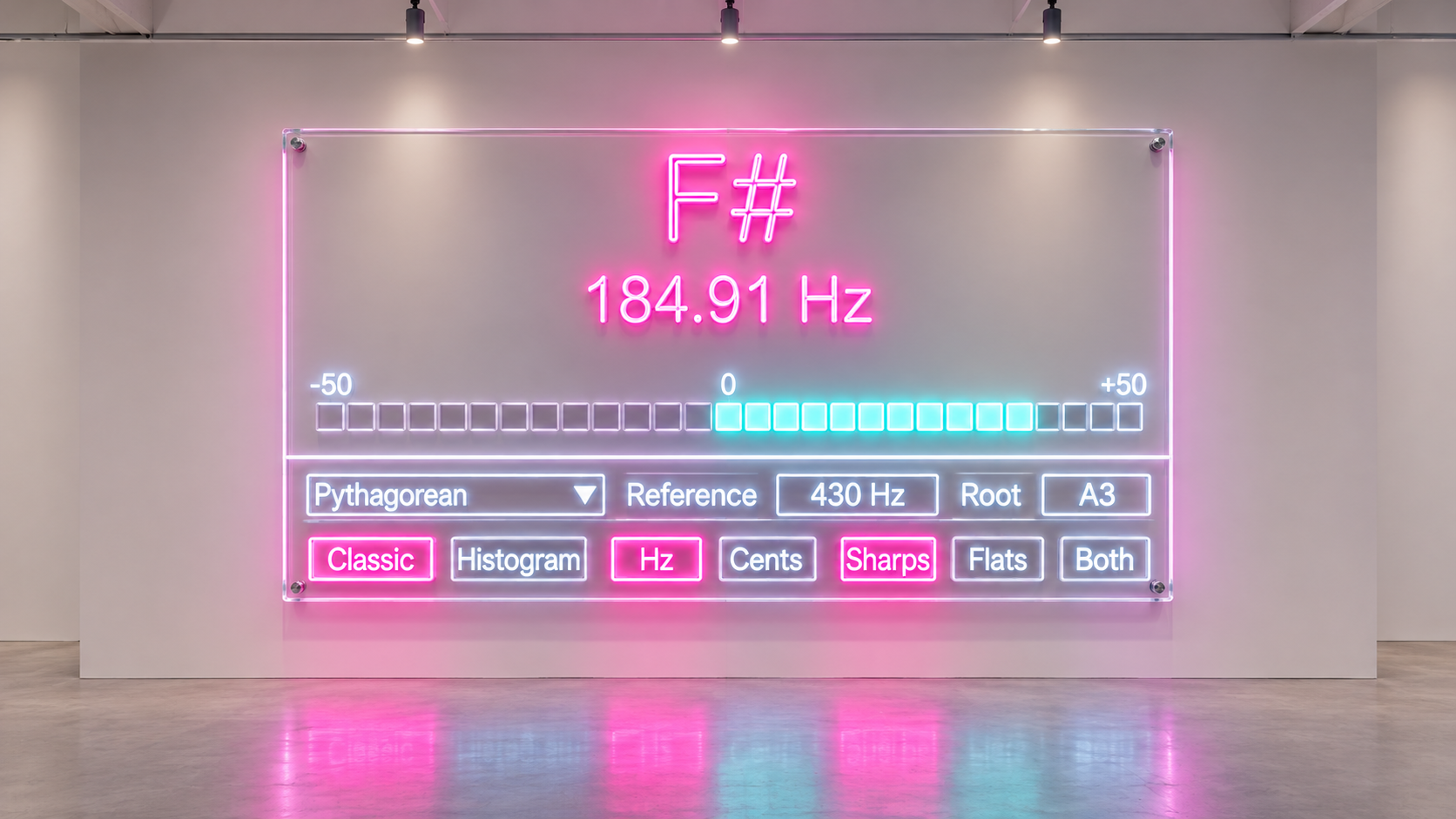
Low notes need observation time
Low register tuning is difficult for a simple reason: low frequencies take longer to reveal their periodic structure, and strong upper partials can make an estimator mistake a harmonic for the fundamental. A fast reading is not always a useful reading if the instrument has not yet settled.
Precision Tuner therefore uses a dedicated low register analysis path instead of applying one short observation window to every pitch. The detector can use a longer section of the waveform and refine low frequency estimates from partial information when necessary. The practical result is a tuner designed to let sustained bass notes and other low monophonic sources settle before the final judgment is made.
That extra observation is intentional. Very low notes can respond more slowly than midrange notes because the tuner is using more of the waveform rather than forcing the same short analysis onto every register.
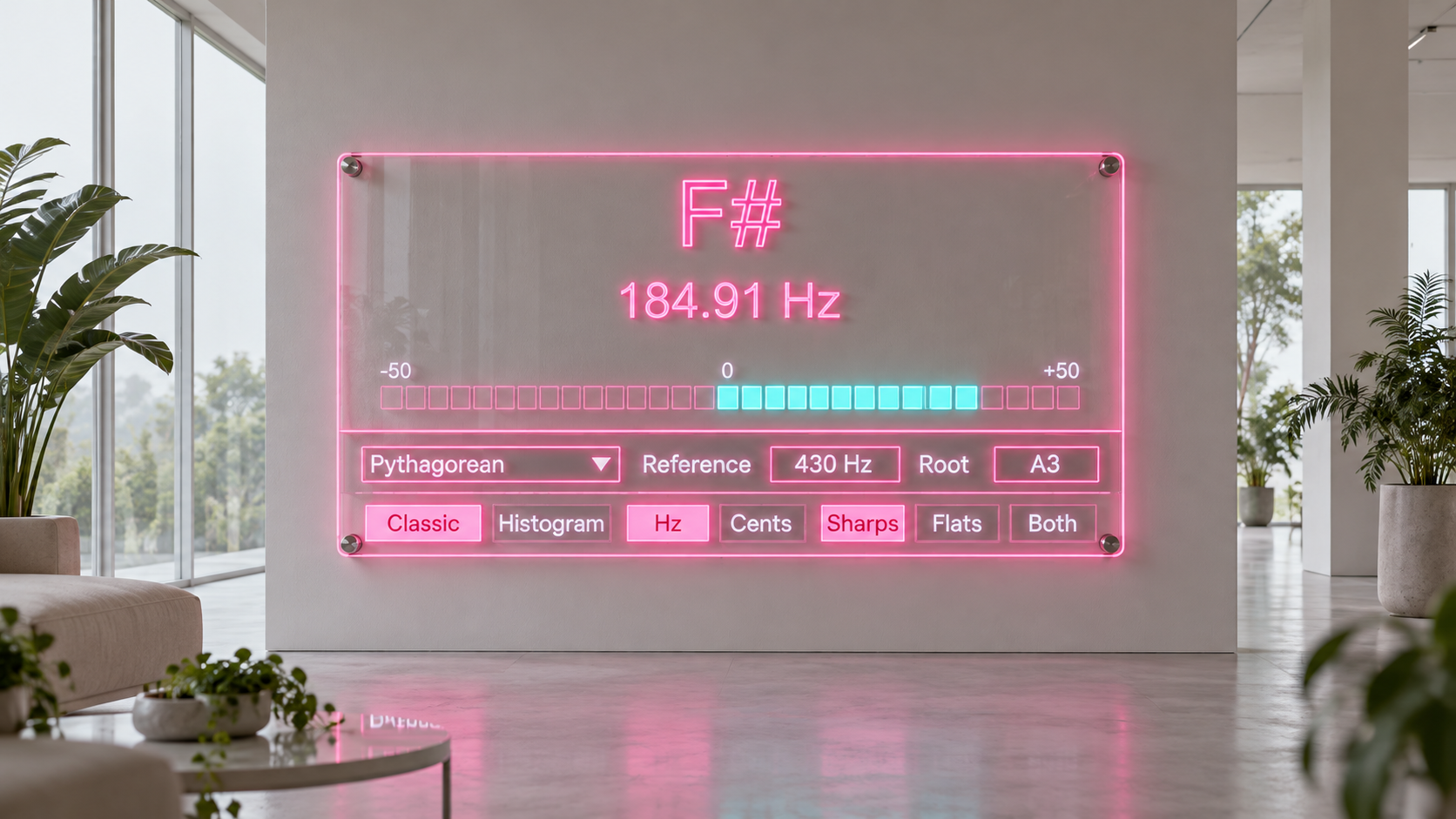
Watch where the pitch settles, not only where it starts
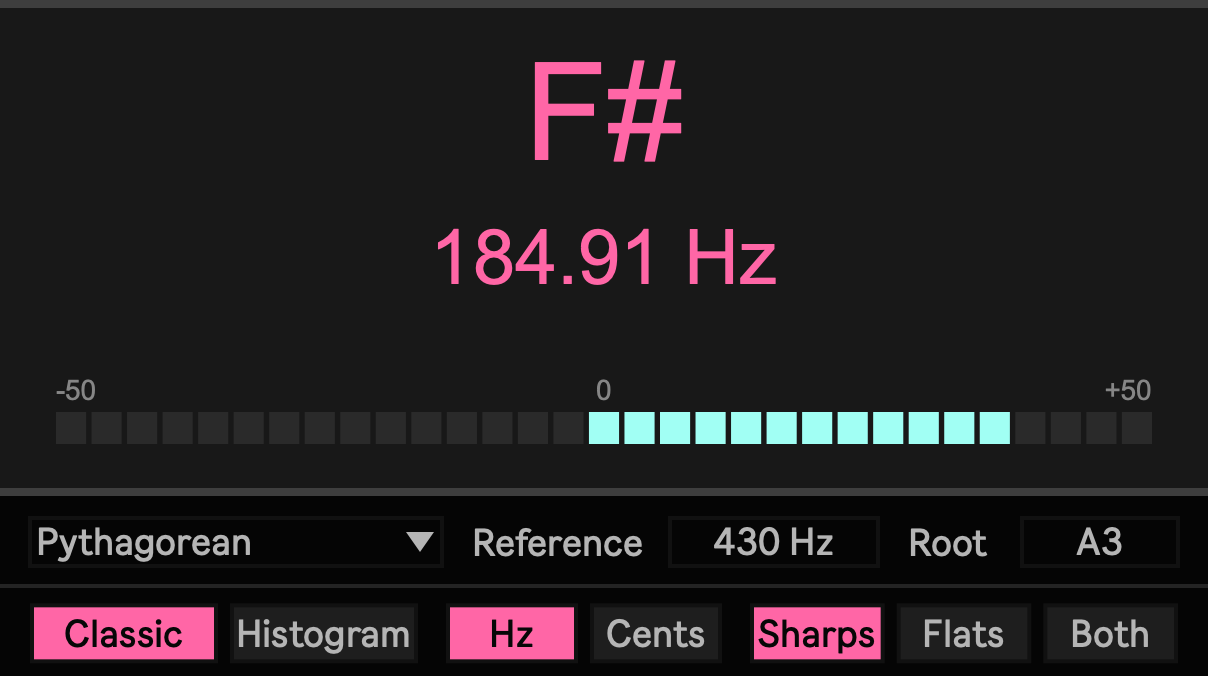
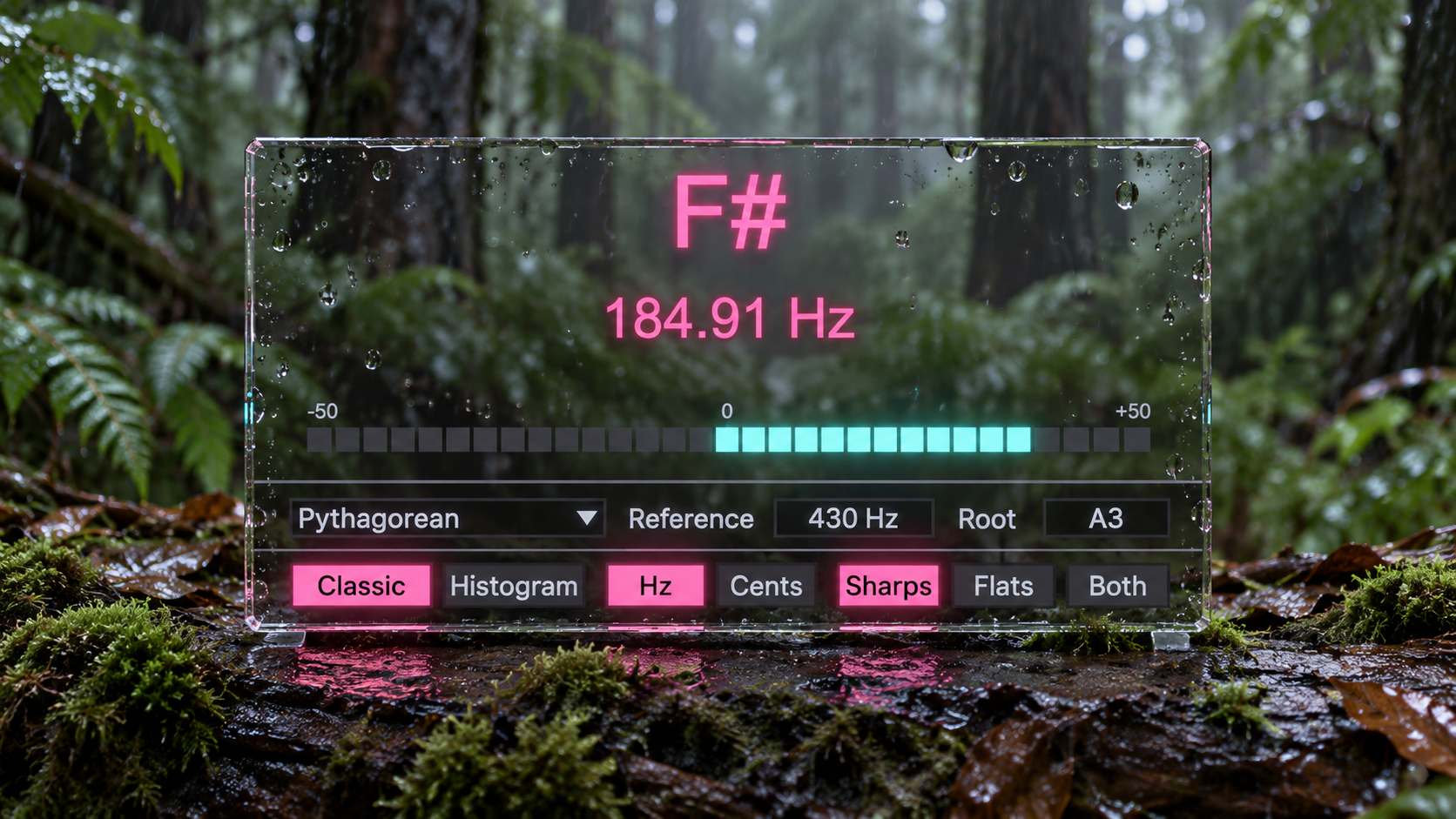
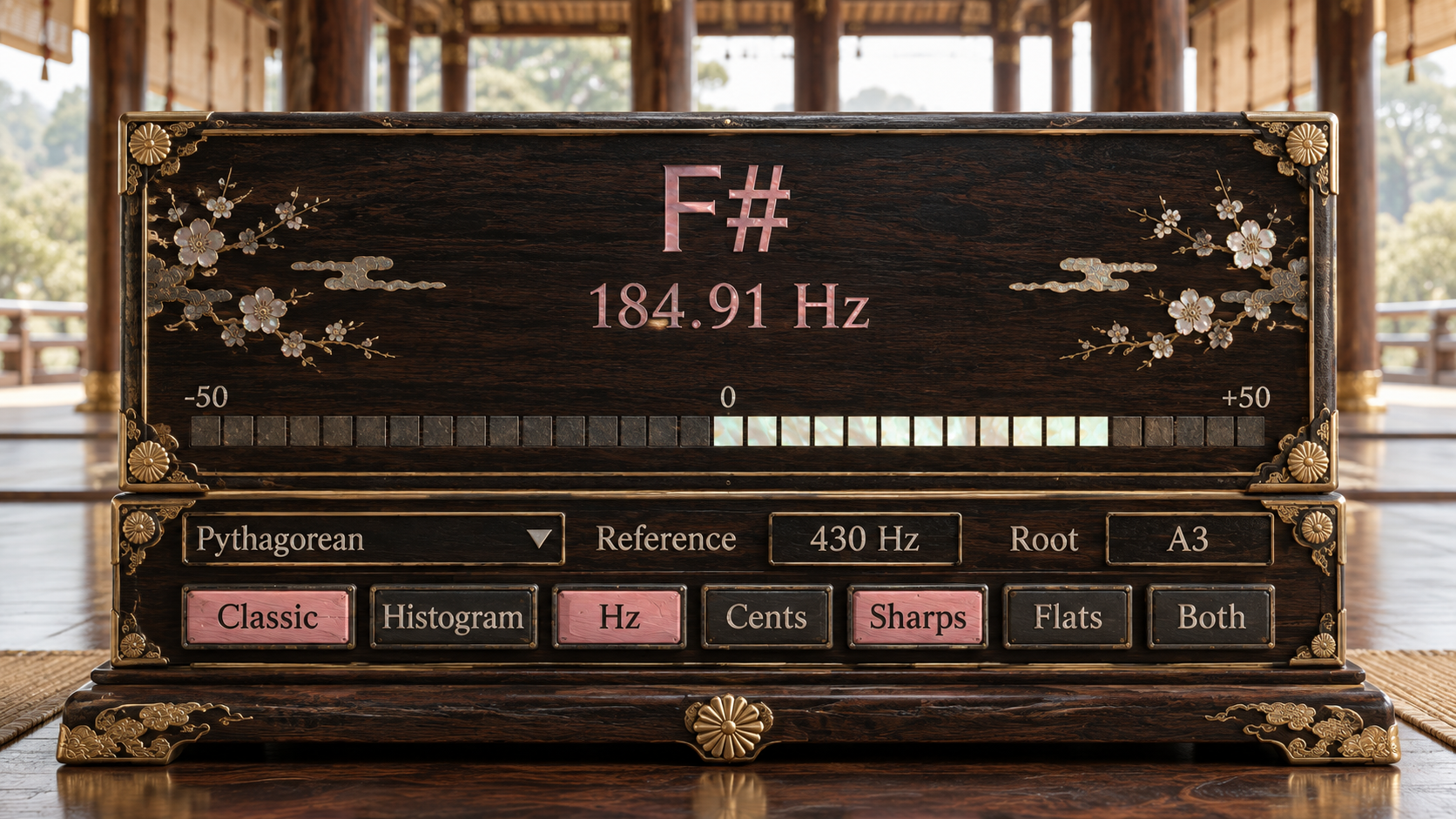
Classic view is for immediate tuning. The display resolves the nearest target note and shows how far the detected pitch sits from that target, making it suitable for the familiar process of bringing a note toward the center.
Histogram view is for a different question. It shows recent pitch movement around the target region, so a sustained note can be judged as a trajectory rather than a single instant. This is useful when a string settles after the attack, when breath pressure causes a tone to move, or when vibrato makes the pitch continually cross the center.
The numeric display can show either Hz or Cents. Use Hz when the absolute measured frequency matters. Use Cents when the important information is the musical distance from the current target generated by the selected Reference, Temperament, and Root.
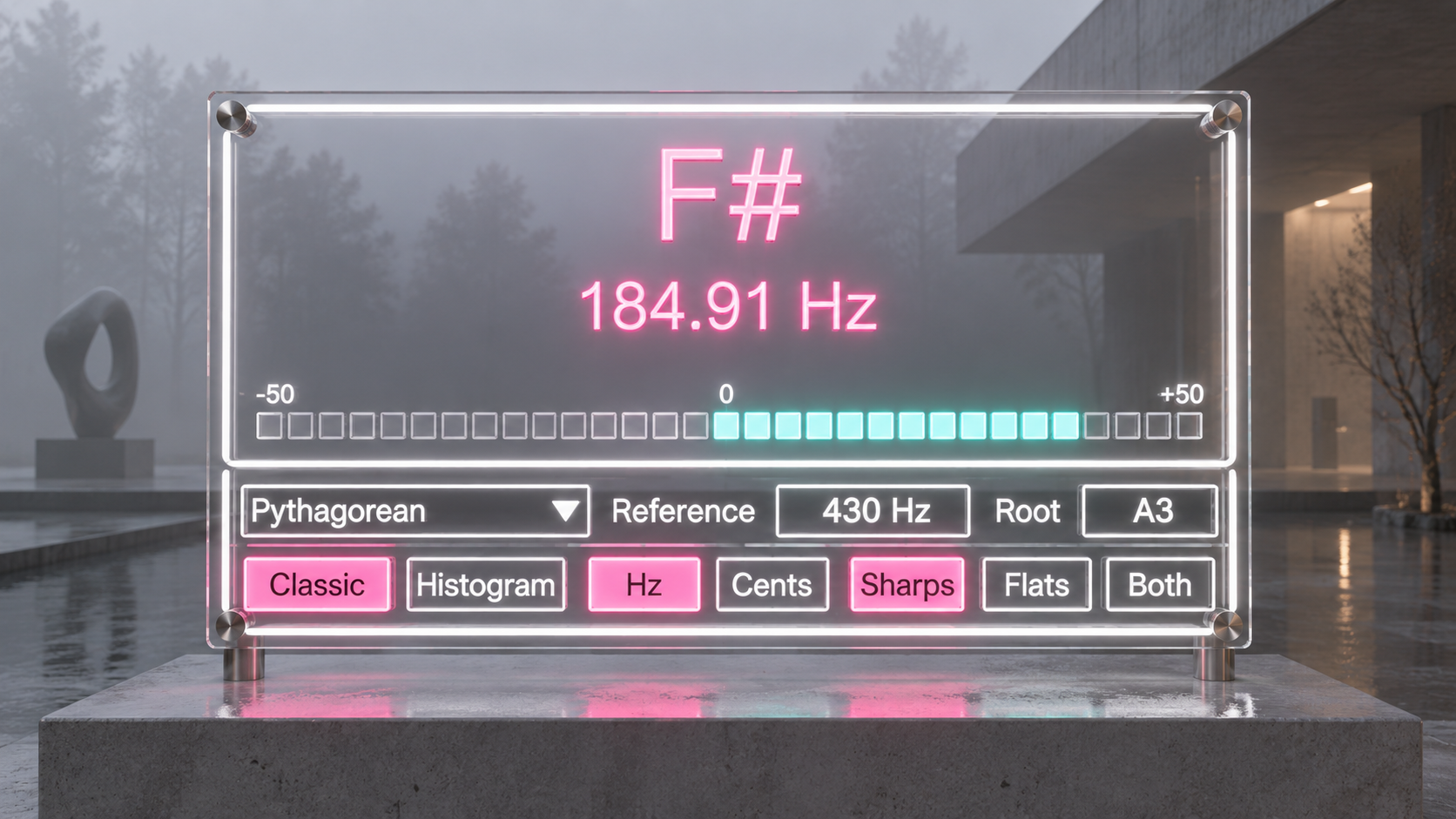
Keep the tuning decision inside the Live Set
Precision Tuner is a Max for Live audio effect, so it can remain on the track while the instrument is being checked. The incoming stereo signal passes directly to the corresponding stereo outputs while pitch analysis reads the left input channel. The device is not intended to reshape the sound while you tune.
This makes the tuner useful during recording, calibration, instrument setup, and repeated checks during a session. You do not need to move to a separate application each time the tuning reference changes, and the selected Reference, Temperament, and Root remain part of the Live device state.
Useful when intonation is part of the production decision
A standard Equal setting at A4 440 Hz covers the ordinary case, but Precision Tuner becomes more valuable when the session asks a more specific question. An ensemble may be centered on another A4 reference. A sustained acoustic instrument may need to be judged after the attack. A bass source may need longer observation before the pitch is trusted. A Just or Pythagorean passage may need to be tuned around a declared tonal center rather than an equal tempered grid.
The same device can move between those situations without changing the basic workflow. Define the tuning context, play one pitch at a time, then judge the note against that context instead of against an assumption that every session uses the same tuning system.
Precision without hiding the measurement boundary
Precision Tuner uses a multistage monophonic pitch tracking system with dedicated low register refinement. The implementation has been tested with deterministic synthetic pitch material across multiple sample rates and with a separate low frequency test set containing several harmonic and missing fundamental conditions.
Those tests validate the implemented analysis system, but they are not a claim that every real instrument, microphone, room, pickup position, or playing technique will produce the same numerical error. Precision Tuner is designed to make the reference and the measurement process explicit rather than turning a controlled test result into a universal accuracy promise.
The detector is monophonic, so the intended workflow is one musical pitch at a time. That constraint keeps the product focused on tuning an instrument against a clearly defined target rather than attempting to separate several simultaneous notes.
Built for Ableton Live
Precision Tuner v1.0 is a Max for Live audio effect targeting Ableton Live 12 with Max 9. Its tuning controls use native Max for Live parameter objects, while the graphical pitch display remains a separate visual layer and follows Ableton Live theme color roles dynamically.
Note names can be displayed with Sharps, Flats, or Both according to notation preference. In Pythagorean mode this changes the written note name only and does not create separate enharmonic tuning lattices.
Availability and licensing
Precision Tuner is available as a Max for Live device for use inside Ableton Live. Your purchase includes free lifetime updates, and future published versions are included at no additional cost. Existing customers can access the latest available files through the Sellfy account used for the original purchase.
MIDI Tools & Utility
Drone Note https://akihikomatsumoto.sellfy.store/p/abletondronenote/
MIDI utility that holds notes indefinitely for drones and sustained textures.
Clock https://akihikomatsumoto.sellfy.store/p/abletonclock/
Sync utility that outputs audio clock pulses from Ableton tempo for external CV and gate gear.
Utility++ https://akihikomatsumoto.sellfy.store/p/ableton-utility/
Expanded utility device for everyday gain, stereo, phase, and signal management.
MIDICCOUT https://akihikomatsumoto.sellfy.store/p/abletonmidiccout/
MIDI utility for sending arbitrary CC messages from Ableton to external hardware.
Loud Meter https://akihikomatsumoto.sellfy.store/p/ableton-loud-meter/
Compact stereo loudness meter for monitoring level and perceived intensity.
Dual Pan https://akihikomatsumoto.sellfy.store/p/ableton-dual-pan/
Stereo utility that pans the left and right channels independently.
MIDI Note Remover https://akihikomatsumoto.sellfy.store/p/ableton-midi-note-remover/
MIDI filter that removes selected notes from the incoming stream.
MIDI Freq https://akihikomatsumoto.sellfy.store/p/abletonmidifreq/
MIDI utility that displays note pitch as frequency for Hz based pitch work.
Wave Scope https://akihikomatsumoto.sellfy.store/p/abletonwavescope/
Real time oscilloscope for inspecting waveform shape, amplitude, and distortion.
Reset https://akihikomatsumoto.sellfy.store/p/abletonreset/
Hardware sync utility that outputs reset pulses from Ableton to external CV and gate equipment.
Midi Note Mapper https://akihikomatsumoto.sellfy.store/p/ableton-midi-note-mapper/
MIDI mapper that remaps incoming notes to different output notes.
Precision Tuner https://akihikomatsumoto.sellfy.store/p/ableton-pre/
Precision tuner utility that supports custom A4 references, Just intonation, and Pythagorean temperaments.
Akihiko Matsumoto
Study Site https://akihikomatsumoto.com/study/
Ableton M4L, Serum Preset Store https://akihikomatsumoto.com/download/
Sample Pack https://akihikomatsumoto.sellfy.store/sample-pack/
Bandcamp [https://akihikomatsumoto.bandcamp.com](https://akihikomatsumoto.bandcamp.com/)
Ableton Skin https://akihikomatsumoto.sellfy.store/p/ableton-skin-pack/
Spotify https://open.spotify.com/artist/1tZMmxzZbvNu6klyKXa0L1?si=2JZaFeLbREi-UownD8POSg