
$9.99+
Ableton Octa Comb ver.3.1 | Where Noise Becomes Beautiful Sound
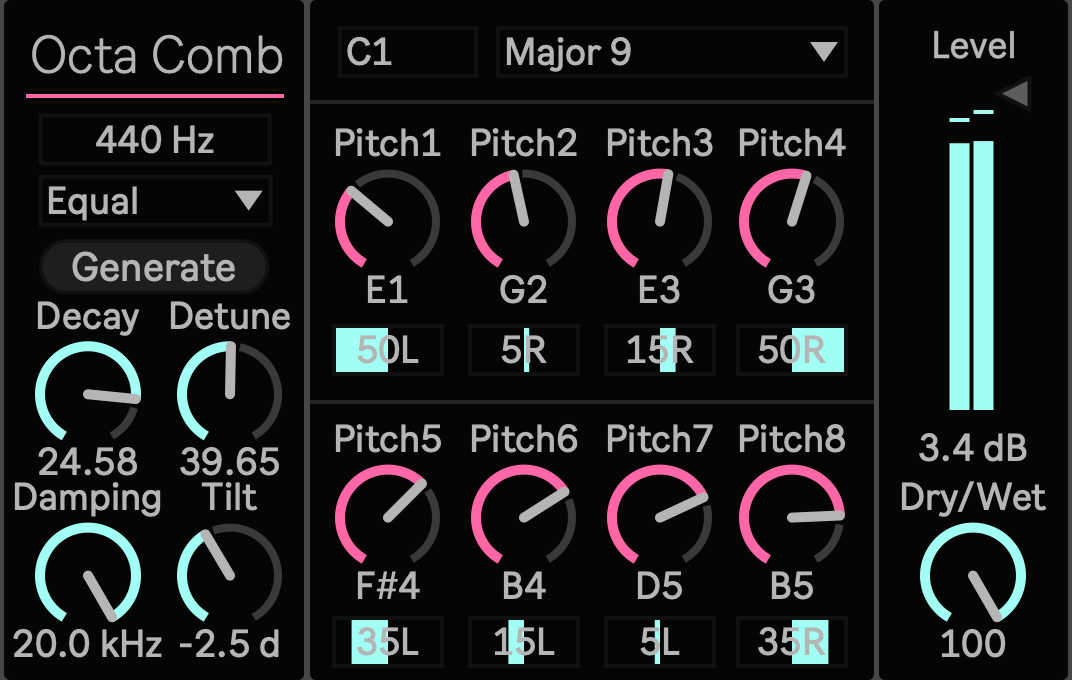
Max for Live Device (.amxd file) Give Noise a Harmony
A sound does not need a stable pitch before it can become harmony.
A snare, hi hat, click, burst of noise, rain recording, or mechanical texture already contains enough energy to excite a resonant body. OctaComb turns that energy into eight tuned voices, allowing one short sound to leave behind a chord, metallic tail, harmonic cloud, or sustained drone.
Instead of placing the source inside a simulated room, OctaComb uses the source as the strike that sets a new instrument in motion.

Start With Any Transient
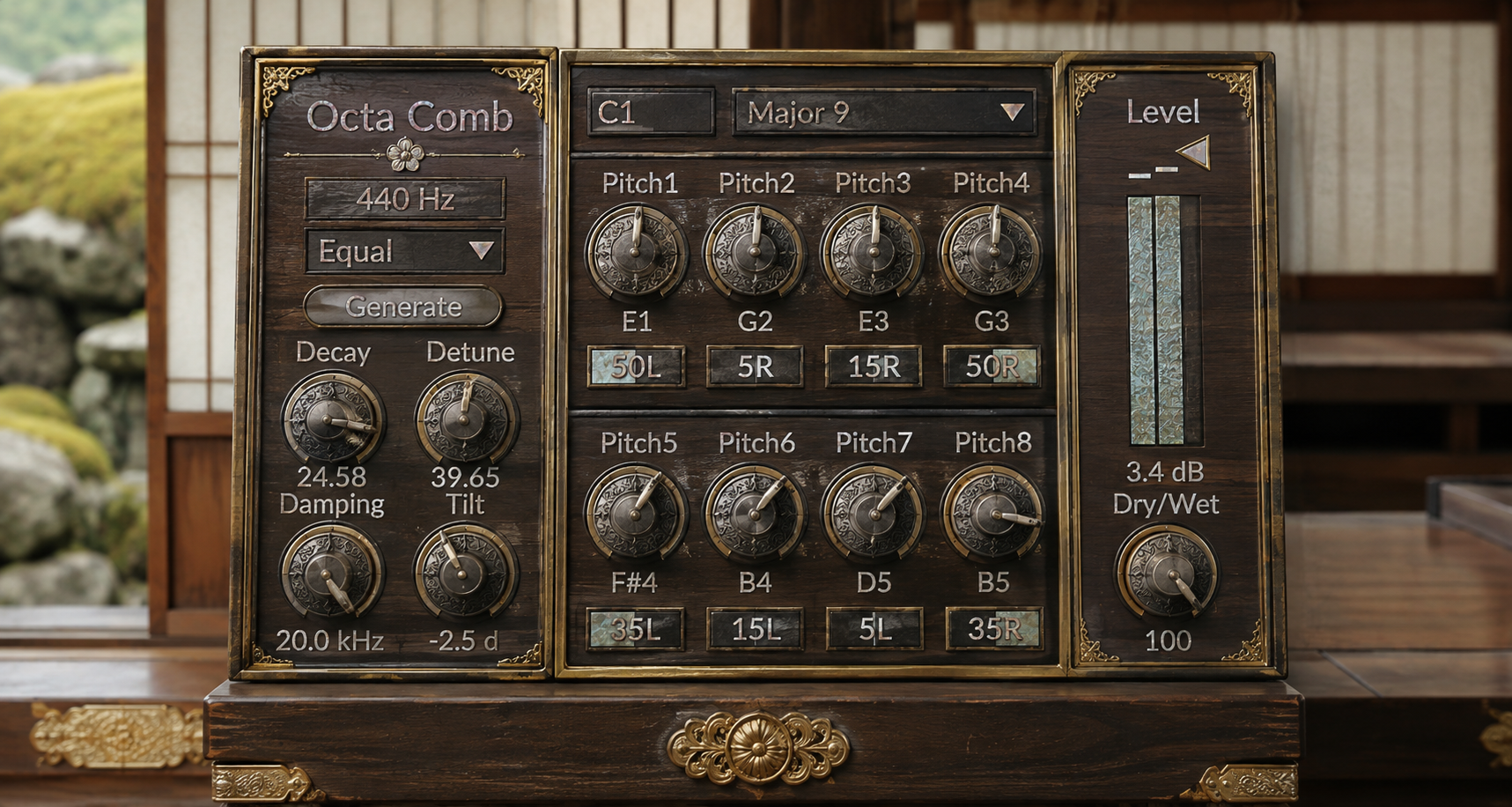
Place OctaComb on noise, drums, percussion, field recordings, vocal fragments, or synth material. Choose a Root and Scale, press Generate, and the device creates eight different pitches with a full stereo arrangement.
Every generated Pitch and Pan value remains visible and editable. Press Generate again for another voicing, or keep the result and shape it by hand. A useful accident can become a deliberate chord, a repeatable preset, or a part of the composition.
Short sounds are especially expressive. A snare can carry a tuned metal tail. A rim can open into a dry wooden resonance. A hi hat can spread into a bright harmonic cloud. A brief burst of noise can leave a chord hanging long after the source disappears.
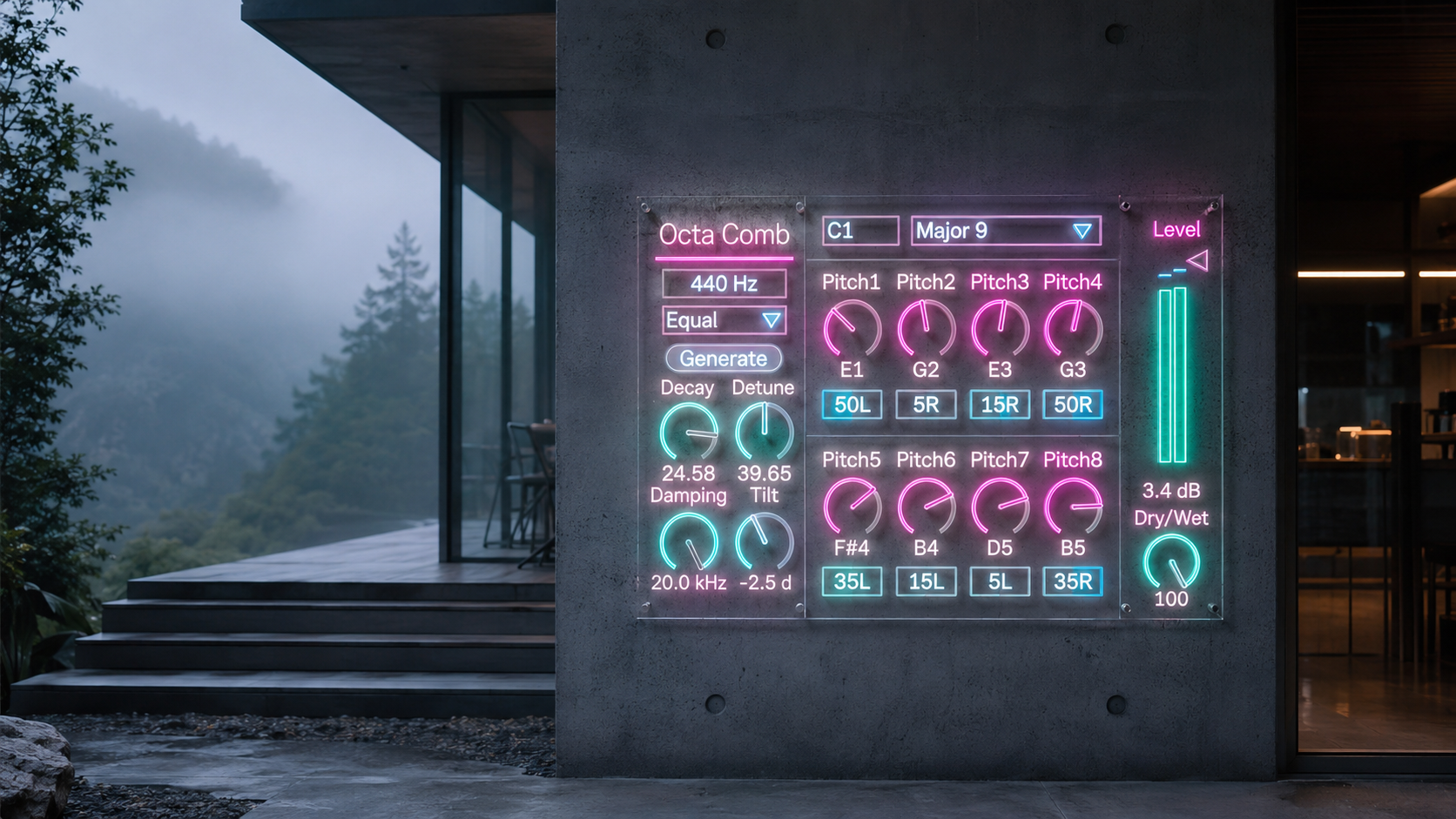
A Generated Chord That Stays Editable
Root and Scale establish the harmonic territory. Forty scale choices cover familiar modes, chord structures, Japanese collections, and twelve tone interpretations of several other traditions. Generate selects eight unique pitches and redistributes them across the stereo field.
The result is never locked away. Move any pitch. Set one Pitch to zero to silence that voice. Bring the lowest resonances back toward the center. Push the upper voices wider. Save the state inside an Ableton Set or preset when the voicing feels right.
OctaComb does not hide a random result behind a preset name. It gives you the generated structure and lets you continue composing from it.
Shape the Material of the Resonance
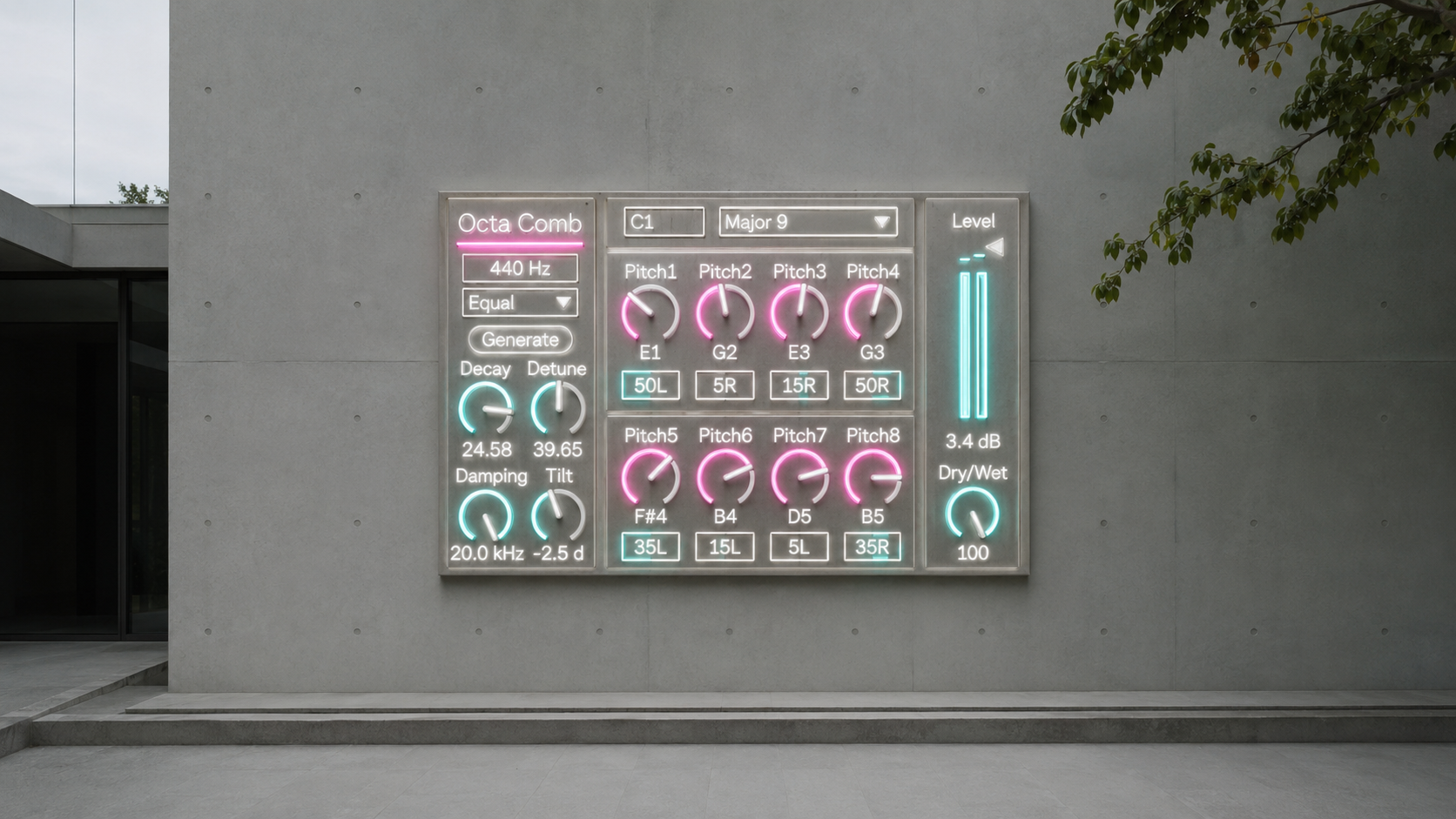
Decay moves the sound from a short tuned body to a long harmonic tail. The internal response is adjusted across pitch, helping low and high voices share a more coherent sense of duration.
Damping controls what survives as the resonance repeats. Lower settings darken each circulation and can suggest wood, membrane, or muted strings. Higher settings preserve more high frequency energy and move the sound toward metal, glass, and light.
Detune spreads the voices symmetrically from low to high. Small amounts add thickness. Larger values separate the harmony into a wider pitch cloud.
Tilt changes the balance between the lower and higher voices. Use it to add weight, reveal brightness, or keep a dense resonance from occupying the wrong part of the mix.
Equal and Pythagorean tuning provide two different harmonic characters. Equal tuning supports smooth pitch movement. Pythagorean tuning gives exposed intervals and static drones a more stepped, rigid center.

Stereo Resonance, Not Eight Mono Notes
Each resonant voice keeps separate left and right behavior before panning. At the center, the stereo character of the source remains intact. Move a voice toward one side and its two resonant channels progressively gather there.
This makes the generated harmony feel connected to the original recording. Keep lower voices near the center for stability, then distribute the upper resonances across the width. The chord can remain open, asymmetric, and detailed without becoming a flat stack of mono tones.
From Percussion to Drones
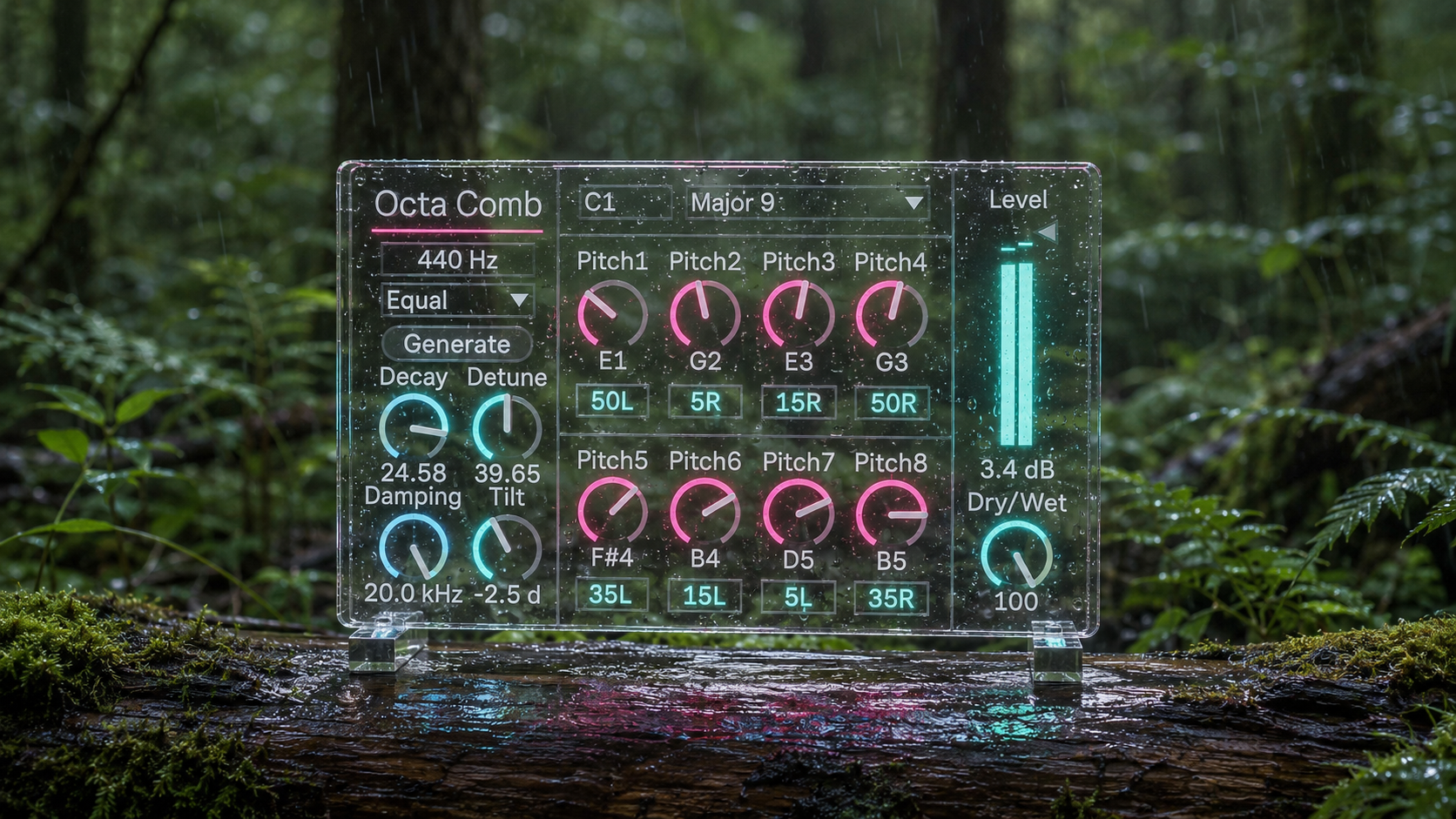
Use OctaComb to convert white or pink noise into sustained harmony. Add a tuned tail to a snare without replacing its attack. Turn hats and shakers into fine metallic clouds. Extend low toms into pitched bodies. Pull tonal layers from rain, wind, machines, and field recordings.
Record one long decay and use it as new material for sampling, resampling, transitions, or arrangement beds. With a lower Dry/Wet value, OctaComb acts as harmonic coloration around the original sound. At full wet, it becomes an eight voice resonant instrument driven by whatever enters the track.
Availability and Licensing
OctaComb 3.0 is an Ableton Max for Live audio effect available through Sellfy.
Existing customers can access the latest version by logging in with the Sellfy account used for the original purchase. Updates are available at no additional cost.
v.3.1 ... Replaced Decay with Color, reshaped the resonator around pitch salience and periodic coherence, strengthened pitch focus at the top of the Color range, corrected Pitch 0 voice muting, added internal MIDI note mapping for further routing verification, and restored the original compact presentation width. (2026/9/2)
v.3.0 ... Major Updated. (2026/8/3)
ver.2.5 ... Added base frequency & Pythagorean tuning. (2026/1/12)
ver.2.0 ... Added stereo field pan. (2024/11/2)
Experimental FX
Octa Comb https://akihikomatsumoto.sellfy.store/p/ableton-octa-comb/
Lotka–Volterra https://akihikomatsumoto.sellfy.store/p/ableton-lotka-volterra/
Spectral Warp https://akihikomatsumoto.sellfy.store/p/ableton-spectral-warp/
Bin Shifter https://akihikomatsumoto.sellfy.store/p/abletonbinshifter/
Aer Shifter https://akihikomatsumoto.sellfy.store/p/abletonaershifter/
Spectral Freeze https://akihikomatsumoto.sellfy.store/p/abletonspectralfreeze/
Sidechain Gate https://akihikomatsumoto.sellfy.store/p/abletonsidechaingate/
Gate Slicer https://akihikomatsumoto.sellfy.store/p/abletongateslicer/
Akihiko Matsumoto
Study Site https://akihikomatsumoto.com/study/
Ableton M4L, Serum Preset Store https://akihikomatsumoto.com/download/
Sample Pack https://akihikomatsumoto.sellfy.store/sample-pack/
Bandcamp https://akihikomatsumoto.bandcamp.com
Ableton Skin https://akihikomatsumoto.sellfy.store/p/ableton-skin-pack/
Spotify https://open.spotify.com/artist/1tZMmxzZbvNu6klyKXa0L1?si=2JZaFeLbREi-UownD8POSg