
$24.99+
Ableton XY-Plane Filter ver.5 | Spectral Morphing Max for LiveDevice (.amxd file)
Max for Live Device (.amxd file)
Turn a Filter Curve Into a Space You Can Move Through
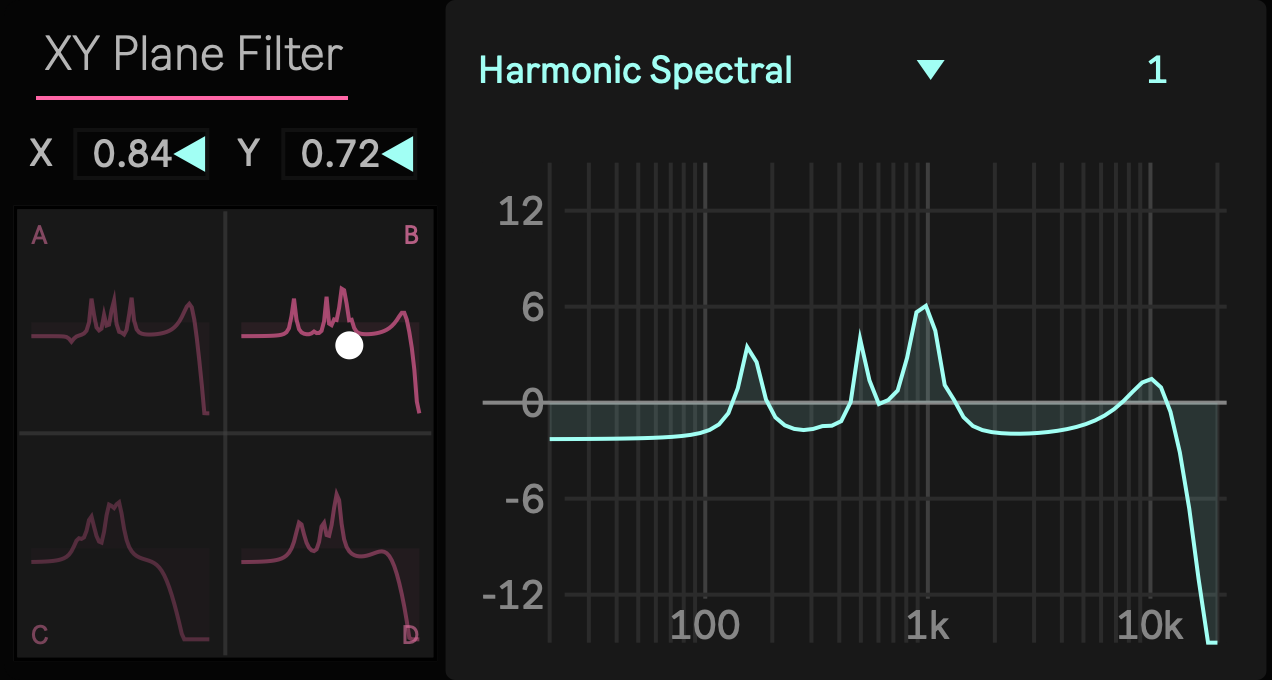
Most filters reduce a complex spectral decision to one familiar gesture, usually cutoff, resonance, or the movement of a single band. That can be useful, but it also means that a large change in timbre often requires several parameters to move together. XY Plane Filter approaches the problem differently. Instead of asking you to construct a filter response one control at a time, it places four complete spectral states at the corners of a two dimensional field and lets you move continuously through the space between them.
Each corner, A, B, C, and D, contains a complete ten band filter response. Moving the XY position changes the relationship among all four states and calculates a new stereo response for the current location. A movement across the field can therefore change several peaks, notches, resonant areas, frequency ranges, and broader spectral relationships at the same time. The result is a filter that can behave less like a single parameter effect and more like a navigable timbral surface.
The important distinction is that XY Plane Filter is not crossfading four processed audio streams. The four corner designs are combined into the filter state itself, and one stereo ten band processing structure follows the current position. This allows a simple gesture to control a considerably more detailed spectral transformation without placing the underlying filter parameters directly in front of the performer.
Four Corners Can Describe More Than One Filter Gesture
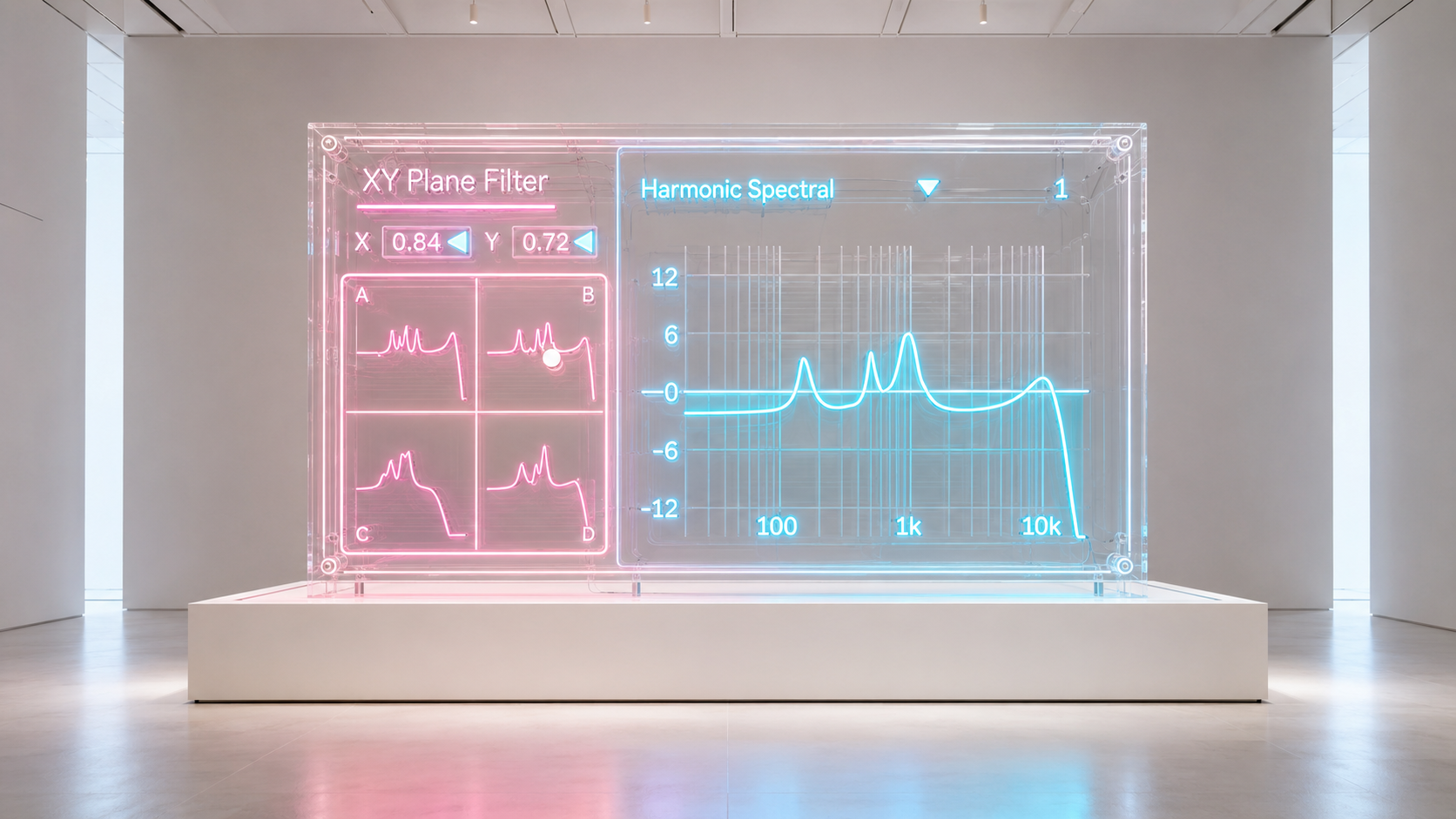
A useful XY effect needs more than four arbitrary settings. The relationship among the corners has to produce meaningful movement across the entire field. XY Plane Filter was developed around that problem, with the preset system designed to provide contrasting spectral structures rather than minor variations of the same curve.
Some spaces emphasize harmonic peaks or repeated resonances. Others are organized around formant structures, notches, metallic clusters, comb like relationships, narrow frequency regions, low frequency weight, high frequency emphasis, or much darker filtering. Because every space contains four related corner states, the interesting part is not only what happens at A, B, C, or D. It is what happens while moving between them.
The interpolation is based on the distance from the current XY position to all four corners. At the exact center, every corner contributes equally. Move toward one side and the relationship changes continuously according to the position in the field. This makes diagonal, circular, and curved gestures different from simply moving two unrelated parameters at once. X and Y remain part of the same spectral system.
The device can also be used without continuous movement. A corner or any intermediate position can function as a fixed spectral color. This makes XY Plane Filter useful both as a performance effect and as a fast way to search for unusual static filter responses.
300 Spectral Spaces With the Same Performance Language
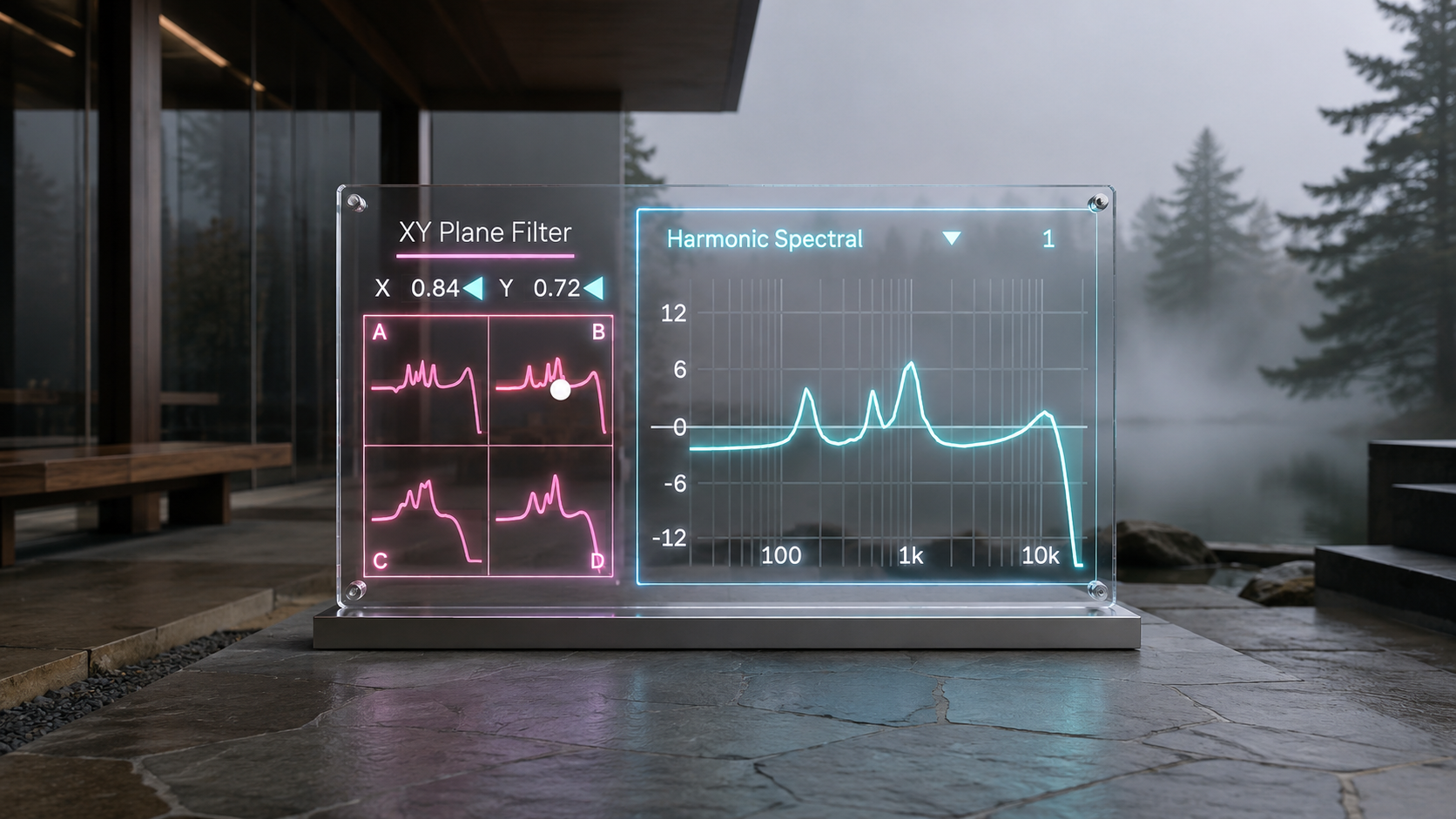
Category and Slot determine which spectral space is loaded. There are 30 named Categories and 10 Slots inside each Category, providing 300 selectable positions while keeping the interaction model unchanged.
The Categories cover substantially different kinds of spectral organization. Harmonic Spectral, Vowel Formant, Ghost Formant, Low End Growl, Inharmonic Metallic, Crystal Glass, Comb Phaser, Granular Scatter, Engine Idle, Sibilance Ice, Wind Tunnel, and Deep Space Vacuum are examples of the different directions available inside the bank. Slot then selects another four corner design within the current Category.
These are more useful when understood as spectral environments rather than finished presets. Choosing Category and Slot defines the four endpoints and the territory between them. X and Y determine where the sound currently exists inside that territory. The same physical gesture can therefore be reused while changing Category or Slot to produce a completely different transformation.
This also changes the way presets can be explored. Instead of loading a setting, hearing one fixed result, and moving to the next, each selection contains four endpoints and all of the intermediate states between them. One Category and Slot position is therefore a space to investigate rather than a single stored filter curve.
Use Automation as Part of the Spectral Arrangement
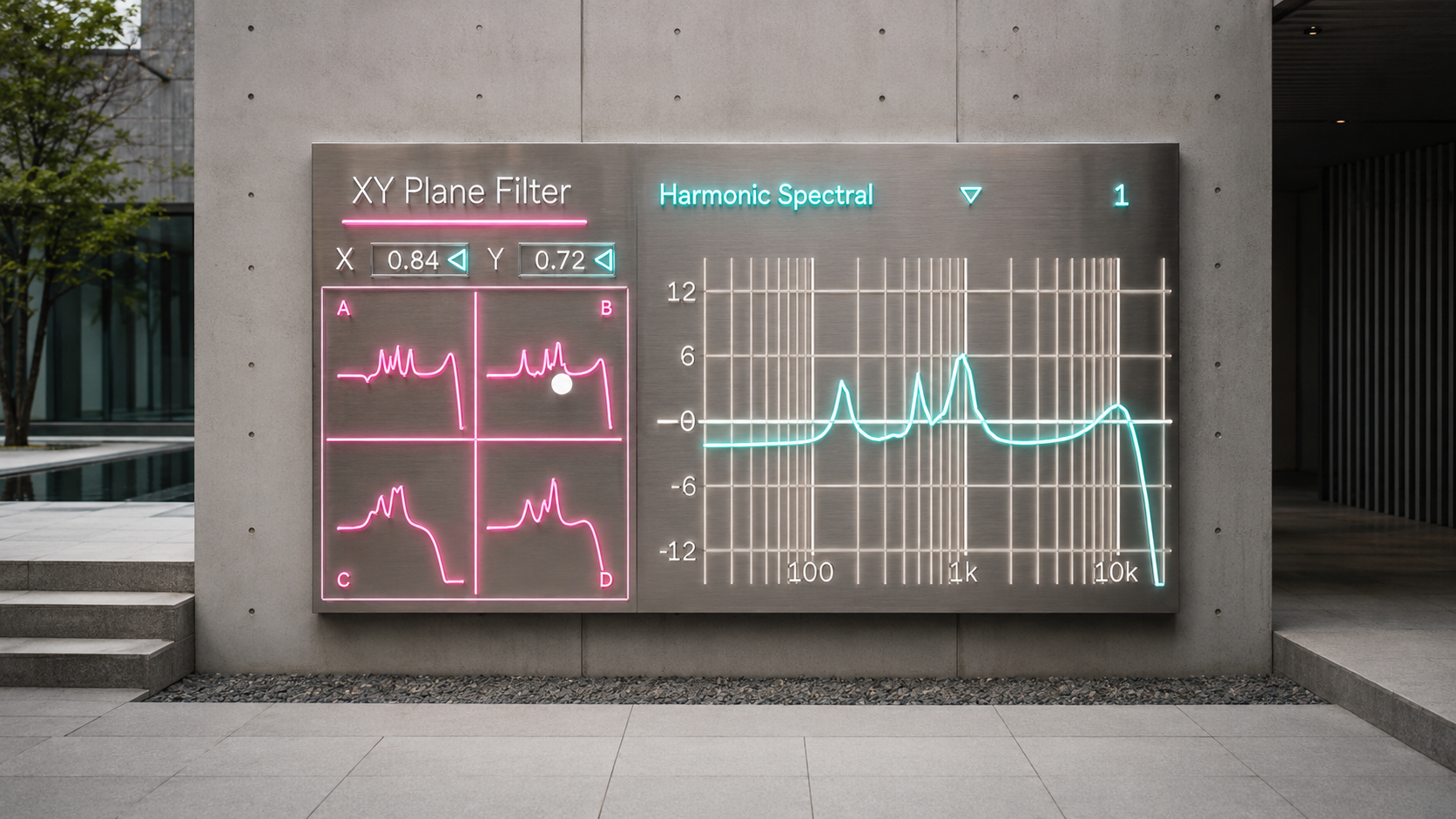
X and Y are exposed as Live parameters in the current implementation, which allows XY movement to become part of the arrangement rather than remaining a temporary mouse gesture. A slow diagonal path can transform a sustained sound across an entire section. One axis can define the larger movement of a phrase while the other introduces smaller deviations. A short gesture can reshape the end of a drum fill, while a much slower path can make a pad, drone, field recording, or effects return evolve over a longer period.
This is particularly useful because both automation lanes control the same four corner field. X and Y do not behave like two unrelated macro controls assigned to different effects. They describe one position inside the same spectral space, so changes to either coordinate remain structurally connected.
The audible result still depends on the source. XY Plane Filter works by filtering energy already present in the input, so a dramatic visual response does not guarantee an equally dramatic audible change when the source contains little energy in the affected frequency range. The same XY path can therefore behave very differently on drums, bass, vocals, noise, synthesizers, resampled material, or a complete mix. That source dependence is part of the usefulness of the device. A movement can be reused as a compositional gesture while the input determines how that gesture is expressed.
See the Four Sources and the Result at the Same Time
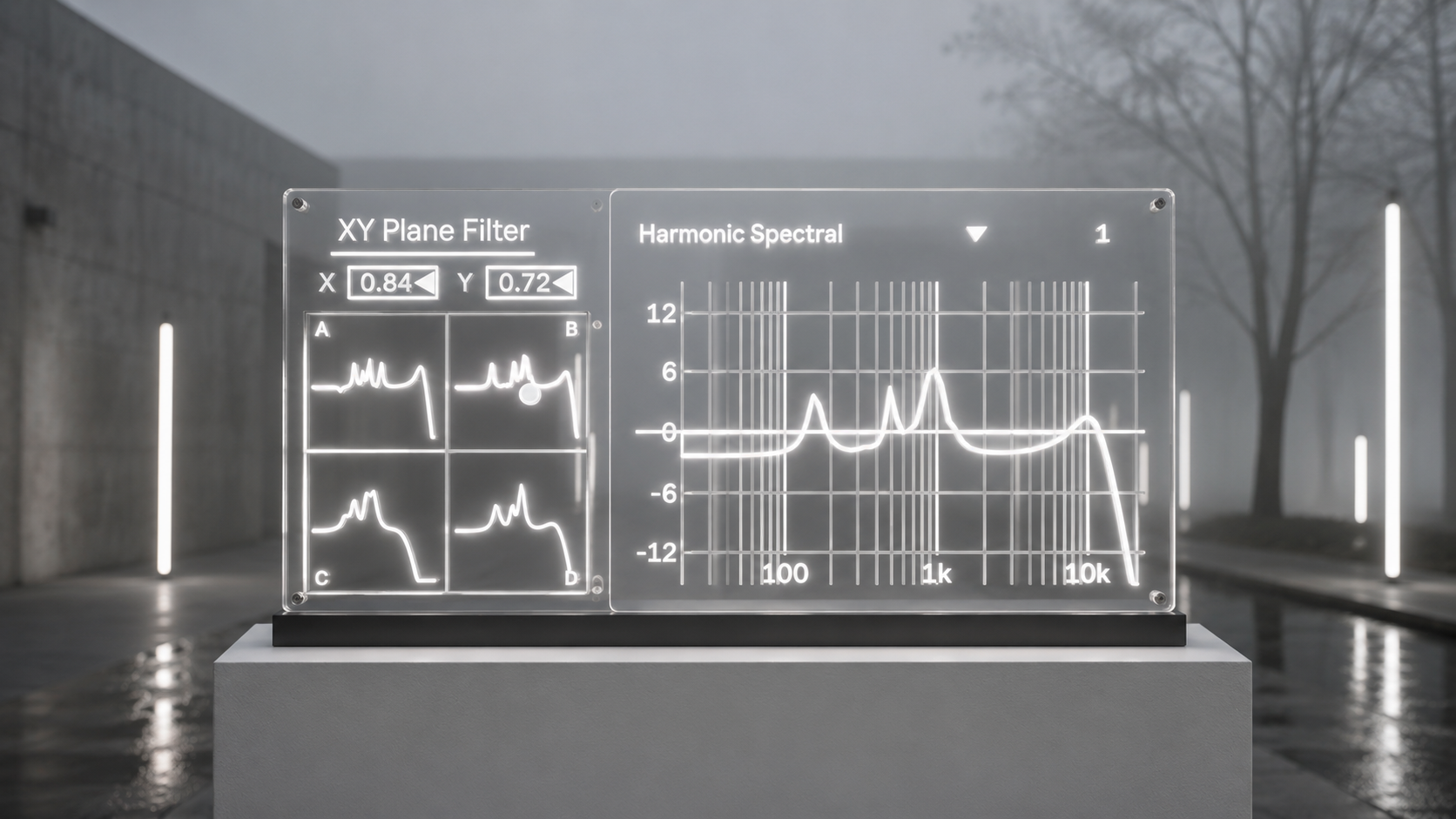
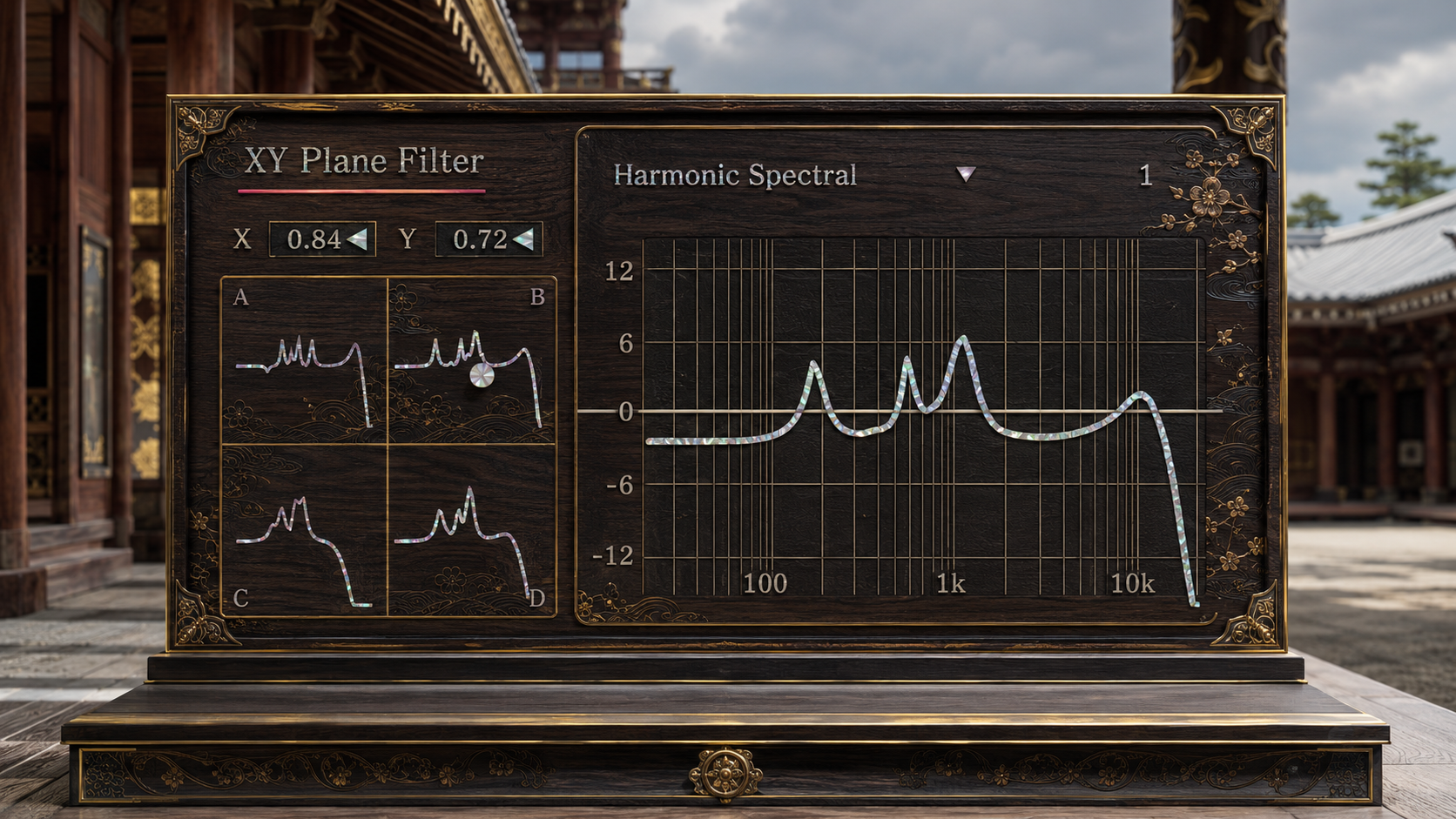
The interface separates performance information from result information. The Unified XY Field shows the four source responses, their current relative contribution, and the XY position in one surface. This makes the left side a map of the space being performed rather than a collection of four independent equalizers.
The Total Response display on the right shows the currently calculated spectral response. Its purpose is to make a complex XY gesture intelligible in conventional frequency terms. You can see whether a movement is introducing peaks, opening notches, concentrating the sound into a narrower region, removing broad areas, or shifting the overall spectral contour while you hear the result.
This separation is important in practice. The XY field answers the question of where you are moving. The Total Response shows what that position currently means for the filter. Together they make it possible to perform the effect gesturally without losing sight of the underlying spectral result.
Strong resonant responses can produce large sample peaks, so the final stereo audio path includes a peak limiting safety stage after the filter core. Its purpose is to reduce the risk of uncontrolled sample peaks reaching the device output. It should still be treated as a safety mechanism rather than as a reason to ignore gain staging, particularly when bright or highly resonant states are driven hard.
XY Plane Filter is ultimately designed around a simple production idea: complex spectral motion should not require complex performance control. Category and Slot define the space, while X and Y let you move through it. The internal response can contain ten bands at each of four corners, but the musical gesture remains a point moving across a plane.
Format and Updates
XY Plane Filter is supplied as a Max for Live stereo audio effect.
Your purchase includes free lifetime updates. Future published updates for XY Plane Filter are available at no additional cost. This does not guarantee that updates will be released forever or at any fixed frequency. It means that when future updates are published, existing customers are not charged again for them.
Existing customers can access the latest published files by signing in to the Sellfy account used for the original purchase.
v.5.0.4 ... Introduced a completely redesigned interface centered on a large Total Response display and an XY morphing field, allowing four spectral characters to be blended continuously. Expanded the sound library into 30 Categories with 10 variations each, refined the response visualization and selection workflow, added output protection, and completed the new darker visual design. (2026/8/30)
ver.4.1 ... Updated presets. (2026/4/10)
ver.4.0 ... Comprehensive update of 300 presets. (2026/4/10)
ver.3.6 ... Updated UI. (2026/3/11)
ver.2.0 ... CPU optimization updated, Presets added.
ver.2.1 ... Preset loading bug fixed.
ver.3.0 ... New UI & Preset
ver.3.2.1... New UI, Preset & Morphing algorithm updated.
Filter
VHSoid https://akihikomatsumoto.sellfy.store/p/ableton-vhsoid/
Vinyloid https://akihikomatsumoto.sellfy.store/p/ableton-vinyloid/
Growl Filter https://akihikomatsumoto.sellfy.store/p/ableton-growl-filter/
XY-Plane Filter https://akihikomatsumoto.sellfy.store/p/abletonxyplanefilter/
FFT Filter https://akihikomatsumoto.sellfy.store/p/abletonfftfilter/
Octa Comb https://akihikomatsumoto.sellfy.store/p/ableton-octa-comb/
Feedback EQ https://akihikomatsumoto.sellfy.store/p/ableton-feedback-eq/
Massive Filter https://akihikomatsumoto.sellfy.store/p/ableton-massive-filter/
AKAIst https://akihikomatsumoto.sellfy.store/p/ableton-akaist/
Tetra Comb https://akihikomatsumoto.sellfy.store/p/abletontetracomb/
Akihiko Matsumoto
Study Site https://akihikomatsumoto.com/study/
Ableton M4L, Serum Preset Store https://akihikomatsumoto.com/download/
Sample Pack https://akihikomatsumoto.sellfy.store/sample-pack/
Bandcamp https://akihikomatsumoto.bandcamp.com
Ableton Skin https://akihikomatsumoto.sellfy.store/p/ableton-skin-pack/
Spotify https://open.spotify.com/artist/1tZMmxzZbvNu6klyKXa0L1?si=2JZaFeLbREi-UownD8POSg