
$17.99+
Ableton AKAIst v.2.0
Max for Live Device (.amxd file) : Discrete Coloration in the Digital Signal Path
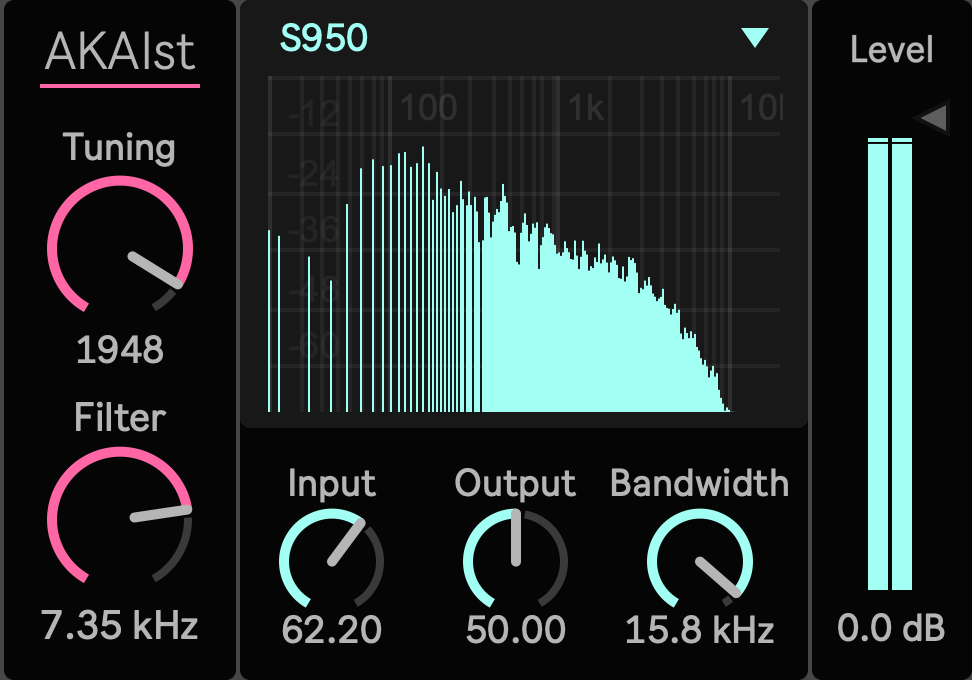
Some sampler color is not only about lower bit depth. It is about what happens when sound passes through a machine that records, reads, rounds, filters, settles, and returns audio with its own pressure.
AKAIst is a Max for Live device for producers who want that behavior inside Ableton Live. It takes a stereo signal and passes it through four different sampler character models: MPC60, S950, MPC3000, and MPC2000XL.
Use it on drums, loops, bass, chords, vocals, one shots, resampled textures, or a full parallel bus. The goal is not to add a generic vintage filter. The goal is to make clean digital audio feel as if it has been captured, pushed, read back, and shaped by a sampler engine.
More Than a Bit Crusher
AKAIst is built around the parts of sampler sound that are usually missed by simple degradation effects.
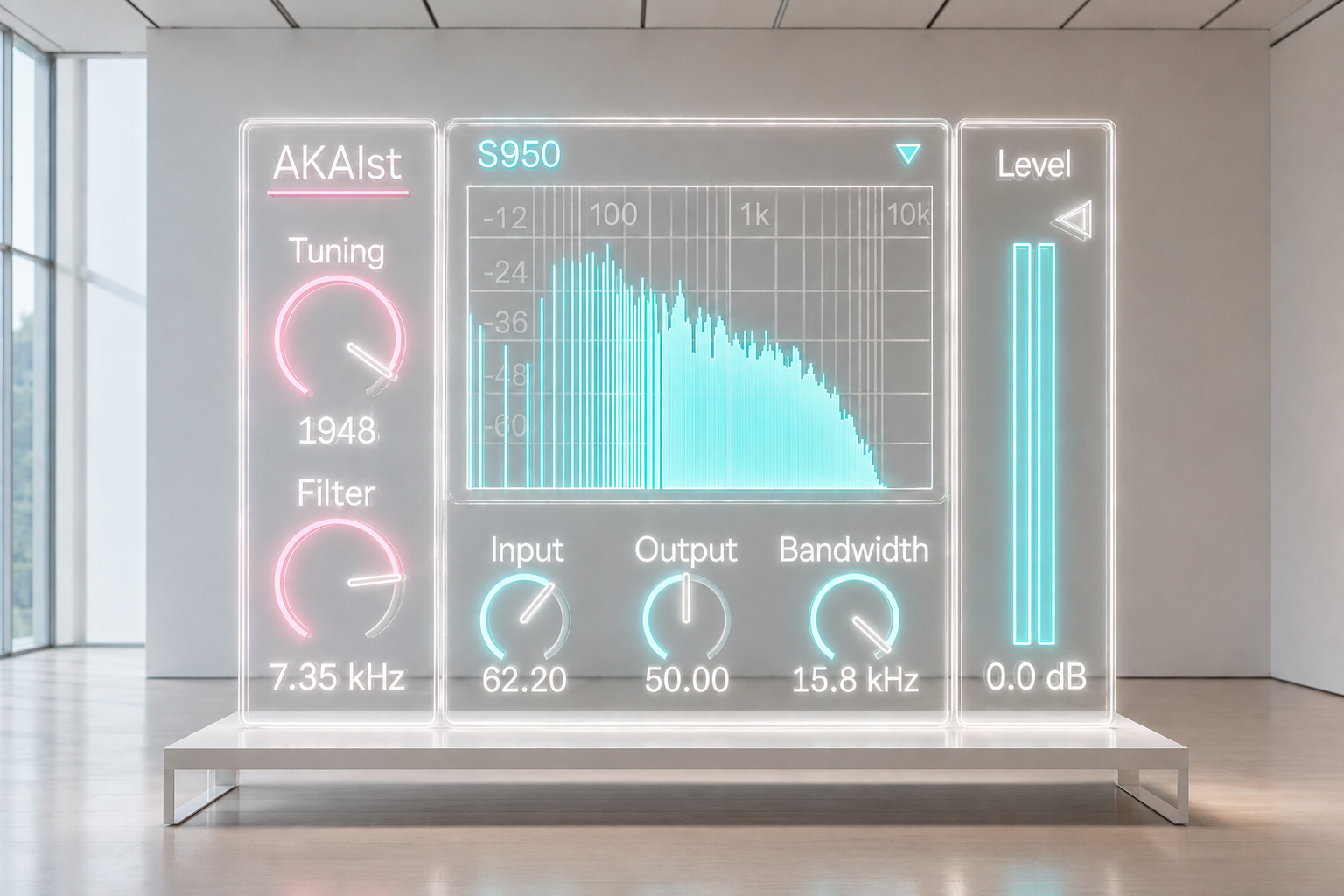
The tuning control does more than move pitch. It changes the feeling of readout, clock behavior, rounding residue, alias edge, and reconstruction. A small move can make a loop feel sampled again. A stronger move can make drums lean, harden, blur, or drag in a way that feels tied to the machine rather than pasted on top.
Input and Output also behave musically. Input pushes the sound into the recording side of the model. Output shapes the way the sound leaves the machine. Together they let you decide whether the result should be lightly touched, compact, noisy, heavy, dry, or bus driven.
Four Machines, Four Kinds of Weight
MPC60 gives the strongest early sampler pressure. It focuses on fixed rate capture, 12 bit style nonlinearity, compander behavior, aperture detail, DAC settling, and output bus weight. Use it when a drum break needs more body, when a clean hit feels too polite, or when a loop needs the blunt edge of an older production chain.
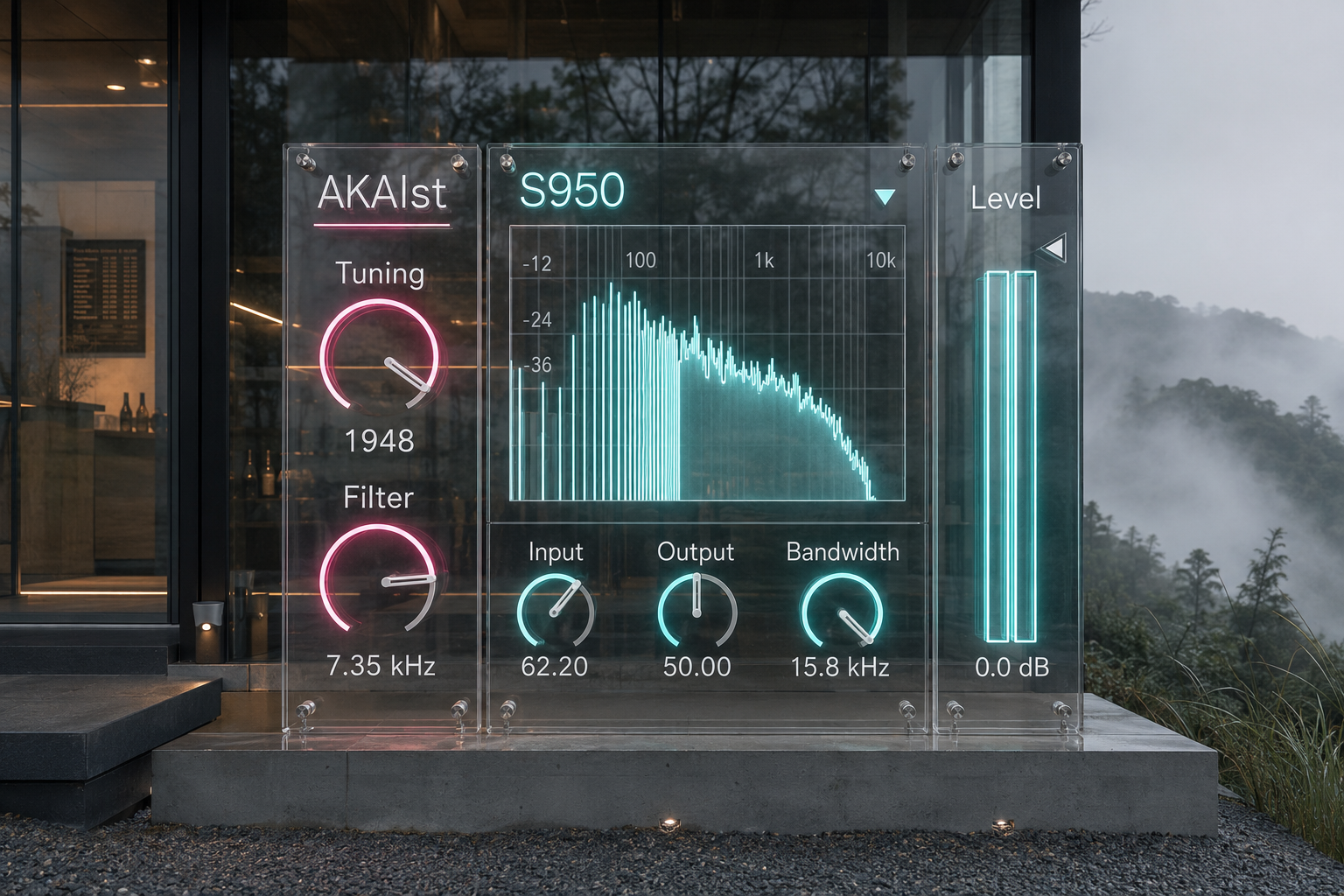
S950 is the darker and more bandwidth sensitive model. Its Bandwidth control is central to the sound. Lower settings do not simply remove top end. They change the way the conversion stage feels, making bass, pads, breaks, and chords sit lower and heavier in the track.
MPC3000 is cleaner, firmer, and more balanced. It keeps the 16 bit 44.1 kHz clarity while adding dynamic filter behavior, DAC shape, and output bus structure. Use it when you want definition and machine character without pushing the sound into obvious damage.
MPC2000XL is lighter and drier. It emphasizes interpolation, clean digital edges, and controlled residue. It works well on vocal chops, short stabs, percussion, and samples that need a compact digital surface rather than a heavy vintage shadow.
Controls That Stay Close to Production
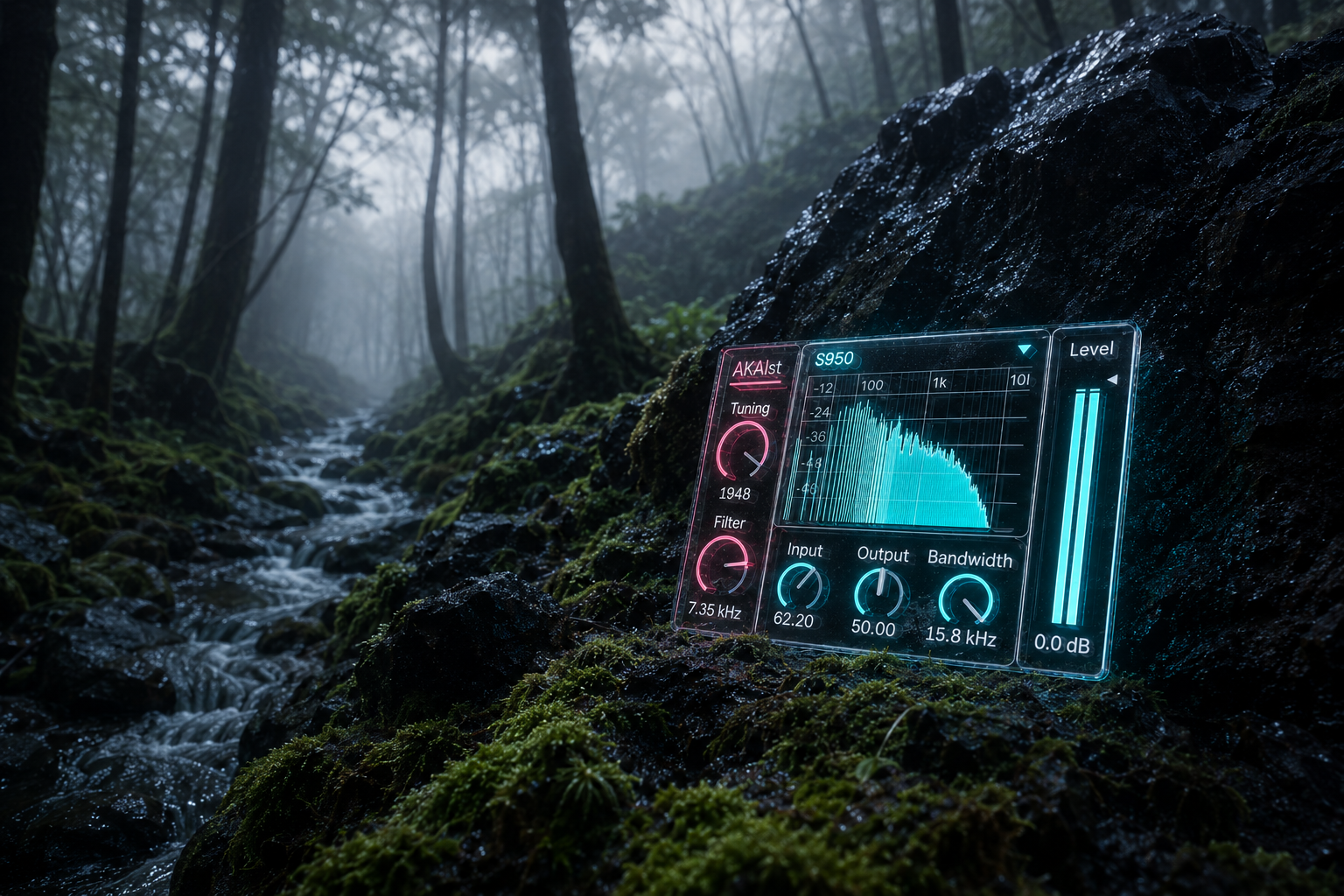
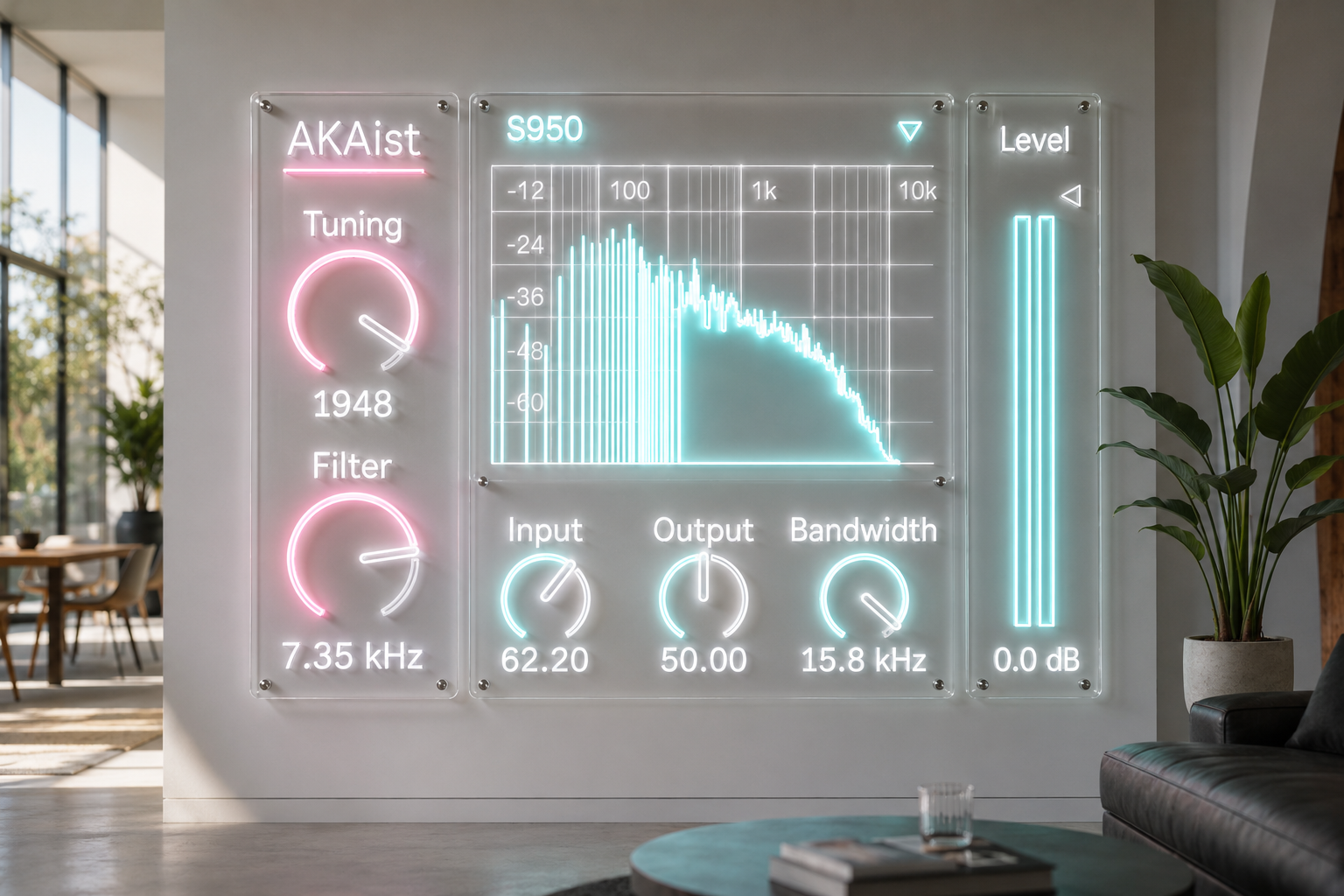
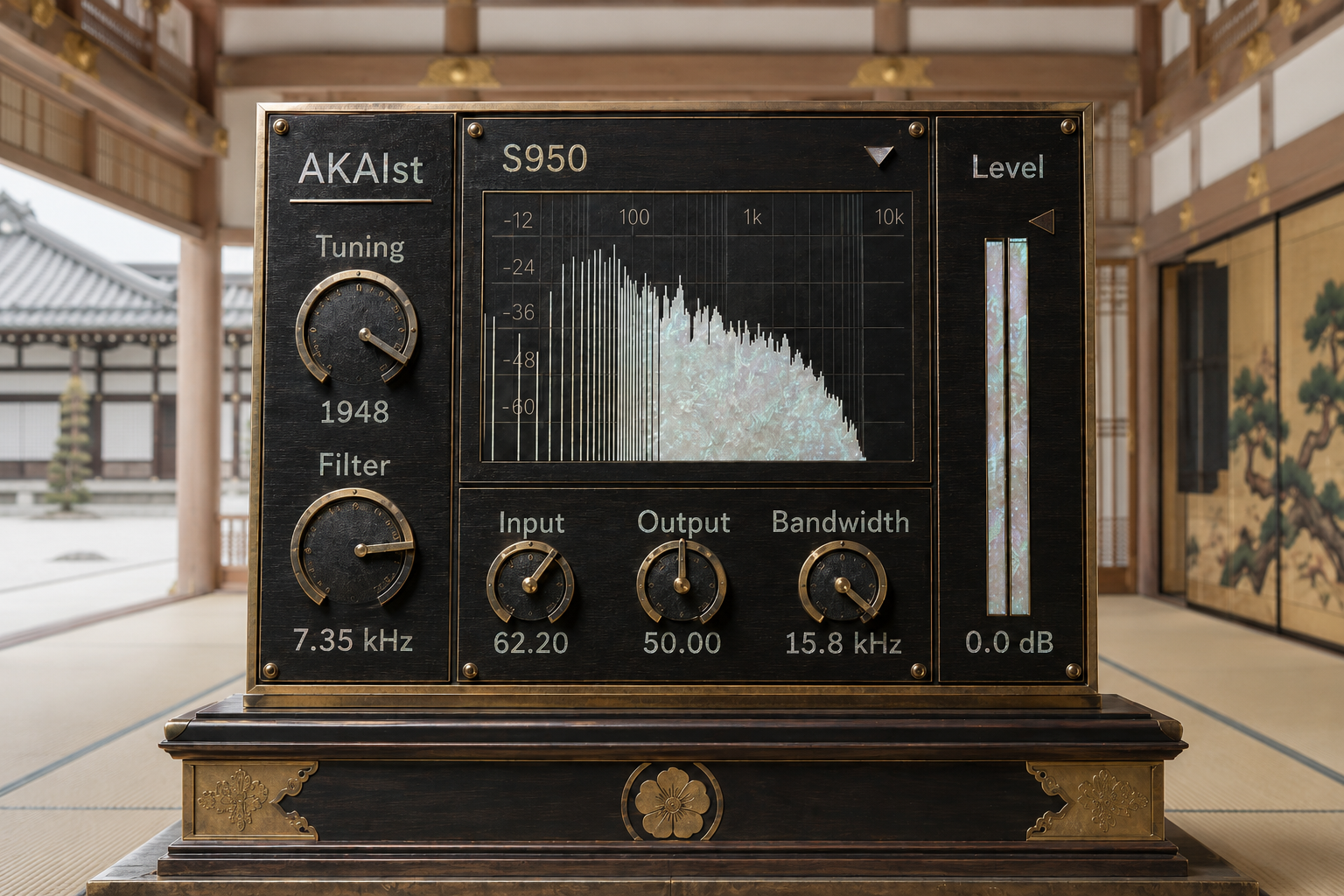
Model selects the machine behavior.
Tuning changes pitch, readout feel, alias edge, clock stress, and sampler movement.
Bandwidth shapes the S950 model at the source, from brighter conversion to darker, heavier capture.
Filter gives tonal control where the model supports it, especially on the later MPC style modes.
Input decides how hard the sound enters the sampler stage.
Output decides how hard the modeled output path is driven.
Level gives final gain control after the modeled processing.
The artifact detail and output path behavior are fixed internally at their maximum character settings. This keeps the interface direct while preserving the full machine color underneath.
Where It Works
Put AKAIst on a drum loop and use MPC60 to make the transients feel recorded rather than merely processed.
Place it on a bass or pad with S950, reduce Bandwidth, and the sound can sink into the mix without relying on a normal low pass filter.
Use MPC3000 on a full drum bus when you want controlled firmness and a finished sampler surface.
Use MPC2000XL on chops, stabs, and percussion when the sound needs a clean digital dryness that still feels like hardware memory.
For parallel processing, duplicate the source track, push AKAIst harder on the duplicate, lower the final Level, and blend the color back into the original. This gives the shadow of the sampler without destroying the direct signal.
Not Nostalgia, A Working Production Layer
AKAIst is for sessions where the sampler is not only a playback device, but a tone shaping stage.
It can make a modern Ableton source feel less sterile. It can make drums hit with a different kind of edge. It can make bass feel darker without becoming muddy. It can make loops and fragments feel as if they passed through a real production object before reaching the track.
Open it when the sound is correct but too clean. Open it when a loop has rhythm but not weight. Open it when a sample needs to feel handled.
Availability and Licensing
AKAIst is available as an Ableton Max for Live device through Sellfy.
Existing customers can access the latest version by logging in with the Sellfy account used for the original purchase. Updates are available at no additional cost.
AKAIst v2.0 uses the internally fixed full artifact configuration. The device keeps the main creative controls visible while the deeper Tune, amp, noise, bus, and output path detail remain active inside the sound engine.
AKAIst is independently developed and is not affiliated with or endorsed by Akai Professional.
v.2.0 ... Update artifact. (2026/7/1)
Filter
VHSoid https://akihikomatsumoto.sellfy.store/p/ableton-vhsoid/
Vinyloid https://akihikomatsumoto.sellfy.store/p/ableton-vinyloid/
Growl Filter https://akihikomatsumoto.sellfy.store/p/ableton-growl-filter/
XY-Plane Filter https://akihikomatsumoto.sellfy.store/p/abletonxyplanefilter/
FFT Filter https://akihikomatsumoto.sellfy.store/p/abletonfftfilter/
Octa Comb https://akihikomatsumoto.sellfy.store/p/ableton-octa-comb/
Feedback EQ https://akihikomatsumoto.sellfy.store/p/ableton-feedback-eq/
Massive Filter https://akihikomatsumoto.sellfy.store/p/ableton-massive-filter/
AKAIst https://akihikomatsumoto.sellfy.store/p/ableton-akaist/
Tetra Comb https://akihikomatsumoto.sellfy.store/p/abletontetracomb/
Akihiko Matsumoto
Study Site https://akihikomatsumoto.com/study/
Ableton M4L, Serum Preset Store https://akihikomatsumoto.com/download/
Sample Pack https://akihikomatsumoto.sellfy.store/sample-pack/
Bandcamp https://akihikomatsumoto.bandcamp.com
Ableton Skin https://akihikomatsumoto.sellfy.store/p/ableton-skin-pack/
Spotify https://open.spotify.com/artist/1tZMmxzZbvNu6klyKXa0L1?si=2JZaFeLbREi-UownD8POSg