
$14.99+
Ableton Drivecore v.2.3.1
Drivecore Max for Live Device (.amxd file) : Nonlinear Circuits as a Compositional Medium
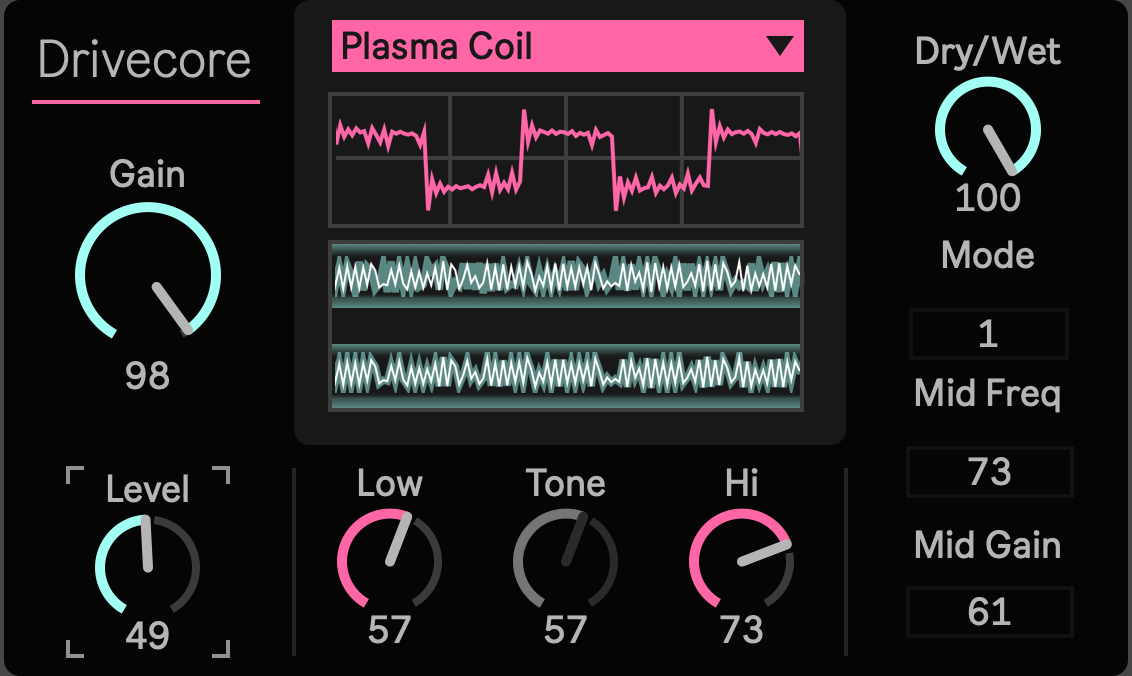
Drivecore is a Max for Live distortion device built for producers, guitarists, sound designers, and Ableton Live users who want more than a single drive curve.
It brings five different drive engines into one device: Plasma Coil, SD1 Overdrive, DS1 Distortion, MT2 Metal Zone, and FZ1W Modern Fuzz. Each mode has its own internal DSP structure, gain behavior, tone response, compression shape, output boundary, and visual waveform behavior.
This is not a simple waveshaper with a menu in front of it. Drivecore is designed as a circuit oriented distortion workstation for Ableton Live.
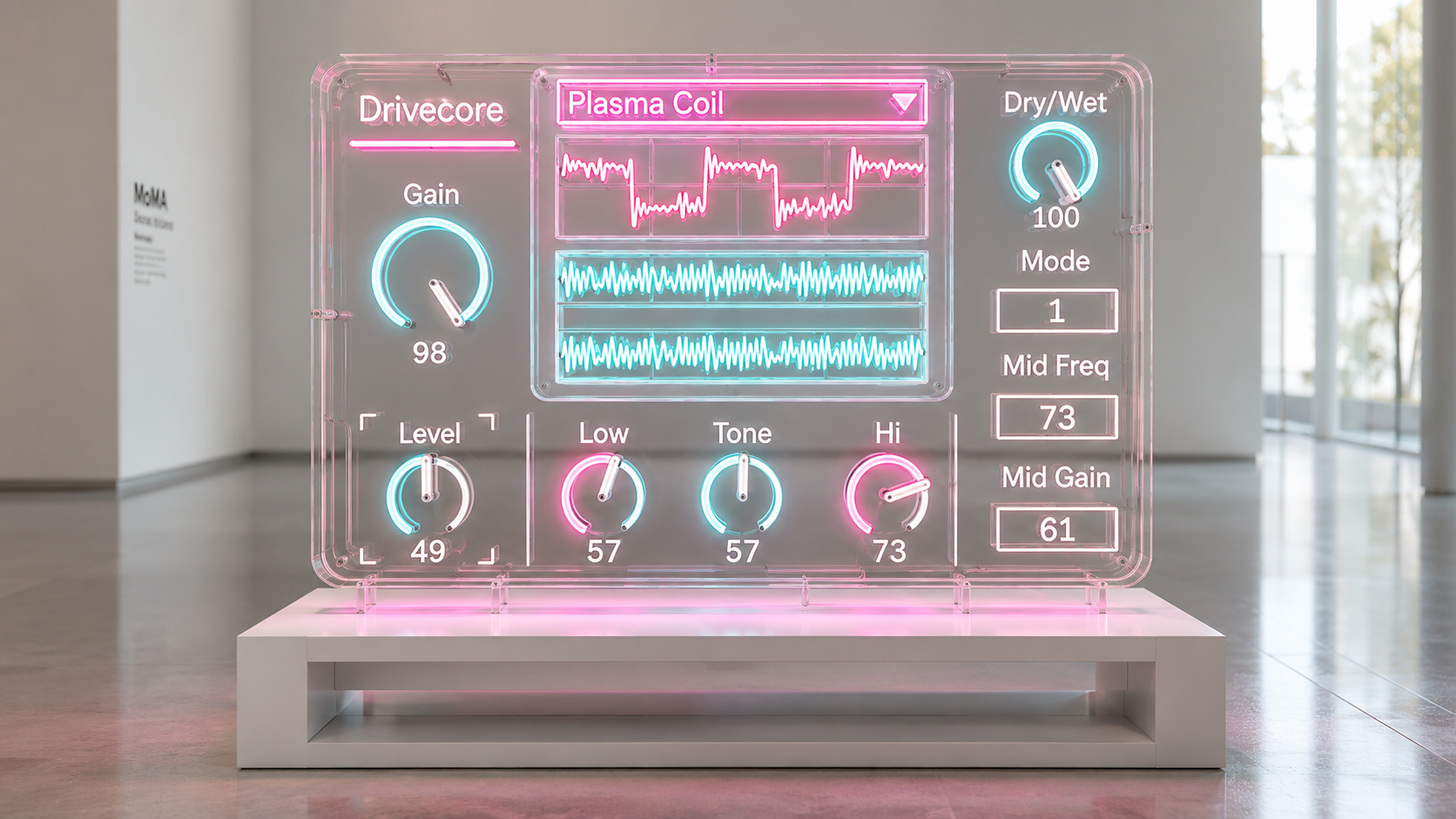
Circuit-Derived Models, Not Generic Saturation
The device reconstructs the nonlinear response characteristics of several historically significant analog designs:
- BOSS SD-1 OverDrive
- BOSS DS-1 Distortion
- BOSS MT-2 Metal Zone
- BOSS FZ-1W Fuzz
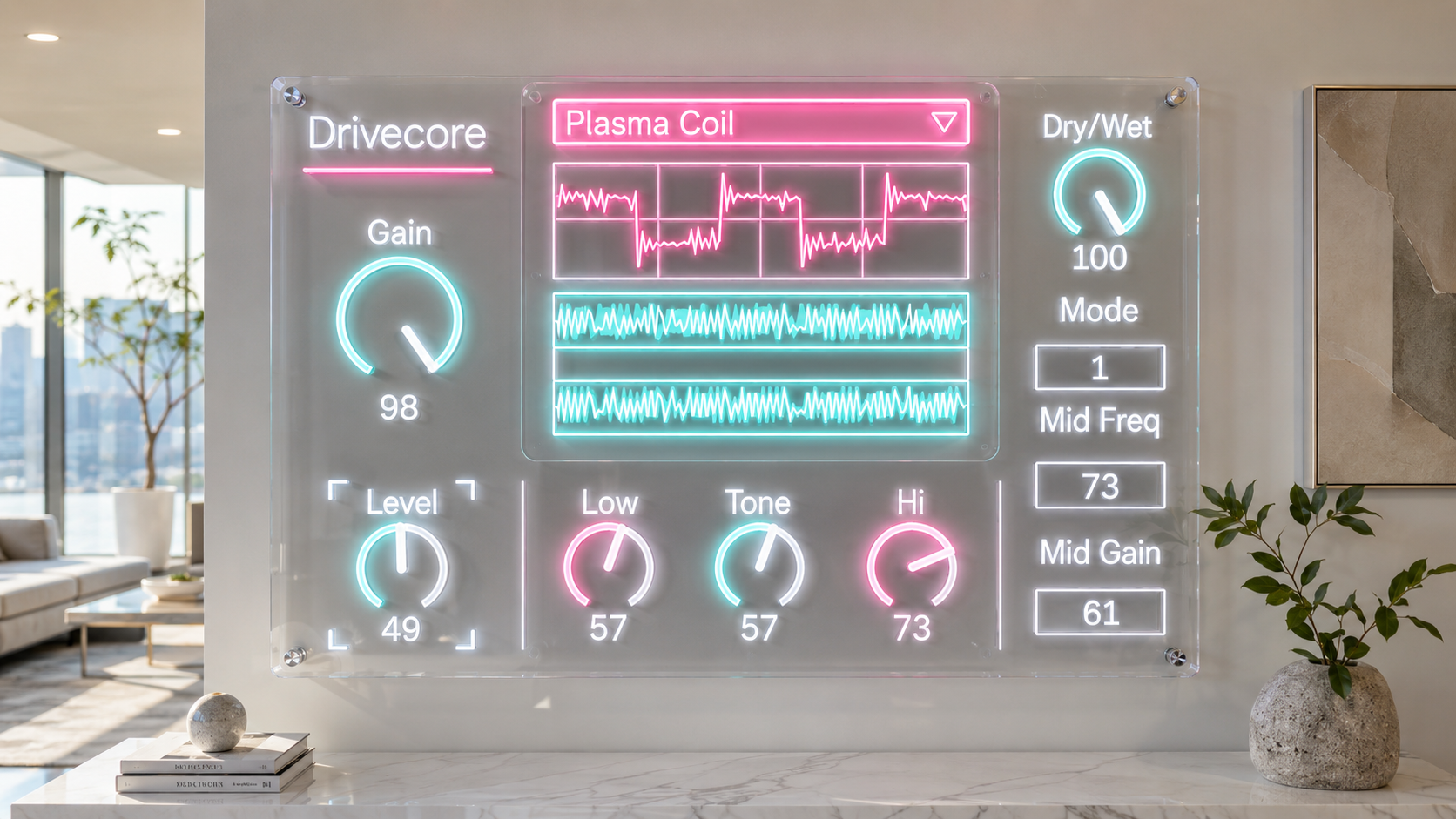
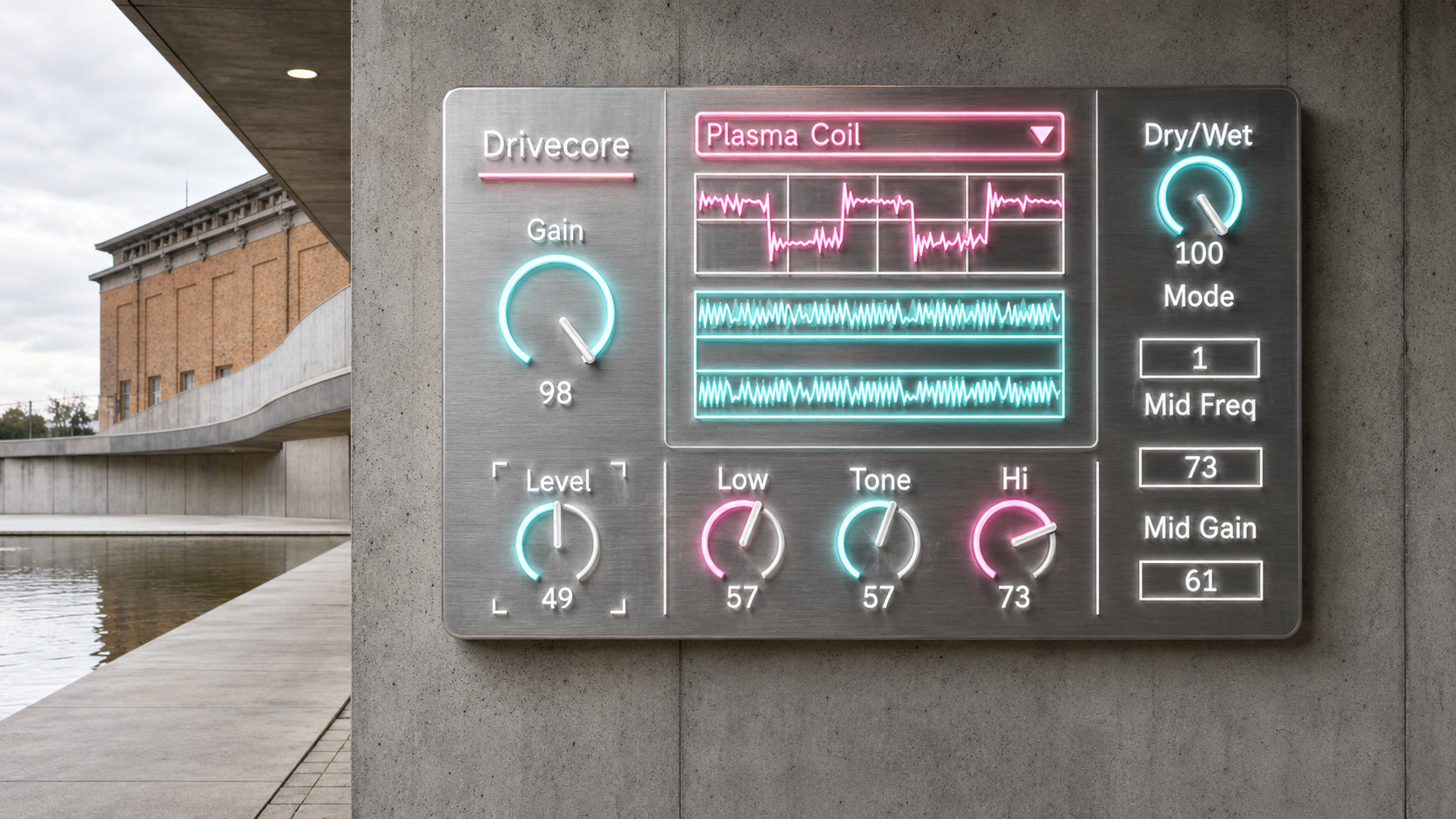
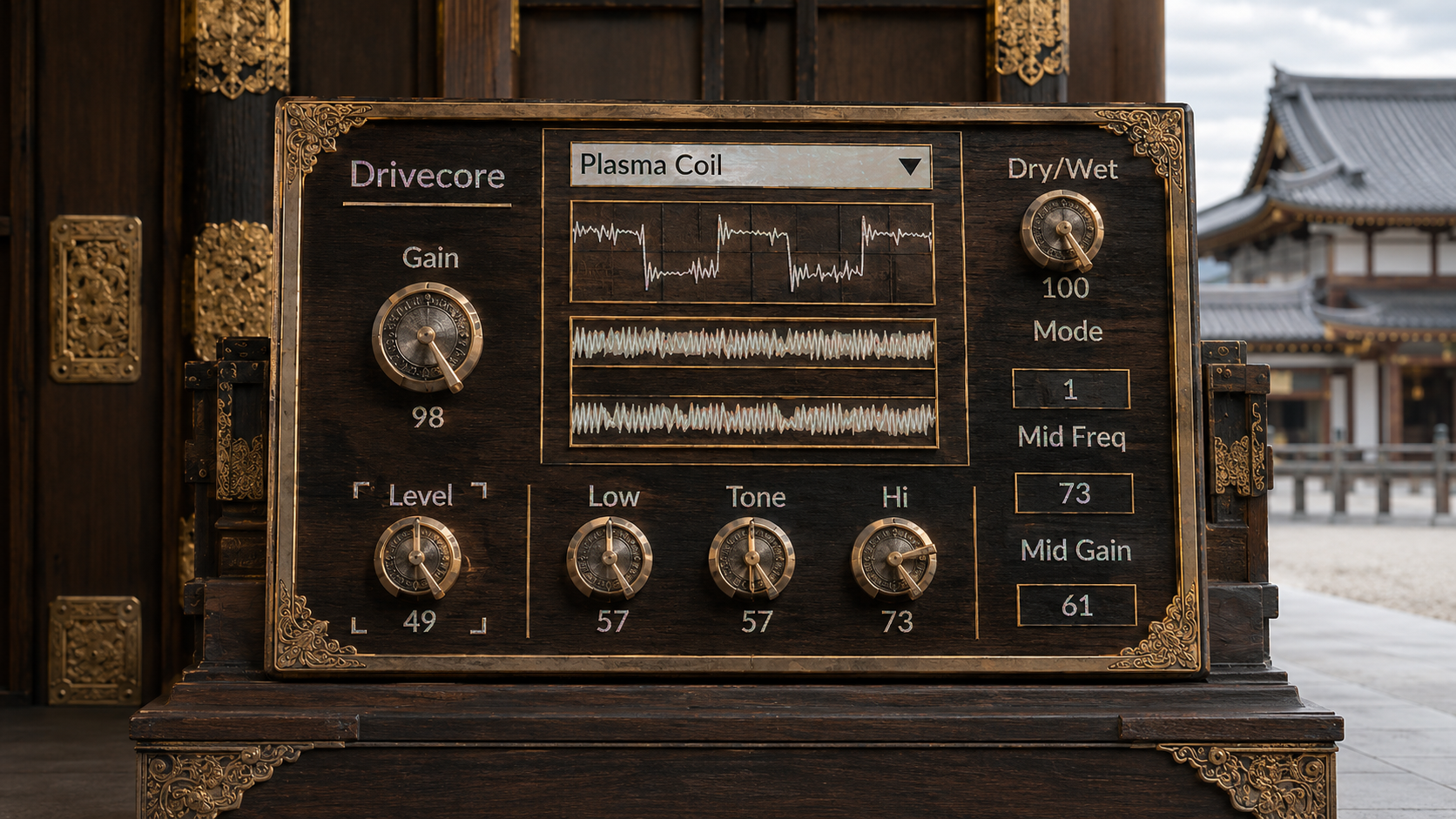
The center waveform display is one of the most important parts of Drivecore.
It is not a normal audio meter. The device sends a clean 200 Hz sine wave through the selected distortion engine and displays the result. That means you can see how each mode bends, clips, folds, breaks, smooths, compresses, sparks, or sustains the signal.
Plasma Coil shows broken arc packet shapes.
SD1 shows asymmetric soft clipping.
DS1 shows harder clipping and tone network movement.
MT2 shows dense two stage distortion and EQ pressure.
FZ1W Modern Fuzz shows thick sustain and input sensitive fuzz response.
The display gives you a visual reference for the transfer behavior of the selected engine, independent from the musical material running through the device.
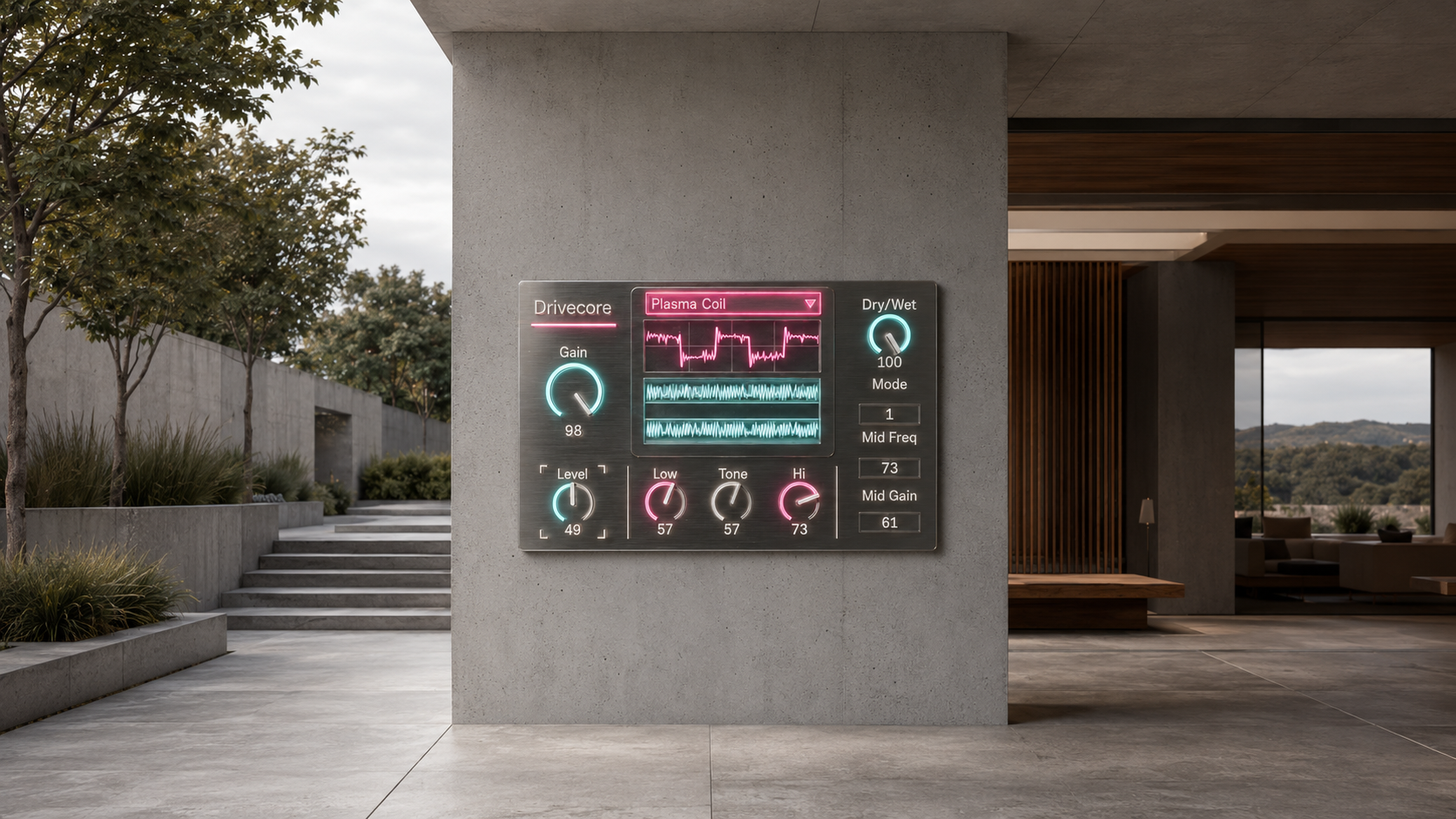
Five Modes, Five Different Distortion Behaviors
Plasma Coil is the most extreme engine. It treats Gain as Voltage. At moderate settings it adds electrical edges, spark texture, and unstable harmonic detail. At higher settings it moves into packet based discharge, zap noise, transformer ring, sub octave behavior, and effect like plasma destruction.
SD1 Overdrive is built around asymmetric feedback diode style clipping and a mid focused tone response. Use it as a booster, a front end drive, or a midrange push before another distortion stage. It is useful when the sound needs more center, more grip, and more forward motion without becoming fully destroyed.
DS1 Distortion gives a harder clipping structure with a stronger distortion edge. Its Tone control is not just a treble knob. It changes the balance between low end, upper bite, and mid scoop. Use it for sharp rhythm sounds, aggressive leads, and rougher digital or guitar style distortion.
MT2 Metal Zone is the dense high gain engine. It combines two stage clipping, a fixed voice network, tight low end control, and semi parametric mid shaping. Low, Mid, Hi, and Mid Freq are central to this mode. It is designed for sculpted heavy rhythm tones, nasal leads, metallic edge, and exaggerated mid control.
FZ1W Modern Fuzz is a modern sustain fuzz model. It reacts to input level, so quieter material can pull back toward cleaner or crunch behavior, while stronger input opens the fuzz core. It is useful for singing sustain, thick lead tones, compact fuzz texture, and controlled modern fuzz pressure.
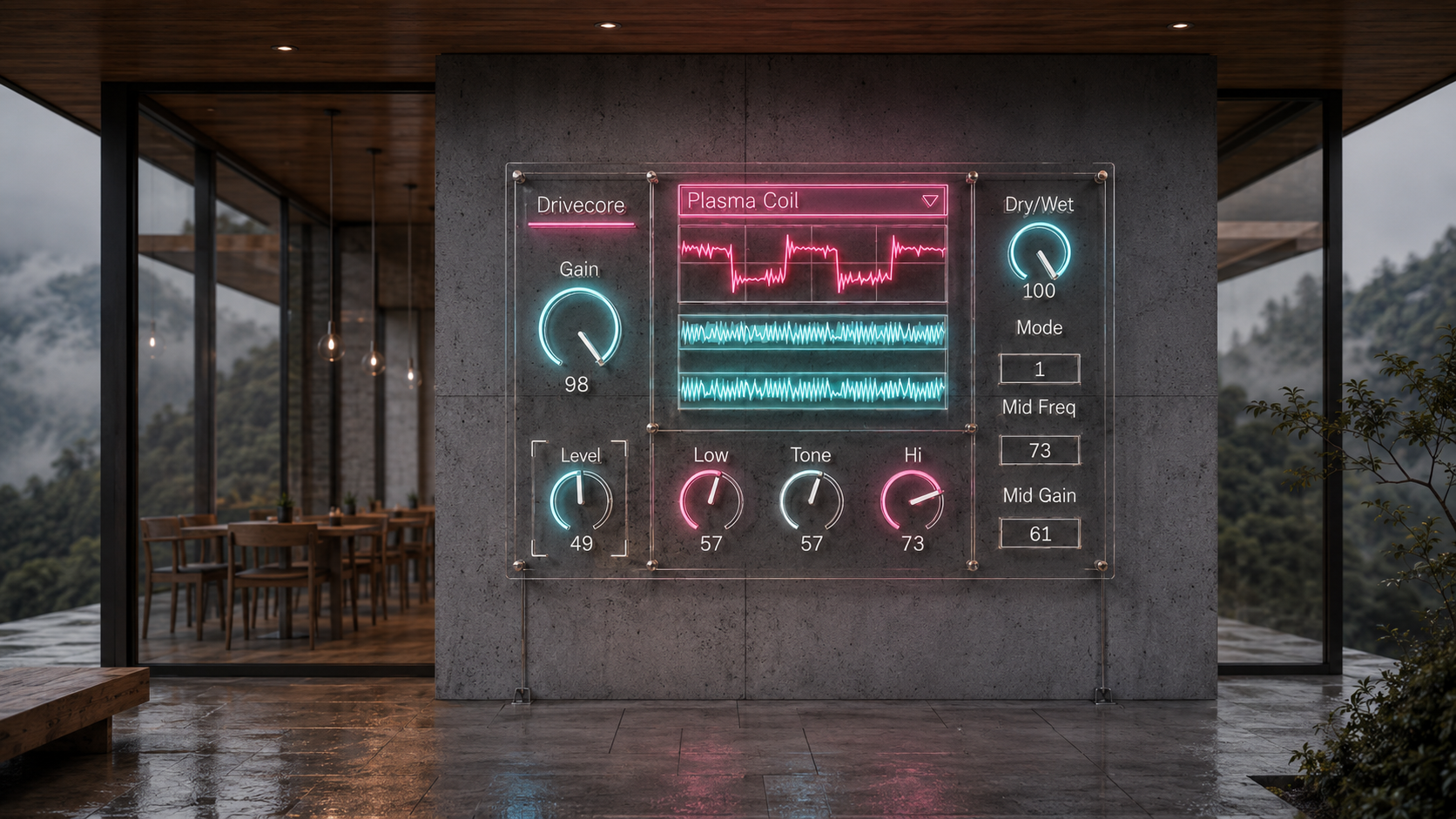
Controls Made for Fast Production
Mode selects the active drive engine.
Gain pushes the internal circuit behavior. Depending on the selected mode, it may act as voltage, overdrive amount, distortion density, or fuzz sustain.
Tone shapes SD1, DS1, and FZ1W Modern Fuzz.
Low and Hi shape Plasma Coil and MT2.
Mid and Mid Freq are used by MT2 for its central voice shaping.
Level controls the output stage of the selected model.
Dry/Wet blends the processed signal with the clean input.
Each mode uses parameter smoothing internally, so Gain, Tone, EQ, Level, and Dry/Wet can be moved musically without turning the device into a brittle zipper noise generator.
How to Use It
Start with Dry/Wet at 100 when designing a sound. Choose a Mode first, then set Gain, then adjust Tone or EQ, and finally match Level.
Use Plasma Coil at Gain 35 to 75 when you want electrical breakup without losing the musical signal. Push it close to 100 when you want sound effect level discharge and destruction.
Use SD1 with lower Gain and higher Level to push another device after it. Use higher Gain when you want smooth midrange overdrive.
Use DS1 around Gain 35 to 75 for harder clip character. Lower Tone for a thicker sound. Raise Tone for more bite.
Use MT2 by setting the EQ before pushing Gain too far. Mid and Mid Freq decide whether the tone feels scooped, nasal, boxy, metallic, or forward.
Use FZ1W Modern Fuzz with Gain above 60 for singing sustain. Keep Tone around the center when you want thickness. Raise Tone when the sound needs more edge, but avoid losing the body by over brightening the source.
For parallel processing, set Gain higher, lower Dry/Wet to 35 to 60, and blend the distortion character into the clean source. This works well on drums, bass, synths, vocals, guitars, and resampled textures.
A Drive Device For Ableton Sound Design
Drivecore is not only for guitar tracks.
Use it on a drum bus to add clipped motion and electrical bite.
Use it on bass to add density, fuzz, or plasma edge.
Use it on synths to create unstable harmonic movement.
Use it on vocals or spoken voice for broken amplifier color.
Use it on return tracks for parallel distortion.
Use it on resampled loops when the source is too clean and needs to feel pushed through a physical object.
The point is not to imitate one perfect pedal setting. The point is to place multiple distortion personalities inside Ableton Live and make them fast enough to use during real production.
Availability and Licensing
Drivecore is available as an Ableton Max for Live device through Sellfy.
The device is delivered as an .amxd file.
Drivecore is independently developed and is not affiliated with or endorsed by Boss, Roland, Gamechanger Audio, Akai, Ableton, Cycling 74, or any other referenced manufacturer.
v.2.3 ... Update SD-1, DS-1, MT-2, FZ-1W & Plasma algorithm. (2026/6/29)
v.2.0 ... Updated distortion engine. (2026/5/27)
Distortion
Drivecore https://akihikomatsumoto.sellfy.store/p/ableton-drivecore/
NOTT https://akihikomatsumoto.sellfy.store/p/ableton-nott/
Japanoise https://akihikomatsumoto.sellfy.store/p/ableton-japanoise/
EXTortion https://akihikomatsumoto.sellfy.store/p/abletonextortion/
Feedbacker https://akihikomatsumoto.sellfy.store/p/abletonfeedbacker/
Lotka–Volterra https://akihikomatsumoto.sellfy.store/p/ableton-lotka-volterra/
Bit Mangler https://akihikomatsumoto.sellfy.store/p/abletonbitmangler/
Wave Folder https://akihikomatsumoto.sellfy.store/p/abletonwavefolder/
Sine Shaper https://akihikomatsumoto.sellfy.store/p/ableton-sine-shaper/
Freq Modulator https://akihikomatsumoto.sellfy.store/p/abletonfreqmodulator/
Feedback EQ https://akihikomatsumoto.sellfy.store/p/ableton-feedback-eq/
AKAIst https://akihikomatsumoto.sellfy.store/p/ableton-akaist/
Akihiko Matsumoto
Study Site https://akihikomatsumoto.com/study/
Ableton M4L, Serum Preset Store https://akihikomatsumoto.com/download/
Sample Pack https://akihikomatsumoto.sellfy.store/sample-pack/
Bandcamp https://akihikomatsumoto.bandcamp.com
Ableton Skin https://akihikomatsumoto.sellfy.store/p/ableton-skin-pack/
Spotify https://open.spotify.com/artist/1tZMmxzZbvNu6klyKXa0L1?si=2JZaFeLbREi-UownD8POSg