
$19.99+
Ableton Japanoise ver.6.0
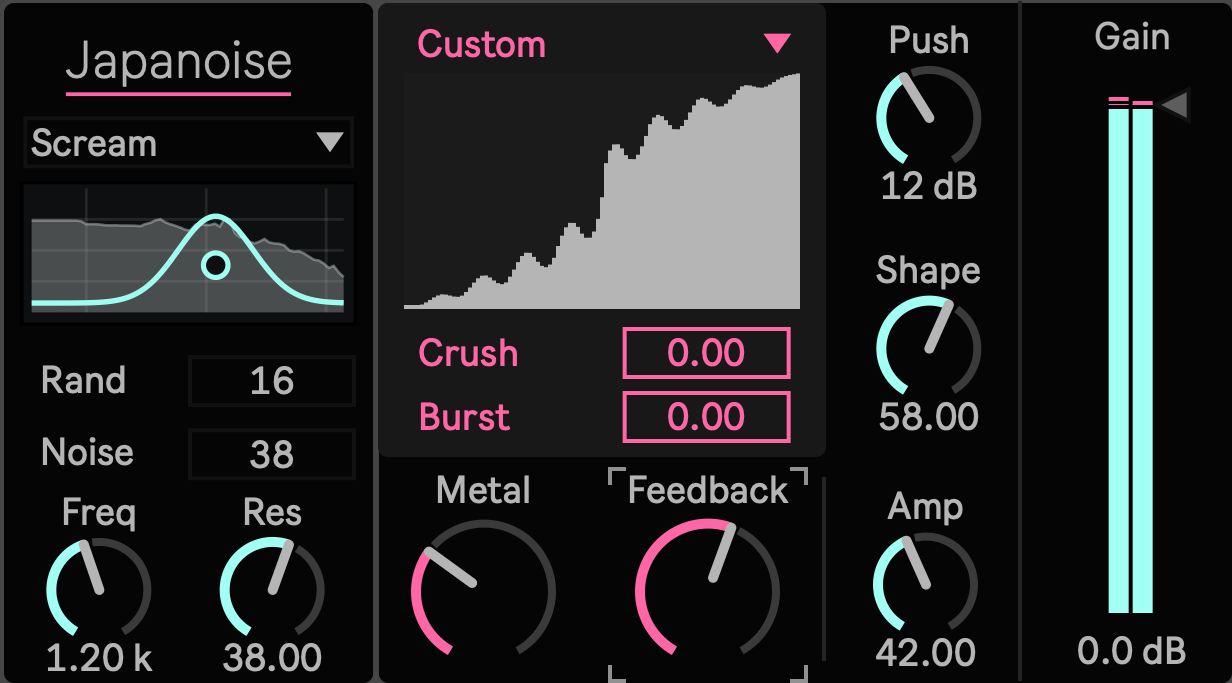
Max for Live Device (.amxd file) | Noise was never one kind of distortion
Distortion often collapses into one decision: more or less. Japanoise treats damage as a set of separate musical decisions. You can draw the shape of the distortion, decide how much of the original signal survives, drive that result into another nonlinear stage, then introduce filtering, regeneration, metallic edge, digital reduction, and transient reaction without forcing every process to move together.
That matters when you want a sound to feel unstable, abrasive, mechanical, or damaged while it still responds like something you can play. In an Ableton session, Japanoise can move from a restrained layer of motion around the source to a dense fractured texture without turning the entire device into one global intensity control.
Draw the Distortion Before You Drive It
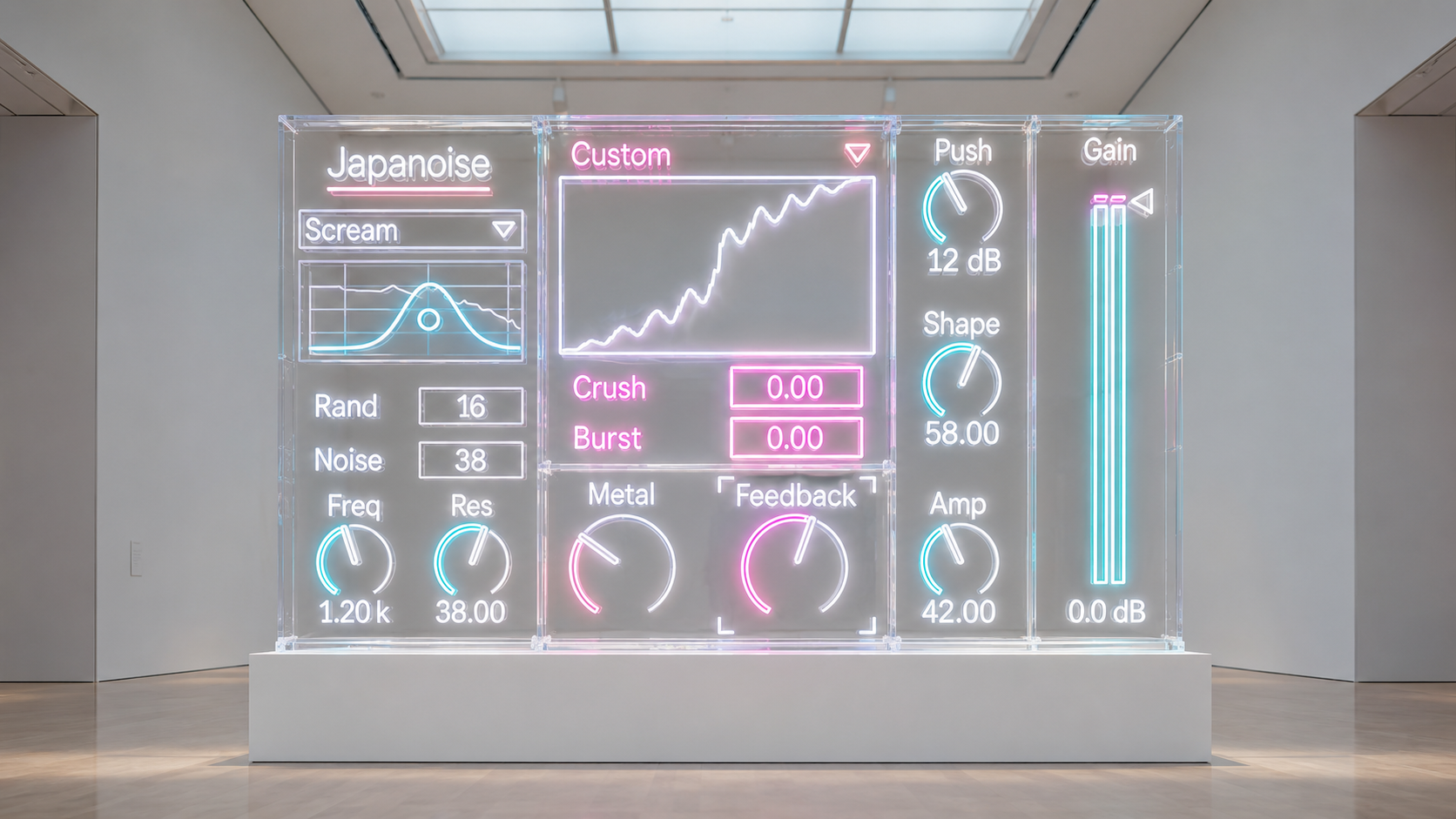
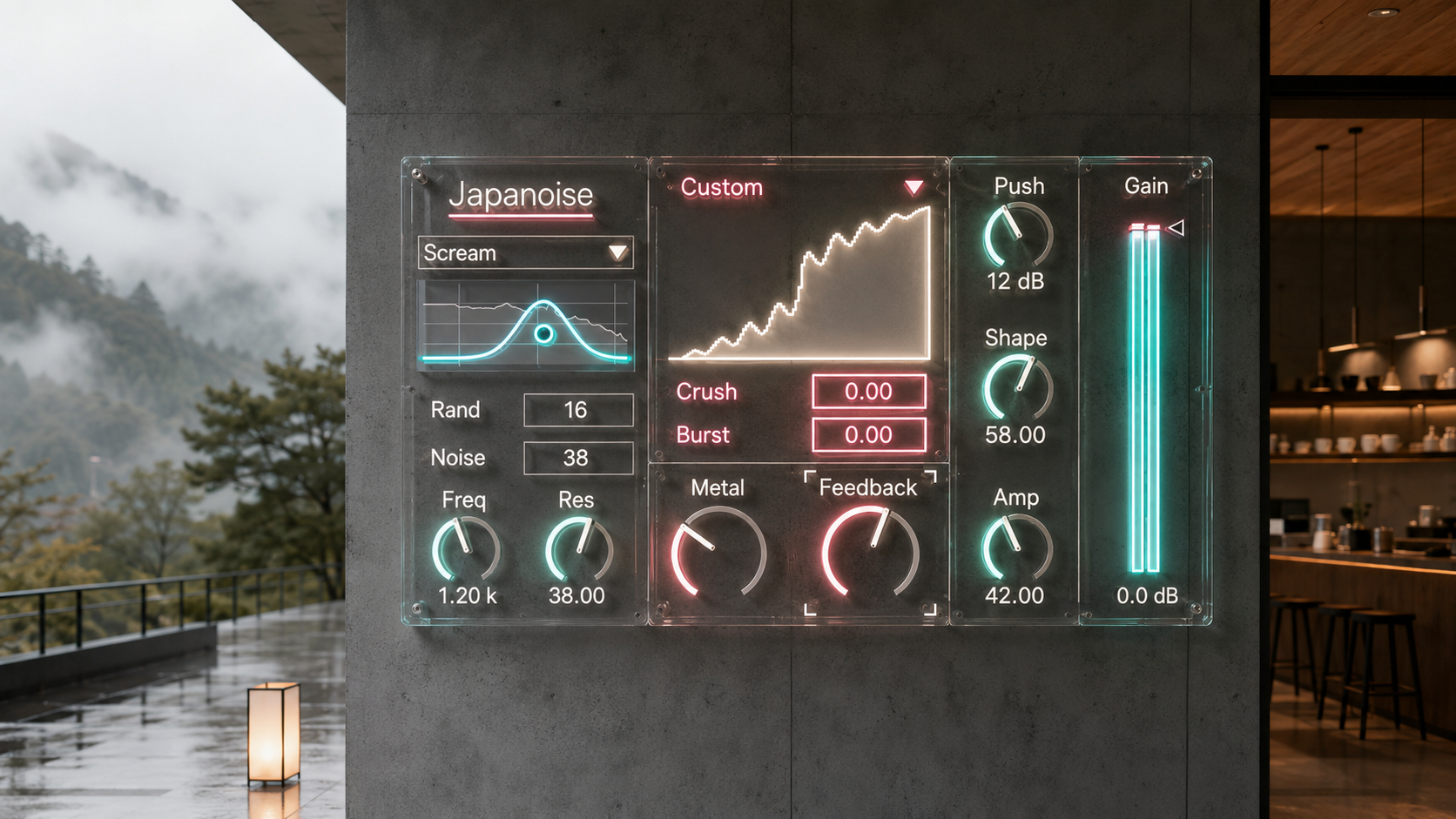
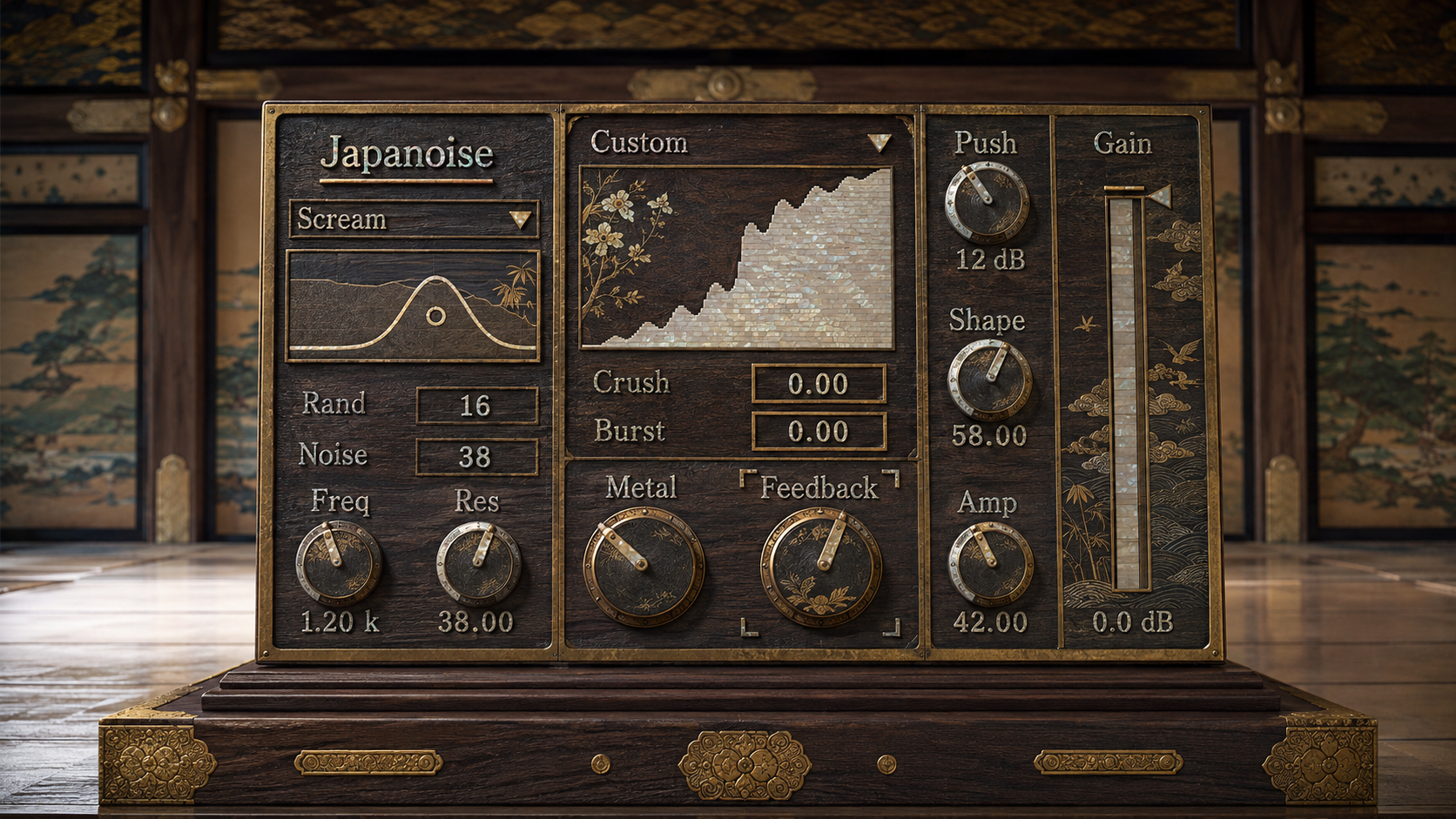
The front end starts with the Wave itself. Choose from 32 built in Curve shapes as a starting point, or draw directly into the editable 512 point transfer table. The Curve menu is not a bank of complete device presets. It changes the shape of the waveshaper, giving you a direct way to alter how the incoming waveform bends, clips, flattens, steps, or becomes asymmetric.
Shape decides how much of that drawn response enters the sound and how much original signal remains. Push then raises the level before Amp, while Amp adds a separate two stage preamp style overdrive. Because those decisions are separated, the same Wave can behave very differently depending on how hard it is driven and how much of it is blended into the source.
This makes the distortion curve part of the composition. Start with a built in shape, redraw it until the attack catches differently, then automate Shape so the same transfer curve moves from a trace of color to the dominant surface of the sound.
Different Damage, Different Motion
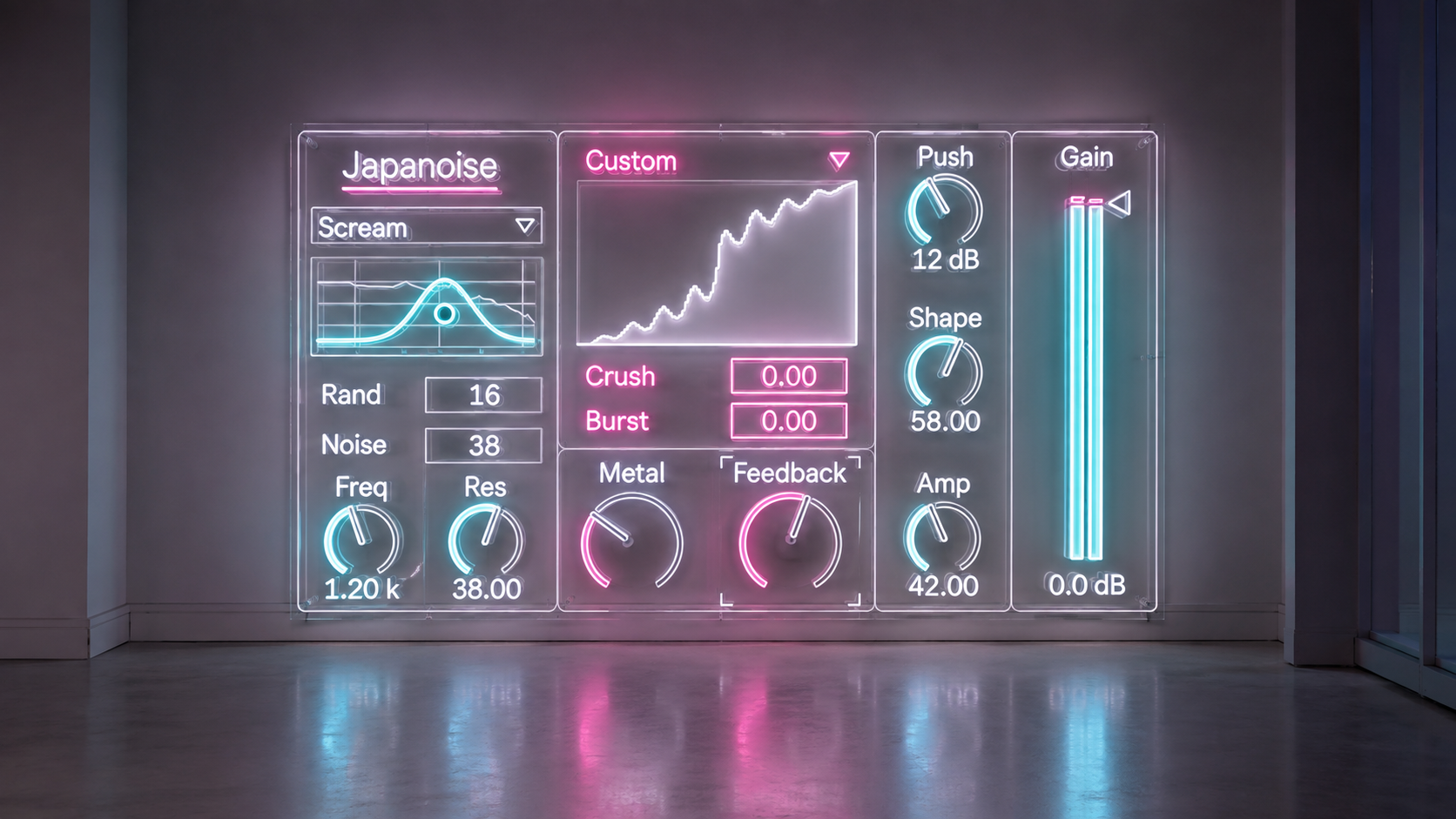
Japanoise does not ask one distortion algorithm to create every kind of aggression. Its Filter, Feedback, Metal, Crush, and Burst behaviors have different relationships to the source, which gives each one a different role in movement and texture.
The Filter offers Scream, Choke, and Razor as three distinct character directions. Freq and Res remain Live parameters for normal automation, while the interface includes a two dimensional Filter surface mapped to both controls. The integrated spectrum view analyzes the final post Gain stereo output, so the display follows the signal that actually leaves the device rather than an earlier internal tap.
Feedback adds regeneration around the Filter path, but it remains related to input activity. During sustained digital silence the feedback loop closes, so it is designed as source dependent regeneration rather than an endlessly running generator.
Metal takes another route. It is derived from the incoming audio instead of relying on a free running Metal oscillator. That lets metallic folds, edges, and cross channel interaction follow the structure of the material being processed. Crush adds sample hold reduction and quantization as a separate digital fracture. Burst reacts to transient behavior, making it especially useful when drums, percussion, or plucked sounds need an extra event driven edge rather than another constant layer of distortion.
From Controlled Color to Fractured Club Texture
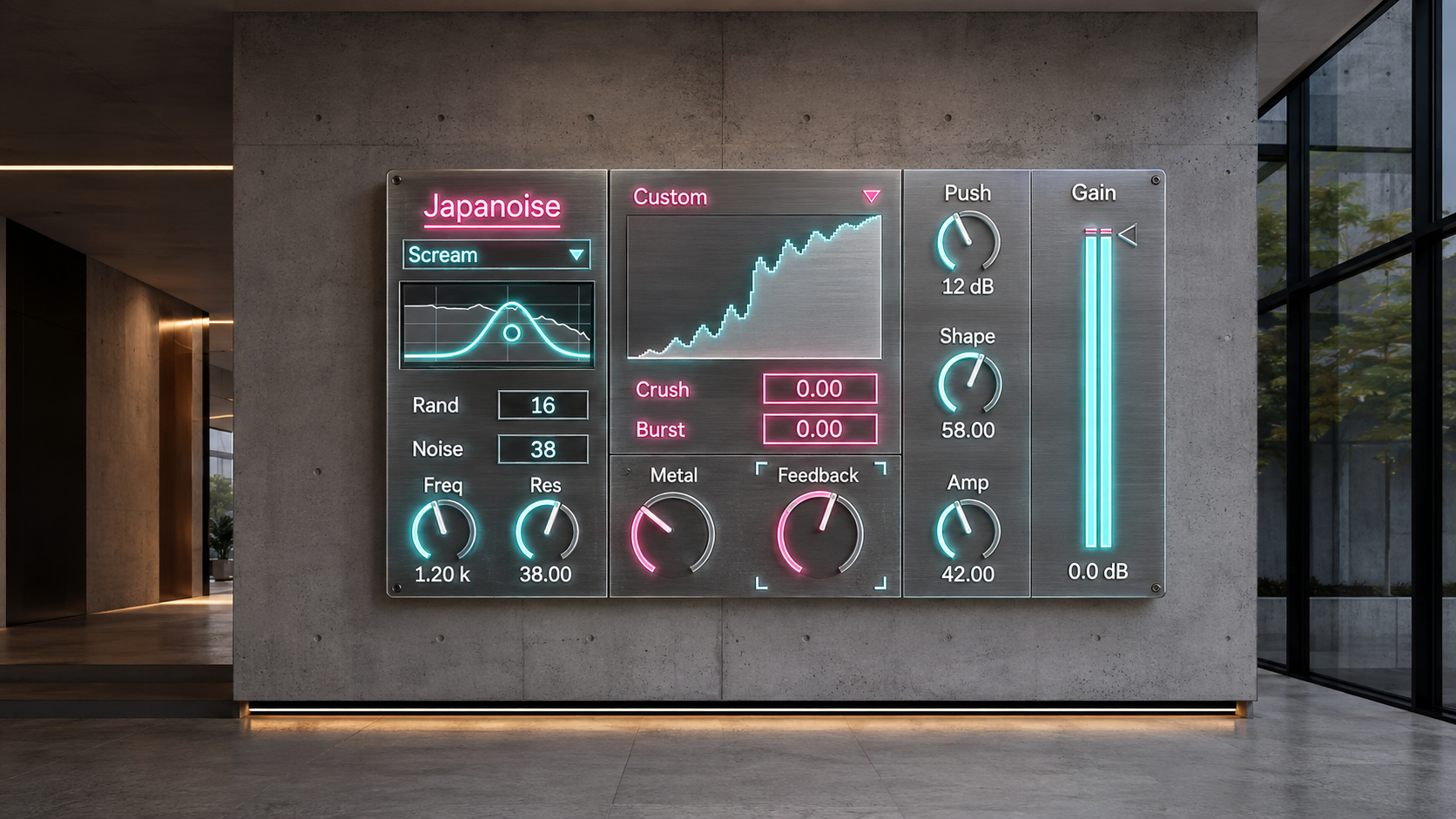
Japanoise is suited to noise, industrial, experimental, hard electronic, and distorted club music, but it does not need to live at maximum intensity. With a low Shape amount, restrained Amp and Metal, and a small amount of Feedback, it can sit around the source as a moderate color layer. Push the Wave harder, raise Shape, or bring Crush into the chain and the same device moves toward sharper discontinuity and digital fracture.
For arrangement work, automate Shape to change the presence of a custom Wave without redrawing it. Move Freq and Res for transitions that change both spectral focus and intensity. On percussion, combine Metal with Burst so the added texture follows the attack. When the result becomes too dense, pull back Push, Amp, or Feedback and the differences between the Wave and Filter become easier to hear again.
The point is not simply to make audio louder, dirtier, or more saturated. Japanoise is built for choosing what kind of damage appears, where it enters the signal, and how it changes over time.
Availability
The completed signal path includes cabinet processing before the final Gain stage. Japanoise 6.0.5 is a stereo Max for Live Audio Effect. Max for Live is required. Current target environment: Ableton Live 12, macOS, and Windows.
Free Lifetime Updates
Your purchase includes free lifetime updates. Future published versions of Japanoise are included at no additional cost. Existing customers can access the latest available files through the Sellfy account used for the original purchase. No additional purchase is required.
v.6.0.5 ... Registered the Owner's manually updated final artifact as the current product authority, preserving its updated Wave restore state and presentation while keeping the established Gen DSP core and runtime dependency payloads unchanged. (2026/8/23)
v.6.0.2 ... Added direct Filter XY editing for Freq and Res, strengthened the input first Shaper and preamp style Amp front end, and established the public Filter mode names Scream, Choke, and Razor. (2026/8/23)
ver.5.0 ... UI updated. (2026/3/22)
ver.4.5 ... UI and distortion algorithm updated. (12/5/2024)
Distortion
Drivecore https://akihikomatsumoto.sellfy.store/p/ableton-drivecore/
NOTT https://akihikomatsumoto.sellfy.store/p/ableton-nott/
Japanoise https://akihikomatsumoto.sellfy.store/p/ableton-japanoise/
EXTortion https://akihikomatsumoto.sellfy.store/p/abletonextortion/
Feedbacker https://akihikomatsumoto.sellfy.store/p/abletonfeedbacker/
Lotka–Volterra https://akihikomatsumoto.sellfy.store/p/ableton-lotka-volterra/
Bit Mangler https://akihikomatsumoto.sellfy.store/p/abletonbitmangler/
Wave Folder https://akihikomatsumoto.sellfy.store/p/abletonwavefolder/
Sine Shaper https://akihikomatsumoto.sellfy.store/p/ableton-sine-shaper/
Freq Modulator https://akihikomatsumoto.sellfy.store/p/abletonfreqmodulator/
Feedback EQ https://akihikomatsumoto.sellfy.store/p/ableton-feedback-eq/
AKAIst https://akihikomatsumoto.sellfy.store/p/ableton-akaist/
Akihiko Matsumoto
Study Site https://akihikomatsumoto.com/study/
Ableton M4L, Serum Preset Store https://akihikomatsumoto.com/download/
Sample Pack https://akihikomatsumoto.sellfy.store/sample-pack/
Bandcamp https://akihikomatsumoto.bandcamp.com
Ableton Skin https://akihikomatsumoto.sellfy.store/p/ableton-skin-pack/
Spotify https://open.spotify.com/artist/1tZMmxzZbvNu6klyKXa0L1?si=2JZaFeLbREi-UownD8POSg