
$14.99+
Ableton Bit Mangler ver.4.0 | Digital damage should not all sound the same
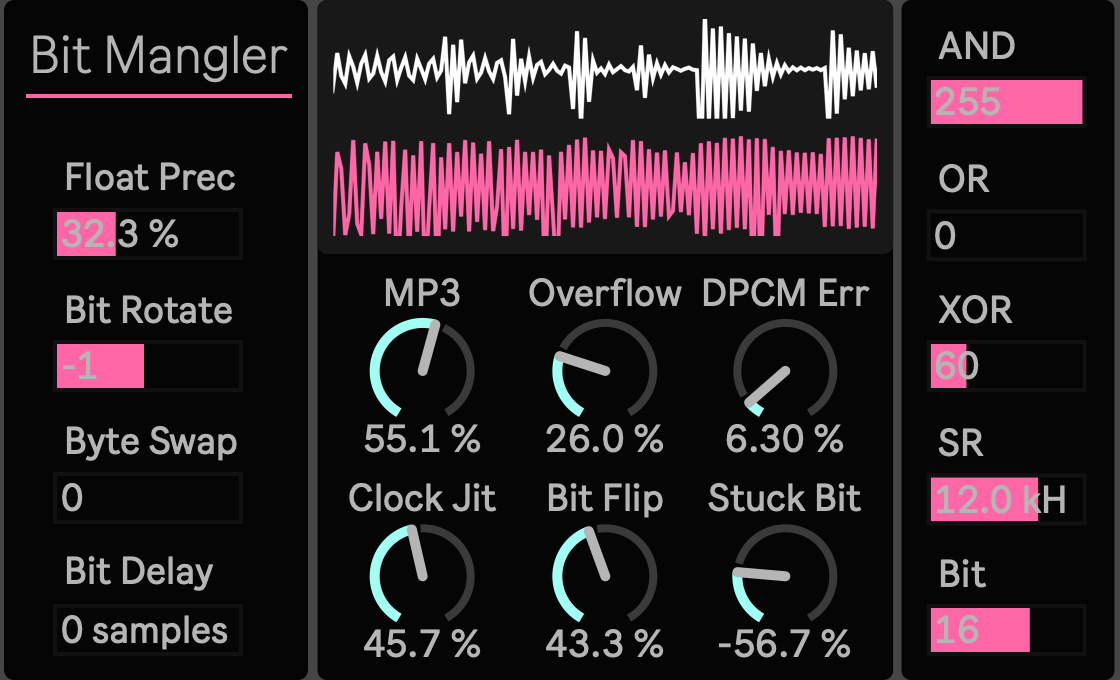
Max for Live Device (.amxd file)
Reducing bit depth is only one way for digital audio to fall apart.
A sample can lose temporal resolution. Bits can flip, stick, rotate, or arrive from the wrong moment. Integer words can wrap around their limits. Prediction can become inaccurate. A file can survive one compression pass, then become stranger after being encoded again and again.
Bit Mangler 4.0.2 is a Max for Live Audio Effect built around those different forms of digital failure. Instead of putting every kind of degradation behind one distortion amount, it lets you move between several distinct ways of damaging audio data.
Use it when a conventional bit crusher feels too uniform. A drum loop can lose resolution without immediately turning into broadband noise. A synthesizer can be reshaped through its binary word rather than through another waveshaper. A transition can briefly behave as though its data structure has become unstable. A clean recording can move from recognizable audio into something that feels increasingly misread, miscalculated, or repeatedly compressed.
Treat the signal as data
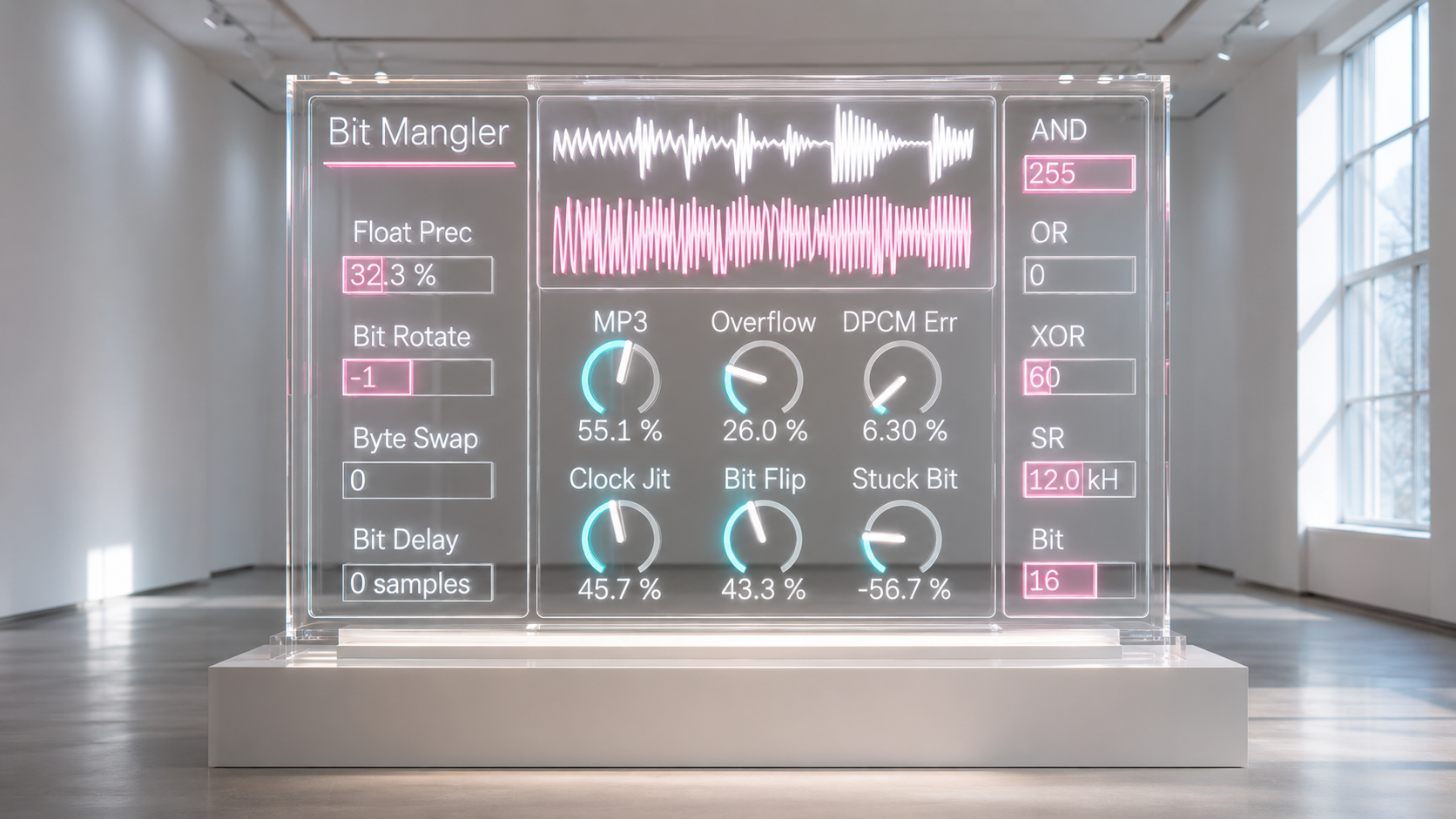
SampleRate and Bit give you the familiar starting point, but they are only the entrance.
Lowering SampleRate changes how often the signal is acquired, producing coarse temporal resolution. Clock Jitter can then disturb that timing instead of simply lowering a fixed rate. Bit controls PCM resolution, while Bit Flip gradually introduces probabilistic corruption from the lower active bits upward.
The result is useful because these processes do not collapse into one texture. You can begin with a restrained reduction in resolution, then decide whether the next change should come from timing, numerical precision, prediction, or the binary word itself.
That distinction matters when degradation needs to become part of an arrangement rather than a permanent blanket over the sound.
Rewrite the word itself
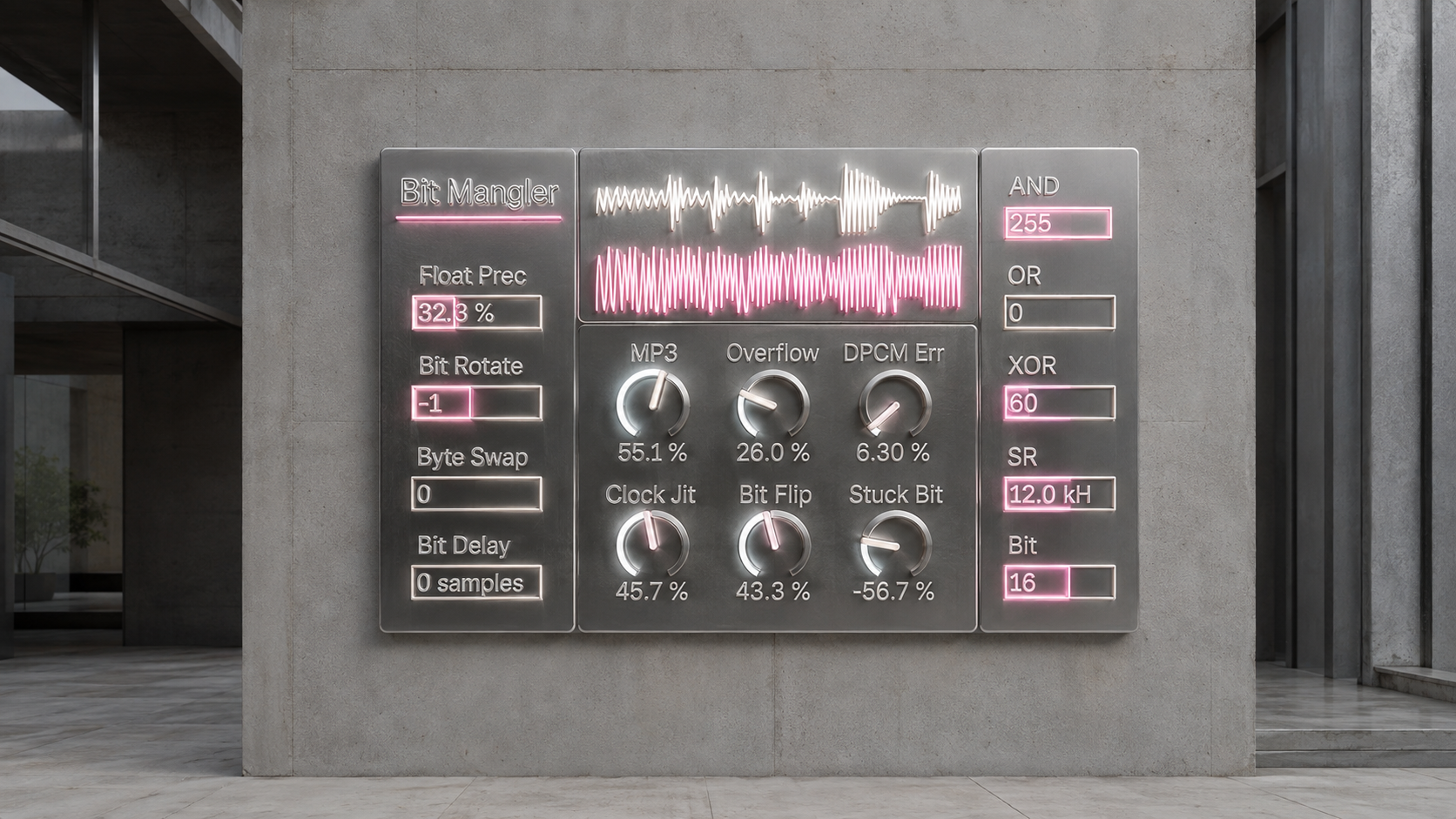
Some of the most characteristic sounds in Bit Mangler come from treating each sample as a 24 bit word.
AND, OR, and XOR apply integer masks to the most significant part of that word. Bit Rotate moves the complete word through different bit positions. Byte Swap exchanges major magnitude lanes while preserving the sign. Stuck Bit can progressively force an active bit plane toward zero or one.
These controls do not behave like equal steps on a conventional tone control. A small change in an integer mask can produce a large change in the waveform because the significance of each bit is different.
That makes them particularly effective for deliberate discontinuities. Automate XOR for one phrase, switch Byte Swap for a transition, or combine a mask with Bit Rotate to turn a stable loop into a sharply different binary pattern without simply adding more gain.
Damage time, prediction, and numerical precision
Not every digital failure has to come from bit depth.
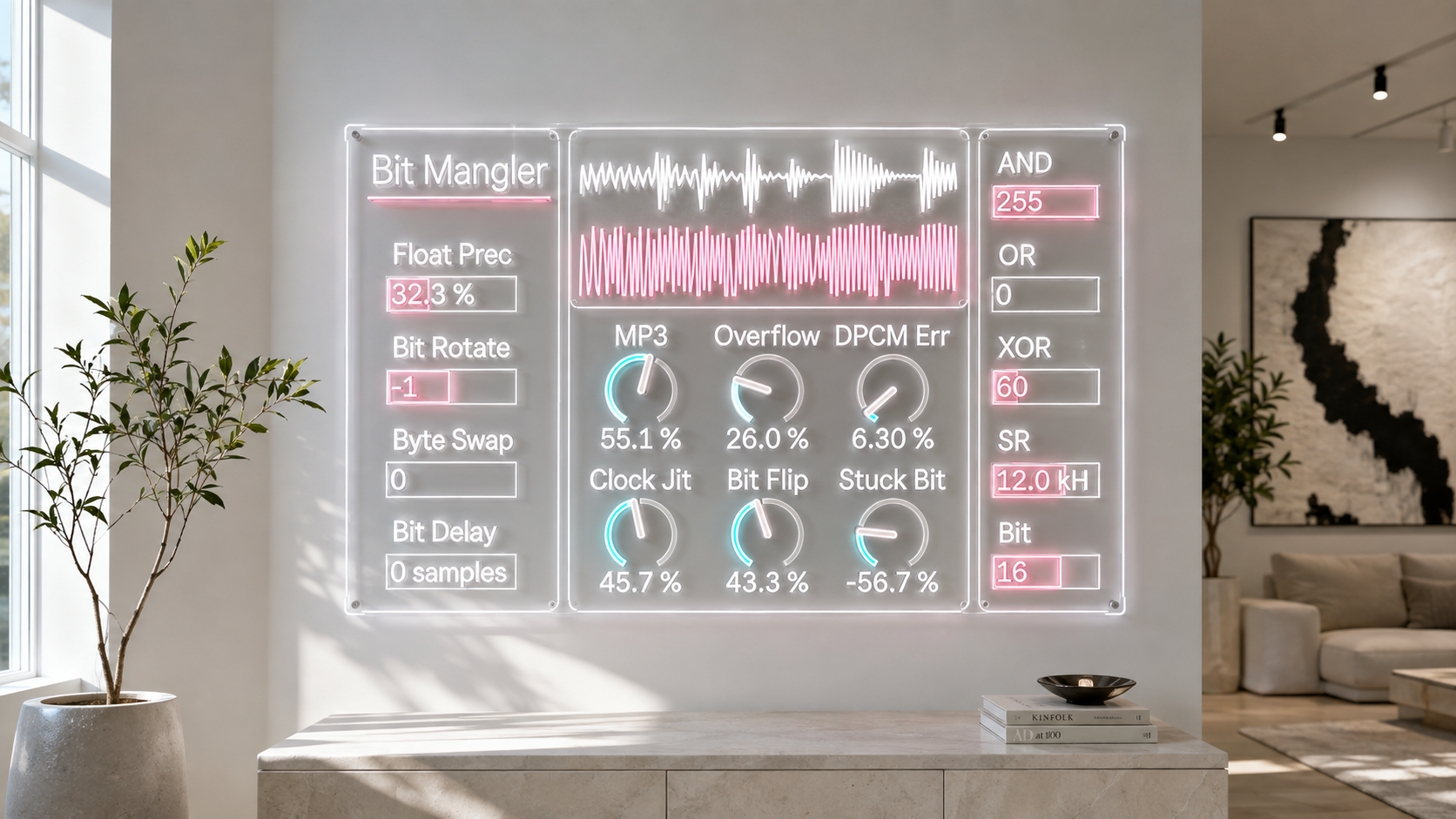
Bit Delay takes upper bit planes from earlier samples, creating a corruption in which different parts of the sample word effectively arrive at different times. DPCM Error works on the difference between consecutive samples, progressively degrading a predictive representation of the signal. Float Precision reduces numerical precision through increasingly coarse exponent and mantissa style behavior.
Overflow takes another route. Instead of conventional soft clipping, it drives the signal into modular wrapping. Once the numerical range is exceeded, the waveform folds through the opposite side of the available range.
Together, these processes let you choose what kind of logic is failing. The result can move from subtle instability to hard discontinuity without requiring every control to be pushed to its maximum.
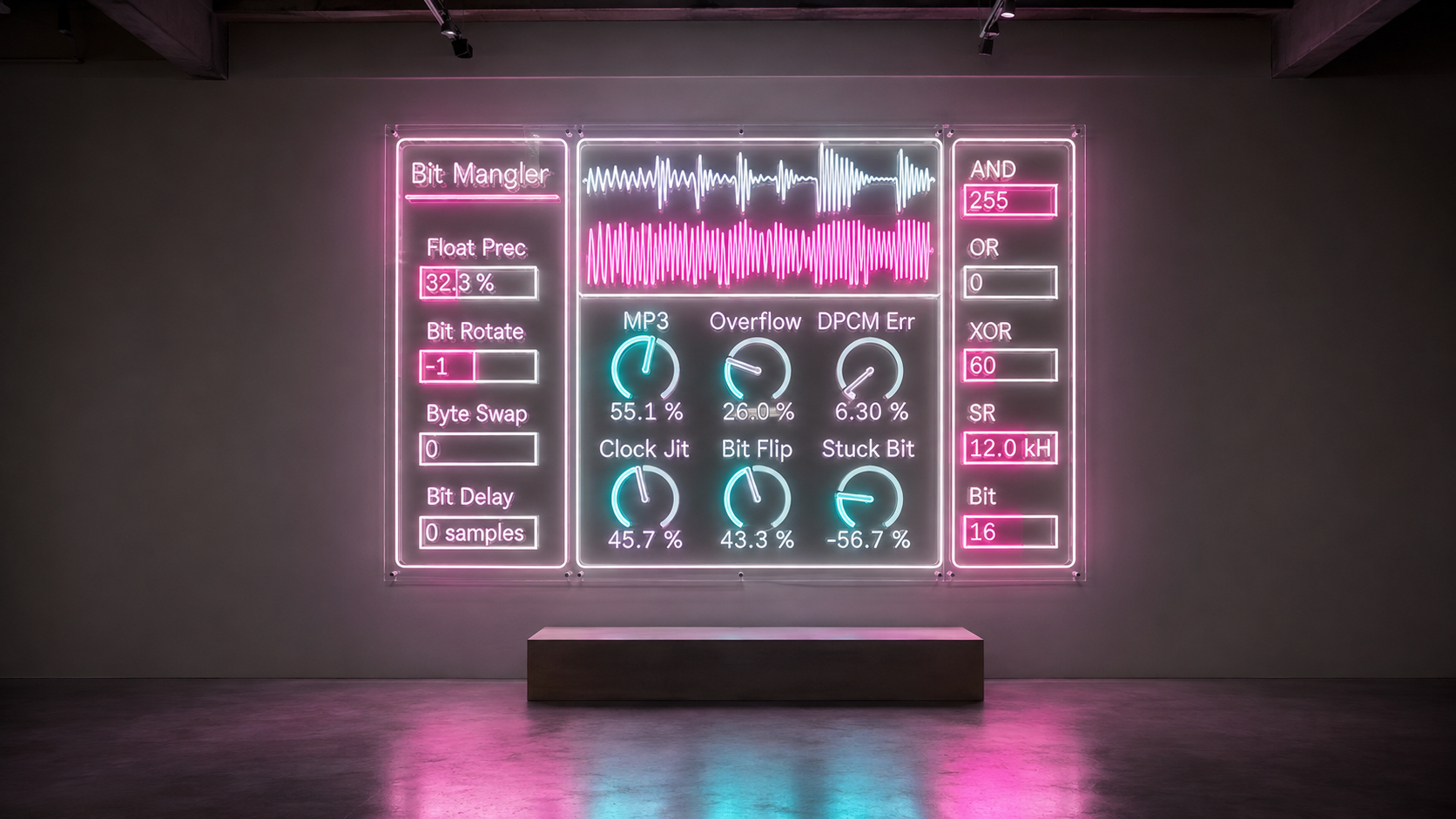
Compression that accumulates
The MP3 control is designed as a separate form of degradation and sits at the final creative stage of the wet processing chain.
At lower and middle settings, the model accumulates virtual 128 kbps re encoding generations. As the amount rises further, the virtual target bitrate moves downward toward much lower rates while repeated re quantization continues to accumulate.
The intention is not to behave like a simple low pass filter. It is to make repeated codec damage itself become part of the sound, so that increasing MP3 can move from restrained compression erosion toward increasingly collapsed data.
Internally, the model uses ideas derived from Layer III coding, including changing codec rate regimes, band based allocation, nonlinear quantization, transient dependent behavior, mid and side pressure, and repeated virtual encoding generations.
It is important to distinguish this from an actual MP3 encoder. Bit Mangler does not create an MP3 bitstream and does not claim exact reproduction of a specific encoder at a specific bitrate. The control is a real time sound design model built to make codec style deterioration playable inside Ableton.
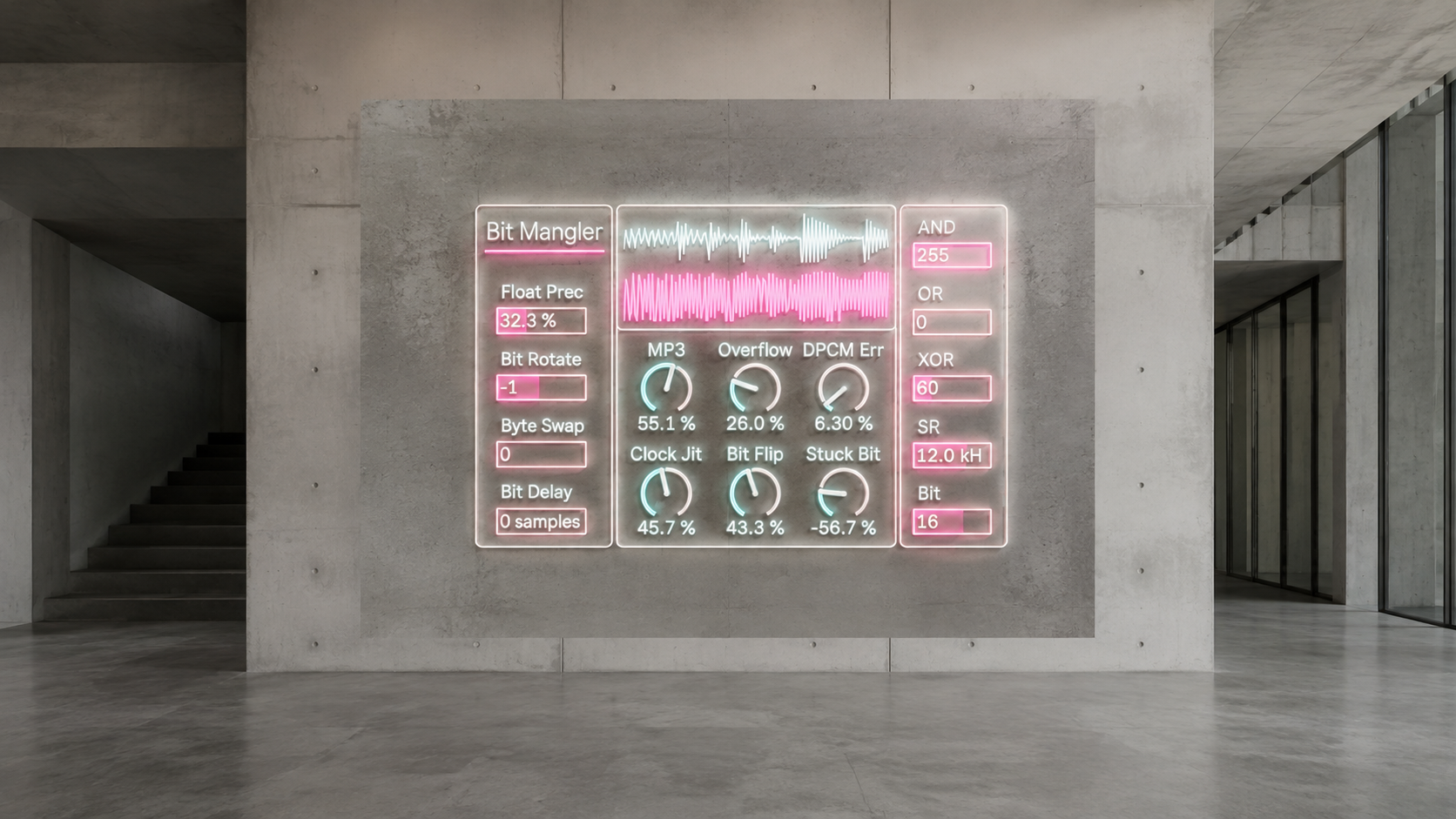
Corruption that can be performed
Bit Mangler becomes especially useful when the damage changes over time.
Keep SampleRate and Bit relatively stable, then automate Bit Flip for individual hits. Switch Byte Swap only at the end of a phrase. Move Clock Jitter against a reduced SampleRate to destabilize timing. Introduce Bit Delay and DPCM Error gradually until a repetitive source begins to lose its internal continuity.
For more severe transformations, start with one family of corruption and add another only when you know what it contributes. A low resolution drum loop can then be pushed into word manipulation. A masked synthesizer can be sent through repeated codec degradation. A transition can move from recognizable digital audio to a state that sounds structurally damaged rather than merely distorted.
The device is most interesting when those changes remain part of the composition. Digital failure becomes something you can sequence, automate, and deliberately place.
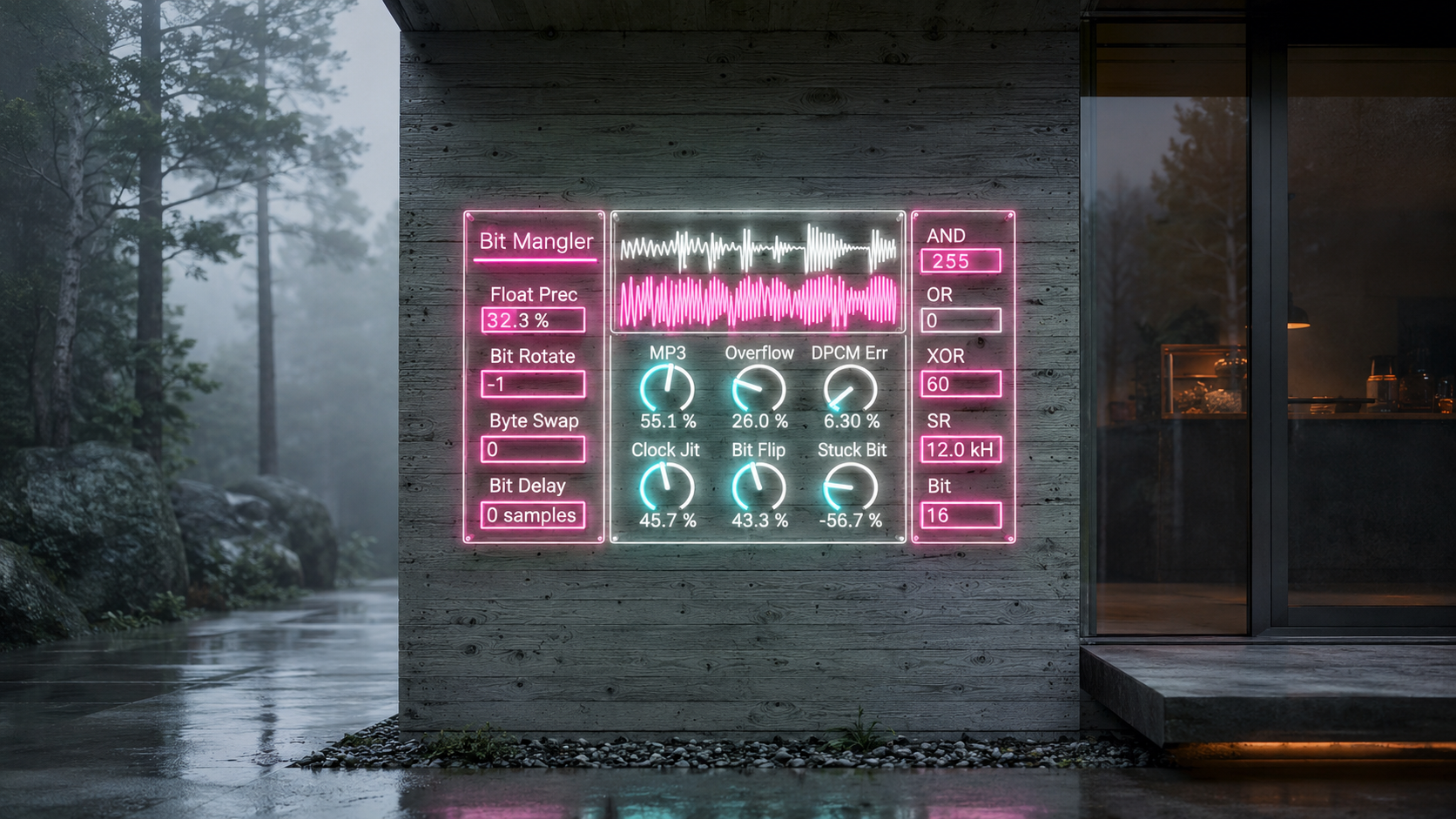
Designed around the controls that matter while working
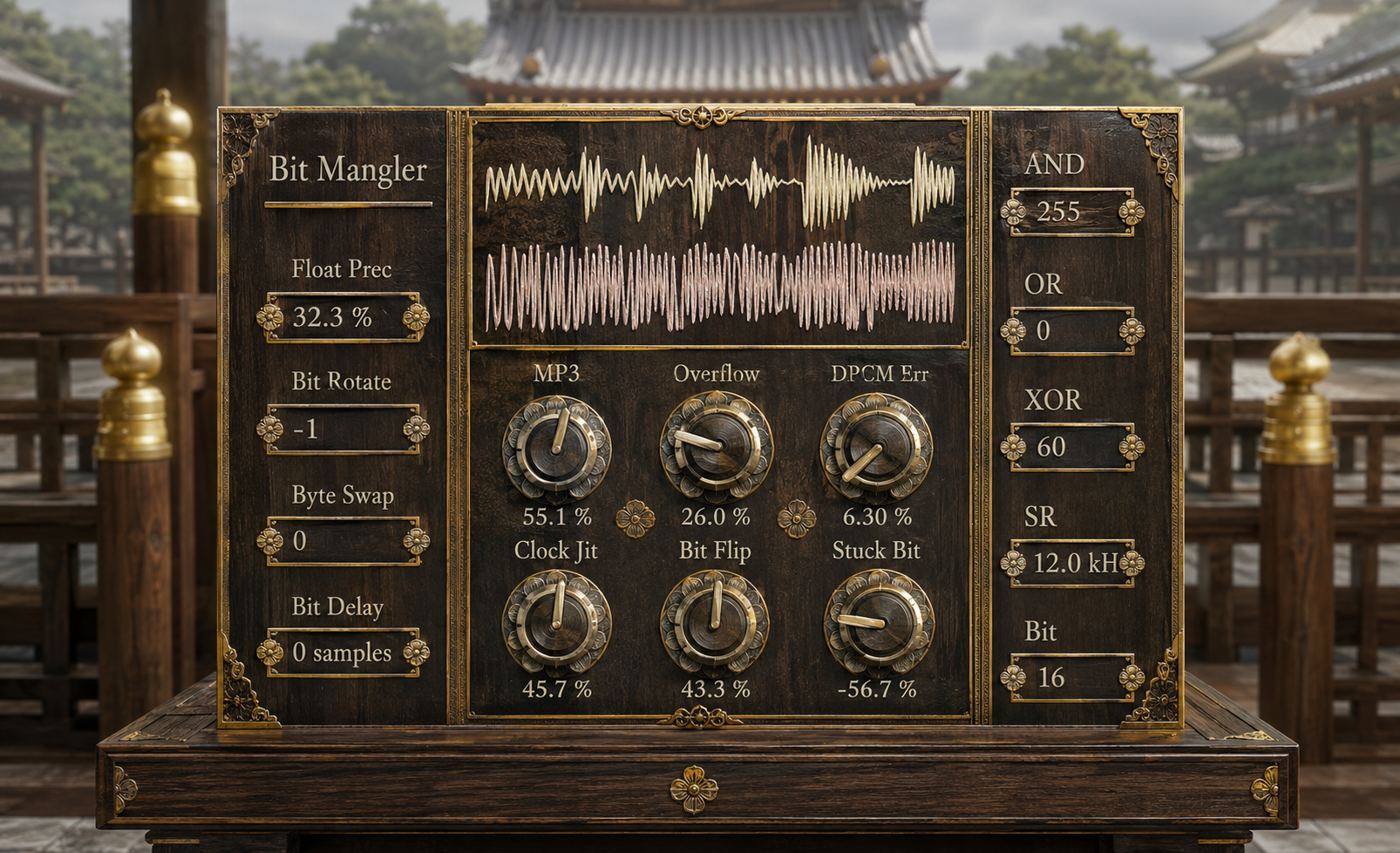
Bit Mangler 4.0.2 separates continuous damage amounts from discrete numerical operations in the interface.
Controls such as MP3, Bit Flip, Stuck Bit, Overflow, Clock Jitter, and DPCM Error use dial based interaction for continuous movement. Operations where the exact integer state matters, including AND, OR, XOR, Bit Rotate, Byte Swap, Bit Delay, SampleRate, Bit, and Float Precision, remain directly readable as numerical controls.
The current interface was manually refined around those different forms of interaction, with separate visual grouping for continuous and discrete operations.
All 15 public controls are exposed as Live parameters, so the same operations can become part of automation and performance rather than remaining static sound design settings.
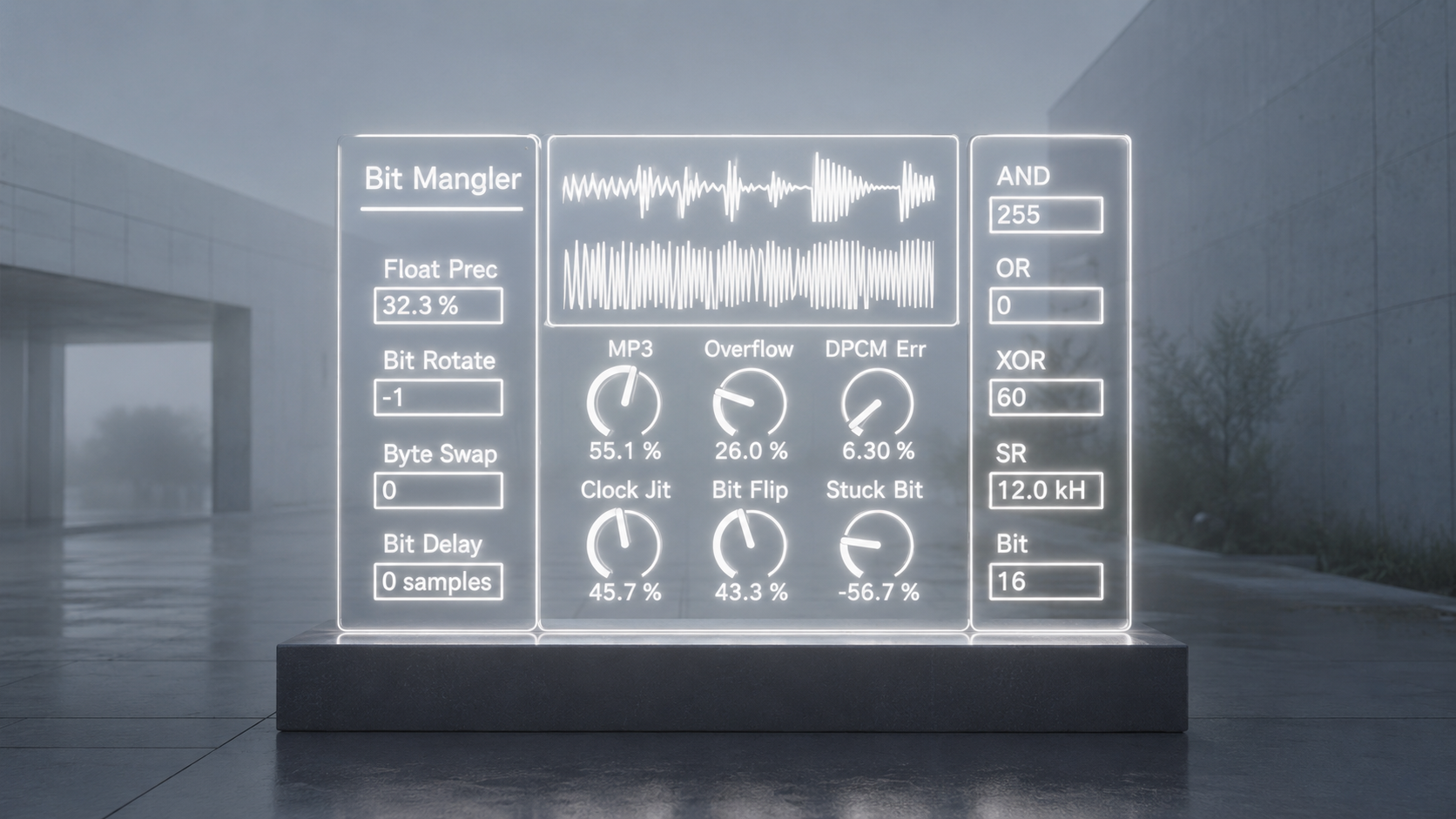
For electronic music that needs something to go wrong
Bit Mangler is not intended to make digital audio warmer, older, or more authentic to one historical machine.
Its subject is digital malfunction itself.
Use it on drums when ordinary reduction sounds too predictable. Put it on loops that need abrupt structural changes. Automate individual corruption processes across a transition. Push a synthetic texture until its numerical representation becomes as important as the original oscillator or sample.
The important choice is no longer simply how much degradation to add. It is what kind of digital failure should happen next.
Free lifetime updates
Your purchase includes free lifetime updates. Future published versions of Bit Mangler are included at no additional cost.
Existing customers can access the latest available files through the Sellfy account used for the original purchase. No additional purchase is required.
This entitlement applies to future updates that are published for the product. It does not imply a fixed update schedule or guarantee that new versions will be published indefinitely.
v.4.0.2 ... Added AND and OR bit-mask controls, moved Stuck Bit to a dial and Float Precision to a numbox, preserved fixed 100% Mix and Level behavior, and refined the Owner UI layout, panel geometry, spacing, and cyan/amber control grouping. (2026/8/26)
v.4.0.1 ... Established the Owner-edited compact UI with dual live.scope displays and fixed 100% Mix and Level while preserving the accepted Gen DSP core. (2026/8/26)
Distortion
Drivecore https://akihikomatsumoto.sellfy.store/p/ableton-drivecore/
NOTT https://akihikomatsumoto.sellfy.store/p/ableton-nott/
Japanoise https://akihikomatsumoto.sellfy.store/p/ableton-japanoise/
EXTortion https://akihikomatsumoto.sellfy.store/p/abletonextortion/
Feedbacker https://akihikomatsumoto.sellfy.store/p/abletonfeedbacker/
Lotka–Volterra https://akihikomatsumoto.sellfy.store/p/ableton-lotka-volterra/
Bit Mangler https://akihikomatsumoto.sellfy.store/p/abletonbitmangler/
Wave Folder https://akihikomatsumoto.sellfy.store/p/abletonwavefolder/
Sine Shaper https://akihikomatsumoto.sellfy.store/p/ableton-sine-shaper/
Freq Modulator https://akihikomatsumoto.sellfy.store/p/abletonfreqmodulator/
Feedback EQ https://akihikomatsumoto.sellfy.store/p/ableton-feedback-eq/
AKAIst https://akihikomatsumoto.sellfy.store/p/ableton-akaist/
Akihiko Matsumoto
Study Site https://akihikomatsumoto.com/study/
Ableton M4L, Serum Preset Store https://akihikomatsumoto.com/download/
Sample Pack https://akihikomatsumoto.sellfy.store/sample-pack/
Bandcamp https://akihikomatsumoto.bandcamp.com
Ableton Skin https://akihikomatsumoto.sellfy.store/p/ableton-skin-pack/
Spotify https://open.spotify.com/artist/1tZMmxzZbvNu6klyKXa0L1?si=2JZaFeLbREi-UownD8POSg